

Linux · Internet
FreeFileSync
FreeFileSync is a visual tool for comparing and synchronizing folders, ideal for keeping files consistent across locations.
- License
- GPL-3.0
- Latest version
- 14.13 (October 26, 2026)
- Developer
- Zenju
- Installs
- 3,117 (Flathub, 30 days)
What is FreeFileSync?
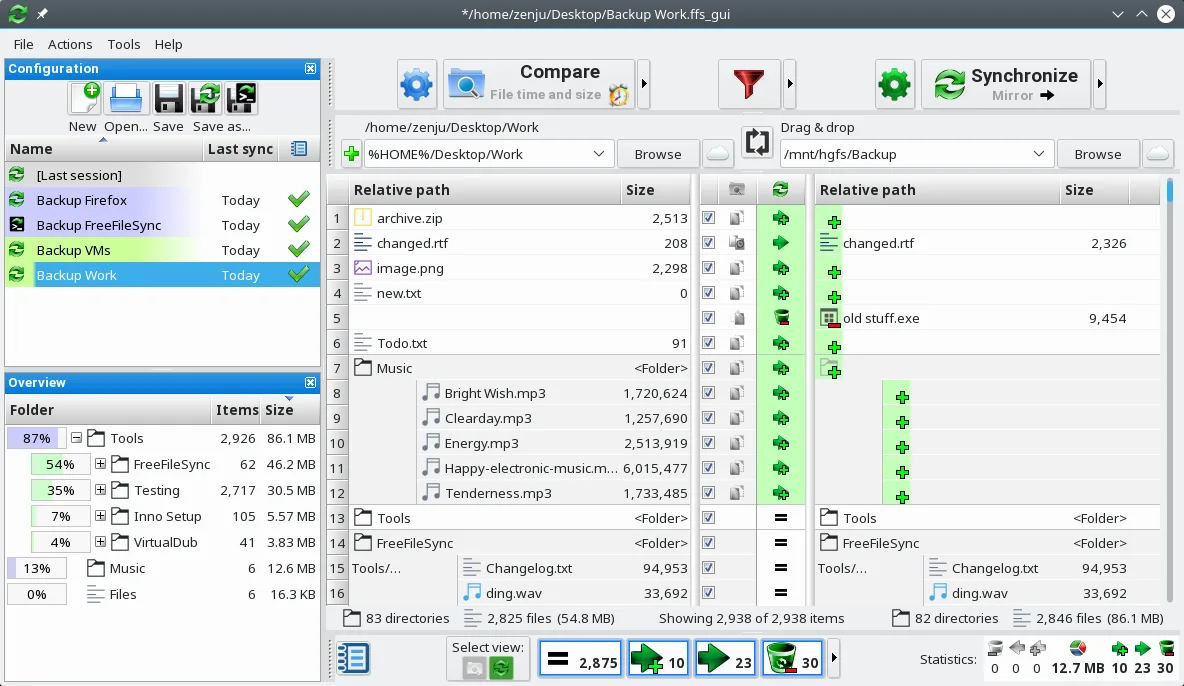
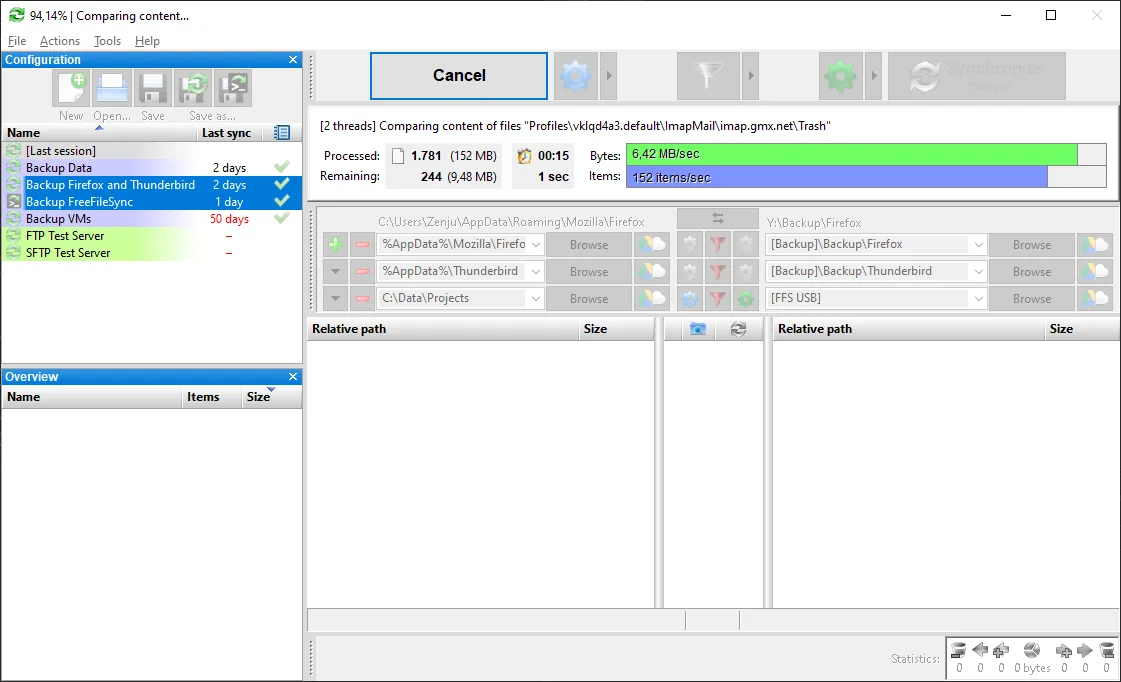
FreeFileSync has been around since 2007 and remains actively maintained, offering reliable folder comparison and synchronization. It's mature, stable, and widely used in both personal and professional environments. The interface is functional, not flashy, focusing on clarity and control. It supports batch jobs, real-time sync, and detailed logging.
It's best for users who need precise control over file synchronization—think system administrators, developers, or anyone managing backups manually. If you rely on visual diffs and want to avoid blind sync tools, this fits. It’s especially useful when you need to review changes before applying them.
Compared to Resilio Sync, it doesn’t sync in real-time over P2P networks. Instead, it works more like a visual rsync with a GUI. You define source and target folders, see differences, and choose what to copy. It feels familiar if you've used Beyond Compare or SyncBack on Windows.
Best for: Users who want a reliable, visual way to compare and sync folders manually or through scheduled jobs.
Key features of FreeFileSync
- Visual side-by-side folder comparison
- Real-time and batch synchronization
- Supports local, network, and external drives
- Filters for including or excluding files
- Can create batch jobs for automation
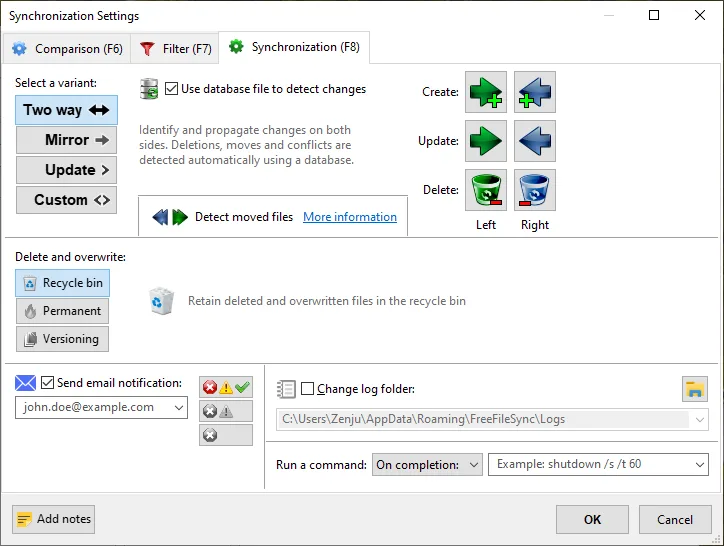
- Detects moved and renamed files
- Runs on a schedule via external tools
- Generates detailed sync logs
Pros
- Clear visual diff makes it easy to see what will change
- Fast and efficient—only transfers changed parts
- Highly configurable with filters and rules
- Cross-platform: works on Linux, Windows, macOS
- Free and open source
Cons
- No built-in real-time sync daemon by default
- Flatpak version has limitations with external scripts
- Steeper learning curve for beginners
- GUI feels dated but functional
Windows programs FreeFileSync replaces
How to install FreeFileSync on Linux
flatpak install flathub org.freefilesync.FreeFileSyncsudo apt install freefilesyncsudo apt install freefilesyncsudo zypper install FreeFileSyncTips for Windows users
If you're used to Resilio Sync, know that FreeFileSync doesn’t run continuously. You set up sync jobs and run them when needed. It uses .ffs_gui files to save configurations—keep those safe. Use the 'Detect Moves' option to avoid re-copying large files. For automation, pair it with cron or systemd. Keyboard shortcuts are limited, but the workflow is more deliberate and less automatic.
Recent releases
- 14.13 —
- Reduced window flickering during resize (Windows 10) - Prevent process termination on broken pipe errors (Linux/macOS) - Work around SMB driver dropping modification time (macOS) - Fixed privilege drop after auto-update (Linux) - Correctly save minimum…
- 14.12 —
- Further reduced size of database files by 16% - Improved toggle button layout calculations - Fixed grid view filters not showing (Linux) - Fixed text descriptions not wrapping - Work around ERROR_UNTRUSTED_MOUNT_POINT - Fixed bitmap buttons being shrinked…
- 14.11 —
- Fixed "TLS session resumption required" FTP error - Log file time errors as "info" after comparing by file content - Fixed tooltip not being updated during mouse scrolling (macOS, Linux) - Fixed sluggy mouse scrolling during mouse movement (Linux) - Skip…
- 14.10 —
- Added CRC32 verification for application resource files - Improved error reporting when application files become corrupted - Fixed access denied error for Windows SFTP server - Updated toolchain and library dependencies to latest versions
FreeFileSync: frequently asked questions
Can FreeFileSync sync over the internet?
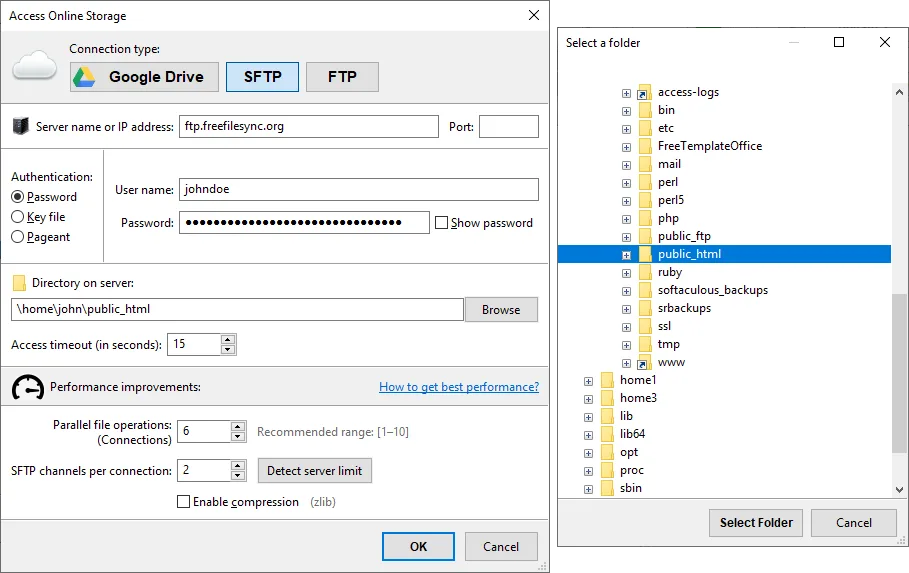
Yes, if both folders are accessible over a network mount or SSH. It doesn't have built-in cloud sync, but works with SFTP or network shares when mounted locally.
Does it support real-time sync?
Not directly. You need to run it manually or set up a cron job. Real-time sync requires external tools like inotify or systemd path units to trigger it.
Why can't I run scripts in the Flatpak version?
Flatpak sandboxing blocks access to host commands. Run flatpak override --user --socket=session-bus org.freefilesync.FreeFileSync and use flatpak-spawn --host in script calls.
Is my sync config portable?
Yes. FreeFileSync saves job settings in .ffs_gui files, which you can copy and open on other machines, even Windows or macOS.
Updated