

Linux · Internet
FreeTube
FreeTube is a lightweight YouTube client that blocks ads and tracking, built with privacy in mind.
- License
- AGPL-3.0+
- Latest version
- v0.25.3-beta (August 28, 2026)
- Developer
- FreeTube Team
- Installs
- 36,417 (Flathub, 30 days)
What is FreeTube?
FreeTube is an open‑source desktop YouTube player created with privacy as its core value. It runs on Electron and is available for Windows, macOS and Linux. The project entered beta in 2024 and has steadily added features while keeping the interface simple.
The app is aimed at users who want to watch YouTube without the data collection and ads that come with the official web player or mainstream browsers. It works well for casual viewers, educators, and anyone who wants a clean, distraction‑free experience.
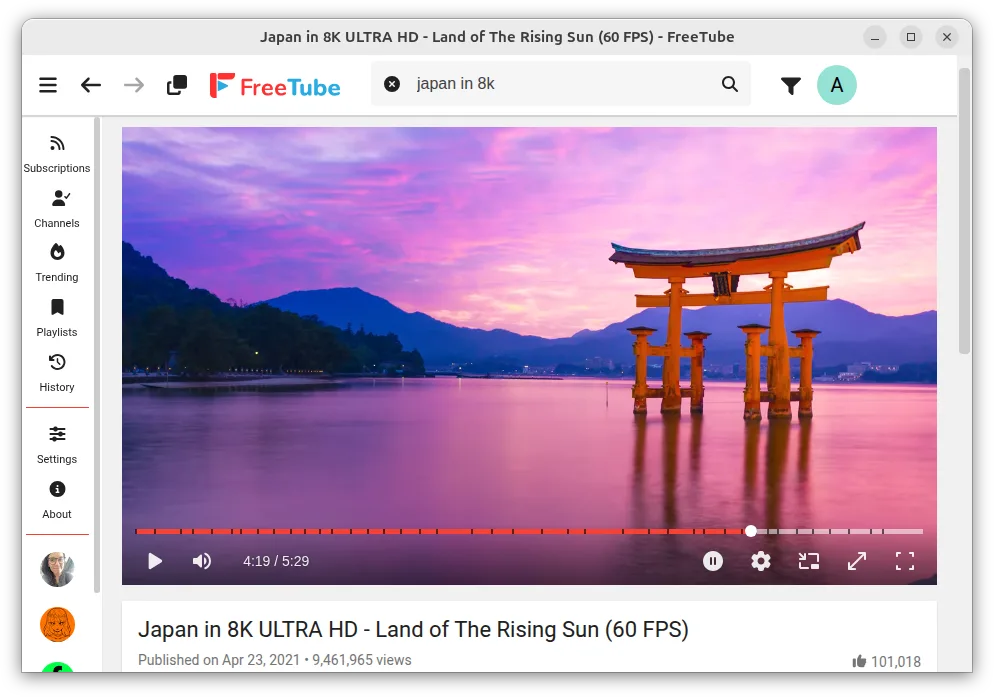
Compared to Google Chrome, Firefox, Edge or Opera, FreeTube feels more focused: there are no browser extensions, no cookie prompts, and the UI is stripped to just video playback and a minimal sidebar. The learning curve is shallow, but the lack of a full browser means you lose some web‑related conveniences.
Best for: Users who want a private, ad‑free YouTube experience without the overhead of a full browser.
Key features of FreeTube
- Ad‑free playback
- No tracking or cookies
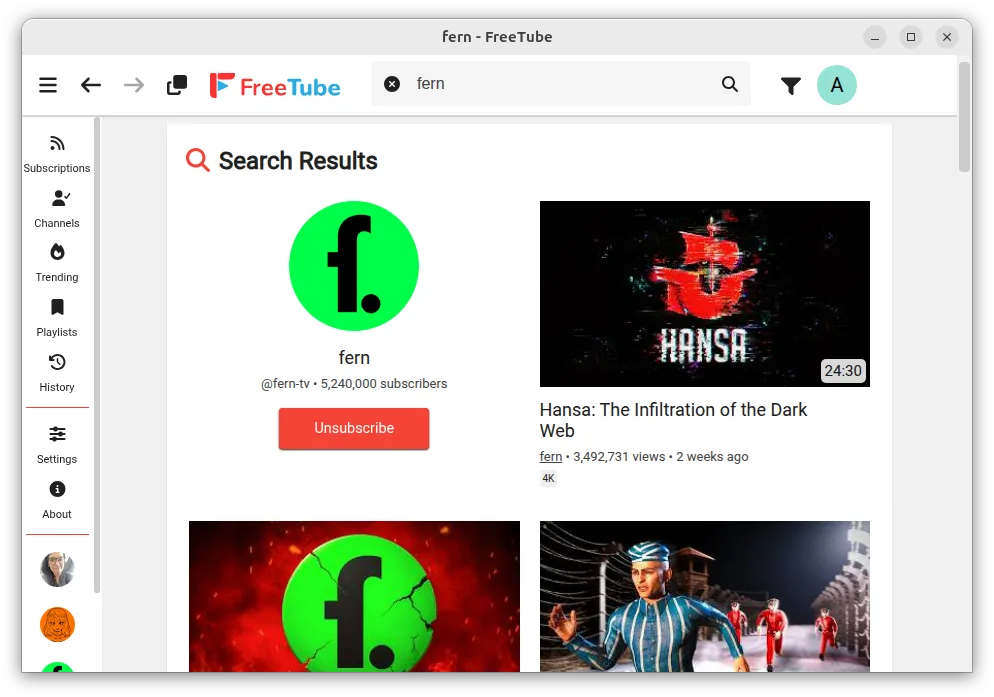
- Built‑in search and history
- Keyboard shortcuts for play/pause, volume, quality
- Download videos to local files
- Dark mode
- Customizable UI
- Beta status with active community
Pros
- Privacy‑first design
- Ad‑free experience
- Cross‑platform consistency
- Open source and community‑driven
Cons
- Beta software, occasional bugs
- Limited video‑quality options compared to browsers
- No full‑web browsing capability
- Occasional missing captions or subtitles
Windows programs FreeTube replaces
 Mozilla Firefox
How to install FreeTube on Linux
flatpak install flathub io.freetubeapp.FreeTubeTips for Windows users
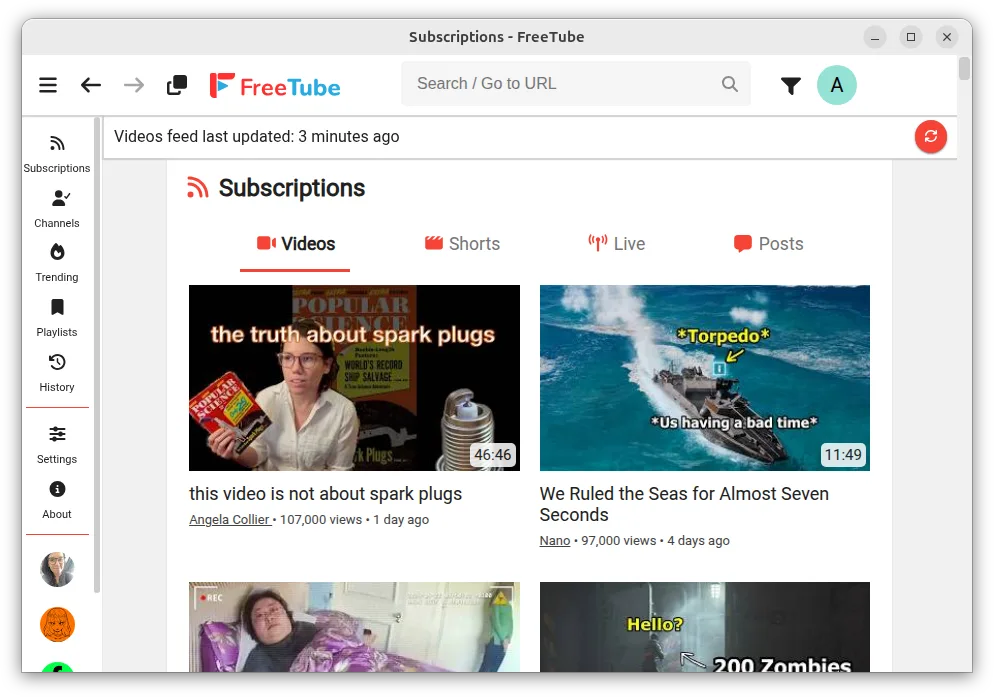
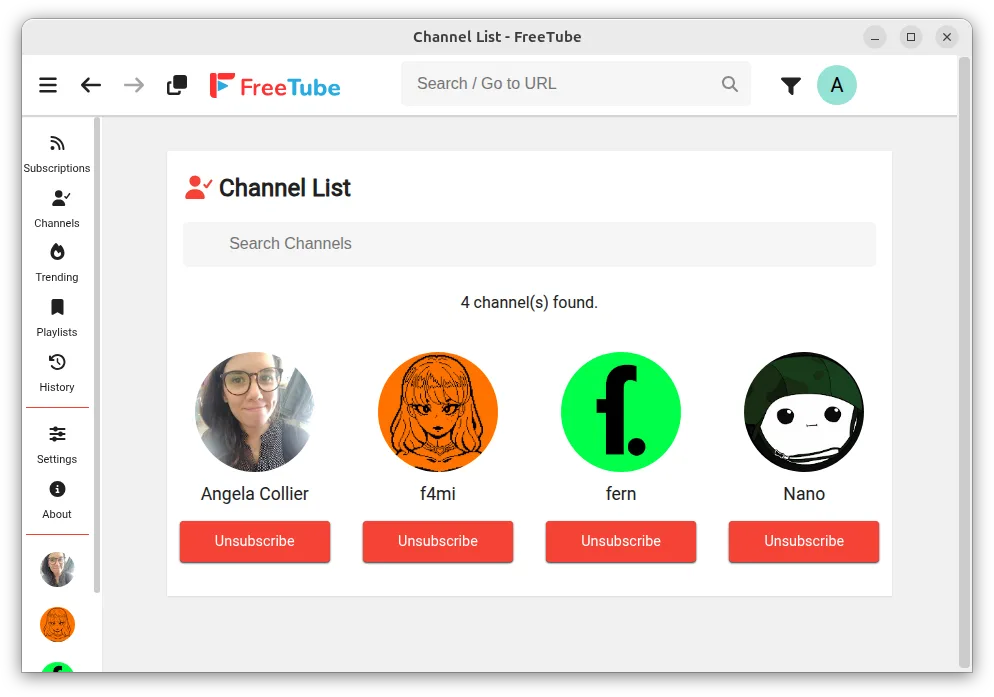
If you’re used to Chrome or Firefox, note that FreeTube doesn’t support extensions or bookmarks. Video files can be downloaded via the download button and saved in your chosen folder. Keyboard shortcuts mirror common media keys: space to play/pause, J/K for rewind/forward, Up/Down for volume. The search bar is at the top, and the sidebar lists your history and subscriptions. You’ll need to re‑add any custom playlists manually.
Recent releases
- v0.25.3-beta —
- v0.25.2-beta —
- v0.25.1-beta —
- v0.25.0-beta —
FreeTube: frequently asked questions
Is FreeTube safe to use on Linux?
Yes. It’s open source and runs on Electron; you can review the code or build from source if you prefer.
Can I download videos with FreeTube?
Yes, there’s a download button on each video that saves the file in MP4 format to your chosen folder.
Does it support subtitles?
Subtitles are available when YouTube provides them, but the app may not always display them automatically.
What if I encounter bugs?
Report issues on the GitHub repository; the project is in beta and relies on community feedback.
Updated