

Linux · Accessories
Gear Lever
Gear Lever is a Linux utility that simplifies managing AppImage files by organizing them, creating desktop entries, and enabling in-place updates or version control.
- License
- GPL-3.0-or-later
- Latest version
- 4.6.2 (July 22, 2026)
- Developer
- Lorenzo Paderi
- Installs
- 65,076 (Flathub, 30 days)
What is Gear Lever?
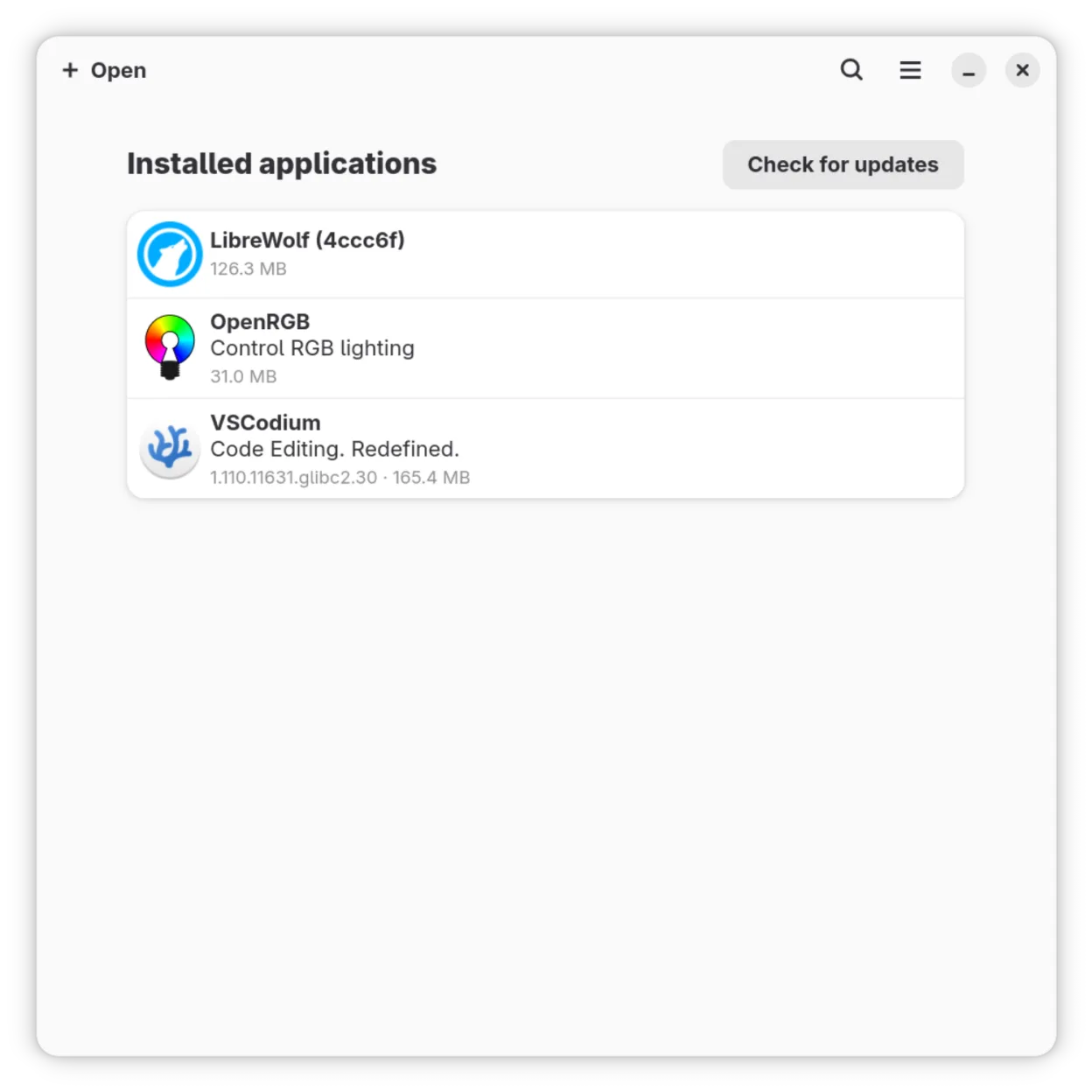
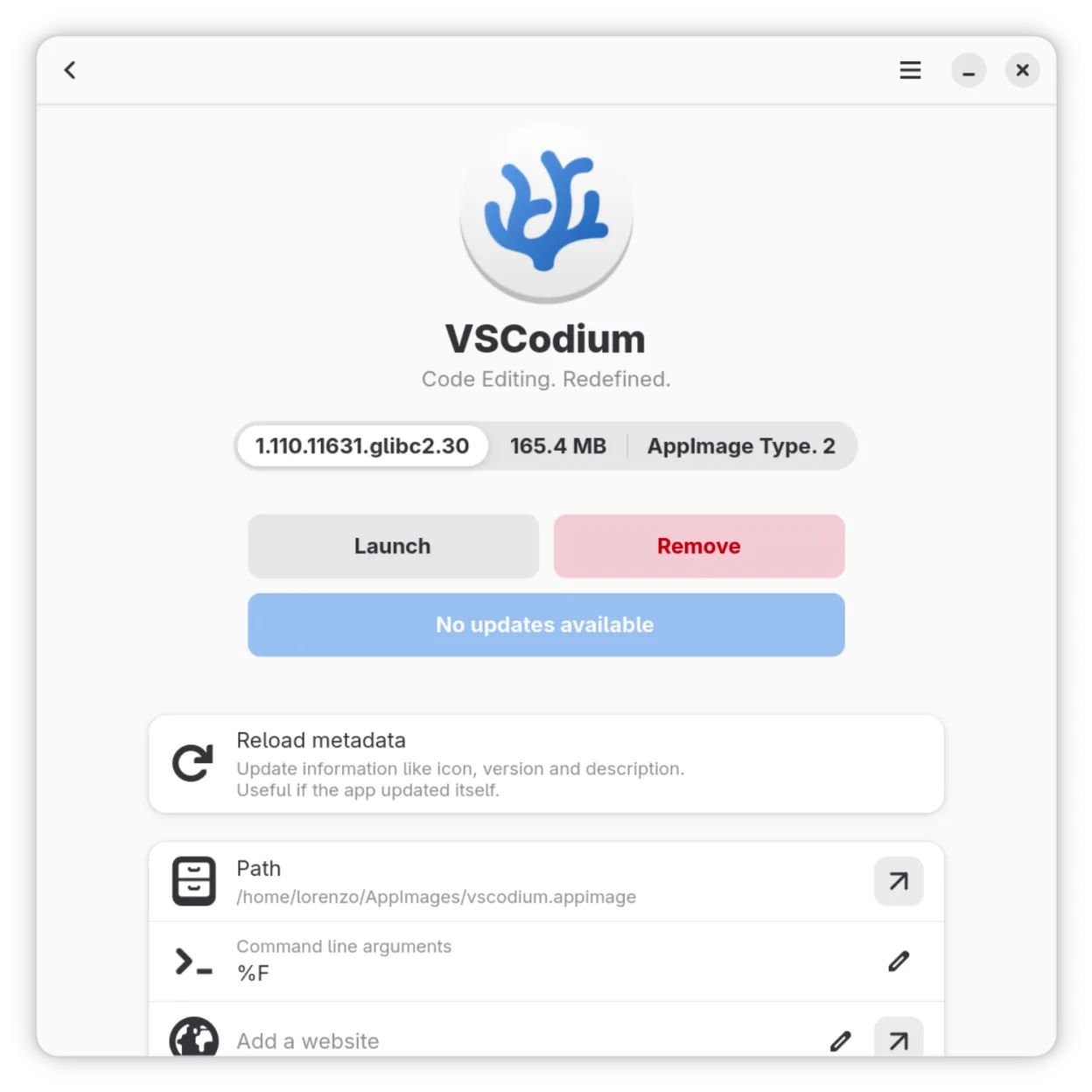
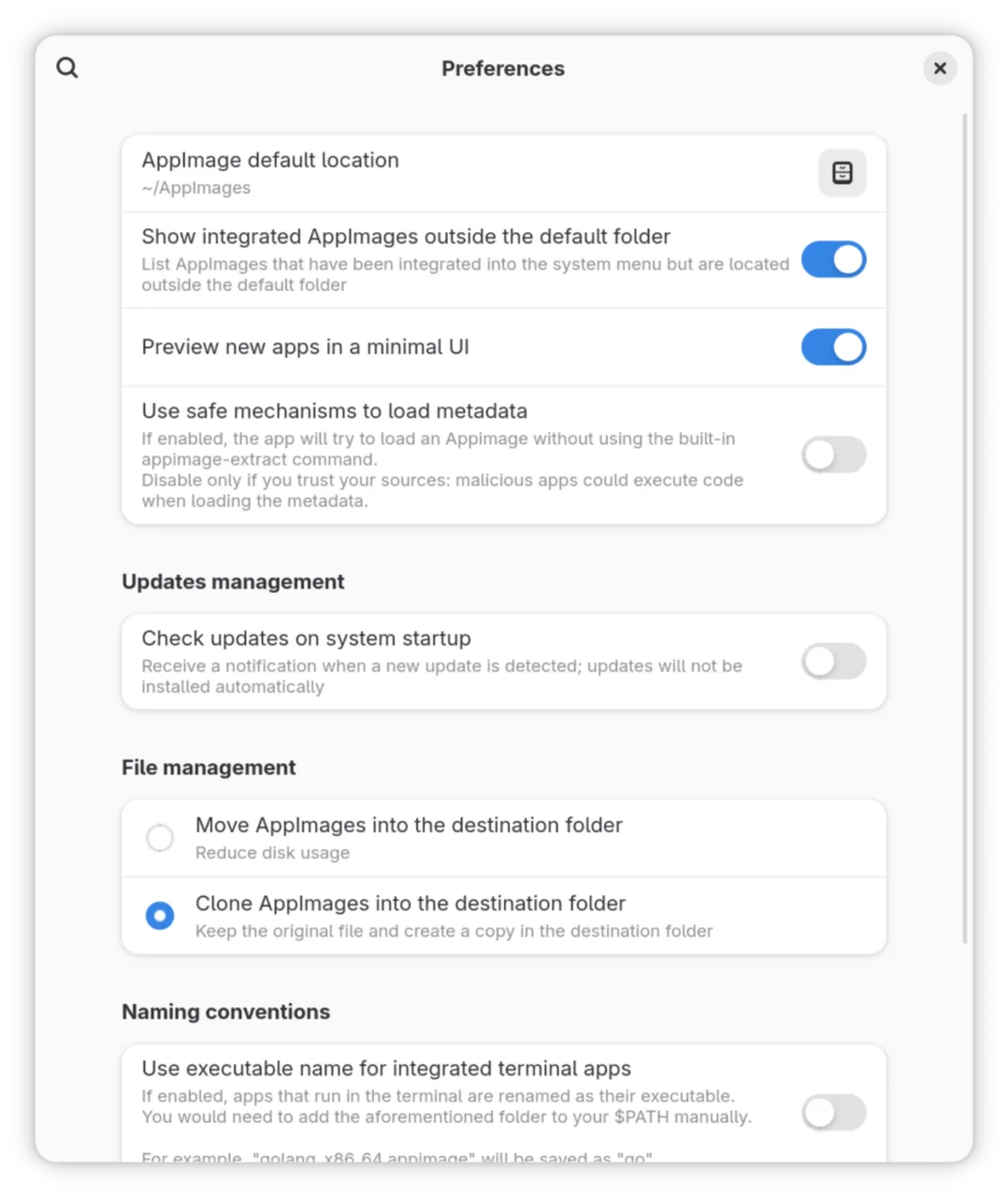
Gear Lever is a dedicated tool for handling AppImage files on Linux, providing a clean interface to organize, launch, and update self-contained applications. Developed by Lorenzo Paderi and released under GPL-3.0-or-later, it has matured steadily since its early versions, with the latest release (4.6.2) in 2026 showing active maintenance. It's built specifically for the quirks of AppImage deployment, not general archiving.
Best for: Users who regularly download and manage AppImages and want them integrated like native applications.
Key features of Gear Lever
- Organizes AppImage files in a central library
- Generates desktop entries for easy launching
- Extracts and validates app metadata (name, icon, version)
- Supports in-place updates of AppImages
- Keeps multiple versions of the same AppImage side-by-side
- Provides update notifications when new versions are available
- Runs without requiring root privileges
- Integrates with the system app menu and file manager
Pros
- Simplifies AppImage management without manual work
- Clean, intuitive GUI that fits modern desktops
- Supports version pinning and rollback via side-by-side installs
- Actively maintained with recent updates
- No need to remember where AppImages are stored
Cons
- Only works with AppImages — useless for other formats
- Does not extract or modify archives like 7-Zip
- Limited value if you rarely use AppImages
How to install Gear Lever on Linux
flatpak install flathub it.mijorus.gearleversudo zypper install gearleverTips for Windows users
If you're used to 7-Zip, Daemon Tools, or WinRAR, understand that Gear Lever doesn’t handle .zip, .rar, or .iso files. It only works with AppImages. Instead of extracting and running manually, Gear Lever detects or imports AppImages, sets up shortcuts, and handles updates. Think of it as an AppImage launcher and updater, not a file extractor or disc image tool.
Recent releases
- 4.6.2 —
- Fixed an error with the configuration parser
- 4.6.1 —
- Preserve user-defined exec arguments on app updates
- 4.6.0 —
- Fixed an issue with the update manager - Added json format for list updates and list installed apps
- 4.5.5 —
- Fixed an issue with the update manager
Gear Lever: frequently asked questions
Can Gear Lever extract files from AppImages?
Yes, but only internally to generate metadata and desktop entries. It doesn’t provide a general-purpose extraction interface like 7-Zip. You can still extract AppImages manually using 'appimagetool --appimage-extract'.
Does Gear Lever mount ISO or IMG files?
No. It only manages AppImage applications. For mounting disc images, use built-in tools like Nautilus, or command-line tools such as 'mount'.
How does it handle updates?
It checks for new versions of AppImages you’ve added and can update them in-place or keep old versions alongside new ones, allowing rollback.
Do I still need to make AppImages executable?
Not manually. Gear Lever automatically sets execute permissions when you add an AppImage to its library.
Updated