

Linux · Office
Joplin
Joplin is an open‑source, cross‑platform note‑taking and to‑do app that stores data in Markdown.
- License
- AGPL-3.0-or-later
- Latest version
- 3.7.21 (September 25, 2026)
- Developer
- laurent22
- Installs
- 10,107 (Flathub, 30 days)

What is Joplin?
Joplin started as a community project around 2015 and has grown into a mature, actively maintained note manager. It supports Windows, Linux, macOS, Android and iOS, and the latest release (3.7.21) shows regular updates. The app can import Evernote .enex files, plain Markdown, and sync via Nextcloud, Dropbox, OneDrive, WebDAV or a simple file system folder.
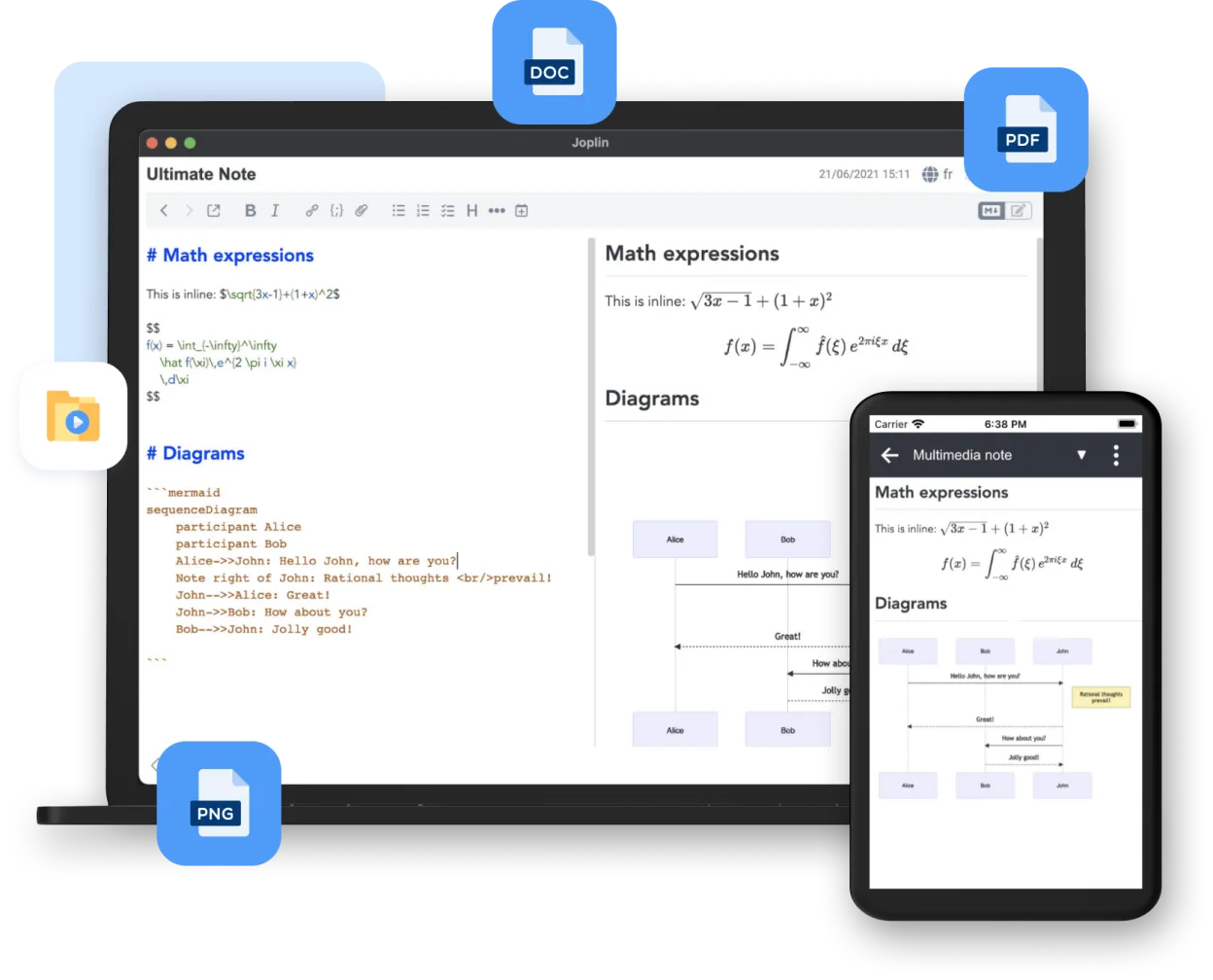
Joplin is aimed at users who need a flexible, offline‑first notebook system without vendor lock‑in. It works well for developers, researchers, and anyone who prefers plain‑text Markdown over rich‑text editors. The UI is straightforward: a sidebar with notebooks, a note list, and an editor pane, reminiscent of classic desktop note apps.
Compared with Notion on Windows, Joplin feels lighter and more manual. There are no embedded databases or complex relational blocks; instead you organize notes in hierarchical notebooks and tags. The trade‑off is less drag‑and‑drop page building, but you gain full control over file formats and synchronization.
Best for: Users who want a markdown‑centric, self‑hostable note system with full control over their data.
Key features of Joplin
- Markdown‑based notes with live preview
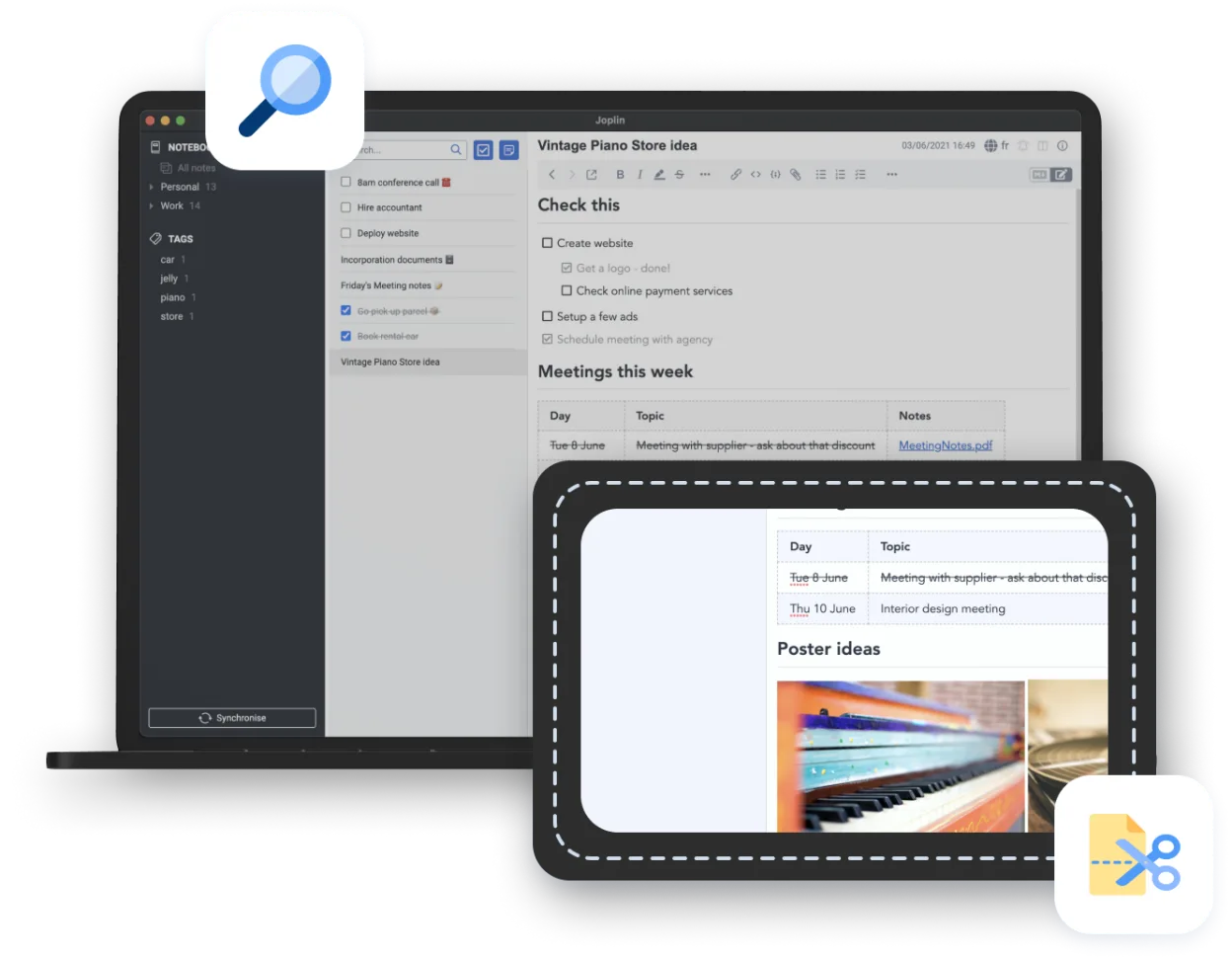
- Notebook hierarchy and tag system
- Import from Evernote (.enex) and plain Markdown
- Sync via Nextcloud, Dropbox, OneDrive, WebDAV or local folder
- Web clipper extensions for Firefox and Chrome
- End‑to‑end encryption option
- Desktop, terminal and mobile clients
- Export to PDF, HTML or raw Markdown
Pros
- Fully open source and free
- Data stored as plain text, easy to back up
- Cross‑platform with mobile apps
- Flexible sync options, including self‑hosted services
- End‑to‑end encryption for sensitive notes
Cons
- No built‑in relational databases or kanban boards like Notion
- Web clipper lacks some advanced formatting options
- Interface can feel basic compared to polished commercial tools
Windows programs Joplin replaces
How to install Joplin on Linux
flatpak install flathub net.cozic.joplin_desktopTips for Windows users
Export your Notion pages as Markdown or HTML, then import the files into Joplin; notebooks map to Joplin notebooks and tags can be recreated manually. Keyboard shortcuts are similar (Ctrl+N for new note, Ctrl+F to search). Expect a shift from drag‑and‑drop page building to a linear note‑taking workflow, and use the Web Clipper to capture web content you previously saved in Notion.
Recent releases
- 3.7.21 —
- 3.7.18 —
- 3.7.16 —
- 3.6.14 —
Joplin: frequently asked questions
How do I sync Joplin notes across multiple Linux machines?
Set up a sync target (e.g., Nextcloud, Dropbox, or a WebDAV folder) in Preferences → Synchronisation and enable it on each device.
Can I use Joplin offline?
Yes, all notes are stored locally as plain text; sync only runs when you trigger it or enable automatic sync.
Is there a terminal version of Joplin?
A CLI client called joplin-cli is available and works on Linux, offering basic note creation and sync from the command line.
How secure is Joplin's end‑to‑end encryption?
Encryption uses AES‑256 with a user‑provided passphrase; only encrypted files are uploaded to the sync service, keeping data private.
Updated