

Linux · Office
KMyMoney
KMyMoney is a free, double‑entry personal finance manager for Linux.
- License
- GPL-2.0+
- Latest version
- 5.2.2 (February 22, 2026)
- Developer
- KDE
- Installs
- 1,161 (Flathub, 30 days)

What is KMyMoney?
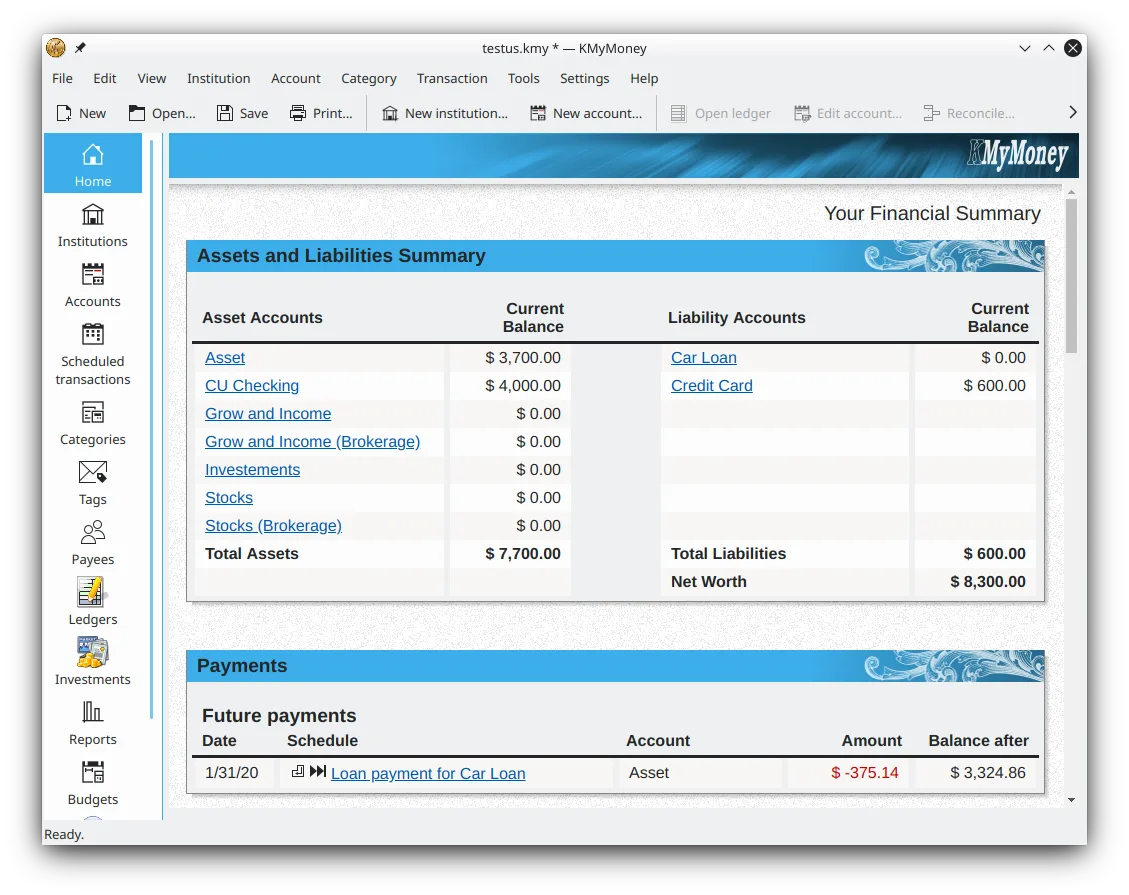
KMyMoney has been around since 2003, evolving from a simple budgeting tool into a full‑featured accounting system. It is built by KDE and follows the same design principles as other KDE applications, making it familiar to users of the desktop. The latest release, 5.2.2, adds improved OFX handling and a cleaner UI.
It targets individuals and small businesses that need a reliable way to track expenses, incomes, and bank accounts. The learning curve is moderate; the interface is organized into accounts, transactions, and reports, which feels more structured than QuickBooks Lite but less complex than enterprise solutions.
Compared with QuickBooks, KMyMoney offers a comparable set of features—double‑entry bookkeeping, reconciliation, and reporting—without the subscription cost. The experience is more “Linux‑native”; shortcuts follow KDE conventions, and the application integrates with the file manager for import/export.
Best for: Small business owners and serious personal finance users who need double‑entry accounting without a subscription.
Key features of KMyMoney
- Double‑entry bookkeeping
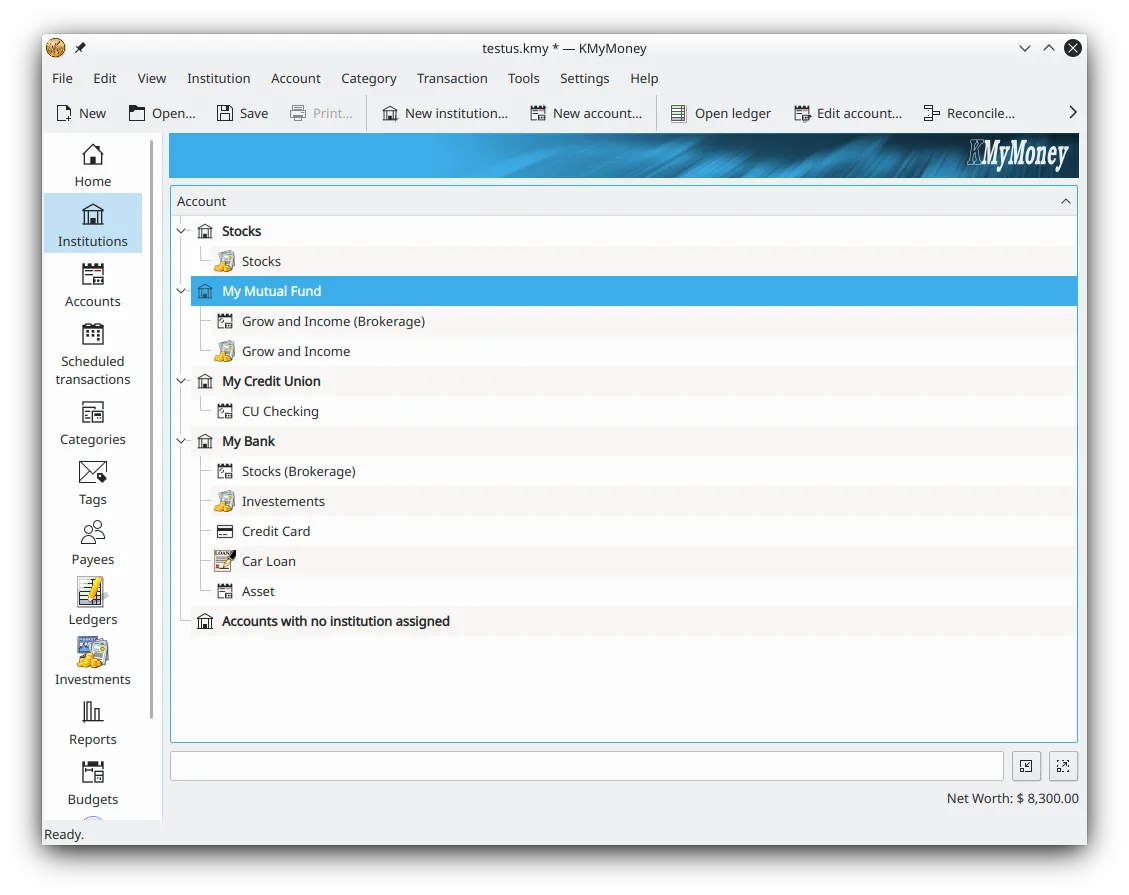
- Multiple account types (bank, credit, asset, liability)
- Reconciliation of bank accounts
- Import/export via QIF, OFX, HBCI
- Online banking download for OFX/HBCI
- Custom reports and charts
- Plugin architecture for additional formats
Pros
- Free and open source
- Cross‑platform (Linux, Windows, macOS)
- Strong community support
- Regular updates
- Comprehensive accounting features
Cons
- Windows users may find the UI less polished
- Learning curve for advanced features
- Limited mobile integration
- Occasional bugs with certain bank formats
Windows programs KMyMoney replaces
How to install KMyMoney on Linux
flatpak install flathub org.kde.kmymoneysudo apt install kmymoneysudo apt install kmymoneysudo dnf install kmymoneysudo pacman -S kmymoneysudo zypper install kmymoneyTips for Windows users
When moving from QuickBooks, export your data to QIF or CSV and import it into KMyMoney. The account hierarchy is similar, but you’ll need to recreate categories manually. Keyboard shortcuts follow KDE standards (Ctrl+N for new transaction, Ctrl+R for reconciliation). Workflow differs: KMyMoney requires you to record each transaction separately, whereas QuickBooks can batch import statements. Take time to set up the chart of accounts to match your existing structure.
Recent releases
- 5.2.2 —
- 5.2.1 —
- 5.2.0 —
- 5.1.3 —
KMyMoney: frequently asked questions
Can I import QuickBooks data into KMyMoney?
QuickBooks does not export to QIF directly, but you can use a third‑party tool to convert .qbw to QIF, then import into KMyMoney.
Is KMyMoney secure for sensitive financial data?
All data is stored locally; you can encrypt the database file with GnuPG if needed.
Does KMyMoney support online banking?
Yes, it supports OFX and HBCI protocols for automatic statement downloads.
Can I use KMyMoney on a laptop?
Absolutely; it runs on all major Linux distributions and is lightweight enough for older hardware.
Updated