

Linux · Games
Minecraft Launcher
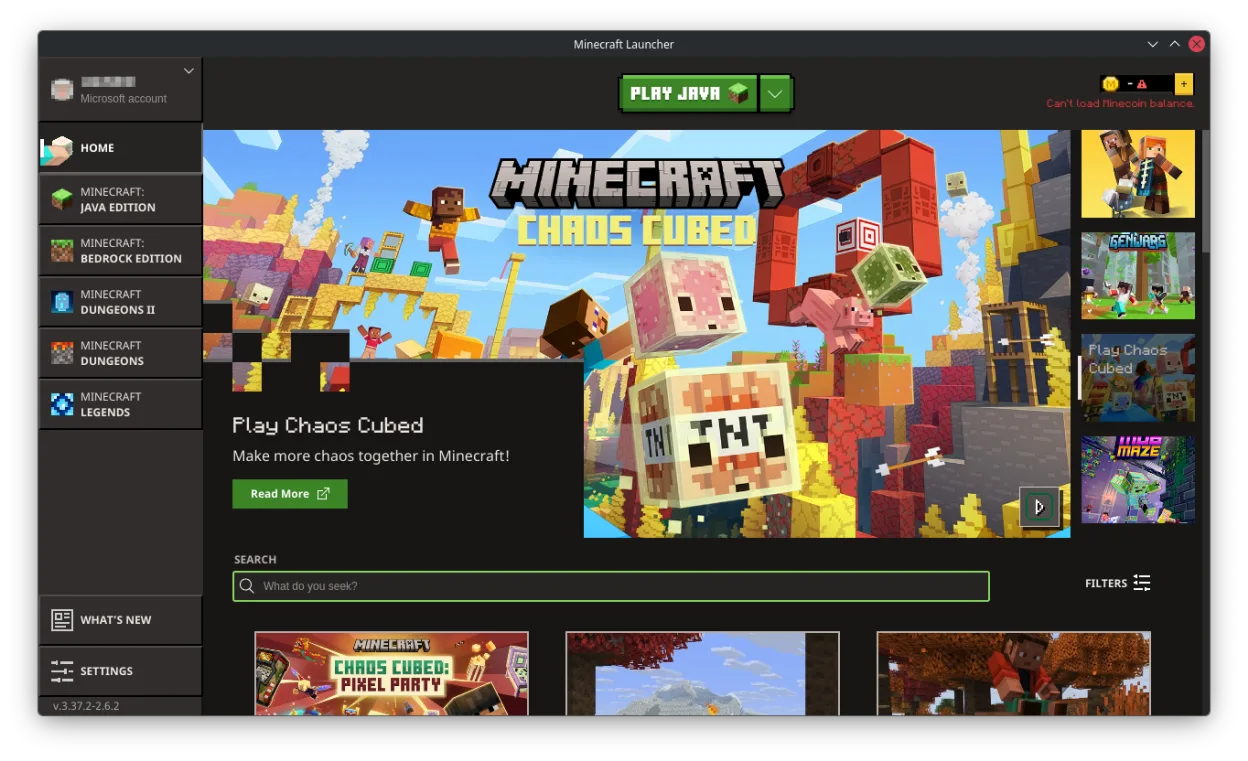
The official Minecraft launcher for Linux, letting you play the popular sandbox game with full online support.
- License
- LicenseRef-proprietary
- Latest version
- 2.1.3 (April 23, 2026)
- Developer
- Mojang AB
- Installs
- 25,354 (Flathub, 30 days)
What is Minecraft Launcher?
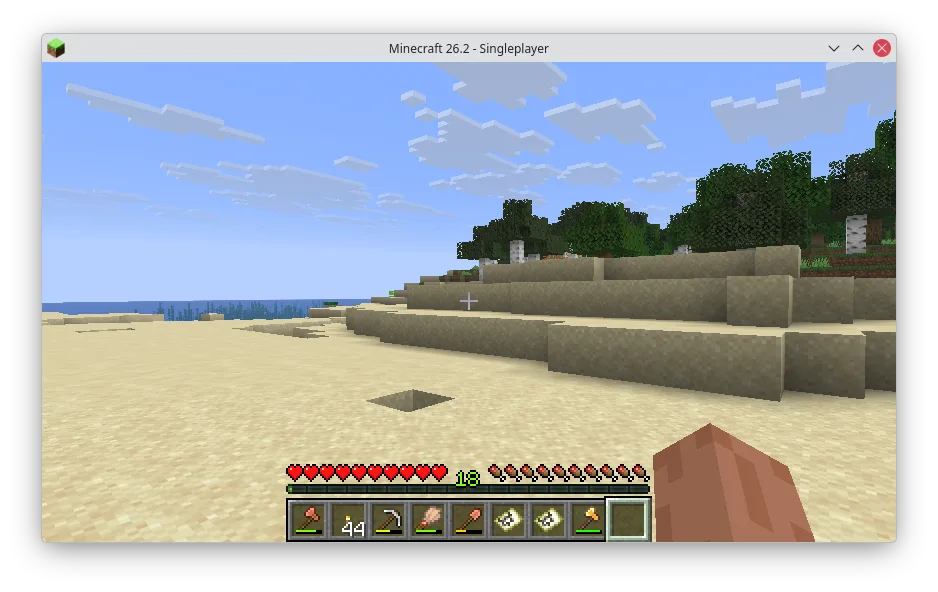
Minecraft Launcher is Mojang's official desktop application for managing and launching Minecraft on Linux. It replaced older, third-party launchers and provides a stable, regularly updated experience consistent with the Windows and macOS versions. The app has matured significantly since its initial release and now supports accounts, multiplayer, mods, and resource packs reliably.
This launcher is for Linux users who want the authentic Minecraft experience without relying on community tools. It's ideal for players who own the Java Edition and want to play online, join servers, or use official features like Realms. If you're used to Lunar Client or similar tools, this is the baseline client—less flashy, but fully supported.
Compared to Lunar Client, the official launcher feels more basic but far more stable. Lunar focuses on modded gameplay and performance tweaks, while Mojang's version prioritizes compatibility and security. You won’t get built-in mod management or FPS boosts here, but you do get fewer crashes and seamless updates straight from the developers.
Best for: Linux users who want the official, stable way to play Minecraft Java Edition.
Key features of Minecraft Launcher
- Official Mojang-signed launcher for Minecraft Java Edition
- Account login and multiplayer support
- Integrated news and game updates
- Mod and resource pack management
- Server and Realms access
- Cross-platform sync via Mojang account
- Automatic Java runtime handling
- Support for multiple game versions
Pros
- Stable and officially supported
- Regular updates from Mojang
- Full access to multiplayer and Realms
- Secure account integration
- Clean, simple interface
Cons
- No built-in performance optimizations
- Limited mod support compared to Lunar Client
- Requires online account and purchase
- Can be slower on older hardware
Windows programs Minecraft Launcher replaces
How to install Minecraft Launcher on Linux
flatpak install flathub com.mojang.MinecraftTips for Windows users
If you're coming from Lunar Client, note that the official launcher doesn’t include built-in mods or FPS improvements. You’ll need to manually install mods via the game directory. Your saves and resource packs are stored in ~/.minecraft, same as on Windows. Keyboard shortcuts and keybindings remain identical, but server connections must be re-added manually.
Recent releases
- 2.1.3 —
Minecraft Launcher: frequently asked questions
Can I play Minecraft Java Edition on Linux with this launcher?
Yes, the official Minecraft Launcher runs on Linux and supports the full Java Edition. You need a valid Mojang account and an internet connection to log in and play.
Does it support mods like Lunar Client?
It supports mods, but not built-in. You’ll need to install mod loaders like Forge or Fabric manually. Unlike Lunar Client, it doesn’t come with mod management or pre-installed tweaks.
Where are my worlds and saves stored?
Minecraft saves are in ~/.minecraft/saves. This matches the default location on Windows, so your world files are easy to back up or transfer.
Do I need to buy Minecraft again for Linux?
No. If you already own Minecraft Java Edition, you can use the same account on Linux. Just log in with your Mojang credentials in the launcher.
Updated