

Linux · Games
Moonlight
Moonlight streams games and apps from a Windows or Linux PC running Sunshine or GeForce Experience to your Linux machine.
- License
- GPL-3.0+
- Latest version
- 6.2.0 (October 3, 2026)
- Developer
- Moonlight Game Streaming Team
- Installs
- 28,137 (Flathub, 30 days)
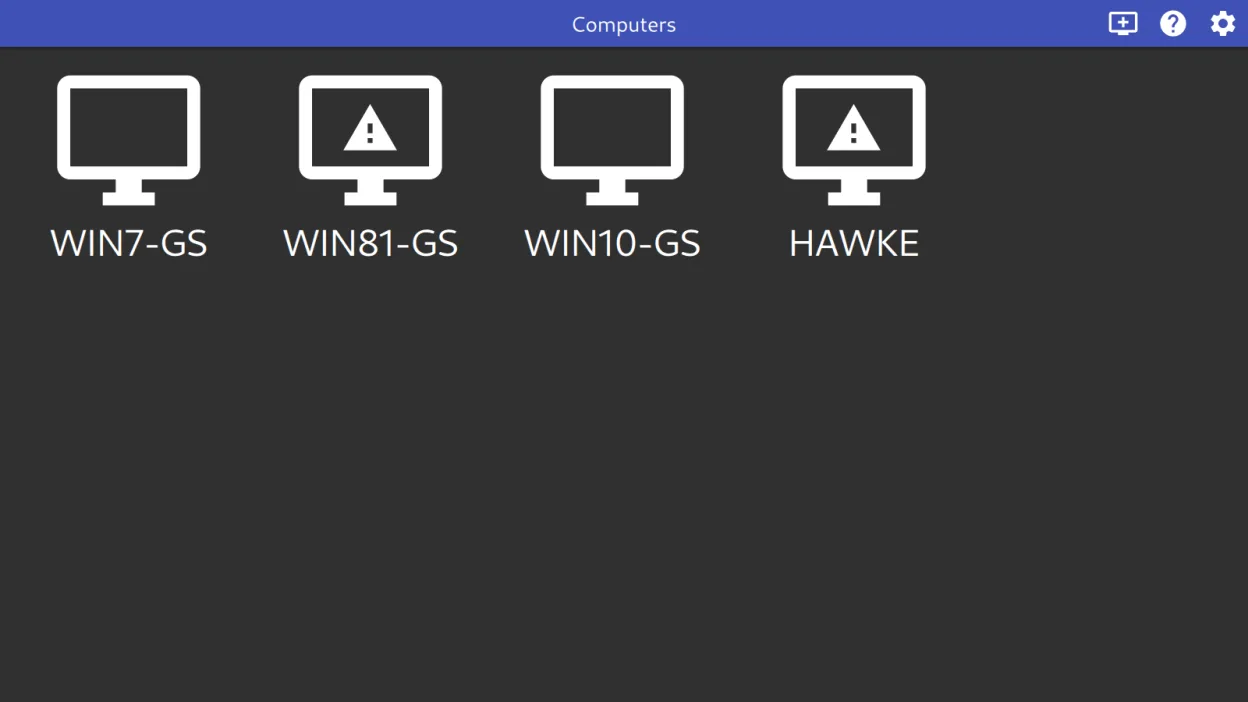
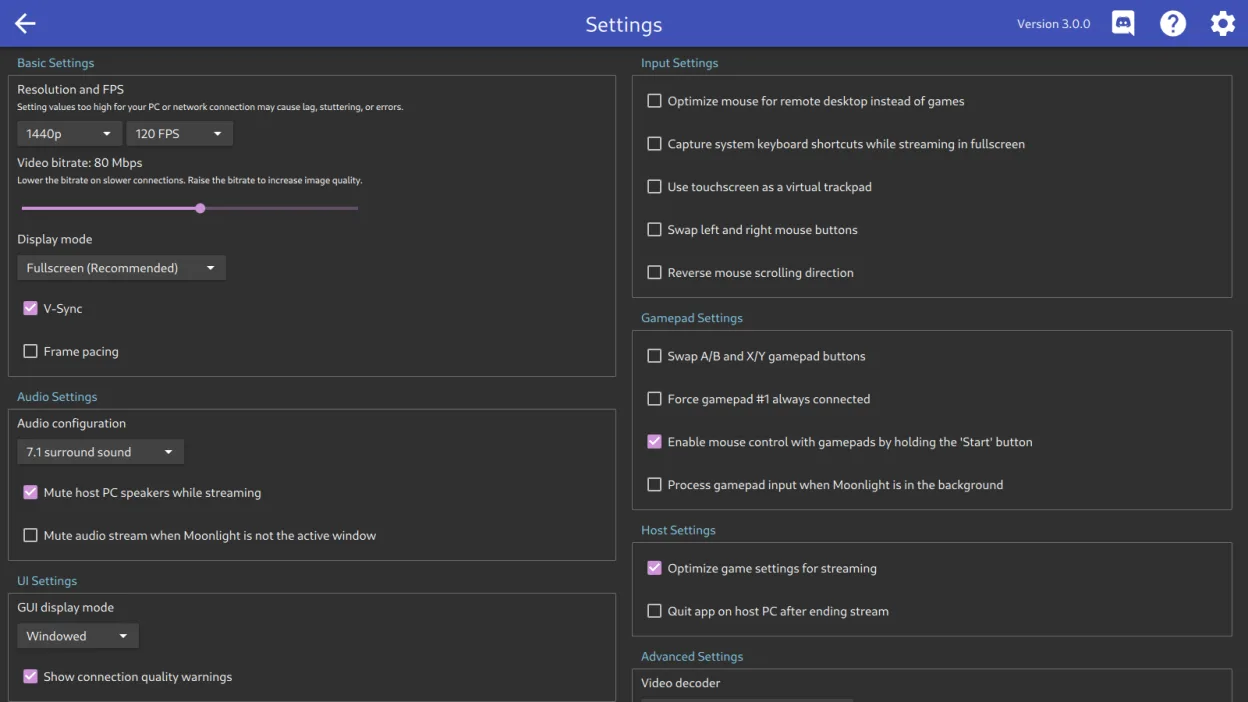
What is Moonlight?
Moonlight is a client for streaming games and desktop applications from a host PC over your local network. It works with either NVIDIA's GeForce Experience (on Windows) or the open-source Sunshine server. Originally developed for NVIDIA GameStream, it has matured into a stable, widely-used tool across Linux distributions, especially since support expanded beyond proprietary NVIDIA setups.
It's ideal for Linux users who want to play Windows-exclusive games hosted on a more powerful machine, or access a remote desktop environment with full gamepad and audio support. You’ll get the best experience if you already have a gaming PC on your network and want to stream to a less powerful device like a laptop or mini PC.
Compared to GeForce NOW, Moonlight doesn’t stream from the cloud—it relies on your own hardware. Unlike the Windows-only GeForce Experience client, Moonlight on Linux feels just as capable, especially with Sunshine. Performance is nearly identical when tuned properly, and it supports modern codecs like AV1 when your hardware allows.
Best for: Linux users who want to stream games from a powerful host PC on their local network.
Key features of Moonlight
- Hardware-accelerated video decoding via VAAPI, VDPAU, and Vulkan Video
- Supports H.264, HEVC, and AV1 codecs
- 7.1 surround sound audio streaming
- 10-point multitouch input support
- Gamepad support with force feedback for up to 16 players
- Pointer capture and direct mouse control modes
- Pass-through of system shortcuts like Alt+Tab to host
- Works with both GeForce Experience and Sunshine servers
Pros
- Excellent performance with low latency when on a good network
- Full gamepad and force feedback support
- Supports modern video codecs including AV1
- Open-source and actively maintained
- Works seamlessly with Sunshine on Linux
Cons
- Requires a capable host machine with compatible GPU
- No built-in game library management like GeForce NOW
- Initial setup with Sunshine can be complex for beginners
Windows programs Moonlight replaces
How to install Moonlight on Linux
flatpak install flathub com.moonlight_stream.MoonlightTips for Windows users
If you're coming from GeForce NOW or GeForce Experience on Windows, Moonlight doesn’t replace cloud streaming—it replaces the local client. You’ll need to set up a host: either keep using GeForce Experience on Windows, or switch to Sunshine on Linux or Windows. Your games stay where they are; Moonlight just streams the screen. Keyboard shortcuts like Alt+Tab work if enabled, and gamepad inputs are passed through cleanly. Pair it with Sunshine for full open-source control.
Recent releases
- 6.2.0 —
New features: - Ctrl+Alt+Shift+K has been added to toggle system keyboard grab - Added support for DualSense adaptive triggers (requires a compatible host) - Gamepads with a second trackpad can now be passed to the host (requires host support) - Client…
- 6.1.0 —
New features: - Experimental YUV 4:4:4 support for improved text clarity during remote desktop usage - HDR is now supported with software decoding (requires GPU with Vulkan support) - Bitrate limit can now be increased to 500 Mbps - Audio decoding now uses…
- 6.0.1 —
New features: - HDR to SDR tonemapping is now supported by the Vulkan renderer on Linux Behavior Changes: - More time is now provided for PCs to wake up before displaying an error when starting a stream from the CLI - Moonlight will no longer try to guess VA…
- 6.0.0 —
New features: - HDR is now supported on Steam Deck and other HDR-capable Linux systems using a new Vulkan-based renderer - Vulkan Video decoding of H.264, HEVC, and AV1 is now supported using the new Vulkan renderer - Full E2E stream encryption is now…
Moonlight: frequently asked questions
Can Moonlight stream from a Linux host?
Yes, using the open-source Sunshine server. You don’t need a Windows machine or NVIDIA GPU to use Moonlight.
Does Moonlight support AV1?
Yes, if your client and host hardware support it. AV1 streaming requires compatible GPUs on both ends.
Is Moonlight the same as GeForce NOW?
No. Moonlight streams from your own PC. GeForce NOW streams from NVIDIA’s servers. They’re different services with similar tech.
Can I use Moonlight without an NVIDIA GPU?
Yes, as long as you’re using Sunshine as the host. It works with AMD, Intel, and NVIDIA GPUs.
Updated