
Linux · Games
PolyMC
PolyMC is a free, open-source Minecraft launcher that simplifies managing multiple modded and vanilla instances.
- License
- GPL-3.0-only
- Latest version
- 7.1 (November 11, 2011)
- Developer
- PolyMC
- Installs
- 5,386 (Flathub, 30 days)
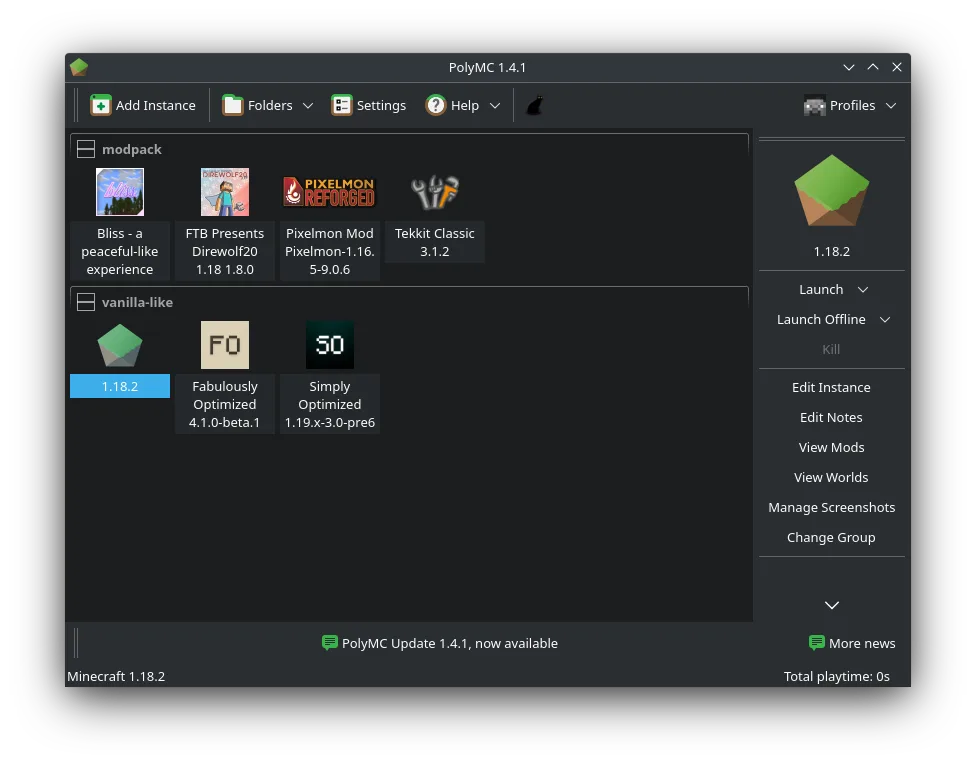
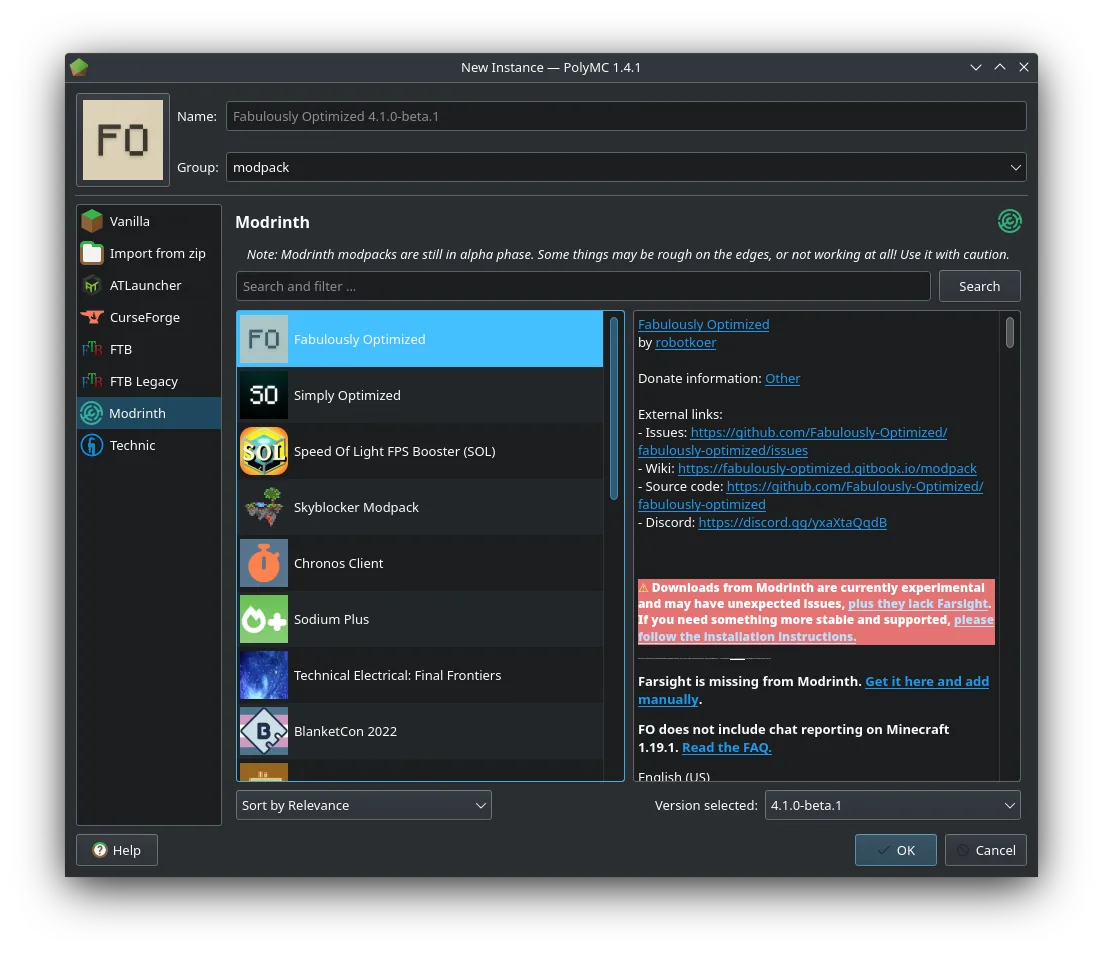
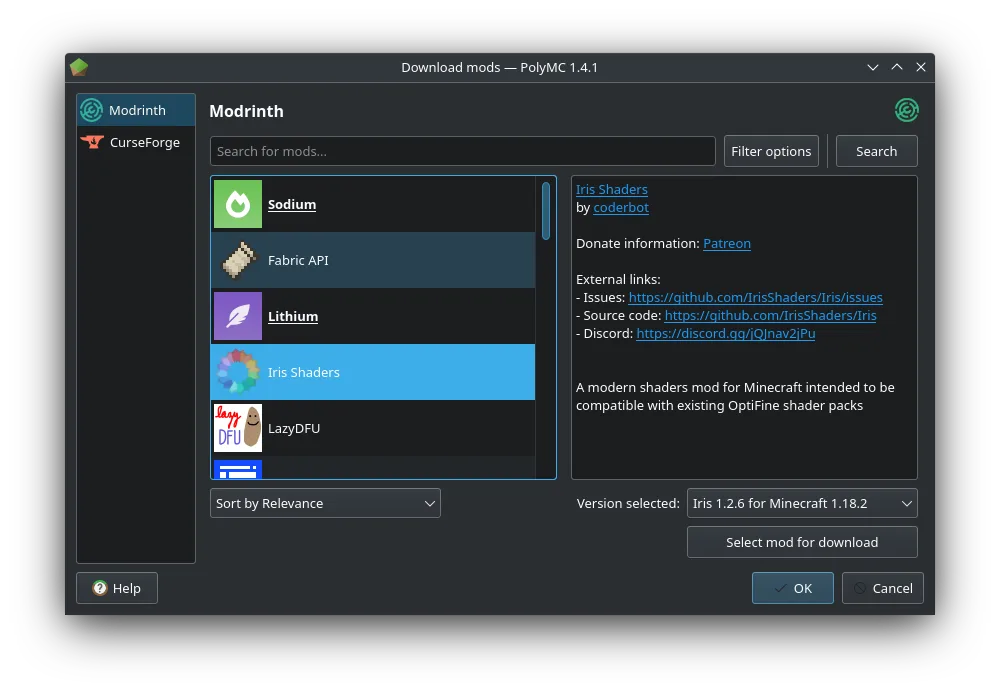
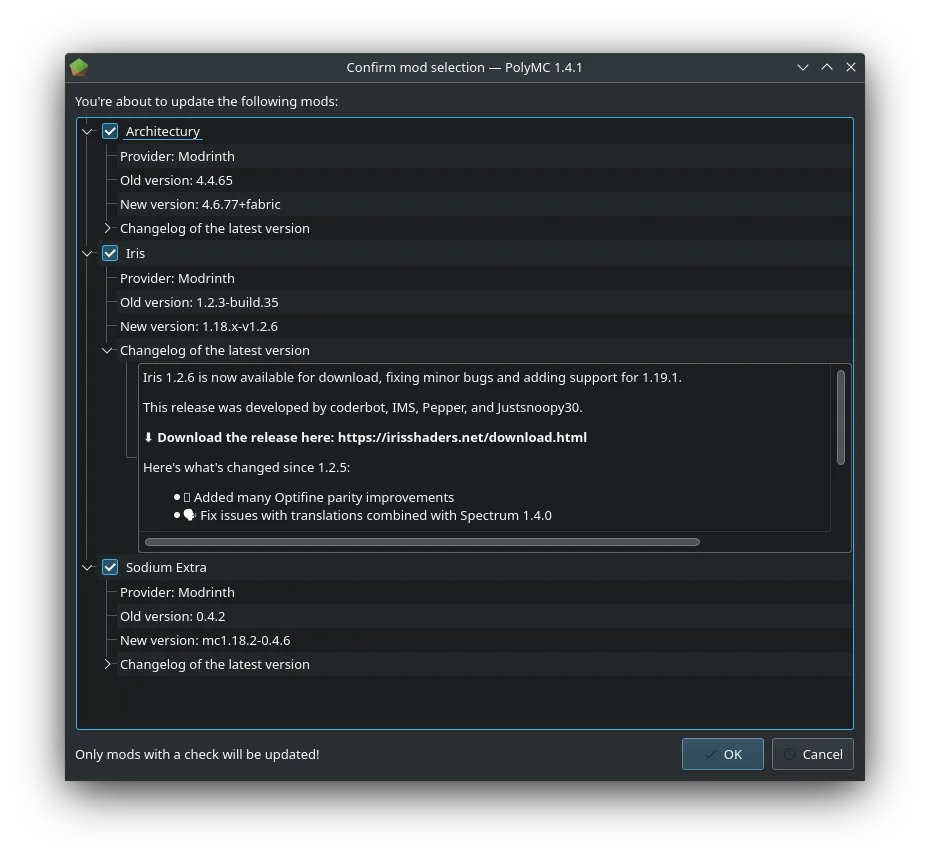
What is PolyMC?
PolyMC is a community-driven fork of MultiMC, designed specifically to provide a stable, predictable experience for running Minecraft. It evolved after concerns about the direction of other launchers, focusing on transparency, user control, and long-term reliability. Despite its latest release date appearing outdated, active development continues under new maintainers.
It's ideal for players who run modded Minecraft regularly and want fine-grained control over versions, mods, and Java settings without bloat. If you're tired of launchers pushing ads or cloud services, PolyMC’s clean interface and isolation of instances offer a more trustworthy workflow.
Compared to Windows-centric tools like Lunar Client, PolyMC doesn’t focus on multiplayer integration or social features. Instead, it emphasizes technical control and stability. It feels more like a power user tool than a streamlined gamer app — less flashy, but far more reliable for managing complex mod setups.
Best for: Players who want full control over modded Minecraft setups without bloat or tracking.
Key features of PolyMC
- Manage multiple isolated Minecraft instances
- Install and switch between Forge, Fabric, and Quilt
- Direct mod and resource pack management
- Built-in log viewer and crash recovery
- Custom Java settings per instance
- One-click instance duplication
- Automatic updates for Minecraft versions
- Support for custom servers and modpacks
Pros
- Completely ad-free and open-source
- Stable, lightweight, and predictable
- Excellent modding support out of the box
- Instances are sandboxed to prevent conflicts
- Active community and ongoing development
Cons
- No built-in multiplayer server browser
- Steeper learning curve for beginners
- Limited social features compared to Lunar Client
- UI feels dated compared to modern launchers
Windows programs PolyMC replaces
How to install PolyMC on Linux
flatpak install flathub org.polymc.PolyMCTips for Windows users
If you're coming from Lunar Client, note that PolyMC doesn’t sync accounts or profiles to the cloud by default — everything is local. Your saves and resource packs can be manually imported from Lunar’s .minecraft folder. Shortcuts and keybindings are similar, but mod installation is handled differently: you’ll drag .jar files into the mods section per instance, not rely on auto-downloaded modpacks. Take time to set up instances one by one; the workflow is more manual but far more transparent.
Recent releases
- 7.1 —
PolyMC: frequently asked questions
Is PolyMC safe to use?
Yes. It's fully open-source under GPL-3.0, with no telemetry or ads. The code is auditable, and binaries are distributed through trusted repositories like Flathub.
Can PolyMC run modpacks from CurseForge or Modrinth?
Yes. You can import modpacks from both platforms directly. Modrinth integration is built-in; CurseForge packs require manual download or third-party tools.
Does PolyMC support multiplayer servers?
Yes, but not through a built-in browser. You add servers manually in Minecraft, just like vanilla. It doesn’t track server uptime or popularity.
How do I back up my worlds in PolyMC?
Worlds are stored per instance in the instance folder. Copy the folder to back up. The launcher makes it easy to export and reimport them.
Updated