

Linux · Others
RClone Manager
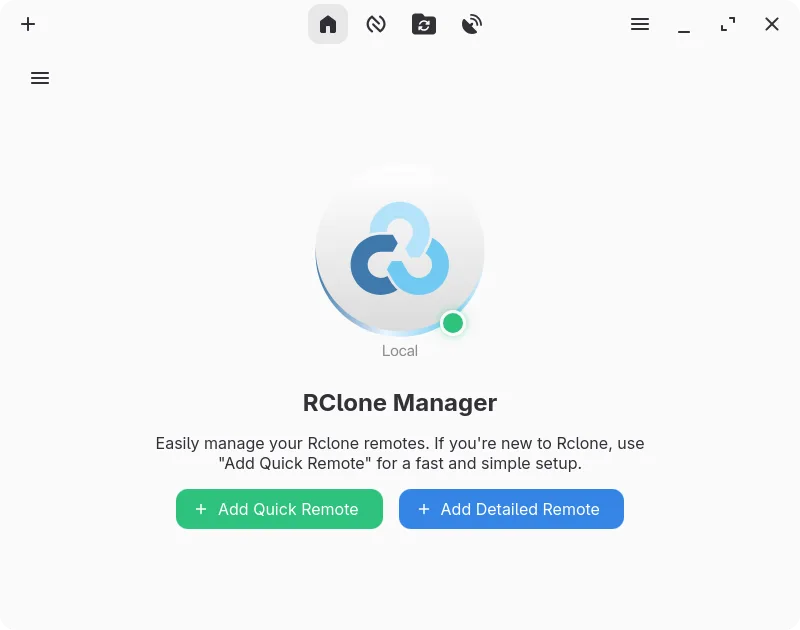
A graphical interface for rclone that lets you manage cloud storage accounts without using the command line.
- License
- GPL-3.0-or-later
- Latest version
- 0.3.3 (September 23, 2026)
- Developer
- Zarestia Dev
- Installs
- 3,189 (Flathub, 30 days)


What is RClone Manager?
RClone Manager provides a visual front-end for the popular rclone tool, allowing users to sync and browse cloud storage without typing commands. It supports dozens of providers like Google Drive, Dropbox, and OneDrive. The project is actively maintained, with recent releases improving stability and adding automation features for complex workflows.
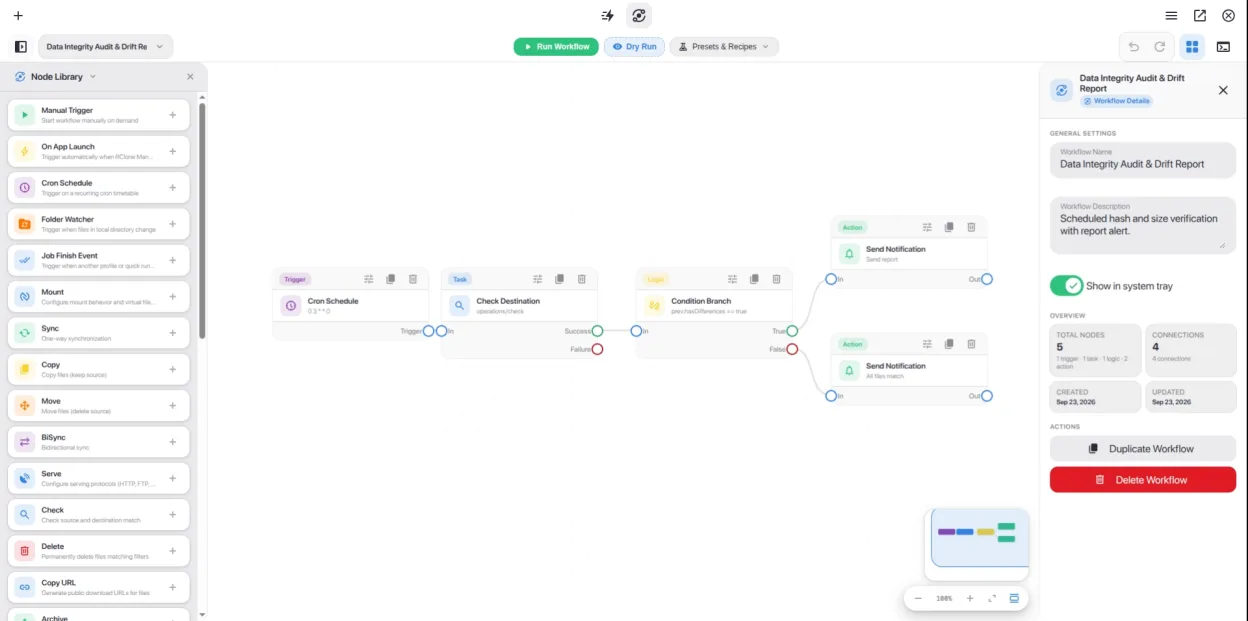
This tool is ideal for Linux users who need reliable cloud synchronization but find the command line intimidating or inefficient for daily tasks. It suits both casual users managing backups and advanced users who want to visualize and automate multi-step data transfers using a node-based canvas.
Compared to Windows cloud clients, RClone Manager offers more control over synchronization logic and supports a wider range of storage backends. While it lacks the polished, always-on background sync of some proprietary clients, it compensates with powerful automation, VFS mounting, and detailed logging, making it a robust choice for power users.
Best for: Linux users who need flexible, automated cloud storage management and want to avoid the command line.
Key features of RClone Manager
- Visual workflow builder for multi-step automations
- Built-in file manager for browsing and editing remote files
- Mount cloud storage as a local drive with VFS cache
- Rich media preview for images, videos, PDFs, and code
- Schedule operations via cron or file system watchers
- System tray integration and power management controls
- Encrypted configuration storage with backup support
- Serves remote storage over HTTP or WebDAV
Pros
- Eliminates the need to memorize complex rclone commands
- Supports a vast array of cloud providers and S3-compatible storage
- Powerful automation capabilities with a visual interface
- Active development with frequent updates and bug fixes
- Free and open-source with no feature limitations
Cons
- Requires a separate rclone binary installation or auto-download
- Interface can be overwhelming for absolute beginners
- Not a native cloud client, so sync behavior differs from Windows apps
- Occasional stability issues reported on some Linux desktop environments
How to install RClone Manager on Linux
flatpak install flathub io.github.zarestia_dev.rclone-managersudo apt install rclonesudo apt install rclonesudo dnf install rclonesudo pacman -S rclonesudo zypper install rcloneTips for Windows users
Coming from Windows cloud clients, note that RClone Manager is not a background-syncing app by default; you typically run syncs manually or via scheduled automations. Your cloud credentials are stored in rclone's config, so you may need to re-authenticate. Use the built-in file manager to browse, but remember that mounting drives via VFS is better for large file access. There are no direct file format conversions, as it works with raw cloud files.
Recent releases
- 0.3.3 —
Added - Workflow Engine & Visual Canvas UI: Introduced an interactive node-based canvas for automation, an in-process native Rust execution engine, comprehensive triggers, tasks, and logic nodes, pre-built recipes, and live execution logging. - Centralized…
- 0.3.2 —
Added - Flow Overlay & Automation Hub: Dedicated Flow overlay system for streamlined automation, Quick Run execution, and template management. - Quick Run Execution & Management: Launch one-click operations with real-time job tracking, comprehensive Quick Run…
- 0.3.1 —
Added - Android Beta Release: Added separated Android Beta APK builds (arm64-v8a, armeabi-v7a, x86_64, x86) powered by in-process librclone FFI bindings. Tested on Samsung Galaxy S23 FE. iOS status is currently unverified - Nautilus Sidebar Drives & Remotes…
- 0.3.0 —
Added - Bot-less Telegram & WhatsApp Alerts: Direct Telegram alerts via CallMeBot API and WhatsApp alert notification channel. Fixed - Resolved Linux zbus D-Bus panics. - Fixed encryption detection in non-librclone mode. - Fixed task state and status…
RClone Manager: frequently asked questions
Does RClone Manager work without installing rclone separately?
Yes, it can automatically download and manage the rclone binary for you during setup if you do not have it installed system-wide.
Can I use RClone Manager to back up my local files to the cloud?
Yes, you can create sync or copy operations that transfer data from your local filesystem to any supported cloud provider.
Is RClone Manager available on all Linux distributions?
It is available on Arch, openSUSE, Debian, Fedora, and Ubuntu, and can be installed via Flatpak on other distributions.
Why do I get an 'Invalid binary' error?
This usually happens if your system rclone is outdated. Go to Settings, clear the binary path, and let the app download the latest version.
Updated