

Linux · Office
Simplenote
Simplenote is a free, cross‑platform note‑taking app that syncs Markdown notes via the cloud.
- License
- GPL-2.0-only
- Latest version
- 2.24.0 (November 6, 2025)
- Developer
- Automattic Inc.
- Installs
- 1,368 (Flathub, 30 days)


What is Simplenote?
Simplenote started as a lightweight web service from Automattic, the company behind WordPress. It grew into a desktop client that keeps notes in sync across Windows, macOS, Linux, Android and iOS, using a simple JSON‑based API. The Linux package is available as a Flatpak and as a native binary, keeping the app up‑to‑date with the same releases as on other platforms.
The app is aimed at people who need a quick place to jot ideas, to‑do lists or short documents without the bulk of a full office suite. It works well for students, developers, writers and anyone who prefers plain text and Markdown over a WYSIWYG editor.
Compared to OneNote, Simplenote feels more like a text editor than a notebook. It lacks the rich formatting, section hierarchy and embedded media of OneNote, but it offers instant sync, a clean interface and true Markdown preview, making it a solid alternative for those who want speed and simplicity.
Best for: Users who want a fast, Markdown‑friendly note‑taking app that syncs across devices without the overhead of a full office suite.
Key features of Simplenote
- Syncs notes across all devices via cloud
- Markdown support with live preview
- Tagging system for quick filtering
- Share notes with collaborators
- Publish notes online
- Cross‑platform Flatpak and native binaries
Pros
- Free and open source
- Fast sync and lightweight UI
- True Markdown editing
- Simple tagging and search
Cons
- No rich text formatting or embedded media
- Limited collaboration tools compared to OneNote
- No built‑in task list or calendar integration
Windows programs Simplenote replaces
How to install Simplenote on Linux
flatpak install flathub com.simplenote.SimplenoteTips for Windows users
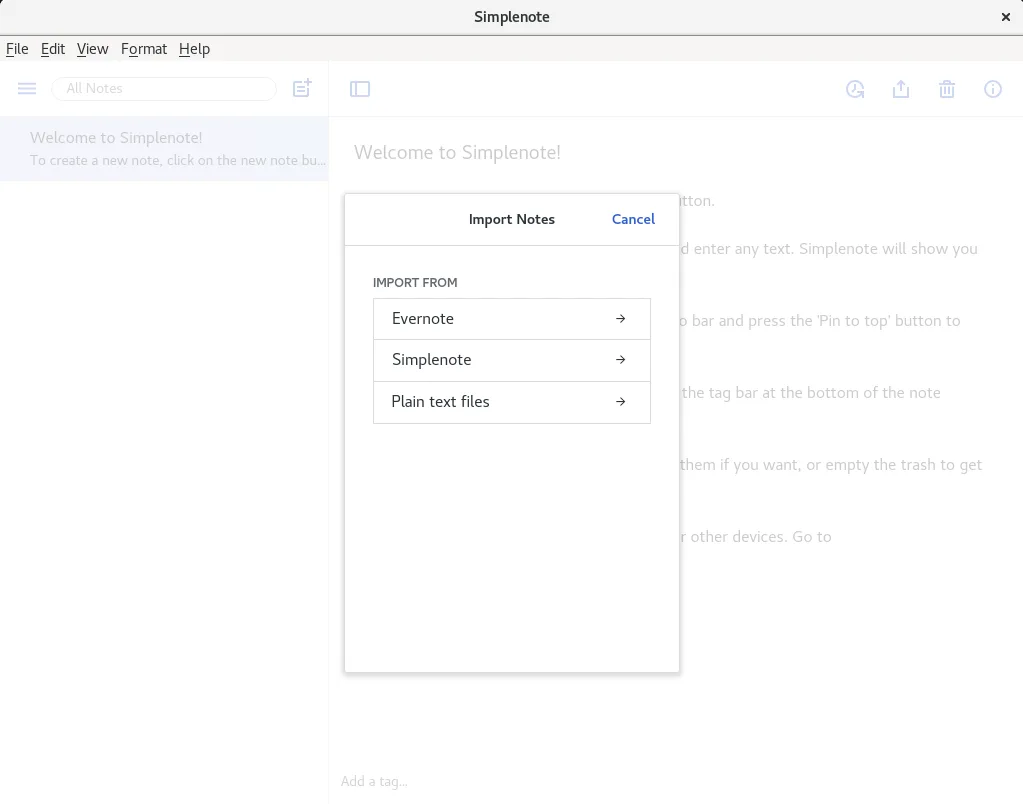
When moving from OneNote, export your notes as plain text or Markdown from OneNote, then import them into Simplenote. The app uses simple .txt files, so you can copy‑paste or drag‑drop. Keyboard shortcuts are similar to most editors: Ctrl‑S to save, Ctrl‑K for Markdown links, and Ctrl‑T to add tags. The workflow is linear; there’s no notebook hierarchy, so organize with tags instead of sections.
Recent releases
- 2.24.0 —
- 2.23.2 —
- 2.23.0 —
- 2.22.2 —
Simplenote: frequently asked questions
Can I use Simplenote offline?
Yes, notes are stored locally and sync when you reconnect to the internet.
Does Simplenote support images?
Images can be inserted, but they are stored as links; the app does not embed them in the note file.
How do I share a note?
Use the Share button to generate a public link or invite collaborators via email.
Is there a Linux app store?
Simplenote is available on Flathub and can be installed with flatpak, or via the official .deb/.rpm packages.
Updated