

Linux · Programming
SmartGit
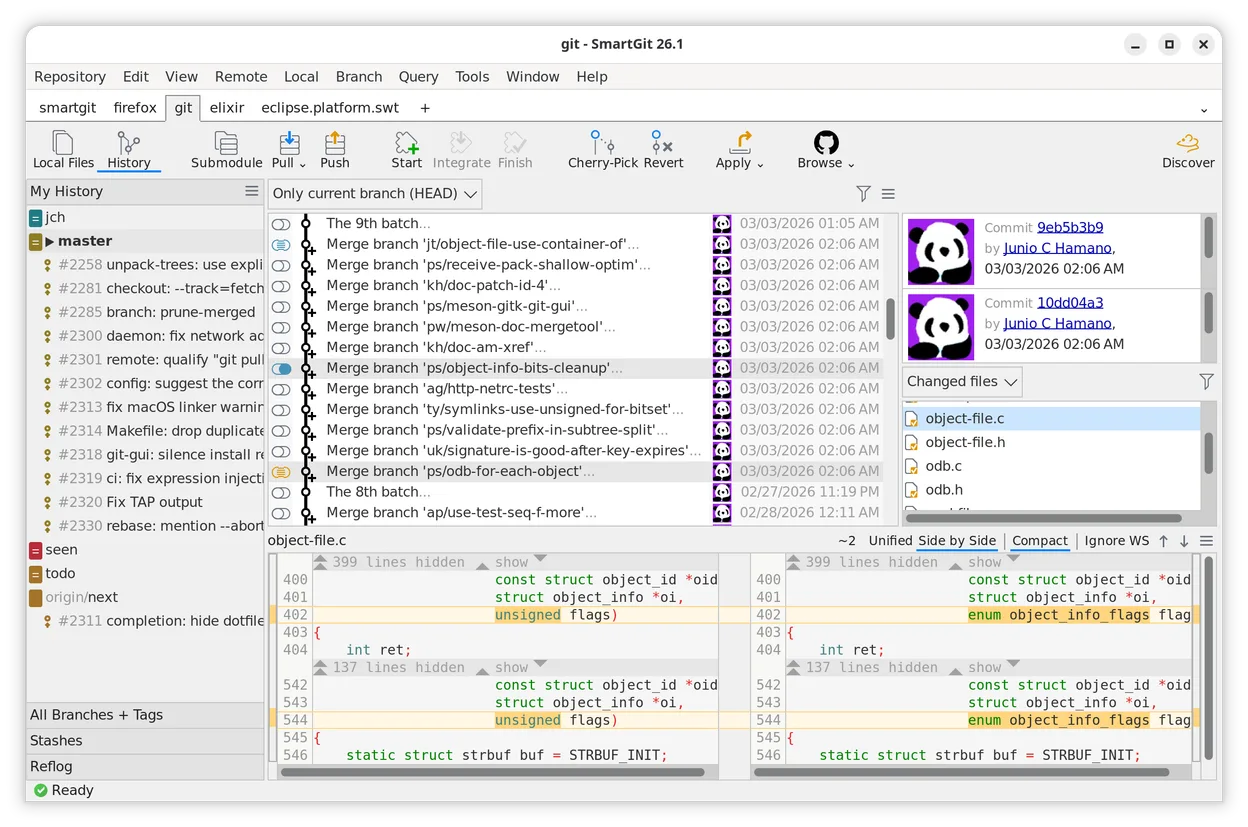
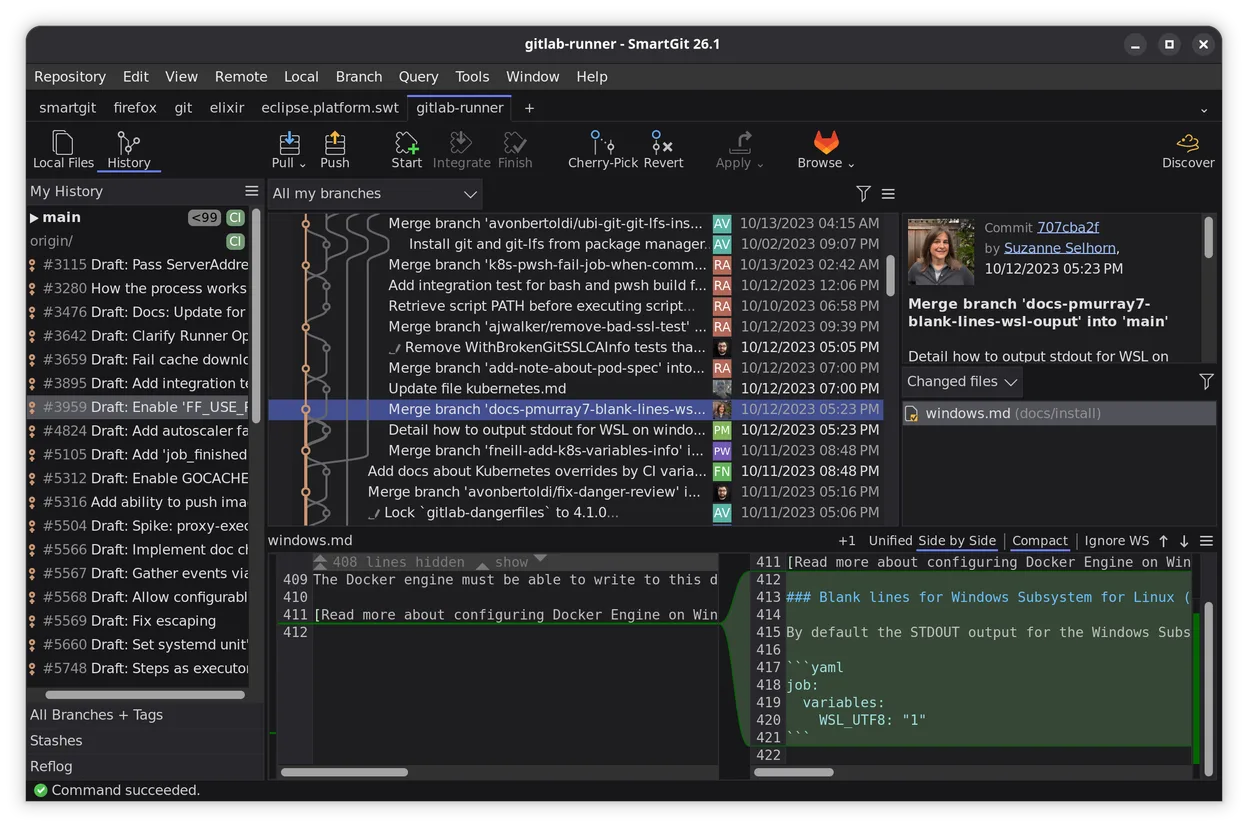
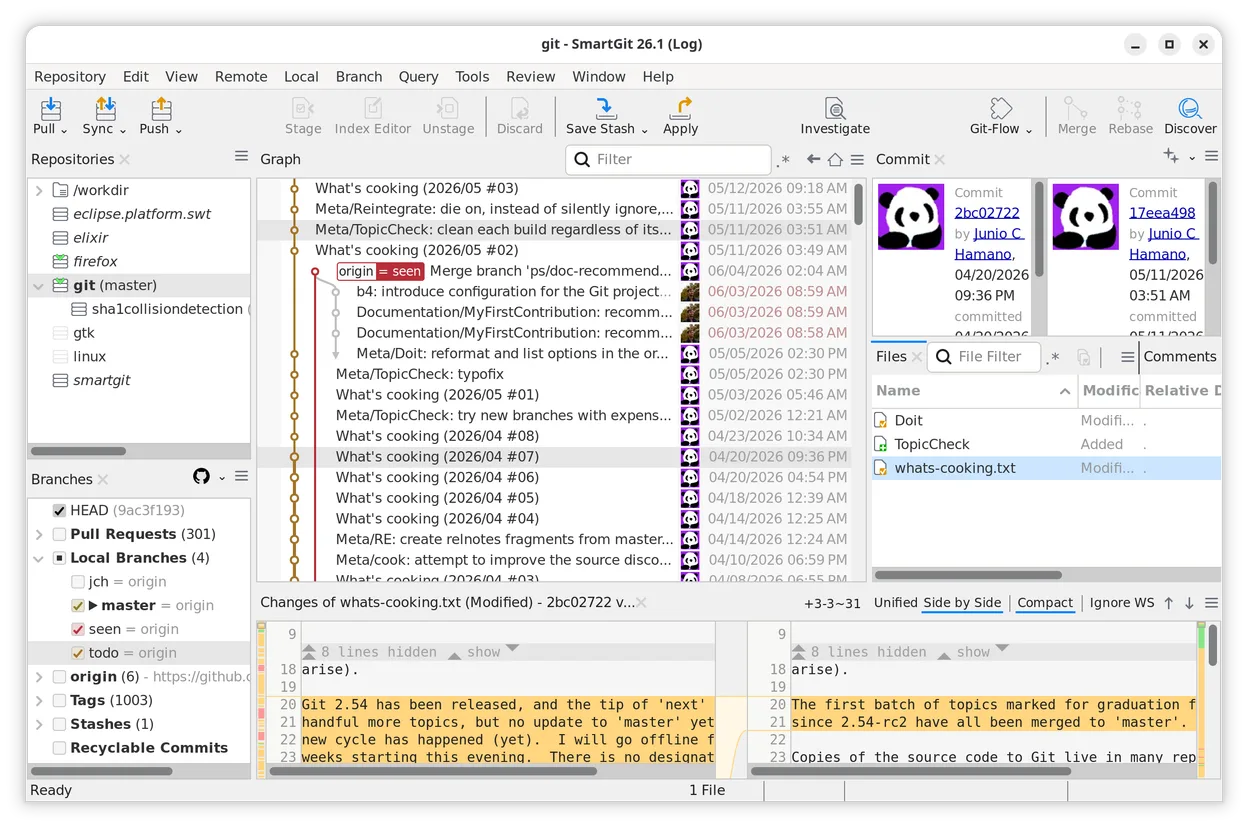
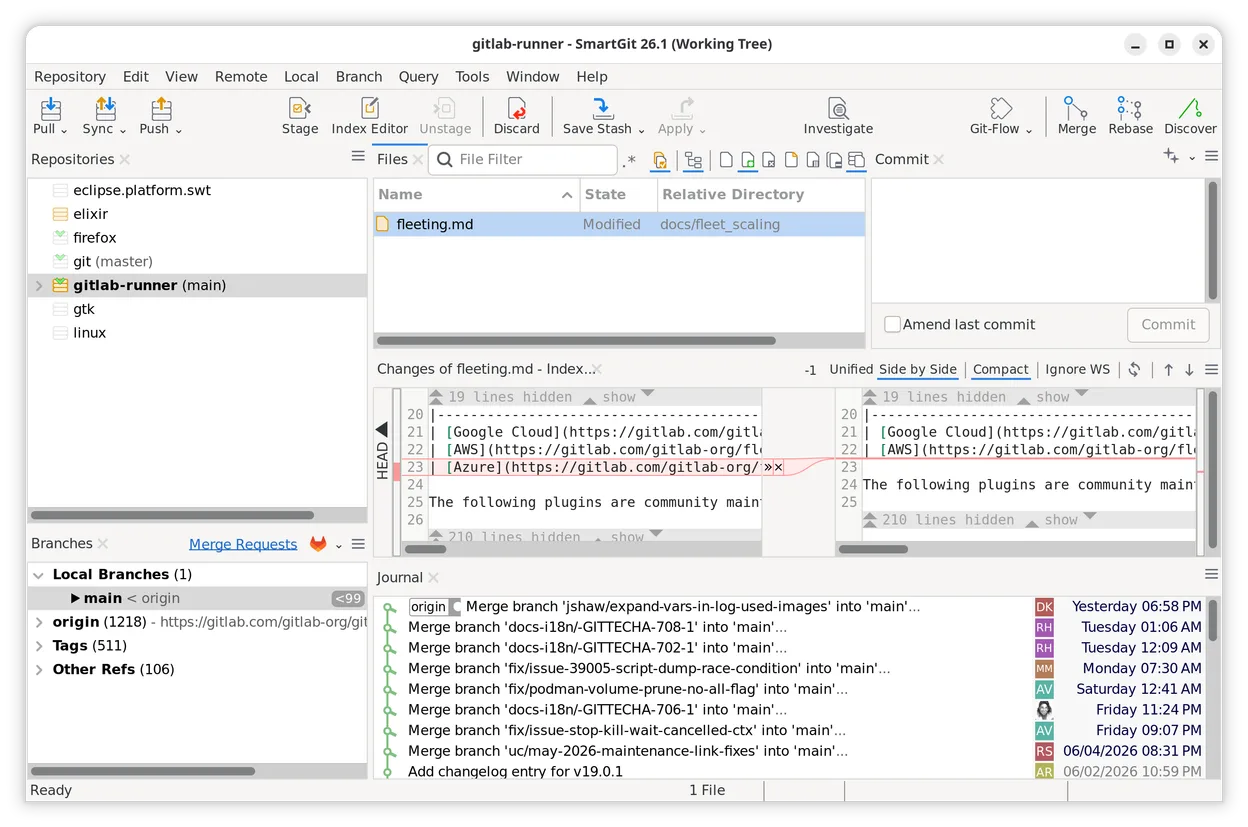
SmartGit is a cross-platform Git GUI with an intuitive interface, advanced conflict solving, and commit history rewriting tools.
- License
- LicenseRef-proprietary=https://www.smart…
- Latest version
- 26_1_059 (November 20, 2026)
- Developer
- syntevo GmbH
- Installs
- 772 (Flathub, 30 days)
What is SmartGit?
SmartGit is a Git client developed by syntevo GmbH that focuses on making version control accessible without sacrificing power. It has been around for several years, evolving from a simple tool into a full-featured GUI that supports complex workflows like rebasing and cherry-picking. The software is mature and regularly updated, ensuring compatibility with modern Git versions across Linux, macOS, and Windows.
It targets developers who find command-line Git too steep or existing GUIs too cluttered. It is particularly useful for beginners learning Git concepts through visual feedback, as well as experienced users who want a faster way to handle merge conflicts and history cleanup. The interface is highly customizable, allowing you to hide or show panels to fit your specific workflow.
Compared to GitKraken, SmartGit feels lighter and less resource-intensive. While GitKraken offers a very polished, modern look, SmartGit prioritizes functionality and direct access to Git commands. It is not as visually flashy, but many users prefer its straightforward approach to managing branches and commits without unnecessary abstraction layers.
Best for: Developers who want a fast, feature-complete Git GUI that is free for open-source and academic projects.
Key features of SmartGit
- Cross-platform support for Linux, macOS, and Windows
- Intuitive conflict solver for merging branches
- Interactive rebase for splitting, rewriting, and squashing commits
- Customizable interface to fit specific workflows
- Full support for Git submodules and worktrees
- Integrated diff viewer with side-by-side comparison
- Support for multiple Git repositories in a single window
- Free license for open-source developers and academic institutions
Pros
- Lightweight and responsive compared to heavier Git GUIs
- Excellent conflict resolution interface
- Strong support for advanced Git operations like interactive rebase
- Free for open-source and academic use
Cons
- Proprietary software, not open source
- Paid license required for commercial use
- Interface may feel dated to users accustomed to modern web-based UIs
Windows programs SmartGit replaces
How to install SmartGit on Linux
flatpak install flathub com.syntevo.SmartGitTips for Windows users
If you are moving from GitKraken, note that SmartGit uses standard Git repositories, so your existing .git folders will work immediately. There is no need to migrate data. However, your custom keybindings and interface layouts will not transfer; you will need to reconfigure them in SmartGit's settings. The workflow is similar, but SmartGit places more emphasis on explicit Git commands rather than abstracted visualizations, so you may need to adjust your muscle memory for things like rebasing.
Recent releases
- 26_1_059 —
- 26_1_057 —
- 26_1_055 —
- 26_1_052 —
SmartGit: frequently asked questions
Is SmartGit free for commercial use?
No, SmartGit is free for open-source developers, students, and public academic institutions. Commercial use requires a paid license.
Does SmartGit work with Git submodules?
Yes, SmartGit has full support for Git submodules, allowing you to manage them directly from the GUI.
Can I use SmartGit on Linux without installing Java?
Yes, the Linux version is distributed as a Flatpak or AppImage, which includes the necessary Java runtime environment.
How does SmartGit handle large repositories?
SmartGit is generally efficient, but like most Git GUIs, performance can vary with very large histories. It is recommended to use partial clones or shallow clones for extremely large repositories.
Updated