

Linux · Office
DB Browser for SQLite
DB Browser for SQLite is a lightweight, visual editor for SQLite databases.
- License
- MPL-2.0 and GPL-3.0+
- Latest version
- 3.13.1 (October 16, 2024)
- Developer
- DB Browser for SQLite developers
- Installs
- 2,990 (Flathub, 30 days)
What is DB Browser for SQLite?
DB Browser for SQLite started as a small project in 2009 and has grown into a mature, cross‑platform tool used by developers and hobbyists alike. It ships as a native Linux package and is also available on Flathub, making installation straightforward.
The application targets anyone who needs to create, inspect, or edit SQLite files without writing SQL. Its spreadsheet‑like interface lets users manipulate tables, indexes, and records with point‑and‑click actions.
Compared to Microsoft Access, DB Browser feels more focused and less feature‑heavy, but it offers a clean, uncluttered workflow that many find easier to learn for simple database tasks.
Best for: Users who need a quick, visual way to manage SQLite databases on Linux.
Key features of DB Browser for SQLite
- Create and compact database files
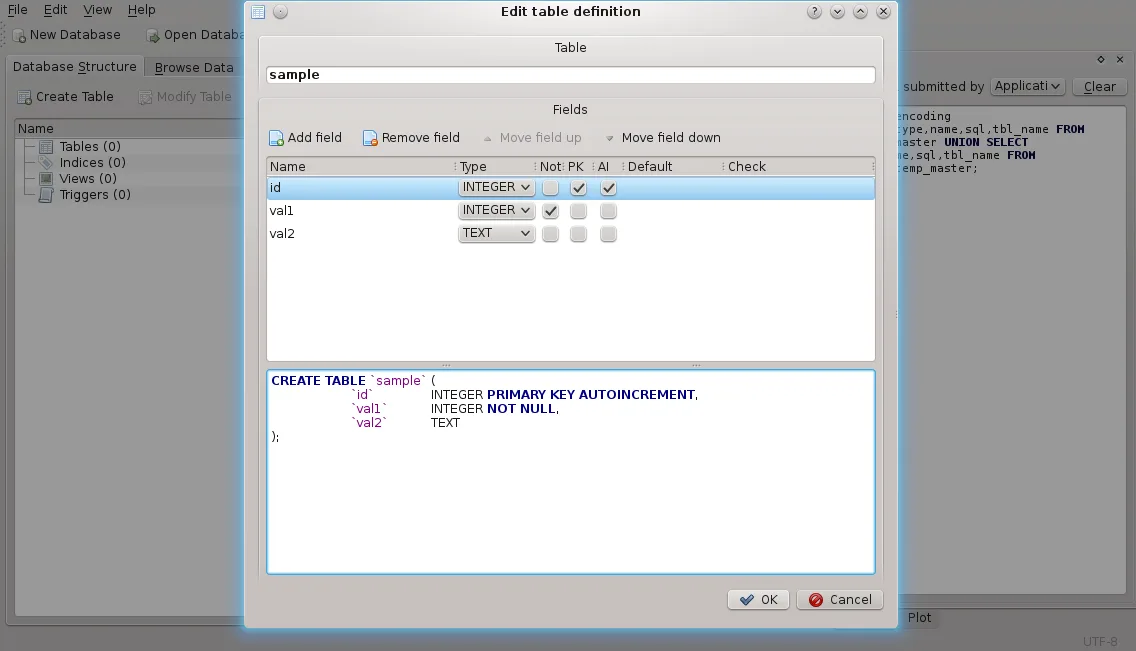
- Define, modify, and delete tables and indexes
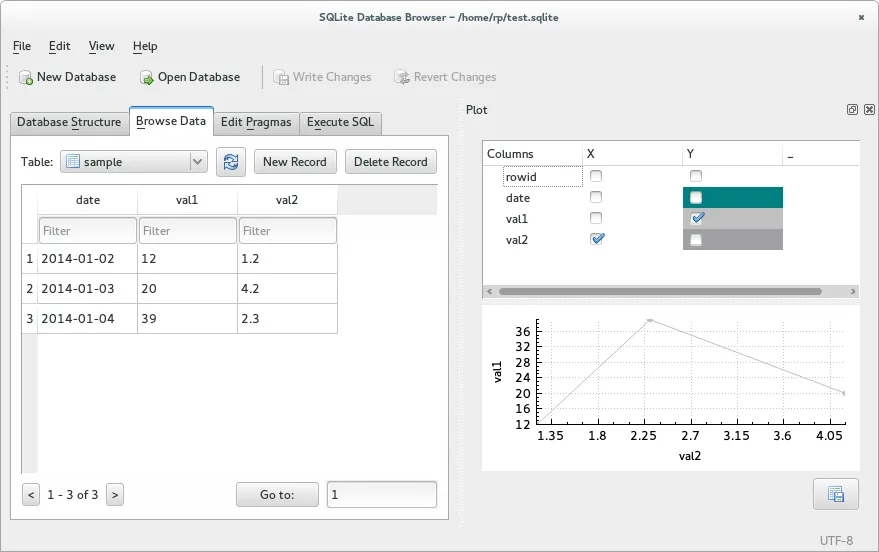
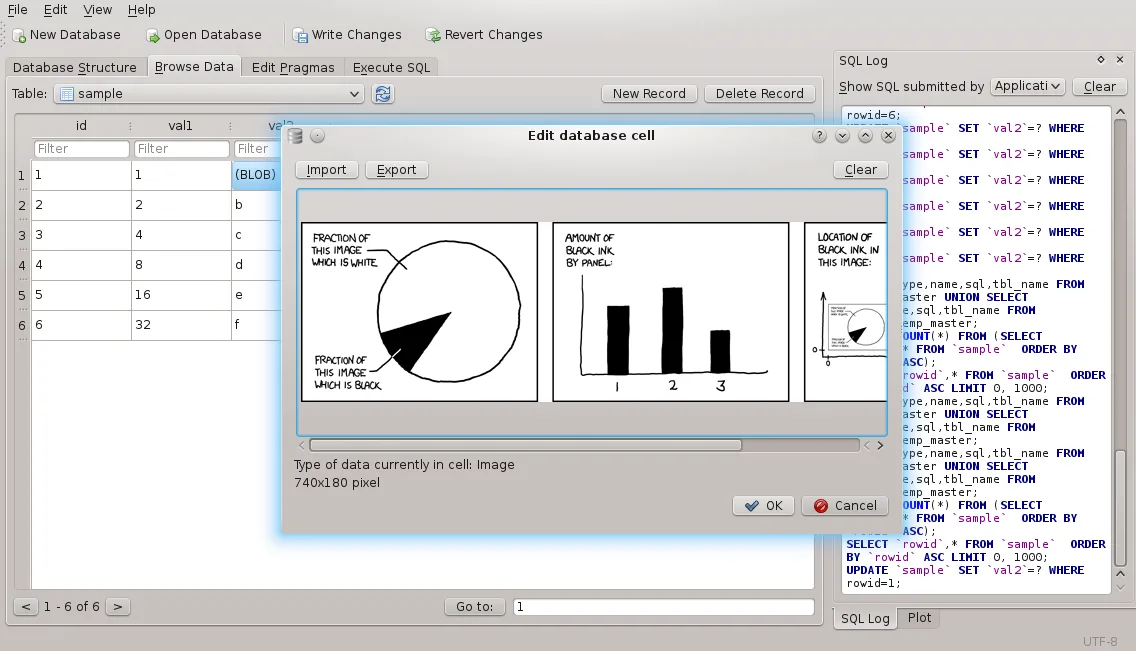
- Browse, edit, add, and delete records
- Search and filter records
- Import/export tables to CSV
- Import/export databases to SQL dump
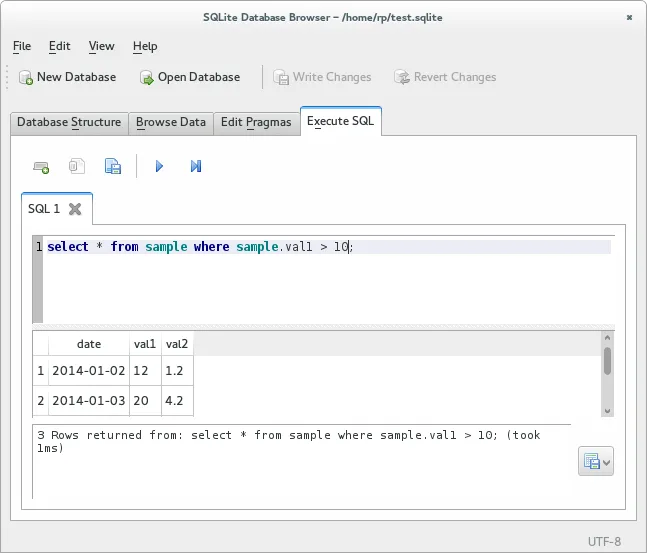
- Run arbitrary SQL queries and view results
- View a log of all executed SQL commands
Pros
- Free and open source
- Cross‑platform with native and Flatpak builds
- Intuitive spreadsheet‑like UI
- No need to learn complex SQL for basic tasks
Cons
- Limited support for advanced SQL features like triggers and views
- No built‑in backup or version control
- Occasional performance lag with very large databases
Windows programs DB Browser for SQLite replaces
How to install DB Browser for SQLite on Linux
flatpak install flathub org.sqlitebrowser.sqlitebrowserTips for Windows users
If you come from Access, note that DB Browser works directly with .sqlite or .db files; it does not support Access .mdb/.accdb formats. File imports are done via CSV or SQL dump, not through a wizard. Keyboard shortcuts are similar to standard GTK apps (Ctrl+S to save, Ctrl+F to find). The workflow is more linear: open a file, edit tables, then run SQL queries if needed, rather than navigating a multi‑tab interface.
Recent releases
- 3.13.1 —
- 3.13.0 —
- 3.12.2 —
- 3.12.1 —
DB Browser for SQLite: frequently asked questions
Can I use DB Browser to edit an existing SQLite database from a mobile app?
Yes, simply open the .sqlite file; the editor will display its tables and records. Make sure the file is not locked by another process.
Does DB Browser support SQLite triggers?
It can create and delete triggers, but the UI for editing trigger definitions is limited; you may need to use the SQL editor for complex triggers.
Is there a way to backup my database automatically?
The application does not provide automated backups, but you can copy the .sqlite file manually or use external scripts.
Can I install DB Browser via Snap?
No official Snap package exists; use the Debian/Ubuntu package or the Flatpak from Flathub.
Updated