

Linux · Programming
SQuirreL SQL Client
SQuirreL SQL Client is a Java‑based graphical client for any JDBC‑compliant database.
- License
- LGPL-2.1-or-later
- Latest version
- 4.8.0 (September 1, 2024)
- Developer
- Gerd Wagner
- Installs
- 147 (Flathub, 30 days)
What is SQuirreL SQL Client?
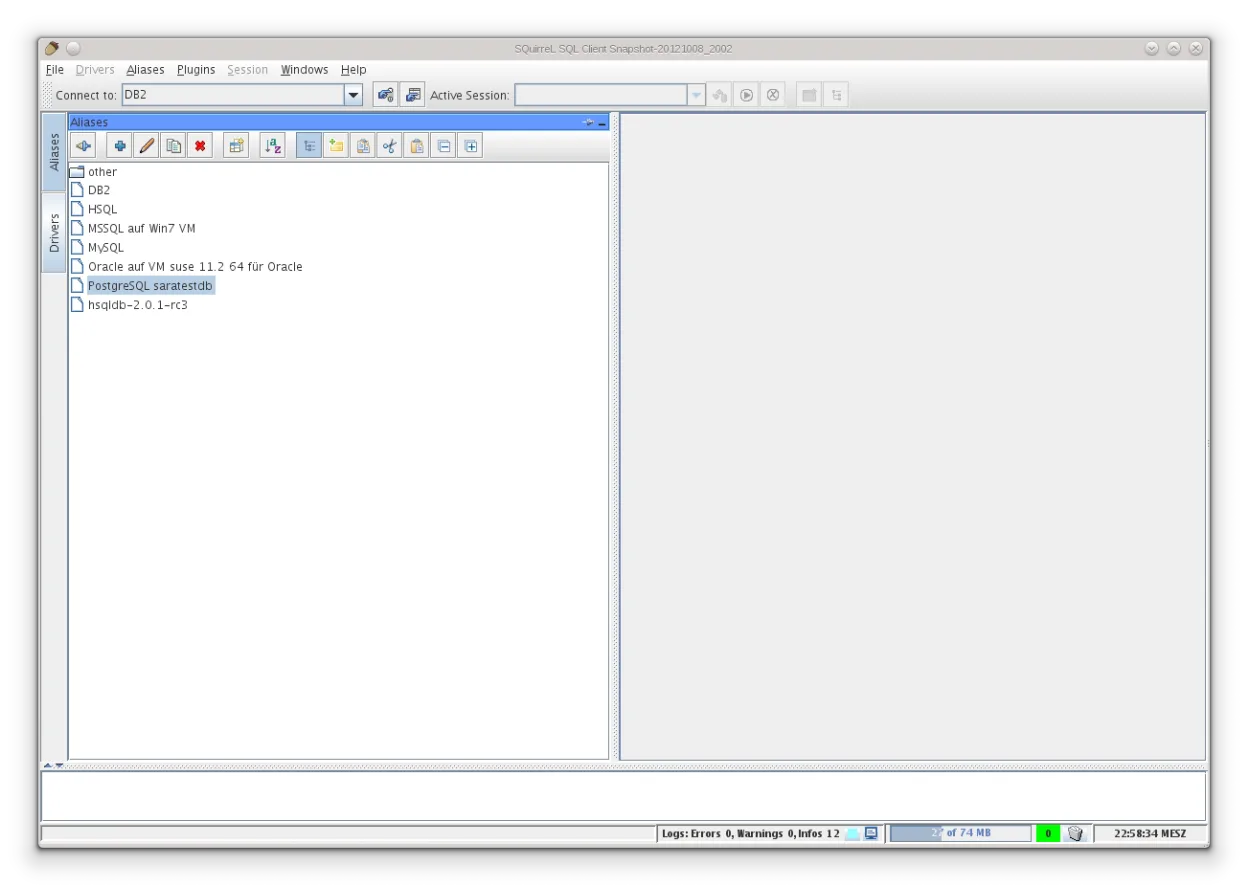
SQuirreL SQL Client is a mature, open‑source tool that has been around for many years. It runs on any platform with a Java runtime and supports a wide range of databases through built‑in JDBC drivers. The Flatpak on Flathub bundles drivers for MySQL, PostgreSQL, MariaDB, MSSQL, SQLite and several others, making it a handy all‑in‑one client.
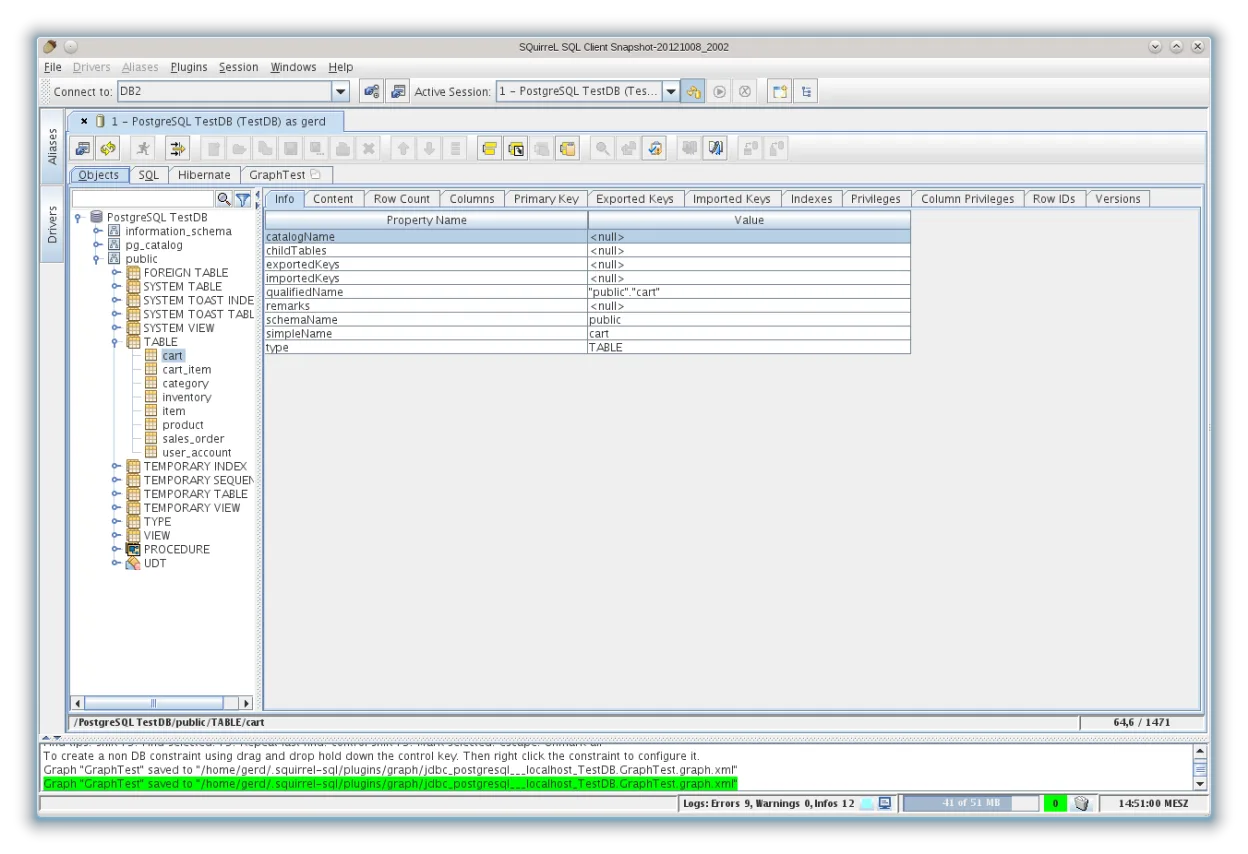
The client is aimed at developers, DBAs and anyone who needs to explore or manage databases without writing code. Its UI is classic Java Swing: multiple tabs, a tree view of schemas, and a simple SQL editor. It feels more utilitarian than the polished Windows‑only tools like SSMS, but it gets the job done and works consistently across Linux distros.
If you’re used to SQL Server Management Studio, expect a less integrated experience – you’ll have to configure connections manually and rely on generic shortcuts. However, the ability to connect to any JDBC source means you can manage MySQL, PostgreSQL or SQLite from the same window, which SSMS cannot do natively.
Best for: Anyone who needs a universal, lightweight SQL client on Linux and is comfortable with a classic Java UI.
Key features of SQuirreL SQL Client
- Supports dozens of JDBC drivers out of the box
- Schema browser with tree view of tables, views, procedures
- SQL editor with syntax highlighting and history
- Result set viewer with export to CSV/Excel
- Plugin architecture for extensions
- Cross‑platform Java Swing UI
- Ability to run scripts and batch commands
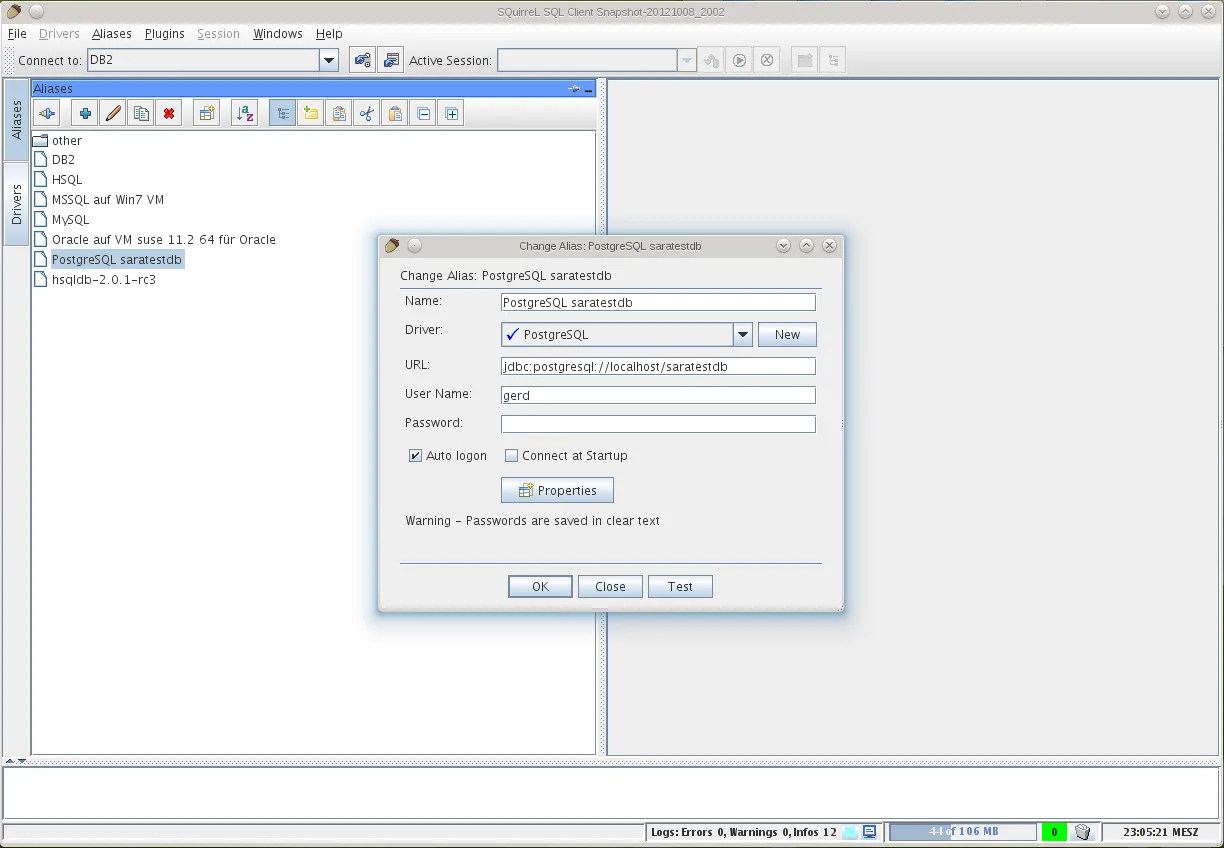
- Built‑in connection manager with saved profiles
Pros
- Works with virtually any JDBC‑compatible database
- Free and open source under LGPL‑2.1
- Single Flatpak package includes many drivers
- Lightweight compared to full IDEs
Cons
- Java Swing UI looks dated
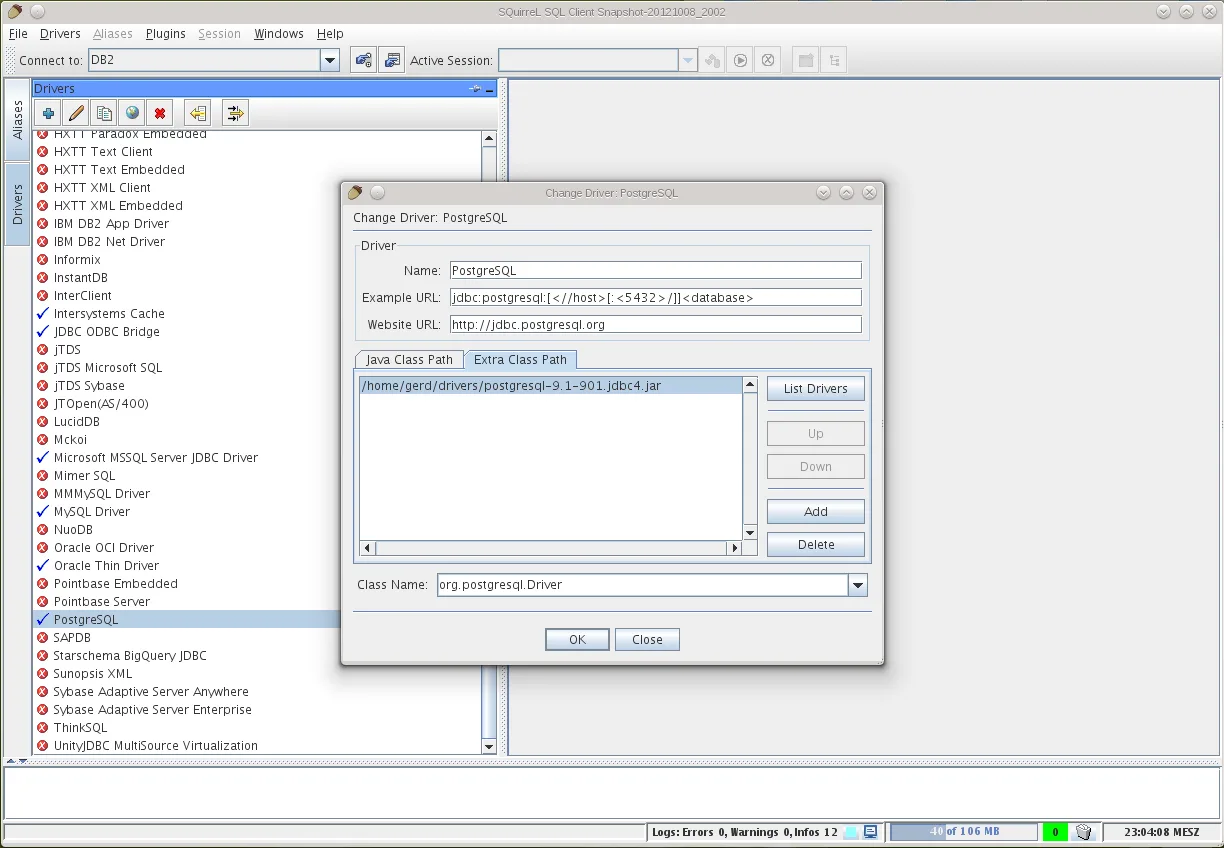
- Manual driver configuration can be cumbersome
- Limited visual query builder compared to SSMS
Windows programs SQuirreL SQL Client replaces
How to install SQuirreL SQL Client on Linux
flatpak install flathub net.sourceforge.squirrel_sqlTips for Windows users
When moving from SSMS, export your connection strings and saved queries as plain text; SQuirreL uses JDBC URLs, so you’ll need to adjust the format (e.g., jdbc:sqlserver://host;databaseName=...). Keyboard shortcuts are similar (Ctrl+Enter runs a query), but the UI lacks the ribbon – use the toolbar icons or right‑click menus. Export result sets to CSV if you need to open them in spreadsheets.
Recent releases
- 4.8.0 —
- 4.6.0 —
- 4.5.1 —
- 4.5.0 —
SQuirreL SQL Client: frequently asked questions
Can SQuirreL connect to Microsoft SQL Server on Linux?
Yes, it includes a Microsoft MSSQL JDBC driver; just provide the proper JDBC URL and credentials.
Do I need to install Java separately?
The Flatpak bundles its own Java runtime, so no extra installation is required.
Is there a way to save query history?
The SQL editor keeps a history of executed statements, accessible via the dropdown next to the Run button.
How do I add a driver that isn’t bundled?
Place the driver JAR in the SQuirreL "drivers" folder and register it through the Driver Manager dialog.
Updated