

Linux · Office
Trilium Notes
Trilium Notes is a hierarchical, self‑hostable note‑taking app for building personal knowledge bases.
- License
- AGPL-3.0-only
- Latest version
- 0.106.0 (September 25, 2026)
- Developer
- Trilium Notes Team
- Installs
- 5,038 (Flathub, 30 days)
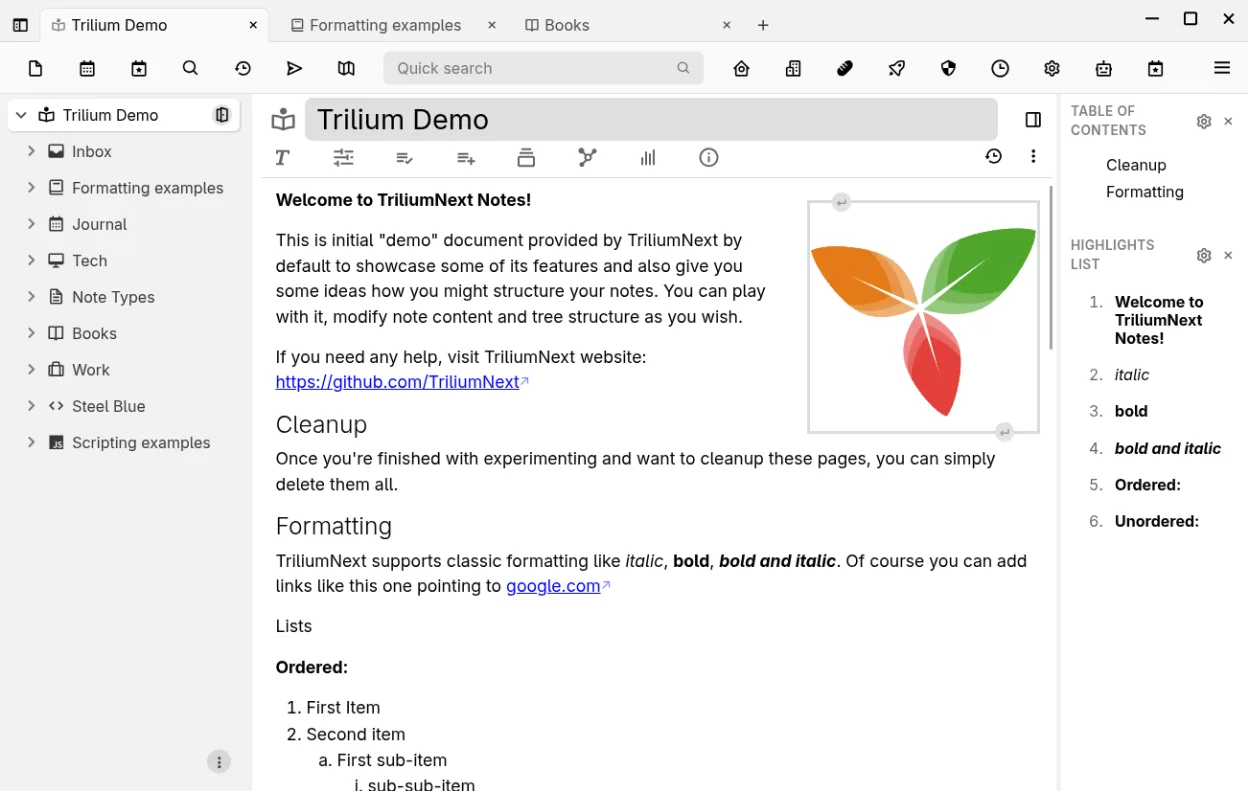
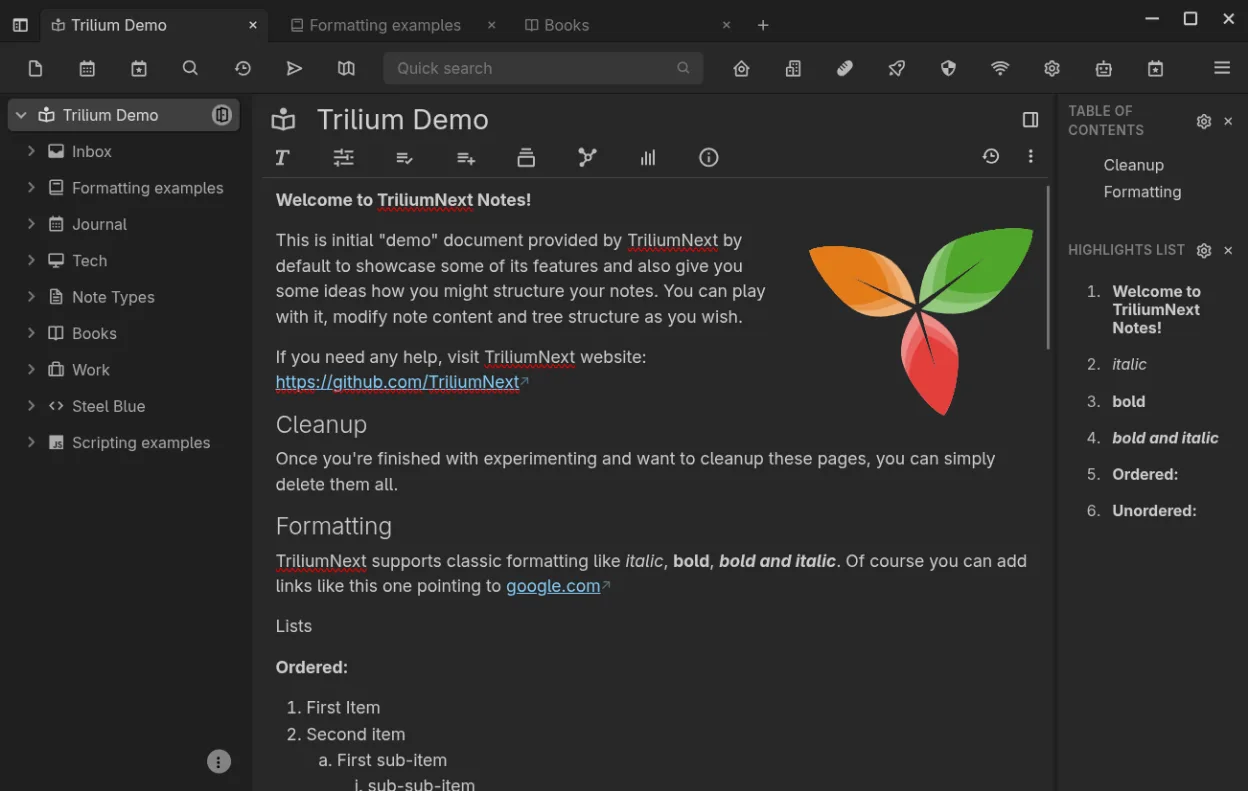
What is Trilium Notes?
Trilium Notes started as an open‑source project aimed at power users who need a deep, tree‑structured notebook. It has been actively maintained for several years and reached version 0.106.0 in 2026, showing a mature code base and regular updates. The app runs on Linux via Flatpak and works equally well on Windows and macOS, making migration straightforward.
The tool is geared toward people who want more control than typical cloud note apps provide. Researchers, developers, and anyone with thousands of inter‑linked notes appreciate its cloning, versioning, and per‑note encryption features. It feels more like a local database than a simple editor, so the learning curve is steeper than Notion but the payoff is speed and privacy.
Compared with Notion on Windows, Trilium lacks the slick drag‑and‑drop UI but compensates with instant navigation, full‑text search, and the ability to place a single note in multiple tree locations. It runs offline, syncs via a self‑hosted server, and lets you export to Markdown or Evernote formats, easing the switch for existing Notion users.
Best for: Power users who need a private, extensible, tree‑structured note system.
Key features of Trilium Notes
- Rich WYSIWYG editor with tables, images, math and markdown auto‑format
- Arbitrarily deep hierarchical tree with note cloning
- Full‑text search, note hoisting and relation/link maps
- Per‑note versioning and granular encryption
- Self‑hosted sync server and public publishing
- Syntax‑highlighted code editing and scripting support
- Evernote/Markdown import‑export and web clipper
- REST API for automation
Pros
- Handles very large knowledge bases efficiently
- Strong privacy with per‑note encryption
- Offline‑first with optional self‑hosted sync
- Highly customizable via scripting and attributes
Cons
- Interface is utilitarian, not as polished as Notion
- Steeper learning curve for casual users
- Sync setup requires a separate server component
Windows programs Trilium Notes replaces
How to install Trilium Notes on Linux
flatpak install flathub org.triliumnotes.TriliumTips for Windows users
Export your Notion pages as Markdown or HTML, then import them via Trilium's Evernote/Markdown import. Keyboard shortcuts differ – Trilium uses Ctrl+Alt for many actions, so re‑map your most used Notion shortcuts. Expect to spend a few sessions arranging the hierarchy and setting up the sync server; once done, navigation is faster than scrolling long Notion pages.
Recent releases
- 0.106.0 —
- 0.105.0 —
- 0.104.1 —
- 0.104.0 —
Trilium Notes: frequently asked questions
How do I install Trilium Notes on Linux?
Use the Flatpak from Flathub: flatpak install flathub com.github.zadam.trilium.
Can I sync notes between multiple Linux machines?
Yes, set up the built‑in sync server on one machine and point other clients to its URL.
Is there a mobile client for Trilium?
There is no official mobile app, but you can access notes through the web UI served by the sync server.
Does Trilium support encryption?
Each note can be encrypted individually with a password, providing fine‑grained security.
Updated