

Linux · Internet
Whatsie
Whatsie is a native Qt 6 desktop client for WhatsApp Web, offering system integration and privacy features beyond a browser.
- License
- MIT
- Latest version
- 6.1.1 (September 21, 2026)
- Developer
- Keshav Bhatt
- Installs
- 35,698 (Flathub, 30 days)
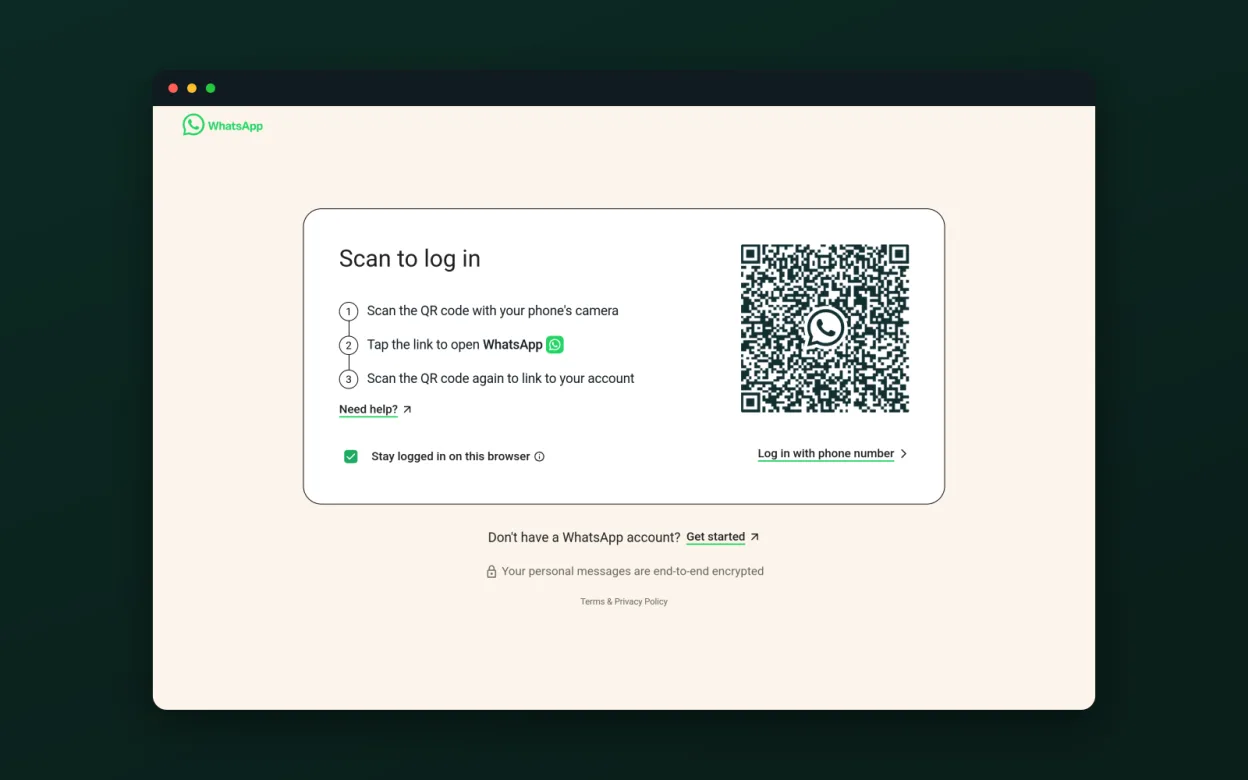
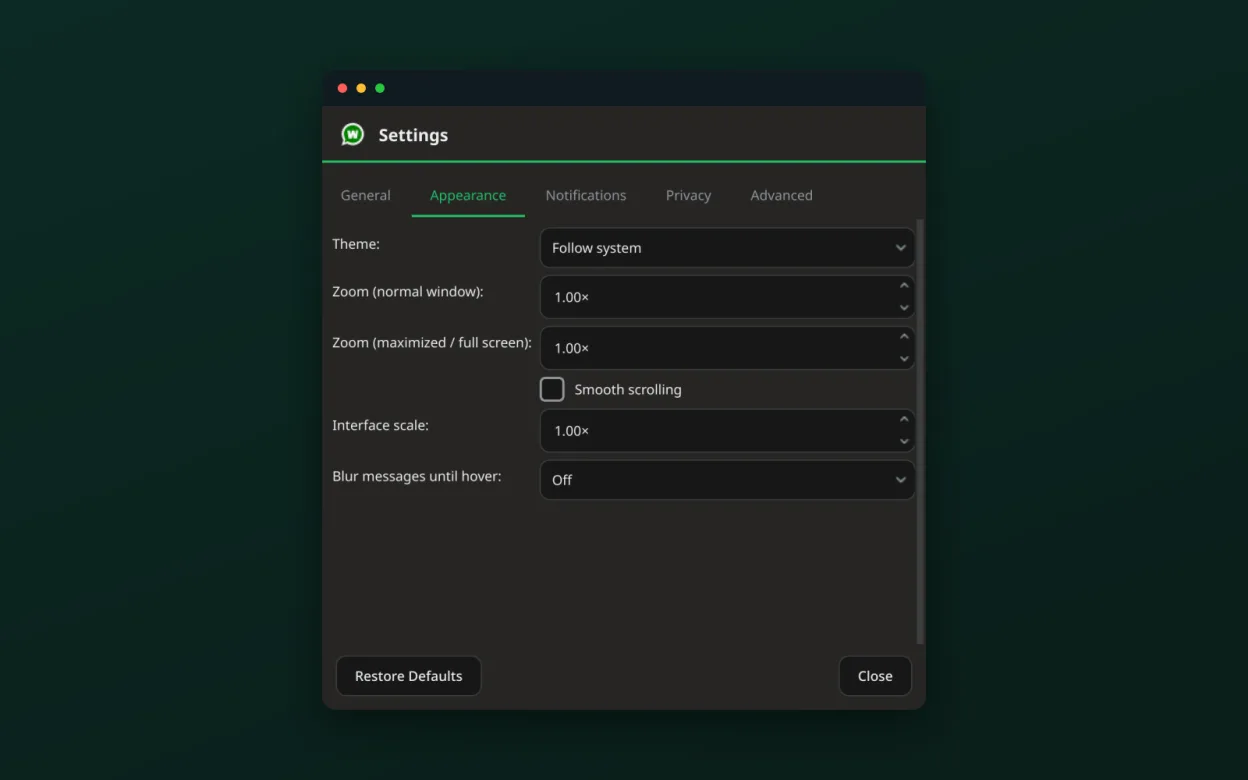
What is Whatsie?
Whatsie started as a lightweight wrapper around WhatsApp Web, released in 2022. Over the years it added native notifications, theme sync, and call support via Wayland portals. The app is built on Qt 6, making it fast and resource‑friendly.
It is aimed at Linux users who want a full desktop experience without the overhead of a browser. The single‑instance design and multiple‑account profiles fit power users and those who manage several WhatsApp numbers.
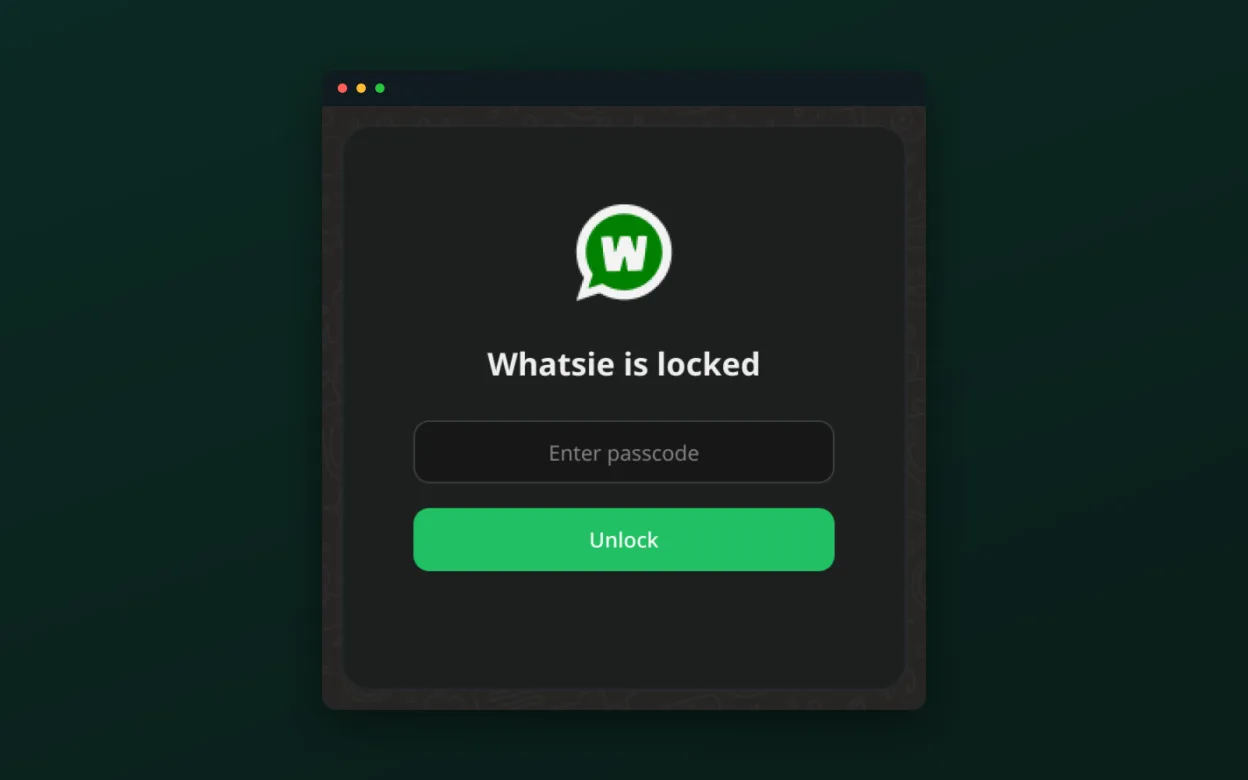
Compared to the official Windows desktop app, Whatsie feels more native: it runs from the system tray, respects dark mode, and lets you lock the window with a passcode. The interface is clean, but some advanced features like group admin controls are still missing.
Best for: Linux users who need a full‑featured WhatsApp client with privacy and system integration.
Key features of Whatsie
- Light/dark/system theme sync
- Desktop notifications with avatars
- Tray icon with unread badge and mute
- Voice, video, screen‑share calls via Wayland portal
- Built‑in download manager with history
- Spell check for system language
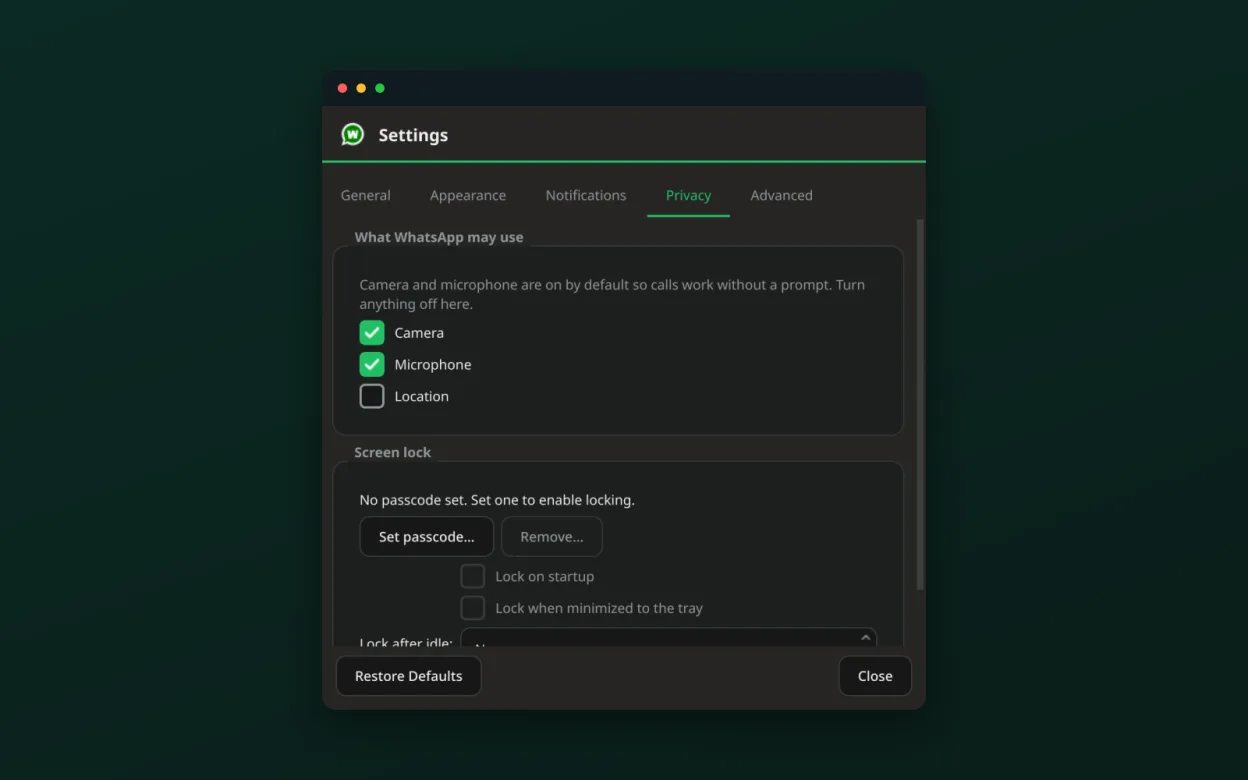
- App lock with passcode and idle timeout
- Privacy blur for messages
- Per‑site camera/microphone/location permissions
- HTTP/SOCKS5 proxy support
Pros
- Native desktop integration
- Fast and lightweight
- Strong privacy controls
- Multiple‑account support
- Open source
- Free
Cons
- No official WhatsApp support
- Limited call quality on older hardware
- Requires Qt 6 and Wayland for full features
- No built‑in media player for GIFs
- Learning curve for advanced settings
Windows programs Whatsie replaces
How to install Whatsie on Linux
flatpak install flathub com.ktechpit.whatsiesudo zypper install whatsieTips for Windows users
When moving from the Windows app, note that Whatsie stores settings in ~/.config/Whatsie and attachments in ~/.local/share/Whatsie/Downloads. Keyboard shortcuts differ: use Ctrl+Shift+N for a new chat, Ctrl+Shift+S to mute, and Ctrl+Shift+L to lock. The app does not support the Windows‑style "pin to taskbar"; instead use the system tray icon. Calls are handled via the desktop portal, so make sure your Wayland session has the correct permissions.
Recent releases
- 6.1.1 —
Fixes and small improvements: - The interface now follows the desktop's light/dark preference reliably on Linux, including after resuming from sleep, instead of sometimes starting or reverting to light - After resuming from sleep with the connection briefly…
- 6.1.0 —
New features: - Whatsie's interface can now be translated — German, Spanish, French, Italian, Portuguese (Brazil) and Russian are included; pick one in Settings → General, or leave it on Automatic to follow your system - The unread message count now appears…
- 6.0.4 —
Fixes: - Spell check no longer silently fails to load its dictionaries, and you can now add languages yourself from Settings → Advanced → Spell check - On NVIDIA graphics under Wayland, Whatsie falls back to software rendering automatically instead of showing…
- 6.0.3 —
Fixes and small improvements: - Drag-and-drop now shows a "Drop files to send" hint and, when a file can't be attached, explains why instead of doing nothing - The system-tray tooltip now reads "Whatsie" - Bug-report diagnostics include the CPU architecture
Whatsie: frequently asked questions
Does Whatsie support group chats?
Yes, it supports all group chat features available on WhatsApp Web, including adding and removing members.
Can I use Whatsie on X11?
It runs on X11, but some features like screen‑share calls require Wayland and the desktop portal.
How do I set a proxy?
Open Settings → Network → Proxy and enter your HTTP/SOCKS5 details; authentication is supported.
Is there a way to auto‑start Whatsie?
Enable the "Autostart at login" option in Settings; it will launch minimized to the tray.
Updated