

Linux · Office
WPS Office
WPS Office is a proprietary office suite for Linux offering Writer, Presentation, and Spreadsheets, compatible with Microsoft Office formats.
- License
- LicenseRef-proprietary=https://www.wps.c…
- Latest version
- 11.1.0.11723 (February 22, 2024)
- Developer
- Kingsoft Office Corporation
- Installs
- 19,455 (Flathub, 30 days)
What is WPS Office?
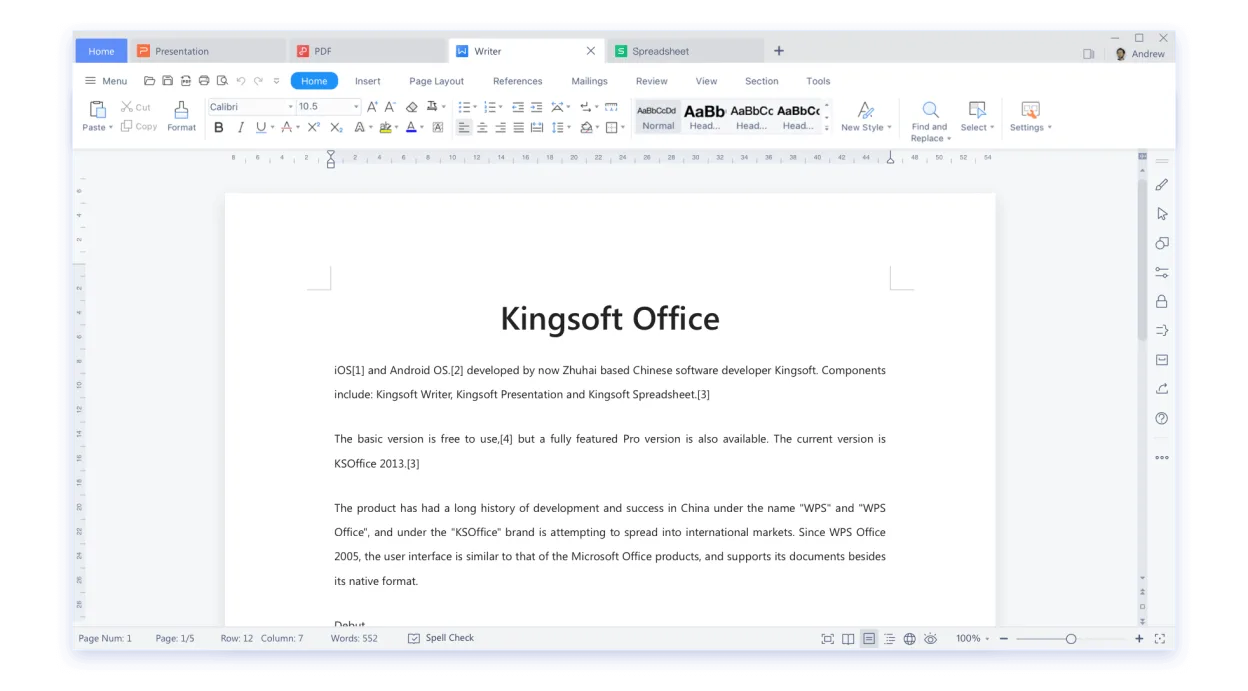
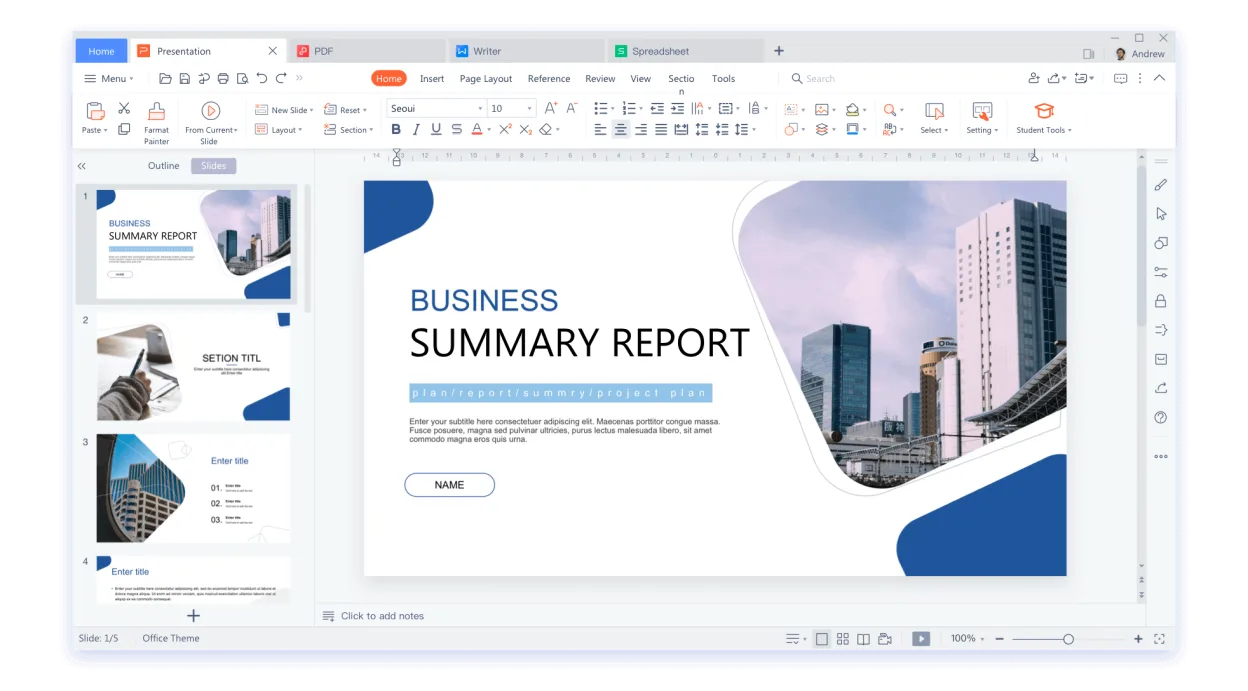
WPS Office has been around for over a decade, originally targeting Windows and Android users before being packaged for Linux via Flathub. The suite bundles a word processor, slide creator, and spreadsheet tool that aim to mirror the look and feel of Microsoft Office, while keeping the installation footprint modest. Its latest release (11.1.0.11723) shows the project is still actively maintained.
The suite is aimed at users who need a familiar Office experience without buying Microsoft 365. It works well for students, small businesses, and anyone who exchanges .docx, .xlsx, or .pptx files regularly. Because the UI mimics the ribbon layout of Office, the learning curve is shallow for former Windows users.
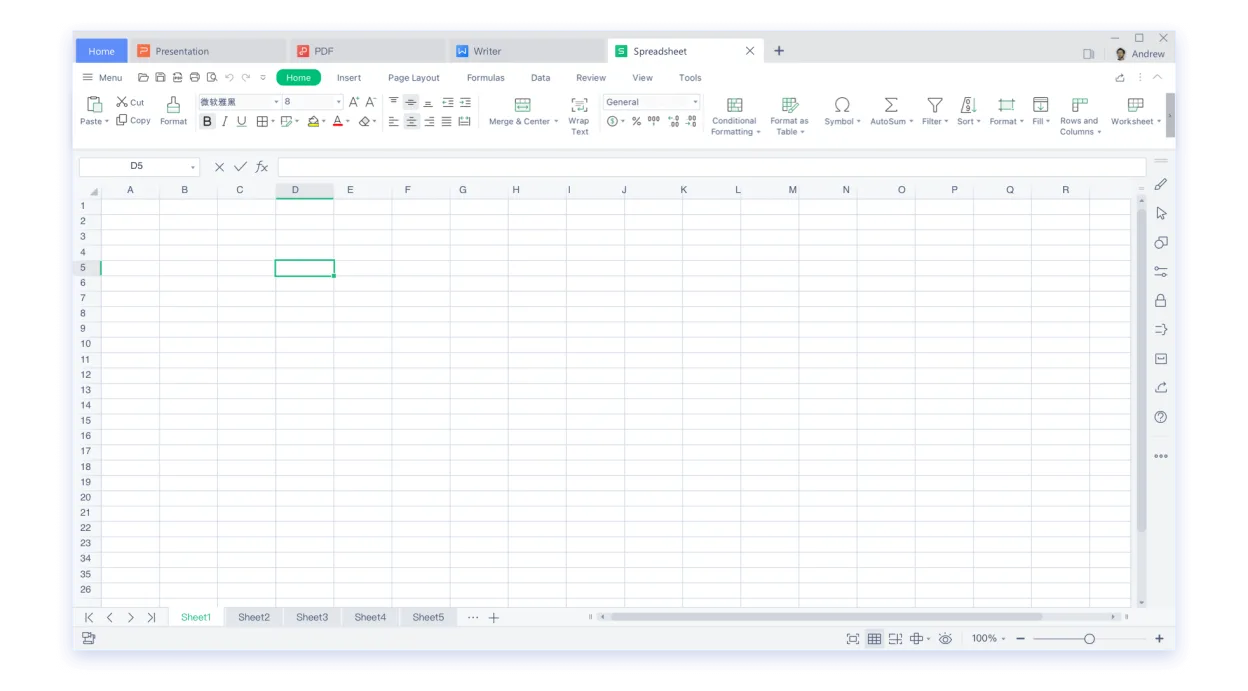
On Linux, WPS Office feels like a native application: it integrates with desktop menus, supports drag‑and‑drop, and respects system themes. Compared with Microsoft Excel Mobile, the spreadsheet component is more feature‑rich, offering formulas, pivot tables, and charting, though it lacks some of the cloud‑centric collaboration features of the Microsoft 365 suite.
Best for: Linux users who need a Microsoft‑compatible office suite without the cost of Microsoft 365.
Key features of WPS Office
- Writer: full‑featured word processor with template library
- Spreadsheets: formula support, pivot tables, charting
- Presentation: slide editor with transitions and animations
- High compatibility with .docx, .xlsx, .pptx files
- Ribbon‑style UI similar to Microsoft Office
- PDF export and basic editing
- Cloud storage integration (WPS Cloud, Google Drive, OneDrive)
- Multi‑language interface
Pros
- Very good compatibility with Microsoft Office documents
- Familiar ribbon UI reduces training time
- Free tier provides all core functionality
- Lightweight compared to full Microsoft Office
Cons
- Proprietary license; source code not available
- Free version shows ads and limits some advanced features
- Cloud sync features require a WPS account
Windows programs WPS Office replaces
How to install WPS Office on Linux
flatpak install flathub com.wps.OfficeTips for Windows users
Most file formats (.docx, .xlsx, .pptx) open directly; you can keep using familiar shortcuts like Ctrl+S and Ctrl+Z. The ribbon layout is similar, but some menus are renamed (e.g., "Home" instead of "Start"). Export to PDF from any module via File → Export. If you rely on cloud collaboration, consider linking your WPS Cloud or OneDrive account, or keep using a separate service for real‑time editing.
Recent releases
- 11.1.0.11723 —
- 11.1.0.11719 —
- 11.1.0.11698 —
- 11.1.0.11691 —
WPS Office: frequently asked questions
Can WPS Office open LibreOffice files?
Yes, it can open .odt, .ods, and .odp files, though complex formatting may not always translate perfectly.
Is there a way to remove ads in the free version?
Ads are part of the free tier; they can only be removed by purchasing a premium subscription.
Does WPS Office support macros in spreadsheets?
It supports basic VBA‑compatible macros, but advanced macro features may be limited compared to Microsoft Excel.
How do I install WPS Office on a non‑Flathub distro?
You can download the .deb or .rpm packages from the official WPS website and install them with your package manager.
Updated