

Windows · Graphics
Best Linux alternatives to Paint.NET
Paint.NET is a free Windows raster graphics editor that sits between basic paint tools and professional suites.
Updated
Quick answer
The best Linux alternative to Paint.NET is Pinta. Other strong options: paint-mono.
2 Linux alternatives to Paint.NET
-

Pinta is a free, open‑source bitmap editor that mimics Paint.NET with a simple interface and layer support.
Pinta is a direct, lightweight replacement for Paint.NET on Linux. It targets the same user base: people who need layers and basic effects without the complexity of GIMP. If you rely on Paint.NET for quick edits, web graphics, or simple compositing, Pinta covers most of that workflow. It lacks the…
Feature parity85% -
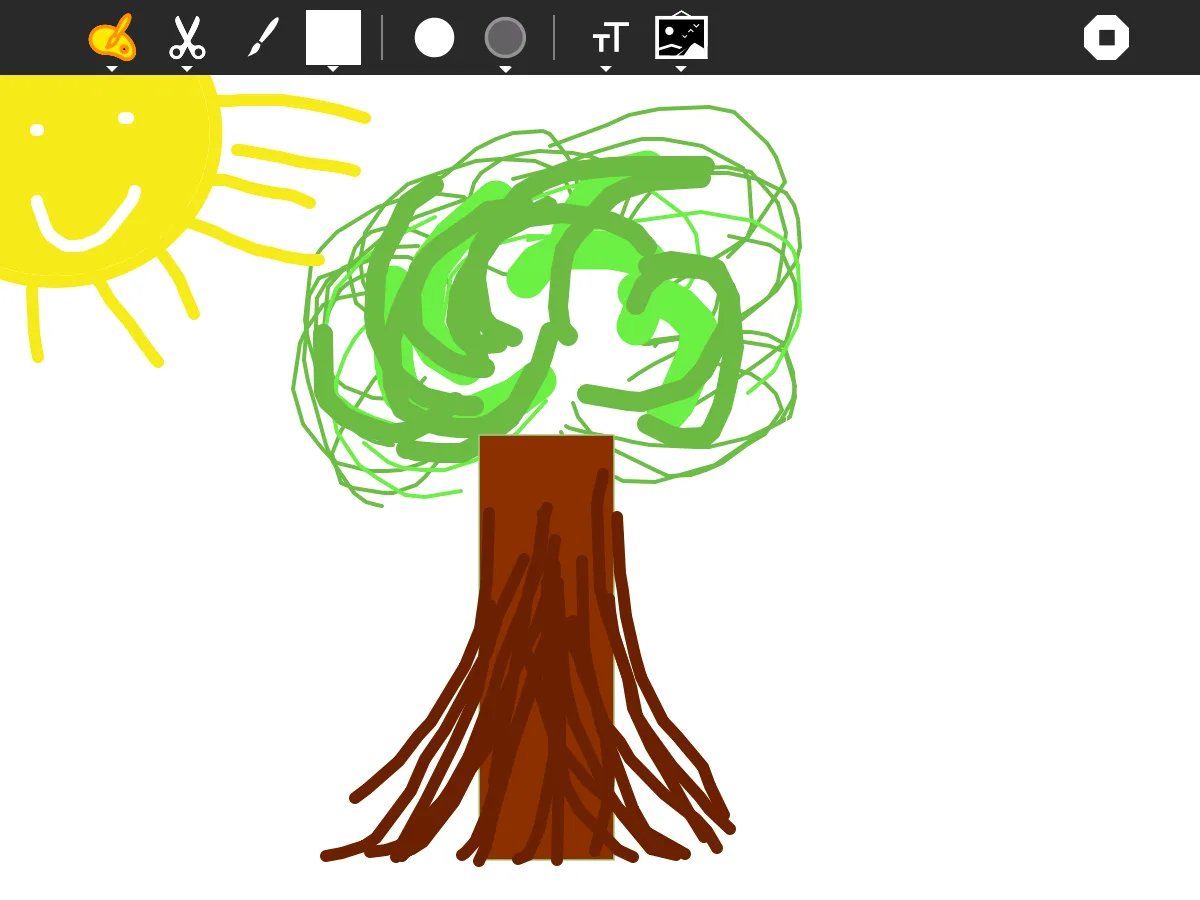
Paint-mono is a lightweight, GPL‑licensed raster editor for Linux, inspired by Paint.NET and built on the Mono framework.
Paint-mono is a functional but limited replacement for Paint.NET. It covers the basics: layers, simple drawing, and common format support. However, it lacks the depth of adjustments, effects, and plugin ecosystem that make Paint.NET useful for serious editing. If you only need quick sketches, basic…
Feature parity45%


What is Paint.NET?
Paint.NET is a Windows‑only image editor used by hobbyists, educators, and light‑weight designers who need more than MS Paint but don’t require the full power of Photoshop. It offers layer support, basic effects, and an extensible plugin system, making it popular for quick edits, tutorials, and small projects.
The program is distributed as freeware and is built on the .NET framework, meaning it can be used without purchasing a license. Its source code is partially open, but the official binaries are released under a permissive license for personal use.
Linux users often look for a replacement because Paint.NET runs only on Windows, and many prefer native Linux tools that integrate with their desktop environment, package managers, and workflow without relying on compatibility layers.
What a replacement for Paint.NET must do
- Raster image editing with layers
- Basic drawing tools (brush, shapes, text)
- Adjustments and effects (brightness, contrast, blur)
- Plugin support for extensibility
- Simple, intuitive UI
- Support for common formats (PNG, JPEG, BMP, TIFF)
- Ability to handle modest file sizes quickly
Can you run Paint.NET on Linux?
There is no native Linux build of Paint.NET. It can be run through Wine or a similar compatibility layer, but performance and integration vary. No official web version exists, and Proton/Bottles may work for some users, though results are not guaranteed.
Which alternative should you choose?
For a straightforward, Paint.NET‑like experience, try Pinta; it mimics the UI and offers comparable layer and effect features. If you need a more extensible environment with a broader plugin ecosystem, paint‑mono provides a .NET‑based editor that runs natively on Linux.
Moving your Paint.NET files and habits
Paint.NET saves files in standard raster formats such as PNG, JPEG, BMP, and its own .pdn format. All listed Linux alternatives can open these common formats directly. To preserve layers, export from Paint.NET as a PSD or PNG with alpha, which Pinta and paint‑mono can import, though some complex layer effects may need manual adjustment.
Side-by-side comparison
| App | License | Flatpak | Latest version | Feature parity | Rating |
|---|---|---|---|---|---|
| Pinta | MIT | ✓ | 3.1.2 | 85% | 5/5 |
| paint-mono | GPL-2.0-or-later | ✓ | 71 | 45% | — |
Paint.NET: frequently asked questions
Can I run the official Paint.NET on Linux without Wine?
No, Paint.NET has no native Linux version; you must use Wine or a similar compatibility layer.
Is Pinta a drop‑in replacement for Paint.NET?
Pinta matches most core features and the UI layout, making the transition easy for typical Paint.NET users.
Does paint‑mono support plugins like Paint.NET?
paint‑mono supports a limited set of plugins; it is less extensive than Paint.NET’s ecosystem.
Will my .pdn files retain layers when opened in Pinta?
Pinta cannot read .pdn files directly; export to PSD or PNG with layers from Paint.NET first.
How important is Paint.NET to you?
Know a better alternative? Suggest an alternative