 Proton PassLinux
vs
KeePassXCWindows
Proton PassLinux
vs
KeePassXCWindows
Proton Pass as a Linux alternative to KeePassXC
Updated
Our verdict
Proton Pass is a solid alternative if you value cloud sync and built-in 2FA over strict local-only storage. It is not a direct drop-in replacement because it relies on Proton's infrastructure for synchronization, whereas KeePassXC is fully offline. If you need a database that works without any network connection or account, stick with KeePassXC. However, if you want a free, open-source manager with cross-device sync, breach checks, and 2FA codes without paying for a subscription, Proton Pass is a strong choice for most users who do not require hardware key support for the database itself.
- License
- GPL-3.0
- Price
- Free
- Latest version
- 1.42.0 (October 13, 2026)
- Rating
- —
What works the same
- Both are open-source password managers.
- Both offer end-to-end encryption for stored credentials.
- Both support cross-platform usage on Linux, Windows, and macOS.
- Both include browser extensions for autofill.
- Both are free to use for core functionality.
What is different
- Proton Pass requires a Proton account and cloud sync; KeePassXC is fully local.
- KeePassXC supports YubiKey hardware key integration; Proton Pass does not list this as a core feature.
- Proton Pass includes built-in 2FA TOTP generation; KeePassXC requires a separate plugin or app for this.
- Proton Pass offers password breach checks and strength analysis; KeePassXC focuses on database integrity.
- Proton Pass stores data in Proton Drive; KeePassXC stores files locally or on user-chosen sync targets.
Opening your KeePassXC files
Proton Pass does not natively open or edit KeePass (KDBX) files. You cannot directly import a KeePassXC database into Proton Pass via a file import feature. Migration requires exporting credentials from KeePassXC (e.g., to CSV) and manually or script-based importing them into Proton Pass, which will lose metadata like custom fields or attachments unless specifically supported by the import tool.
Switching from KeePassXC to Proton Pass, step by step
- Export your KeePassXC database to a CSV file, selecting all entries.
- Create a Proton account if you do not already have one.
- Install Proton Pass on your Linux system via Flathub or native package.
- Use Proton Pass's import feature to upload the CSV file.
- Verify that all usernames, passwords, and URLs imported correctly.
- Delete the local CSV file securely after successful import.
Key features of Proton Pass
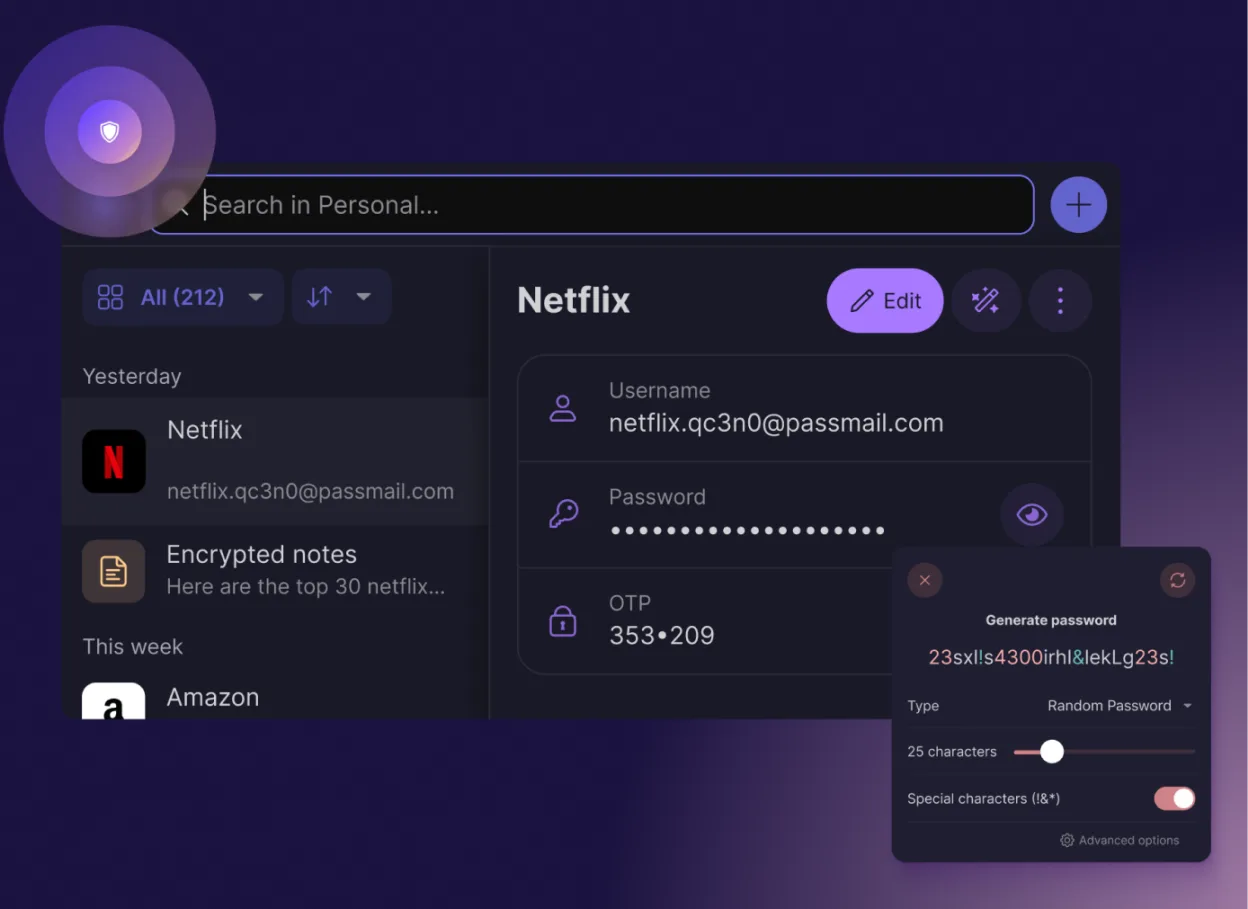
- End‑to‑end encryption of all fields
- Cross‑platform sync via Proton Drive
- Built‑in 2FA code generator
- Password strength and breach checks
- Secure notes and email alias creation
- Open‑source code audited by the community
- No ads or data collection
- Free forever with optional paid plan
How to install Proton Pass on Linux
flatpak install flathub me.proton.PassFrequently asked questions
Can I use Proton Pass without an internet connection?
No. Proton Pass relies on Proton Drive for synchronization and account verification. While it caches data locally for some operations, it is not designed as a fully offline, local-only database like KeePassXC.
Does Proton Pass support YubiKey?
Proton Pass does not currently list direct YubiKey integration for unlocking the password database itself. It supports 2FA codes, but hardware key authentication for the manager is not a primary feature compared to KeePassXC.
Is my data stored in the cloud?
Yes. Proton Pass stores your encrypted data in Proton Drive. While it is end-to-end encrypted, the data resides on Proton's servers, unlike KeePassXC where you control the file location entirely.