 Proton PassLinux
vs
LastPassWindows
Proton PassLinux
vs
LastPassWindows
Proton Pass as a Linux alternative to LastPass
Updated
Our verdict
Proton Pass is a strong, honest replacement for LastPass, especially if you value open-source transparency and Swiss privacy laws. It covers the core needs: secure storage, generation, and browser autofill. The main trade-off is that it lacks some advanced team management features found in LastPass's paid tiers, making it better for individuals or small teams than large enterprises. If you are comfortable with a newer ecosystem and want to avoid proprietary cloud dependencies, this is a solid choice. It is not a drop-in replacement for complex corporate workflows, but for personal use, it performs the same job effectively.
- License
- GPL-3.0
- Price
- Free
- Latest version
- 1.42.0 (October 13, 2026)
- Rating
- —
What works the same
- End-to-end encrypted storage of credentials
- Browser extensions for autofill on major browsers
- Strong password generation and strength checking
- Cross-platform synchronization across devices
- Secure sharing capabilities for limited groups
What is different
- Proton Pass is fully open-source (GPL-3.0), while LastPass is proprietary
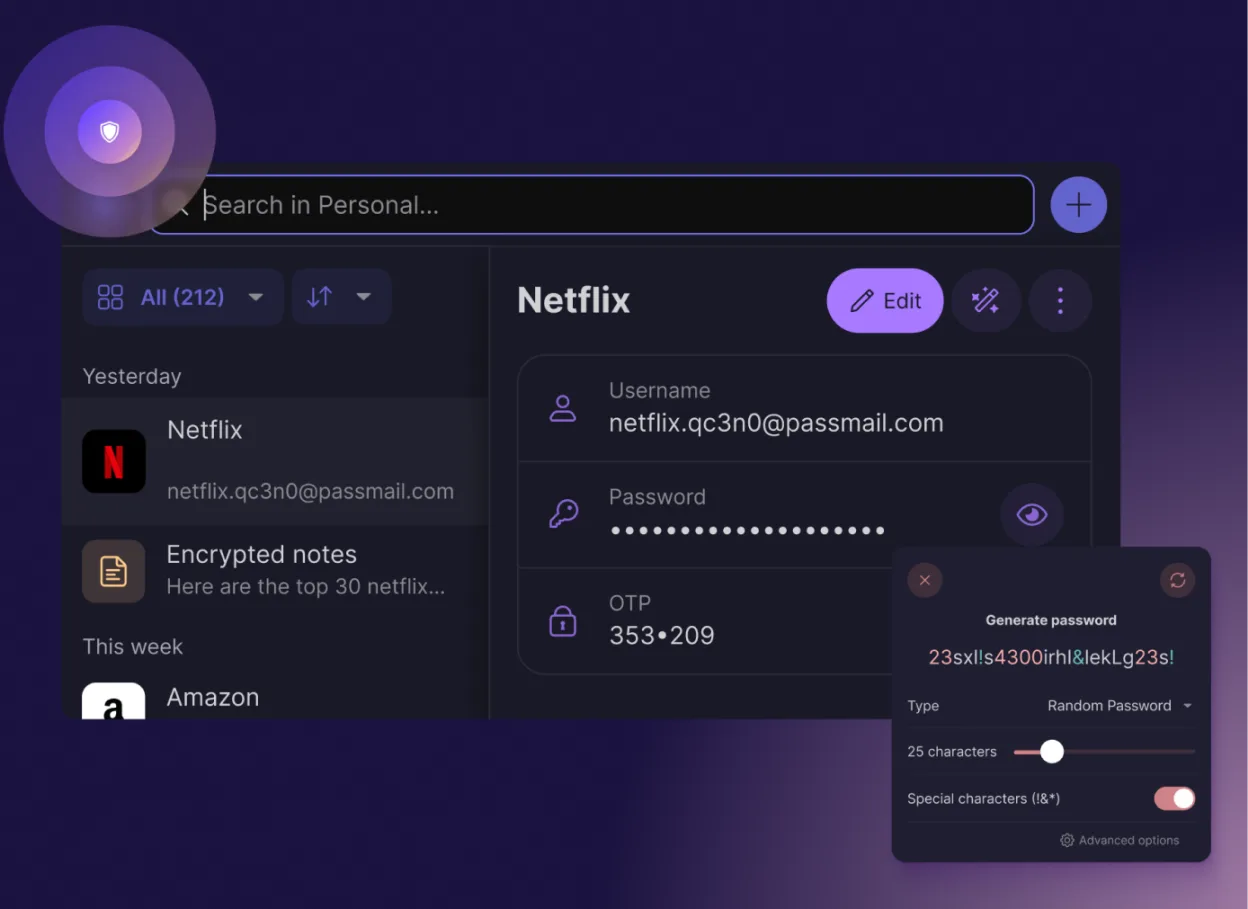
- Proton Pass includes built-in 2FA TOTP code generation for free
- LastPass has more mature enterprise directory integration and SSO options
- Proton Pass relies on Proton Drive infrastructure for sync, creating a dependency on Proton's ecosystem
- LastPass offers more granular permission controls for large team hierarchies
Opening your LastPass files
Proton Pass does not directly open LastPass .csv exports with the same level of metadata fidelity, but you can import a standard CSV file from LastPass. Export your data from LastPass first (Settings > Security > Export), then use Proton Pass's import function. Note that some specific LastPass fields or custom categories may not map perfectly to Proton Pass's structure, so verify your imported entries.
Switching from LastPass to Proton Pass, step by step
- Export your LastPass vault as a CSV file from the LastPass web interface or desktop app.
- Install Proton Pass via Flathub or your package manager and create an account.
- Open Proton Pass and navigate to the import settings.
- Select the LastPass CSV file you exported.
- Review the imported entries to ensure usernames and URLs are correct.
- Delete the LastPass CSV file from your local storage for security.
Key features of Proton Pass
- End‑to‑end encryption of all fields
- Cross‑platform sync via Proton Drive
- Built‑in 2FA code generator
- Password strength and breach checks
- Secure notes and email alias creation
- Open‑source code audited by the community
- No ads or data collection
- Free forever with optional paid plan
How to install Proton Pass on Linux
flatpak install flathub me.proton.PassFrequently asked questions
Is Proton Pass really free?
Yes, the core password manager is free forever with unlimited entries. Paid plans exist to support development and offer premium features like larger storage for Proton Drive, but basic password management does not require payment.
Can I use Proton Pass without a Proton Mail account?
No, you need a Proton account to use Pass. However, you can create a free Proton Mail account specifically for this purpose if you do not already have one. The account serves as your identity for the Proton ecosystem.
Does it work offline?
Yes, once your data is synced to your device, you can access and use your passwords offline. Changes made offline will sync automatically once you reconnect to the internet.