
Windows · Others
Best Linux alternatives to KeePassXC
KeePassXC is a free, open-source, cross-platform password manager that stores encrypted credentials locally in the KeePass format.
Updated
Quick answer
The best Linux alternative to KeePassXC is Bitwarden. Other strong options: Proton Pass.
2 Linux alternatives to KeePassXC
-

Bitwarden is an open‑source password manager that syncs encrypted vaults across all your devices.
Bitwarden is a solid replacement for KeePassXC if you prioritize cross-device sync and browser autofill over strict local-only storage. It handles the core job of secure password management well, offering AES-256 encryption and an open-source client. However, it is not a perfect 1:1 swap. If you…
Feature parity85% -
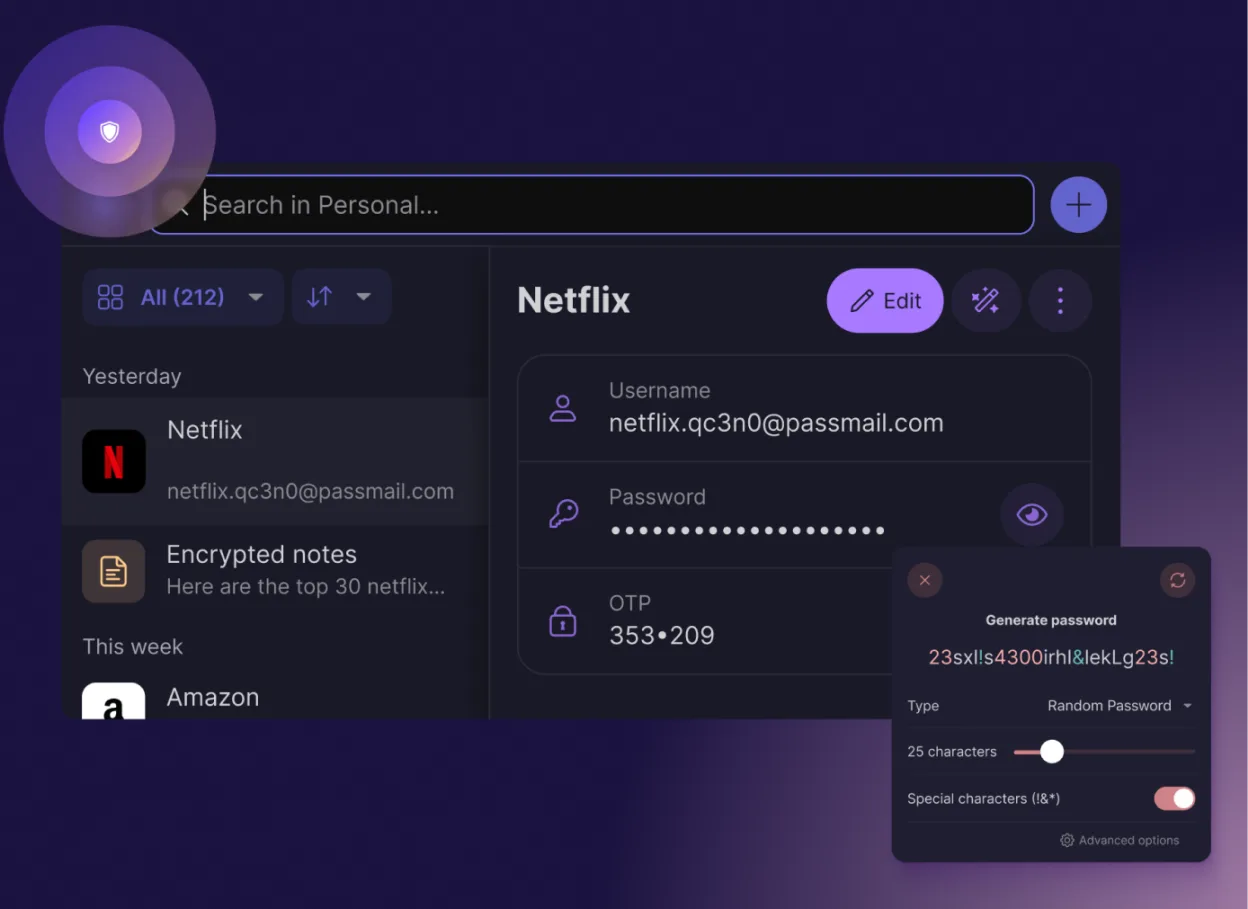
Proton Pass is a free, open‑source, end‑to‑end encrypted password manager for Linux, built by Proton AG.
Proton Pass is a solid alternative if you value cloud sync and built-in 2FA over strict local-only storage. It is not a direct drop-in replacement because it relies on Proton's infrastructure for synchronization, whereas KeePassXC is fully offline. If you need a database that works without any…
Feature parity85%


What is KeePassXC?
KeePassXC is a desktop application designed for individuals and organizations who need secure, offline storage for passwords, API keys, and secure notes. It appeals to users who prefer local-first security over cloud-based services, giving them full control over their data without relying on third-party servers or internet connectivity for daily access.
The software is completely free and open-source, licensed under the GNU General Public License. There are no subscription fees, premium tiers, or hidden costs. Development is community-driven, funded by donations, ensuring that the tool remains accessible to everyone regardless of budget or technical background.
Since the original KeePass application was primarily Windows-focused, Linux users often seek native alternatives that do not require Wine or complex workarounds. KeePassXC addresses this by providing a native Linux build, ensuring better integration with desktop environments, faster launch times, and a more polished user experience compared to running Windows software in a compatibility layer.
What a replacement for KeePassXC must do
- Local encrypted database storage
- Cross-platform compatibility (Linux, Windows, macOS)
- Open-source code transparency
- No cloud dependency for core functionality
- Browser integration for autofill
- Hardware key support (YubiKey)
- Automatic lock and timeout features
Can you run KeePassXC on Linux?
KeePassXC has a native Linux version. It is built using the Qt toolkit, which means it integrates well with major desktop environments like GNOME, KDE, and XFCE. You do not need Wine, Proton, or Bottles to run it. You can install it via your distribution’s package manager (such as apt, dnf, or pacman) or download the AppImage from the official website. It is a first-class citizen on Linux, not a port or emulation.
Which alternative should you choose?
KeePassXC is the best choice if you want a fully offline, local-first solution with no account creation required. Bitwarden is a better fit if you need cloud synchronization across multiple devices and platforms without managing file transfers manually. Proton Pass is suitable for users already in the Proton ecosystem who want a password manager integrated with their email and identity services, though it is more limited in feature set compared to the other two.
Moving your KeePassXC files and habits
KeePassXC uses the standard KeePass XML file format (.kdbx), which is highly compatible. If you are coming from the original KeePass, you can simply open your existing database file directly in KeePassXC without conversion. You can also import from other managers like LastPass or 1Password using their CSV export features. For Bitwarden or Proton Pass, you would typically export your KeePassXC database to CSV and then import that into the new service, though this may lose some advanced metadata like attachments or custom fields.
Side-by-side comparison
| App | License | Flatpak | Latest version | Feature parity | Rating |
|---|---|---|---|---|---|
| Bitwarden | LicenseRef-proprietary=https… | ✓ | 2026.10.0 | 85% | — |
| Proton Pass | GPL-3.0 | ✓ | 1.42.0 | 85% | — |
KeePassXC: frequently asked questions
Is KeePassXC safe to use offline?
Yes. The database is encrypted locally on your device. As long as you keep your master password and file secure, your data is protected. There is no server to hack because the data never leaves your machine unless you explicitly sync it.
Can I sync KeePassXC between my laptop and phone?
KeePassXC itself does not have built-in cloud sync. You must use a third-party sync service like Syncthing, Nextcloud, or Dropbox to move the .kdbx file between devices. Ensure you enable file locking to prevent data corruption during sync.
Does it work on older Linux distributions?
Yes, but you may need to update your Qt libraries. Most modern distributions include it in their repositories. If your distro is very old, you might need to compile it from source or use the AppImage, which bundles its own dependencies.
What happens if I forget my master password?
There is no recovery. Because the encryption is local and strong, neither the developers nor anyone else can recover your password. You must back up your database file and remember your master password. Consider using a password manager to store the master password itself.
How important is KeePassXC to you?
Know a better alternative? Suggest an alternative