 RetroArchLinux
vs
Dolphin EmulatorWindows
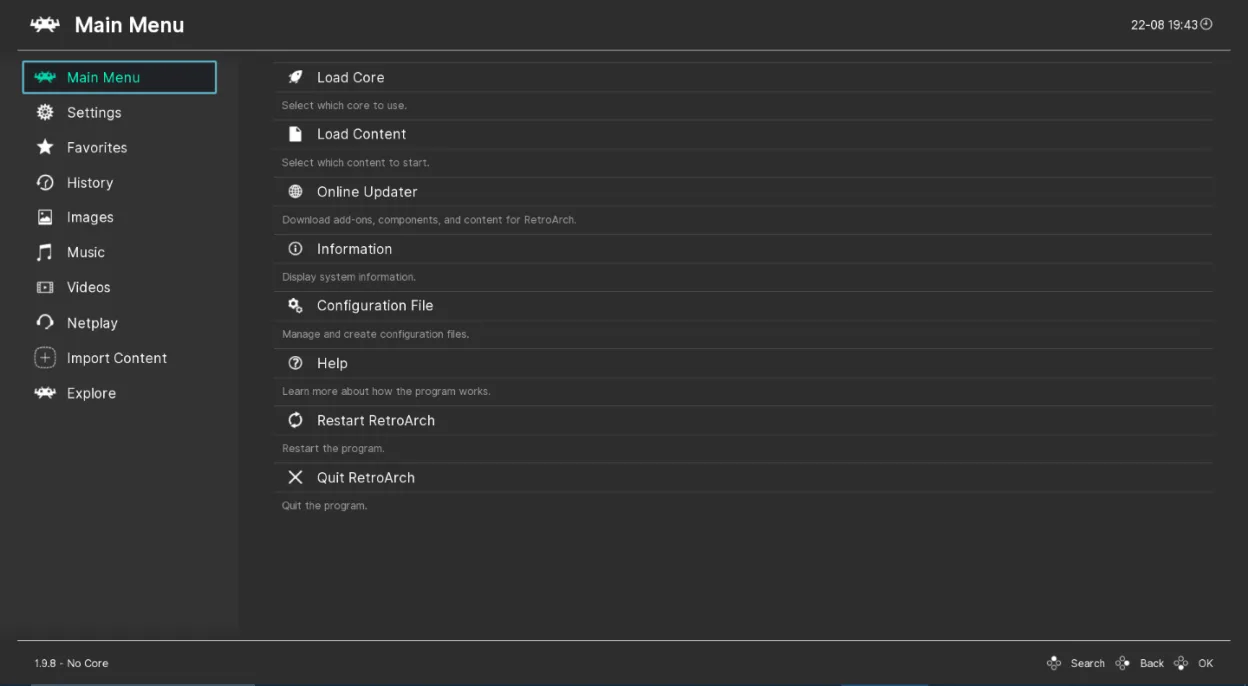
RetroArch as a Linux alternative to Dolphin Emulator
Updated
Our verdict
RetroArch is a partial replacement for Dolphin, suitable only if you prioritize unified settings and shaders over raw GameCube/Wii performance. Dolphin remains superior for high-end hardware emulation due to dedicated optimization. Use RetroArch if you want one interface for multiple consoles and accept potential input lag or lower frame rates in Wii titles. It is not a drop-in swap for competitive players or those needing specific Wii U support, but works well for casual GameCube play with proper core selection.
- License
- GPL-3.0-or-later
- Price
- Free
- Latest version
- 1.22.2 (November 22, 2025)
- Rating
- —
What works the same
- Both support netplay for online multiplayer.
- Both offer save states and memory card management.
- Both support controller and keyboard input.
- Both are free and open-source.
- Both support graphics acceleration via OpenGL or Vulkan.
What is different
- RetroArch lacks dedicated GameCube/Wii optimization, potentially causing performance issues.
- Dolphin supports Game Boy Player and Triforce; RetroArch cores may not.
- RetroArch uses Libretro cores, which may lag behind Dolphin in feature completeness.
- Dolphin has more granular hardware-specific settings for GC/Wii.
- RetroArch unifies settings across systems, whereas Dolphin is system-specific.
Opening your Dolphin Emulator files
RetroArch does not directly open Dolphin save states (.stg) or memory cards (.gcm) without conversion. You must use third-party tools to convert Dolphin save states to RetroArch-compatible formats or manually copy memory card files to the appropriate core directory. Direct import of Dolphin configuration files is not supported.
Switching from Dolphin Emulator to RetroArch, step by step
- Install RetroArch and download the appropriate GameCube/Wii core (e.g., Dolphin core).
- Convert Dolphin save states using a tool like 'dolphin2retroarch' or similar.
- Copy memory card files to the RetroArch save directory for the core.
- Configure controller bindings in RetroArch to match your setup.
- Enable netplay in RetroArch settings and connect to a server.
- Test performance and adjust video/audio settings for optimal experience.
Key features of RetroArch
- Supports multiple emulation cores (Libretro)
- Unified settings for all emulated systems
- Advanced video shaders and filters
- Netplay for online multiplayer
- State save/load and rewinding
- Cross-platform compatibility
- Audio latency adjustment
- Controller remapping
How to install RetroArch on Linux
flatpak install flathub org.libretro.RetroArchsudo apt install retroarchsudo apt install retroarchsudo dnf install retroarchsudo pacman -S retroarchsudo zypper install retroarchFrequently asked questions
Can I use my existing Dolphin save states in RetroArch?
No, you must convert them using third-party tools. Direct import is not supported.
Is RetroArch faster than Dolphin for GameCube games?
Generally no. Dolphin is more optimized for GameCube/Wii, so RetroArch may have lower frame rates or input lag.
Does RetroArch support Game Boy Player and Triforce?
Support depends on the specific Libretro core used. Some cores may support it, but it is not guaranteed or as robust as Dolphin.