
Windows · Games
Best Linux alternatives to Dolphin Emulator
Dolphin is a free, open-source emulator for GameCube and Wii games that runs natively on Linux.
Updated
Quick answer
The best Linux alternative to Dolphin Emulator is Dolphin Emulator. Other strong options: RetroArch.
2 Linux alternatives to Dolphin Emulator
-
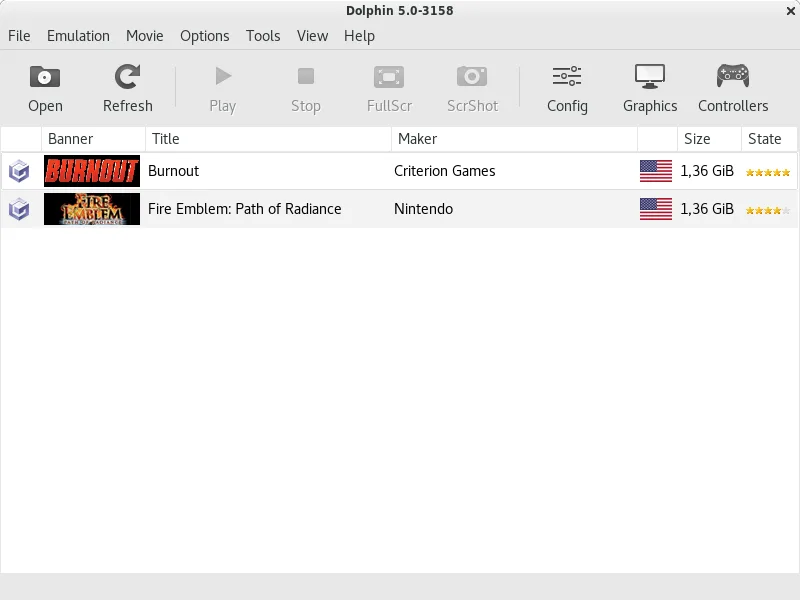
High-performance open-source emulator for Nintendo GameCube and Wii games, supporting HD graphics and multiplayer.
Dolphin Emulator on Linux is a direct replacement for the Windows version. It offers the same core functionality—GameCube and Wii emulation, HD rendering, controller support, save states and netplay—so anyone who runs Dolphin on Windows can switch to Linux without losing features. The Linux build…
Feature parity100% -
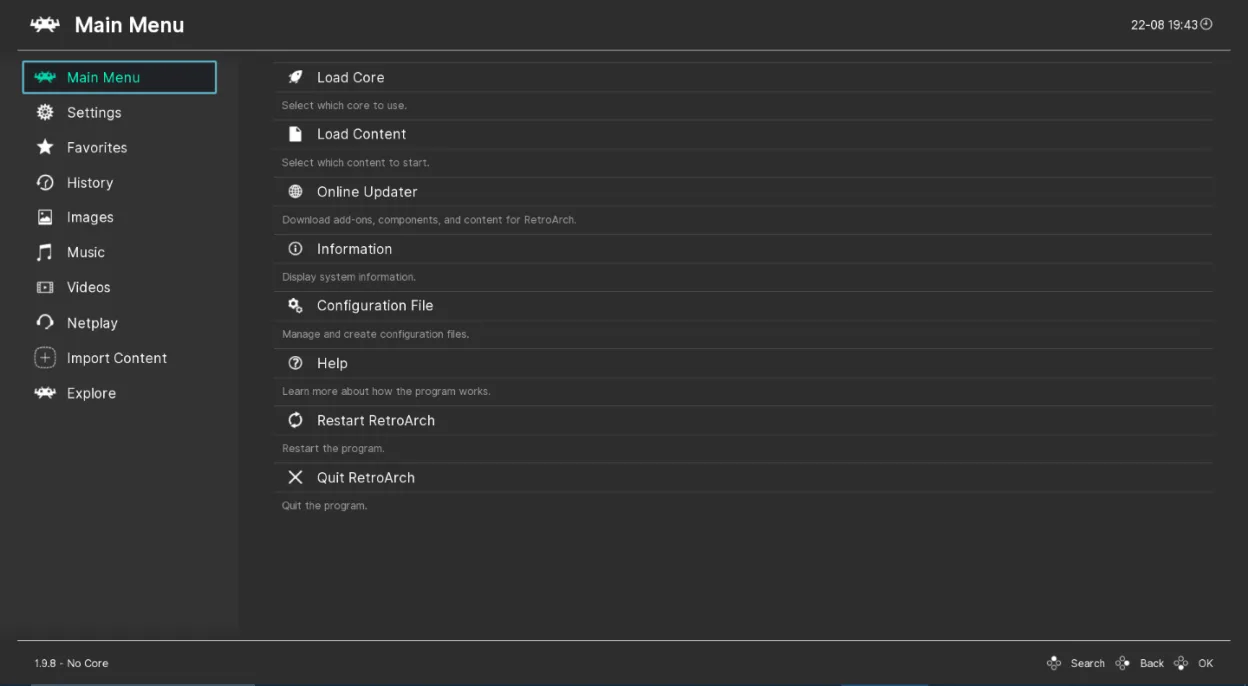
RetroArch is a unified frontend for emulators, game engines, and media players that standardizes settings across different cores.
RetroArch is a partial replacement for Dolphin, suitable only if you prioritize unified settings and shaders over raw GameCube/Wii performance. Dolphin remains superior for high-end hardware emulation due to dedicated optimization. Use RetroArch if you want one interface for multiple consoles and…
Feature parity65%


What is Dolphin Emulator?
Dolphin allows users to play Nintendo GameCube and Wii titles on modern hardware. It is popular among retro gaming enthusiasts who want to preserve old software or play without physical discs. The emulator supports a wide range of games, from classic RPGs to sports titles, making it a versatile tool for collectors and casual players alike.
The software is completely free and open-source, released under the GNU General Public License. There are no subscription fees, in-app purchases, or premium tiers. Development is driven by a community of volunteers who contribute code, fixes, and documentation. Users can download the latest builds directly from the official website without any cost.
While Dolphin runs on Windows, many users prefer Linux for gaming due to its lightweight nature and open ecosystem. Some users migrate to avoid Windows licensing issues or to integrate their gaming setup with other open-source tools. Others simply prefer the Linux desktop environment for its stability and customization options, especially when running emulators alongside other applications.
What a replacement for Dolphin Emulator must do
- GameCube and Wii game compatibility
- Support for Game Boy Player and Triforce
- Graphics acceleration via OpenGL or Vulkan
- Save state and memory card management
- Controller and keyboard input support
- Multiplayer and netplay capabilities
Can you run Dolphin Emulator on Linux?
Dolphin has a native Linux version, so you do not need Wine or Proton. It is available in most major Linux distributions' repositories or via flatpak/snap. The native build is fully supported and receives regular updates alongside the Windows and macOS versions. You can install it directly without any compatibility layers.
Which alternative should you choose?
Dolphin is the only option on this list that emulates GameCube and Wii, so it is the correct choice for those specific consoles. PCSX2 is for PlayStation 2, RetroArch is a front-end for various cores (including GameCube but less optimized than Dolphin), and Cemu is for Wii U. If you only play GameCube or Wii, stick with Dolphin. If you need a multi-console solution, RetroArch might be more convenient, but Dolphin offers better performance and features for its specific targets.
Moving your Dolphin Emulator files and habits
Your saves are stored in memory card files (.gci for GameCube, .wii for Wii) and save states (.state). These files are portable and can be copied directly to a Linux system. Configuration files are also text-based and easy to transfer. Ensure you use the same version of Dolphin on both systems to avoid save file format changes, though recent versions maintain backward compatibility for most files.
Side-by-side comparison
| App | License | Flatpak | Latest version | Feature parity | Rating |
|---|---|---|---|---|---|
| Dolphin Emulator | GPL-2.0+ | ✓ | 2609b | 100% | — |
| RetroArch | GPL-3.0-or-later | ✓ | 1.22.2 | 65% | — |
Dolphin Emulator: frequently asked questions
Is legal to use Dolphin?
Emulators are legal, but you must own the original game files. Dumping your own discs is generally acceptable, but downloading ROMs from the internet is piracy and illegal in most jurisdictions.
Does Dolphin work on low-end hardware?
It requires a reasonably modern CPU and GPU. Very old systems may struggle with Wii games, but GameCube titles are more lightweight. Check the system requirements on the official site for specific minimum specs.
Can I play online with friends?
Yes, Dolphin has a built-in netplay feature that allows you to play multiplayer games with others over the internet. This works well for games like Mario Kart or Smash Bros.
Do I need to update my BIOS?
You need to provide the BIOS files from your original console. Dolphin does not bundle them due to legal reasons. You must extract them from your hardware and place them in the correct folder.
How important is Dolphin Emulator to you?
Know a better alternative? Suggest an alternative