
Windows · Others
Best Linux alternatives to Microsoft Teams (newer versions)
Microsoft Teams is a cross‑platform collaboration suite for chat, video meetings and file sharing, mainly used by businesses and schools.
Updated
Quick answer
The best Linux alternative to Microsoft Teams (newer versions) is Element. Other strong options: Jitsi Meet, Slack, Mattermost.
6 Linux alternatives to Microsoft Teams (newer versions)
-

Element is an open‑source, matrix‑based chat and video‑conference client for Linux.
Element can replace Microsoft Teams for small teams that need chat, video, and file sharing, but it lacks the deep Office 365 integration and native calendar scheduling that Teams offers. It works well for open‑source environments or organizations that prefer Matrix federation and end‑to‑end…
Feature parity70% -

Jitsi Meet is an open-source video conferencing client that connects to any Jitsi server for secure, account-free calls.
Jitsi Meet is a solid replacement for the video conferencing aspect of Microsoft Teams, but it is not a full suite substitute. It handles audio, video, and screen sharing well without requiring accounts. However, it lacks native chat channels, file sharing integration, and calendar scheduling. If…
Feature parity40% -
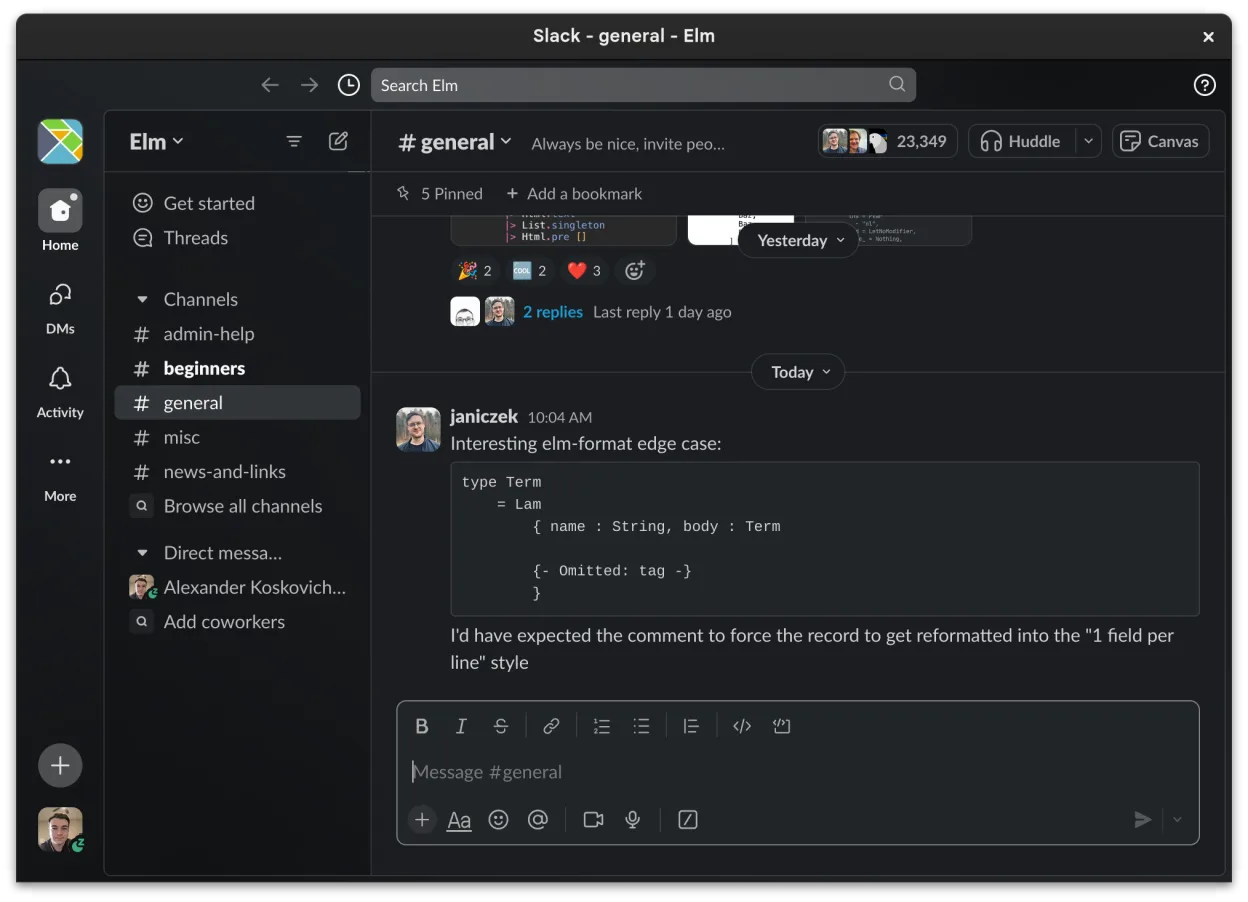
Slack is a proprietary team communication app for Linux that centralizes conversations, tools, and workflows for business collaboration.
Slack can replace Microsoft Teams for many small‑to‑medium teams that need chat, file sharing, and basic video calls, but it lacks the deep integration with Azure AD, Office 365, and the advanced meeting controls that Teams offers. Teams users who rely on scheduled meetings, calendar sync, or…
Feature parity70% -

Mattermost is an open-source, self-hosted collaboration platform for developer teams, offering a secure alternative to SaaS tools.
Mattermost is a strong replacement for Microsoft Teams if you control your own infrastructure and prioritize data sovereignty over corporate integration. It handles real-time chat, channels, and basic conferencing well, but it lacks the deep Office 365 ecosystem ties. It is ideal for developer…
Feature parity65% -
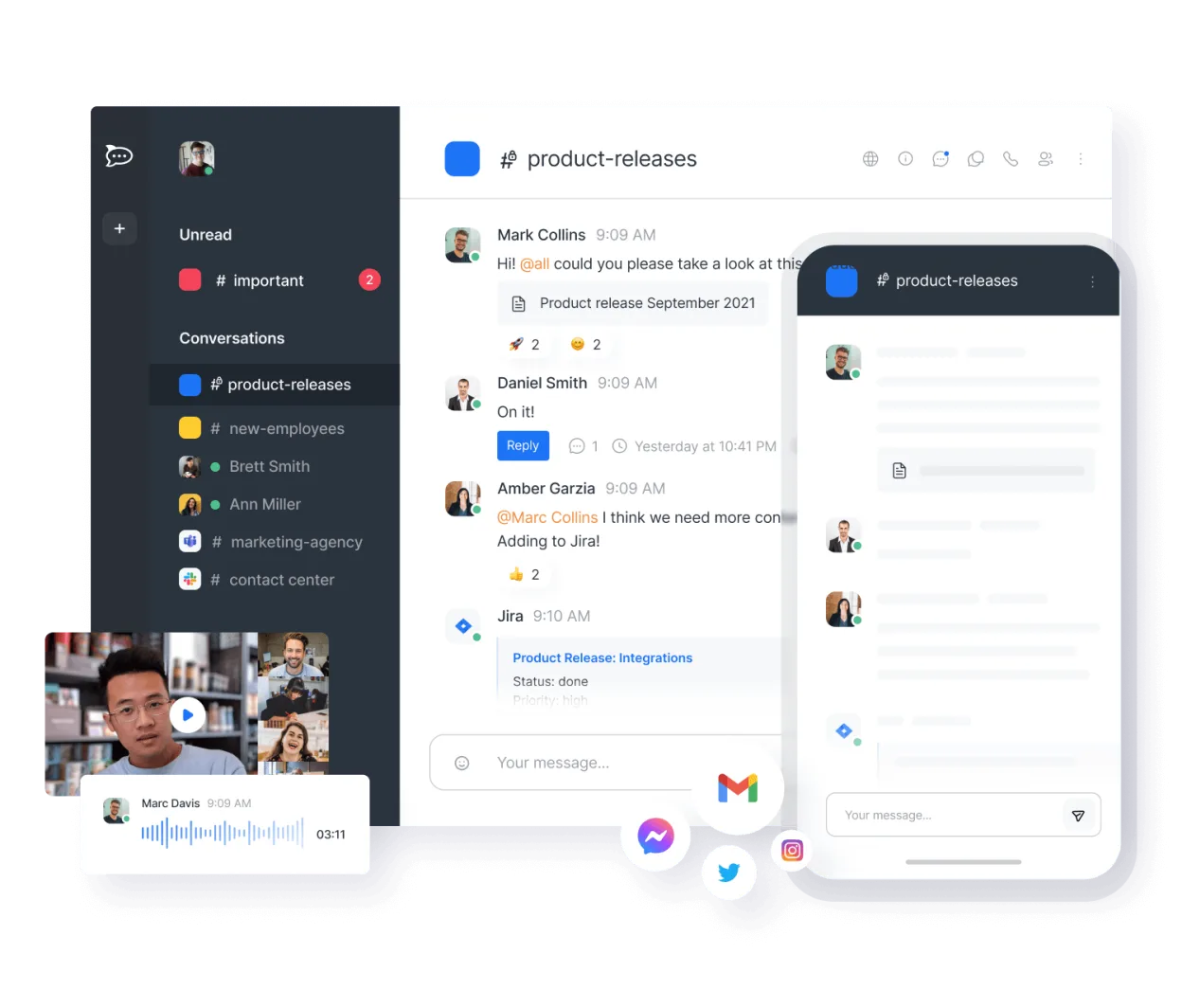
Open-source team communication platform for chat, video, and collaboration, often used to replace Slack or Microsoft Teams.
Rocket.Chat is a strong, self-hosted alternative for teams that prioritize data ownership and open standards. It covers core chat, video, and file sharing well. However, it lacks the deep Microsoft 365 integration, such as native Outlook calendar sync and Azure AD single sign-on, that many Teams…
Feature parity75% -

A cross-platform messaging, voice, and video client for communities, gaming, and casual hangouts.
Discord can replace Microsoft Teams for casual or small‑team collaboration where informal chat, voice, and screen sharing are the main needs. It works well for groups that already use Discord, but it lacks the deep integration with Microsoft 365, calendar scheduling, and enterprise‑grade security…
Feature parity45%






What is Microsoft Teams (newer versions)?
Microsoft Teams combines instant messaging, voice/video calls, screen sharing and integrated file storage. It is widely adopted by enterprises, educational institutions and remote‑working teams that already use Microsoft 365.
The service is offered under a subscription model as part of Microsoft 365, with free tiers for small groups and paid plans that add advanced admin controls, larger meeting capacity and deeper Office integration.
Many Linux users need a comparable tool because Teams’ native client is Windows‑only, and corporate policies often require open‑source or self‑hosted solutions that run on Linux desktops without relying on a Windows compatibility layer.
What a replacement for Microsoft Teams (newer versions) must do
- Real‑time chat with channels or groups
- Audio/video conferencing
- Screen sharing and remote presentation
- File sharing and integration with cloud storage
- Calendar/meeting scheduling
- User authentication (single sign‑on, Azure AD)
- Cross‑platform availability
Can you run Microsoft Teams (newer versions) on Linux?
Microsoft provides a web version of Teams that works in any modern browser on Linux. There is no official native Linux client; the Windows client can be run through Wine or Bottles, but functionality and updates are not guaranteed. The web app is the most reliable way to use Teams on Linux today.
Which alternative should you choose?
For teams that need a fully open‑source, self‑hosted option, Mattermost or Rocket.Chat are the closest matches. If you prefer a hosted, easy‑setup service with good video support, try Slack or Discord. Element (Matrix) offers strong federation and encryption, while Jitsi Meet is a lightweight choice for ad‑hoc video meetings.
Moving your Microsoft Teams (newer versions) files and habits
Exporting chat history from Teams is limited to Microsoft’s compliance export tools, which produce JSON or PST files that can be imported into other platforms only with custom scripts. Files stored in Teams are actually in SharePoint/OneDrive, so you can download them directly and re‑upload to the new service. Calendar events can be exported as .ics files for import into most alternatives.
Side-by-side comparison
| App | License | Flatpak | Latest version | Feature parity | Rating |
|---|---|---|---|---|---|
| Element | AGPL-3.0-only OR… | ✓ | 1.12.32 | 70% | — |
| Jitsi Meet | Apache-2.0 | ✓ | 2026.8.0 | 40% | — |
| Slack | LicenseRef-proprietary | ✓ | 4.52.182 | 70% | — |
| Mattermost | Apache-2.0 | ✓ | 6.3.1 | 65% | — |
| Rocket.Chat | MIT | ✓ | 4.18.5 | 75% | — |
| Discord | LicenseRef-proprietary | ✓ | 1.0.167 | 45% | — |
Microsoft Teams (newer versions): frequently asked questions
Is there a native Linux client for Teams?
No, only a web client; the Windows client can be run via Wine but is not officially supported.
Can I use Teams for free on Linux?
Yes, the free tier works through the web interface, but some features like larger meetings require a paid Microsoft 365 subscription.
Will my existing Teams meetings work after switching?
Meeting links remain valid as long as the organizer’s account stays active; you can join via the web client on Linux.
Are there any privacy concerns with the web client?
The web client runs Microsoft’s code in your browser, so the same data handling policies apply as the desktop app.
How important is Microsoft Teams (newer versions) to you?
Know a better alternative? Suggest an alternative