
 SlackLinux
vs
Microsoft Teams (classic version)Windows
Slack as a Linux alternative to Microsoft Teams (classic version)
Updated
Our verdict
Slack can replace Microsoft Teams (classic) for teams that need a channel‑based chat, file sharing, and integration with third‑party tools, but it lacks native collaborative document editing and tight calendar/email integration. It works well for small to medium teams that already use Slack’s ecosystem and are comfortable with a proprietary app. For larger organizations that rely on Microsoft 365 services, Teams remains a better fit.
- License
- LicenseRef-proprietary=https://slack.com…
- Price
- freemium
- Latest version
- 4.53.280 (November 4, 2026)
- Rating
- —
What works the same
- Both provide persistent channel chat and direct messaging
- Both support file sharing with preview
- Both allow integration with external services via apps or bots
- Both offer cross‑platform clients (Windows, macOS, Linux, mobile)
- Both allow threaded conversations to keep channels tidy
What is different
- Slack does not offer native real‑time collaborative document editing like Teams’ Office integration
- Slack lacks built‑in calendar and email sync that Teams provides via Outlook
- Slack’s screen‑sharing is limited to its own video calls, not integrated with external meeting tools
- Teams supports meeting scheduling and meeting notes directly in the app
- Teams has a broader set of compliance and security controls for enterprise use
Opening your Microsoft Teams (classic version) files
Opening or exporting Microsoft Teams (classic) files such as Word, Excel, or PowerPoint documents is handled by the underlying Office apps, not by Teams itself. Slack can receive and preview these files, but it does not provide native editing or conversion. Exporting chat history from Teams to Slack requires manual copy or use of third‑party migration tools; Slack does not natively import Teams chat logs.
Switching from Microsoft Teams (classic version) to Slack, step by step
- 1. Export Teams chat history and files using the Teams export tool or PowerShell scripts.
- 2. Create a new Slack workspace and invite all team members.
- 3. Upload exported files to appropriate Slack channels or use the file upload feature.
- 4. Recreate channel structure in Slack to match Teams teams and channels.
- 5. Install Slack apps that replace Teams integrations (e.g., Google Drive, Trello).
- 6. Train users on Slack’s interface and notification settings.
Key features of Slack
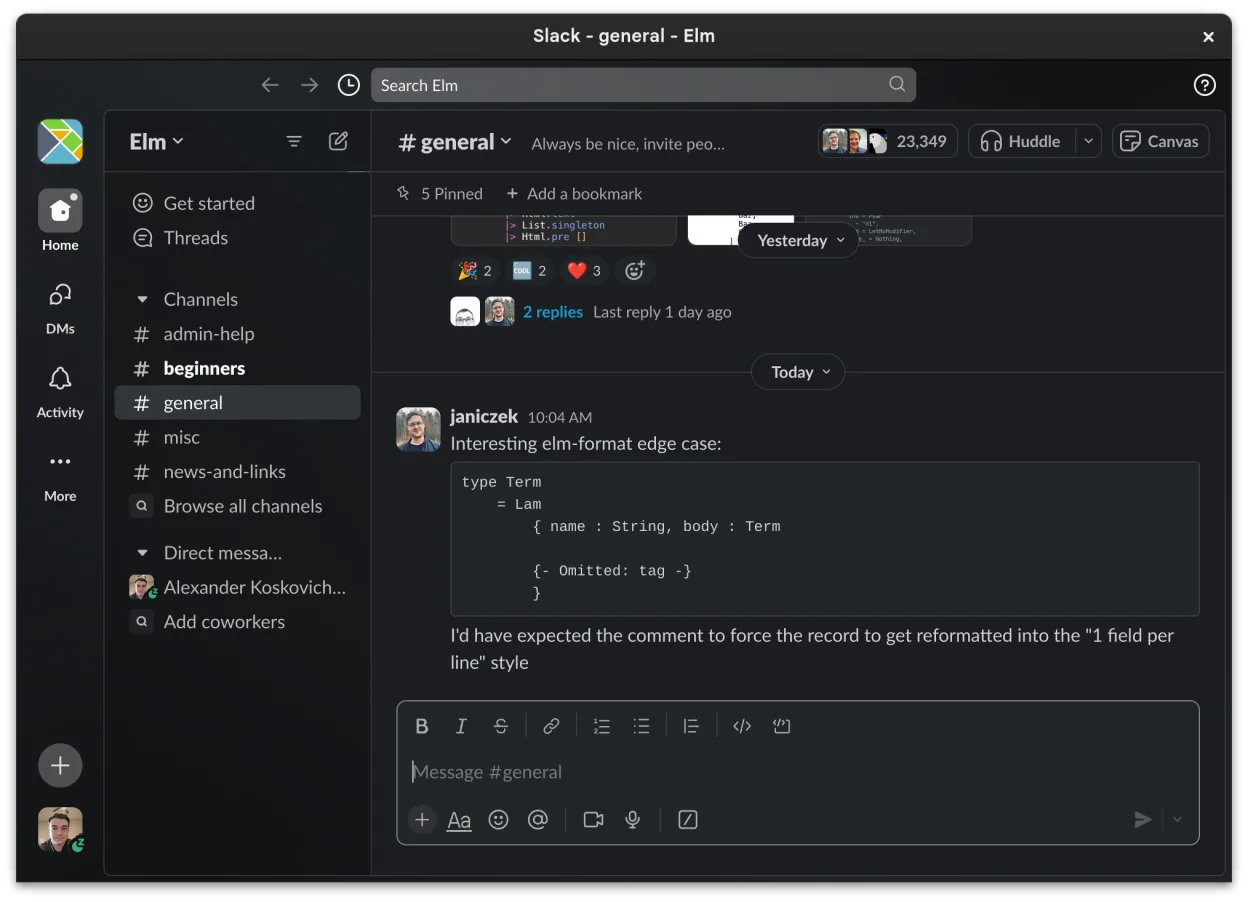
- Channel-based organization for topics and projects
- Direct messaging with read receipts and reactions
- File sharing with preview support for common formats
- Integration with third-party tools via Slack Apps
- Threaded conversations to keep main channels uncluttered
- Cross-device sync for messages and notifications
- Customizable notification settings per channel or DM
- Beta Linux client with ongoing feature additions
How to install Slack on Linux
flatpak install flathub com.slack.SlackFrequently asked questions
Does Slack support screen sharing during video calls?
Yes, Slack offers screen sharing within its built‑in video calls, but it is not as feature‑rich as Teams’ meeting experience and lacks integration with external meeting platforms.
Can I use Slack on the same Linux machine that runs Teams?
Yes, Slack provides a beta Linux client that can run side‑by‑side with Teams, but it is not a native Windows replacement; Teams must still run on Windows or via a virtual machine.
Is Slack free for small teams?
Slack offers a free tier with limited message history and app integrations. For full functionality, including unlimited history and advanced admin controls, a paid plan is required.
5 other alternatives to Microsoft Teams (classic version)
 MattermostMattermost is an open-source, self-hosted collaboration platform for developer teams, offering a secure…Open sourceFreeFlatpakMattermost vs Microsoft Teams (classic version)
 DiscordA cross-platform messaging, voice, and video client for communities, gaming, and casual hangouts.FlatpakDiscord vs Microsoft Teams (classic version)
 Rocket.ChatOpen-source team communication platform for chat, video, and collaboration, often used to replace Slack or…Open sourceFreeFlatpakRocket.Chat vs Microsoft Teams (classic version)
 ZulipZulip is an open-source group chat application that uses threaded conversations to manage high-volume team…Open sourceFreeFlatpakZulip vs Microsoft Teams (classic version)
 ElementA secure, open-source Matrix client for private messaging, group chats, and video calls across devices.Open sourceFreeFlatpakElement vs Microsoft Teams (classic version)