
Windows · Accessories
Best Linux alternatives to Windows Notepad
A simple Linux text editor replaces Windows Notepad for quick plain‑text editing.
Updated
Quick answer
The best Linux alternative to Windows Notepad is gedit. Other strong options: Kate, Mousepad, Pluma.
6 Linux alternatives to Windows Notepad
-
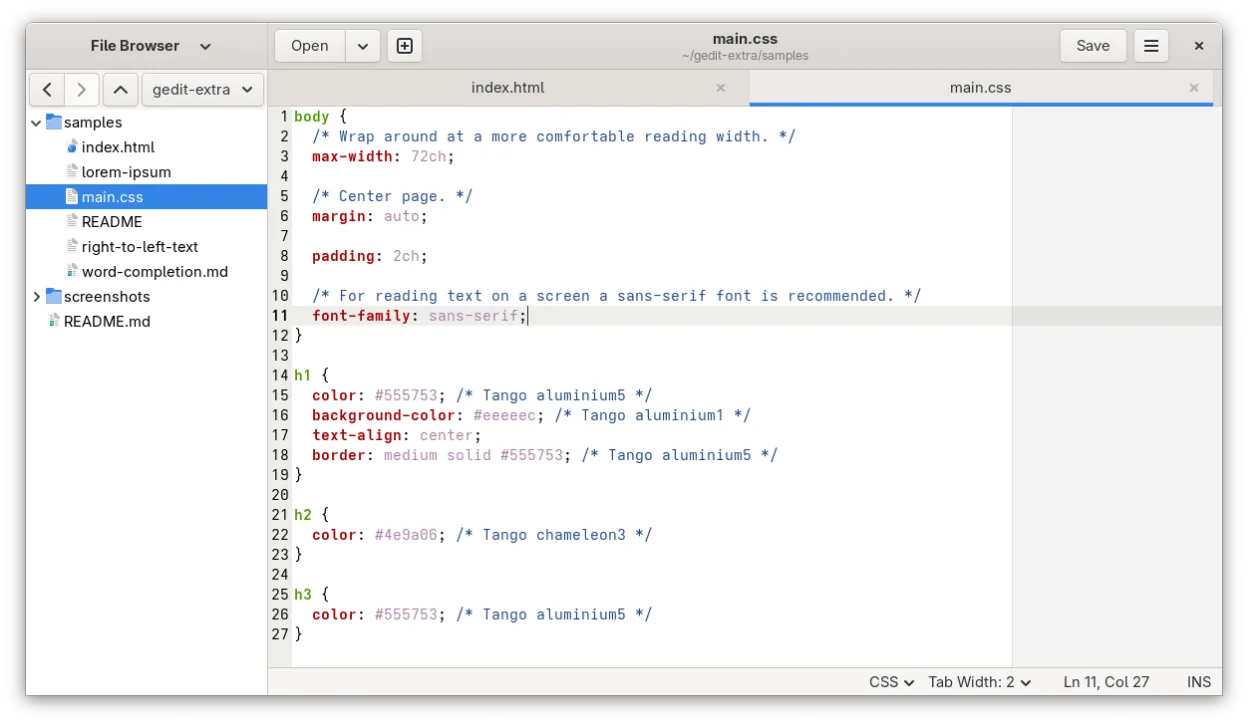
gedit is GNOME's lightweight, general-purpose text editor, suitable for notes, documents, and basic code editing with plugin support.
gedit is a solid replacement for Windows Notepad for most users, especially on GNOME desktops. It opens plain text files quickly, supports UTF-8, and handles basic editing reliably. Its clean interface and tabbed design make managing multiple files easy. While it includes optional features like…
Feature parity95% -

Kate is a feature-rich, programmer-focused text editor from KDE with support for 300+ languages and advanced editing tools.
Kate is overkill for users who only need basic text editing like Windows Notepad, but it's an excellent replacement for power users and developers who want advanced features. It handles plain text quickly and correctly, supports UTF-8 and line endings properly, and launches fast enough for daily…
Feature parity85% -

Mousepad is a lightweight, GTK‑based text editor for the Xfce desktop.
Mousepad is a solid Linux alternative for anyone who uses Notepad for quick, plain‑text edits. It starts instantly, handles UTF‑8 and other common encodings, and offers a clean GTK interface that feels familiar on Xfce and other desktops. Power users will appreciate line numbers, word‑wrap toggles…
Feature parity85% -
Pluma is a lightweight, GTK-based text editor for the GNOME desktop, designed as a simple alternative to Notepad.
Pluma can serve as a solid replacement for Windows Notepad for users who need a lightweight editor that still offers a few extra features. It handles plain‑text files, UTF‑8, and common encodings, launches quickly, and has a simple UI. The tabbed interface and basic find/replace are useful for…
Feature parity80% -
Leafpad is a lightweight, GTK-based text editor designed for speed and simplicity on Linux desktops.
Leafpad is a solid replacement for Windows Notepad for users who need a lightweight, fast plain‑text editor on Linux. It supports UTF‑8, common encodings, and offers a minimal UI with basic find/replace and line numbering. It works well for quick notes, code snippets, or configuration files. It is…
Feature parity85% -
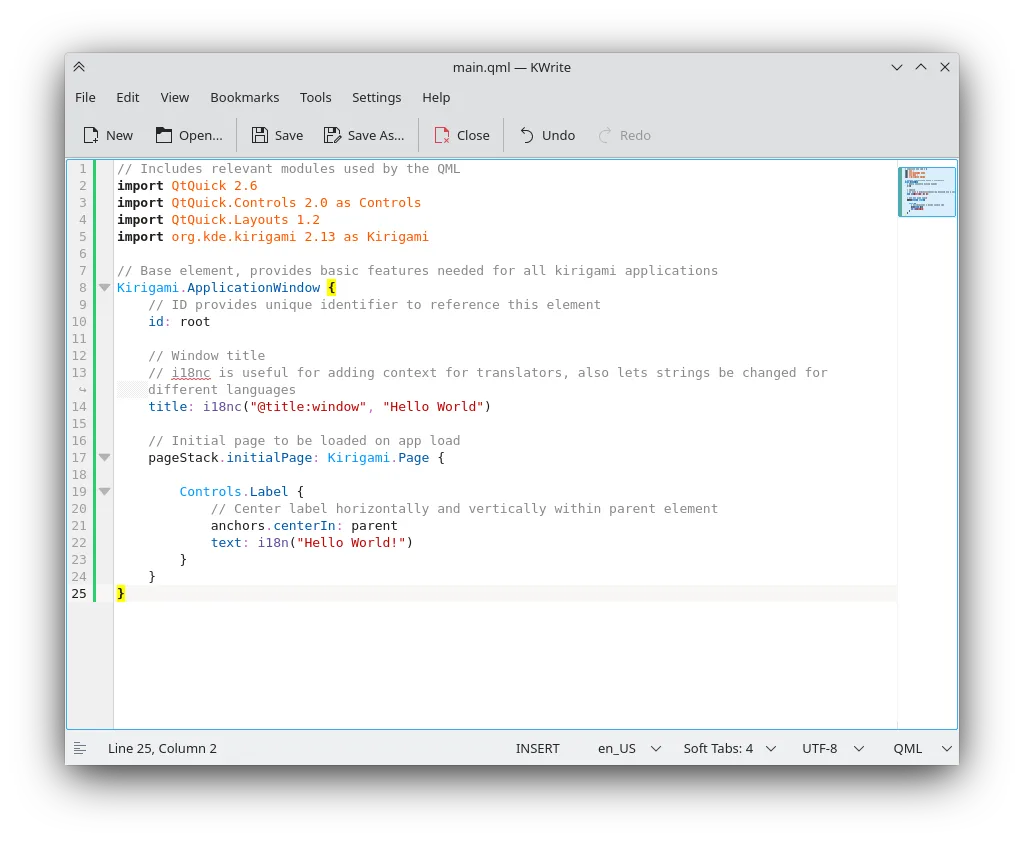
KWrite is a lightweight KDE text editor with syntax highlighting and basic IDE features.
KWrite is a capable replacement for Windows Notepad if you're comfortable with KDE and want more features. It handles plain text quickly and supports UTF-8 and common encodings reliably. The interface is simple but offers advanced options you can ignore. It launches fast enough for quick edits…
Feature parity85%



What is Windows Notepad?
Windows Notepad is the ultra‑basic text editor that comes with every Windows installation. It’s used by anyone who needs to jot down notes, edit configuration files, or view log output without any formatting overhead. The program is free and bundled with the OS, so there are no separate licensing concerns.
On Linux there is no direct Notepad binary, but the ecosystem offers a range of native editors that serve the same purpose. Most of these are open‑source and freely available through distribution repositories, so you don’t pay anything extra.
People look for a Linux alternative when they move away from Windows or run mixed environments. They want an editor that opens .txt files instantly, handles UTF‑8 correctly, and integrates with the desktop without extra bloat.
What a replacement for Windows Notepad must do
- Open and edit plain‑text files
- Support UTF‑8 and common encodings
- Lightweight and fast launch
- Simple UI with minimal menus
- Ability to handle multiple files (optional)
- Integration with desktop clipboard
Can you run Windows Notepad on Linux?
There is no native Windows Notepad port for Linux, but any of the listed editors run natively on Linux. Notepad++ can be run via Wine or Bottles, though it’s overkill for plain‑text work. No official web version exists.
Which alternative should you choose?
For GNOME users, gedit offers a clean interface and good Unicode support. KDE fans may prefer Kate or KWrite for their native look. Lightweight desktop environments like XFCE or LXQt work well with Mousepad, Pluma, or Leafpad. Choose Kate for tabbed editing, or Leafpad for the smallest footprint.
Moving your Windows Notepad files and habits
Notepad stores only plain‑text files, so migration is trivial—just copy .txt files to your Linux home directory. All the Linux alternatives read and write the same formats without conversion, and line‑ending differences (CRLF vs LF) are handled automatically by most editors.
Side-by-side comparison
Windows Notepad: frequently asked questions
Can I open .rtf files with these editors?
They are plain‑text editors, so .rtf will show raw markup; use a richer editor for formatted documents.
Do any of them support syntax highlighting?
Kate and gedit provide optional syntax highlighting, but it’s not needed for simple Notepad‑style use.
Is there a way to set a default editor for .txt files in Linux?
Yes, use the desktop environment’s default applications settings or the xdg-mime command.
Will these editors preserve Windows line endings?
They can read and write both CRLF and LF; you can configure the preferred line ending in the editor’s preferences.
How important is Windows Notepad to you?
Know a better alternative? Suggest an alternative