
 WPS OfficeLinux
vs
Microsoft Excel for MacWindows
WPS Office as a Linux alternative to Microsoft Excel for Mac
Updated
Our verdict
WPS Office’s Spreadsheet component can replace Microsoft Excel for Mac for most everyday users. It reads and writes .xlsx files, offers a familiar ribbon UI, and handles standard formulas, basic charts, and simple data analysis. Power users who rely on advanced pivot tables, full VBA macro compatibility, extensive add‑ins, or the deepest charting options will find gaps. For students, small businesses, or anyone whose work stays within typical spreadsheet functions, WPS Office is a practical, free‑to‑try alternative on Linux.
- License
- LicenseRef-proprietary=https://www.wps.c…
- Price
- freemium
- Latest version
- 11.1.0.11723 (February 22, 2024)
- Rating
- —
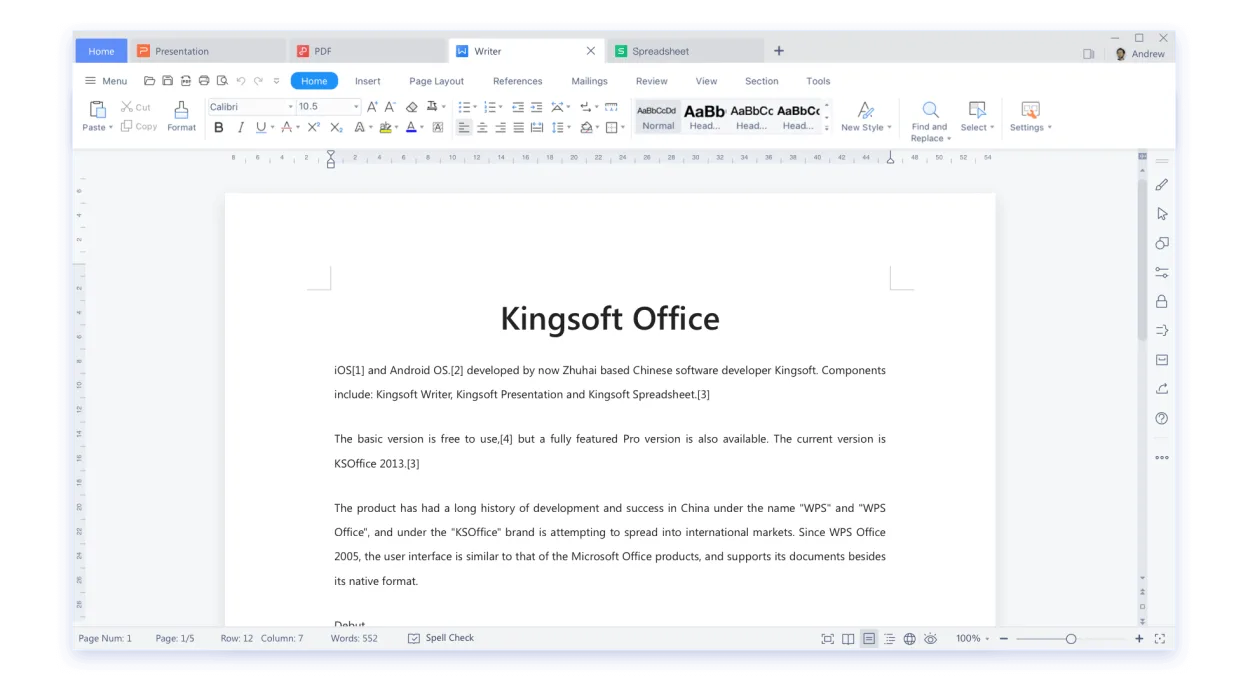
What works the same
- Supports .xlsx, .xls and .csv file formats
- Ribbon‑style interface similar to Excel
- Standard formula library and basic chart types
- Ability to sort, filter and use conditional formatting
What is different
- No full VBA macro support; only limited macro features
- Pivot tables are present but lack some advanced options found in Excel
- Chart library is smaller; several specialized chart types are missing
- No native support for Excel add‑ins or Power Query
- Collaboration features are less integrated than Office 365
Opening your Microsoft Excel for Mac files
WPS Office opens and saves Microsoft Excel files (.xlsx, .xls) without major issues. Simple workbooks retain formatting and formulas, but complex features such as VBA macros, certain data connections, or advanced pivot table settings may be lost or downgraded during conversion. Export to CSV works reliably, and you can also save back to .xlsx for further editing in Excel if needed.
Switching from Microsoft Excel for Mac to WPS Office, step by step
- Install WPS Office from Flathub or the official .deb/.rpm package.
- Open your existing .xlsx files in WPS Spreadsheet to verify layout and formulas.
- Adjust any broken formulas or missing features manually.
- Save a copy in WPS format if you plan to continue using the suite, then export back to .xlsx for sharing.
- Set WPS Spreadsheet as the default application for .xlsx files if desired.
Key features of WPS Office
- Full compatibility with .docx, .xlsx, .pptx
- Ribbon‑style interface resembling Microsoft Office
- Integrated PDF viewer and editor
- Cloud sync via WPS Cloud
- Spell‑check and grammar tools
- Built‑in template library
- Support for macros in Writer
- Cross‑platform availability (Windows, macOS, Linux)
How to install WPS Office on Linux
flatpak install flathub com.wps.OfficeFrequently asked questions
Can WPS Spreadsheet run Excel VBA macros?
No. WPS Office does not support VBA; macros created in Excel will not run and must be rewritten using WPS’s limited macro system.
Is the performance comparable to Excel on macOS?
For typical worksheets the performance is similar, but very large files or intensive calculations may feel slower on WPS.
Will my charts look the same after converting to WPS?
Basic charts usually retain their appearance, but specialized chart types or custom formatting may change or be unavailable.
4 other alternatives to Microsoft Excel for Mac
 LibreOffice CalcLibreOffice Calc is a free spreadsheet program that replaces Microsoft Excel on Linux.Open sourceFreeFlatpakLibreOffice Calc vs Microsoft Excel for Mac
 ONLYOFFICE Desktop EditorsONLYOFFICE Desktop Editors is a free, open‑source office suite for Linux that edits Word, Excel, PowerPoint…Open sourceFreeFlatpakONLYOFFICE Desktop Editors vs Microsoft Excel for Mac
 GnumericGnumeric is a lightweight, open-source spreadsheet program focused on accuracy and scientific analysis.Open sourceFreeFlatpakGnumeric vs Microsoft Excel for Mac
 CalligraCalligra is a KDE‑based office suite offering word processing, spreadsheets, presentations and vector…Open sourceFreeFlatpakCalligra vs Microsoft Excel for Mac