
Windows · Office
Best Linux alternatives to Microsoft Excel for Mac
A powerful spreadsheet tool for data analysis, charting, and complex formulas, widely used in business and finance.
Updated
Quick answer
The best Linux alternative to Microsoft Excel for Mac is LibreOffice Calc. Other strong options: ONLYOFFICE Desktop Editors, Gnumeric, Calligra.
5 Linux alternatives to Microsoft Excel for Mac
-
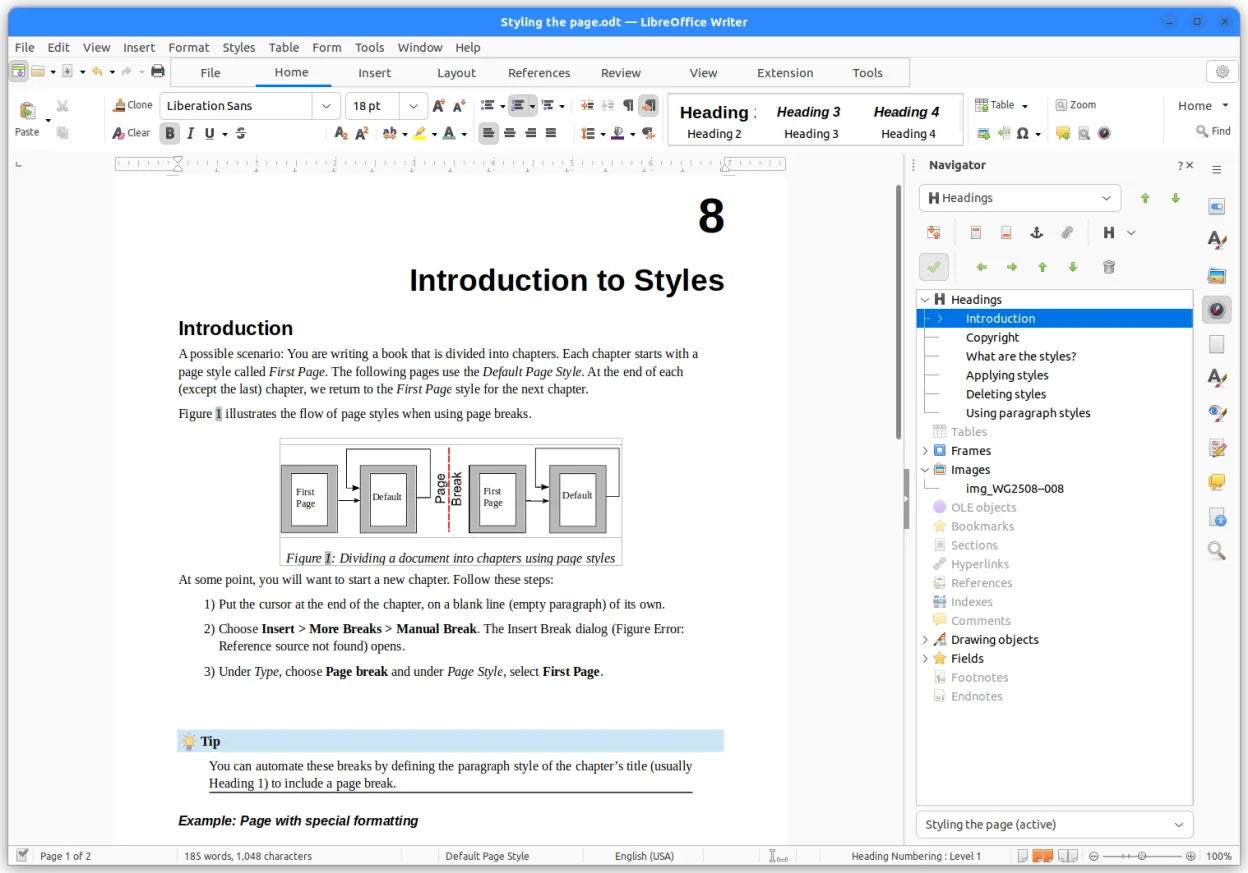
LibreOffice Calc is a free spreadsheet program that replaces Microsoft Excel on Linux.
LibreOffice Calc is a solid, free replacement for Microsoft Excel for Mac users who need standard spreadsheet functionality. It handles complex formulas, pivot tables, and advanced charting well, covering most daily business and financial tasks. However, it is not a perfect 1:1 swap. If you rely…
Feature parity85% -

ONLYOFFICE Desktop Editors is a free, open‑source office suite for Linux that edits Word, Excel, PowerPoint, PDF and more.
ONLYOFFICE Desktop Editors is a solid, free replacement for Microsoft Excel on Linux. It handles standard spreadsheets, complex formulas, and pivot tables well, making it suitable for general business and data analysis tasks. However, power users relying on deep VBA macro support or highly…
Feature parity85% -

Gnumeric is a lightweight, open-source spreadsheet program focused on accuracy and scientific analysis.
Gnumeric can serve as a replacement for Microsoft Excel on macOS for users whose work revolves around data analysis, statistical work, and basic to moderately complex spreadsheets. It handles most Excel formulas, reads and writes .xlsx files, and offers a solid set of charting and statistical…
Feature parity68% -
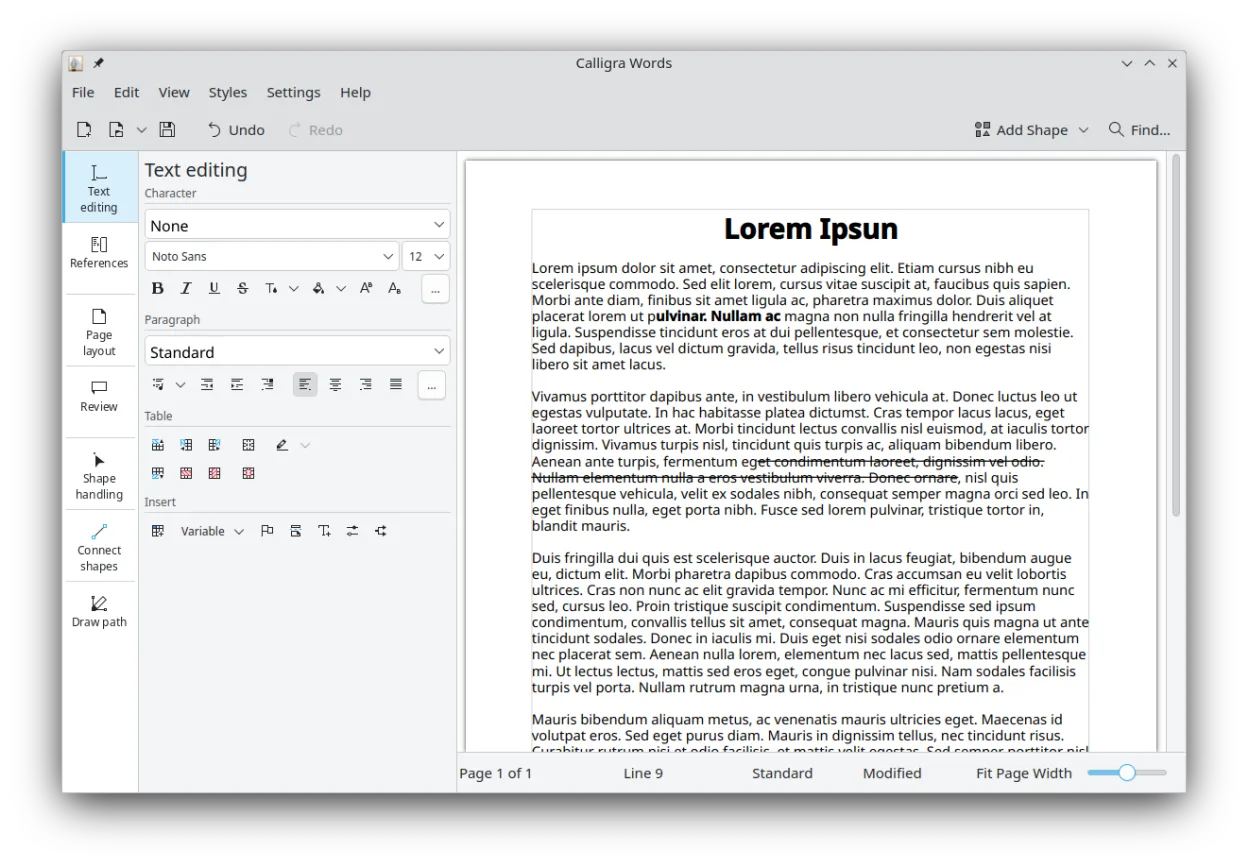
Calligra is a KDE‑based office suite offering word processing, spreadsheets, presentations and vector graphics.
Calligra Sheets is a functional spreadsheet tool, but it is not a direct replacement for Microsoft Excel for Mac. It handles basic calculations, simple charts, and standard formulas well. However, it lacks the depth of Excel’s pivot tables, advanced data analysis tools, and macro automation. If…
Feature parity45% -
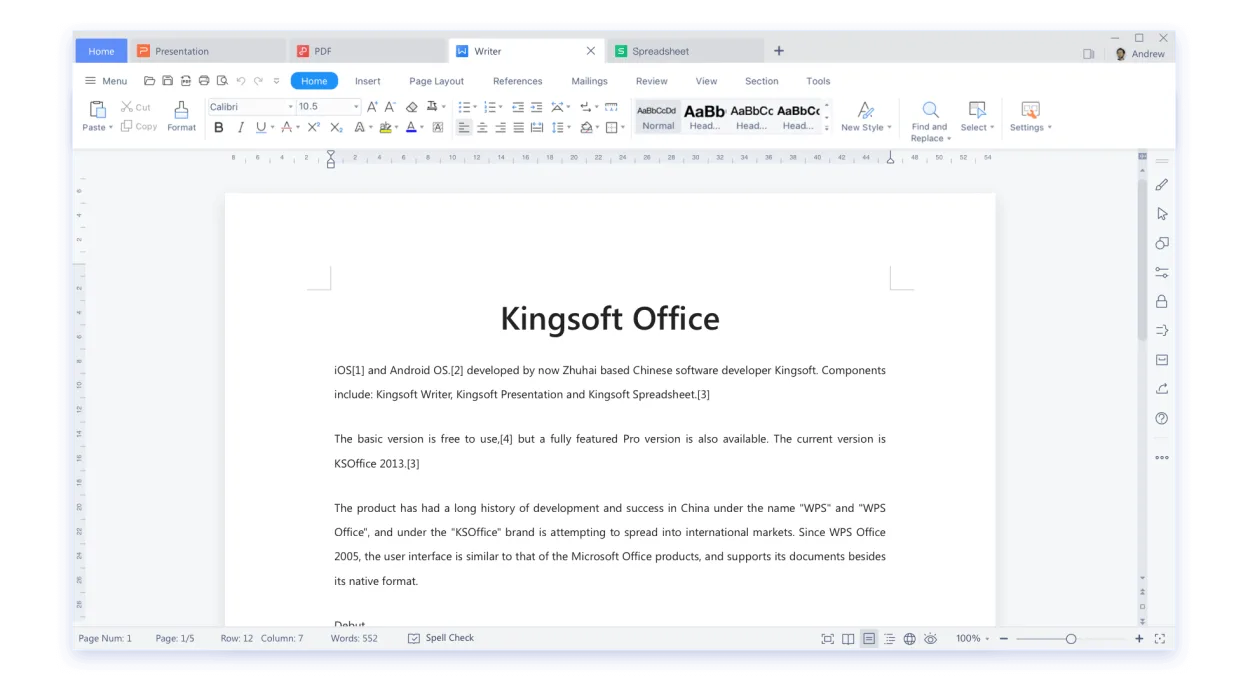
WPS Office is a proprietary office suite for Linux that includes Writer, Presentation, and Spreadsheets, fully compatible with Microsoft Office formats.
WPS Office’s Spreadsheet component can replace Microsoft Excel for Mac for most everyday users. It reads and writes .xlsx files, offers a familiar ribbon UI, and handles standard formulas, basic charts, and simple data analysis. Power users who rely on advanced pivot tables, full VBA macro…
Feature parity75%




What is Microsoft Excel for Mac?
Excel is the industry standard for spreadsheets, used by accountants, analysts, and managers to organize data, build financial models, and create visual reports. It handles everything from simple household budgets to complex corporate databases, relying on a vast library of functions and pivot tables to turn raw numbers into actionable insights.
The software is typically part of the Microsoft 365 subscription or sold as a one-time purchase for perpetual licenses. While a free web version exists with limited features, full functionality requires a paid plan. This cost, combined with the requirement for a Windows or macOS environment, creates a barrier for many users.
Linux users often seek alternatives due to the high cost of Microsoft subscriptions or the need for a native, open-source solution that integrates well with their workflow. Running the official Mac or Windows versions on Linux is often clunky, so many prefer dedicated Linux applications that offer similar core functionality without the licensing overhead or compatibility headaches.
What a replacement for Microsoft Excel for Mac must do
- Support for complex formulas and functions
- Pivot table creation and data analysis
- Advanced charting and graphing capabilities
- Macro support or scripting automation
- Compatibility with XLSX file format
- Data import from CSV and other sources
Can you run Microsoft Excel for Mac on Linux?
There is no native Linux version of Microsoft Excel. You can access Excel for the web through a browser, but it lacks many advanced features found in the desktop app. The Windows version can be run via Wine or Proton, but performance and stability vary significantly depending on your system configuration. It is generally not recommended for heavy daily use due to potential glitches and slower startup times compared to native applications.
Which alternative should you choose?
LibreOffice Calc is the best all-around choice for most users, offering strong XLSX compatibility and a familiar interface. ONLYOFFICE Desktop Editors is excellent if you need high fidelity for document formatting and collaboration. Gnumeric is a lightweight option for those who prefer a simple, fast spreadsheet without bloat. Calligra Sheets is part of the KDE suite and fits well if you are already using KDE Plasma. WPS Office provides a user interface very similar to Microsoft Office, which helps with the transition, though it is proprietary.
Moving your Microsoft Excel for Mac files and habits
Most Linux alternatives handle XLSX files well, preserving formulas, formatting, and basic charts. Complex macros written in VBA may not work, as most Linux apps use different scripting languages like Python or Basic. It is wise to test critical files after conversion, especially if they contain advanced pivot tables or external data links. For simple data, CSV export is a safe and universal method for transferring information between platforms.
Side-by-side comparison
| App | License | Flatpak | Latest version | Feature parity | Rating |
|---|---|---|---|---|---|
| LibreOffice Calc | MPL-2.0 | ✓ | 26.8.3.1 | 85% | — |
| ONLYOFFICE Desktop Editors | AGPL-3.0-only | ✓ | 10.0.0 | 85% | — |
| Gnumeric | GPL-2.0 or GPL-3.0 | ✓ | 1.12.62 | 68% | — |
| Calligra | GPL-2.0-or-later | ✓ | 26.08.3 | 45% | — |
| WPS Office | LicenseRef-proprietary=https… | ✓ | 11.1.0.11723 | 75% | — |
Microsoft Excel for Mac: frequently asked questions
Can I open Excel files in Linux apps?
Yes, all listed alternatives support opening and saving XLSX files. Formatting is usually preserved, but very complex layouts might shift slightly.
Do these apps support macros?
They do not support VBA. LibreOffice uses Basic, and others may support Python or their own scripting languages. You will need to rewrite complex VBA macros.
Which app is closest to Excel's interface?
WPS Office and ONLYOFFICE have interfaces that look very similar to Microsoft Office. LibreOffice is slightly different but highly functional and widely used.
Is there a free version of Excel for Linux?
No. The web version is free but limited. The desktop versions require a subscription or purchase and are not natively supported on Linux.
How important is Microsoft Excel for Mac to you?
Know a better alternative? Suggest an alternative