
 Xournal++Linux
vs
SnipasteWindows
Xournal++ as a Linux alternative to Snipaste
Updated
Our verdict
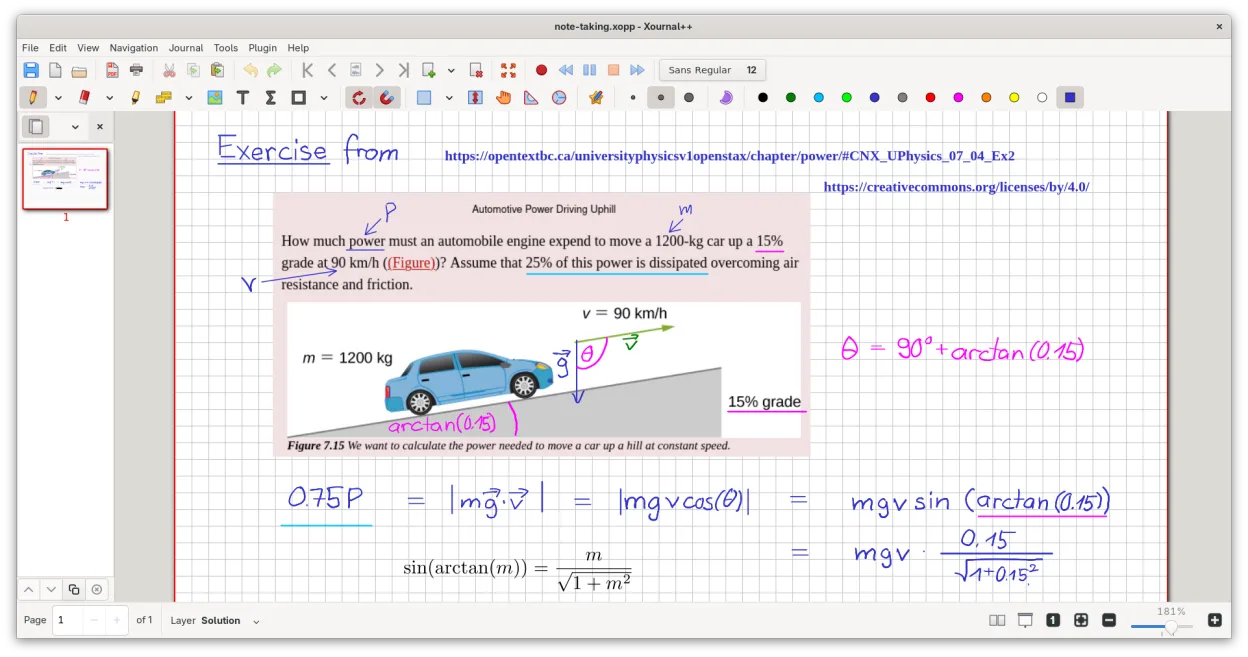
Xournal++ is not a direct replacement for Snipaste. While Snipaste is a lightweight utility for capturing and pinning screen regions as floating overlays, Xournal++ is a heavy, full-featured note-taking application designed for stylus input and PDF annotation. If your primary need is quickly pinning screenshots for reference, Xournal++ will feel clunky and resource-intensive. It is suitable only if you also need robust handwriting, LaTeX support, or PDF editing, and are willing to sacrifice the simplicity and low footprint of a dedicated screen pinning tool.
- License
- GPL-2.0
- Price
- Free
- Latest version
- 1.3.8 (September 25, 2026)
- Rating
- —
What works the same
- Both can capture or insert images into a workspace
- Both allow basic annotation like drawing lines or shapes
- Both are available on Linux and Windows
- Both support exporting images to common formats like PNG
What is different
- Xournal++ lacks a 'pin to desktop' feature; it opens in a standard window manager frame
- Xournal++ is significantly heavier and uses more RAM than Snipaste
- Xournal++ does not have a global keyboard shortcut for instant screen capture and pinning
- Xournal++ is designed for stylus and pressure sensitivity, not mouse-only quick reference
- Xournal++ requires a full document structure, whereas Snipaste works with isolated floating images
Opening your Snipaste files
Xournal++ cannot open Snipaste files directly because Snipaste does not use a proprietary document format; it typically saves pinned images as standard PNG or JPG files. You can import these standard image files into Xournal++ as background images or insert them into a new Xournal++ document, but you will lose any specific pinning metadata or overlay settings from Snipaste.
Switching from Snipaste to Xournal++, step by step
- Install Xournal++ via your package manager or Flathub
- Export any important pinned screenshots from Snipaste as PNG files
- Create a new Xournal++ document and insert the PNG files as backgrounds
- Configure your window manager to keep Xournal++ windows on top if needed
- Set up a global shortcut in your desktop environment to launch Xournal++ quickly
Key features of Xournal++
- Pressure-sensitive stylus support for Wacom, Huion, and XP-Pen tablets
- Annotate, highlight, and strike through text on top of PDF files
- Export notes to PDF, PNG, and SVG via GUI or command line
- Drawing tools including pen, highlighter, shapes, and LaTeX support
- Input stabilization for smoother handwriting
- Customizable toolbar and tool mapping to stylus buttons
- Sidebar with page previews, PDF bookmarks, and layer management
How to install Xournal++ on Linux
flatpak install flathub com.github.xournalpp.xournalppsudo apt install xournalppsudo apt install xournalppsudo dnf install xournalppsudo pacman -S xournalppsudo zypper install xournalppFrequently asked questions
Can I pin Xournal++ windows to the desktop like Snipaste?
No, Xournal++ does not have a built-in 'always on top' or 'pin to desktop' mode. You must use your window manager's features to keep the window on top, which is less convenient than Snipaste's dedicated overlay.
Is Xournal++ lightweight enough for quick reference?
It is heavier than Snipaste. It is a full C++ application with complex rendering for stylus input. For quick, frequent pinning, it may feel slower to launch and consume more resources.
Does Xournal++ support screen capture?
Xournal++ does not have a native screen capture tool. You must use an external tool like Scrot or Flameshot to capture the screen, save the image, and then import it into Xournal++.
3 other alternatives to Snipaste
 FlameshotFlameshot is a lightweight, open-source screenshot tool for Linux with built-in annotation and Imgur upload…Open sourceFreeFlatpakFlameshot vs SnipasteGNOME ScreenshotGNOME Screenshot is a lightweight tool for capturing and saving screen images in GNOME-based Linux systems.Open sourceFreeGNOME Screenshot vs Snipaste
 ShutterShutter is a powerful, open-source screenshot tool for Linux with built-in editing, annotation, and direct…Open sourceFreeShutter vs Snipaste