
Windows · System Tools
Best Linux alternatives to UltraVNC
UltraVNC is a Windows VNC server/client for remote desktop viewing and control.
Updated
Quick answer
The best Linux alternative to UltraVNC is TigerVNC Viewer. Other strong options: Remmina, KRDC, x11vnc.
5 Linux alternatives to UltraVNC
-
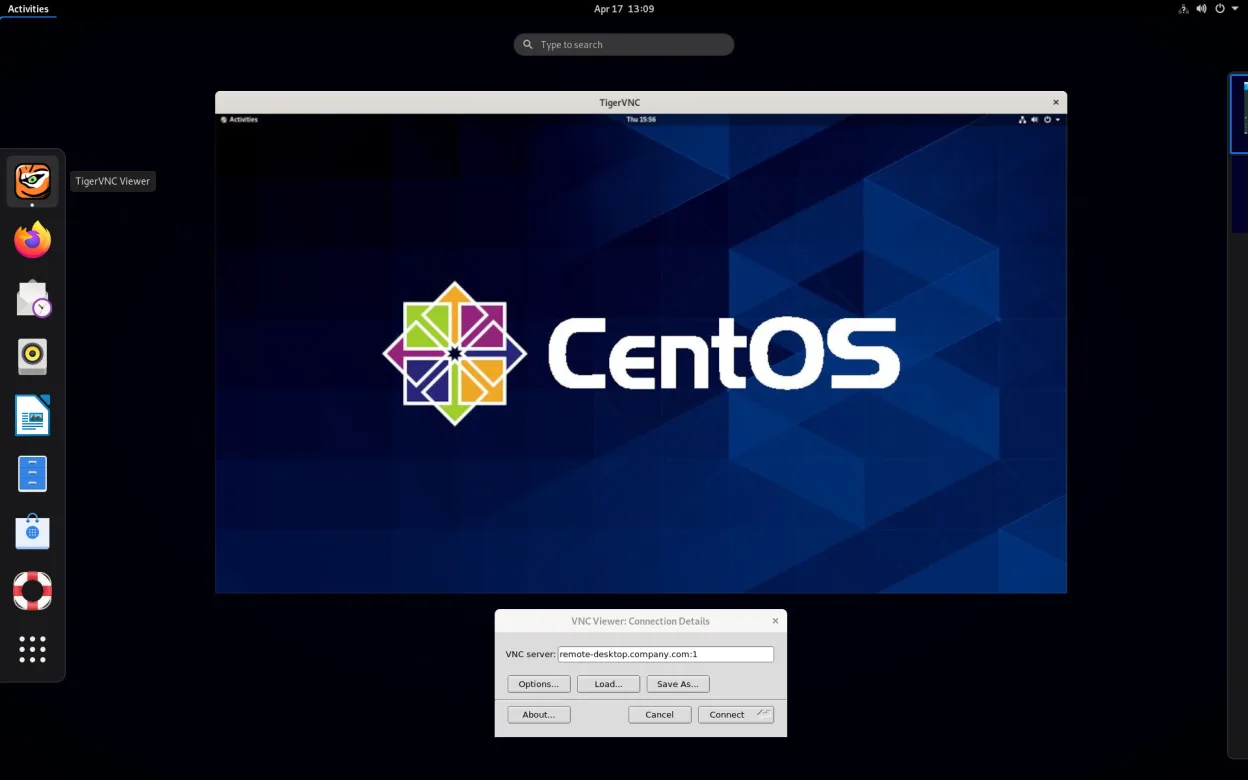
TigerVNC Viewer is a GPL‑licensed client for connecting to remote VNC desktops on Linux.
TigerVNC Viewer is a solid replacement for UltraVNC on Linux. It handles the core tasks UltraVNC users need: connecting to VNC servers, encrypting sessions via TLS, sharing the clipboard, and supporting multiple monitors with scaling options. It also runs as a daemon and offers a command‑line…
Feature parity85% -

Remmina is a Linux remote desktop client supporting RDP, VNC, SSH, and X2Go for connecting to remote systems from GTK-based desktops.
Remmina is a solid Linux alternative for most UltraVNC use‑cases. It can connect to any standard VNC server, including UltraVNC, and adds built‑in SSH tunnelling for encryption. For occasional remote support or personal remote‑desktop work it offers a simple UI, clipboard sync and multi‑monitor…
Feature parity78% -
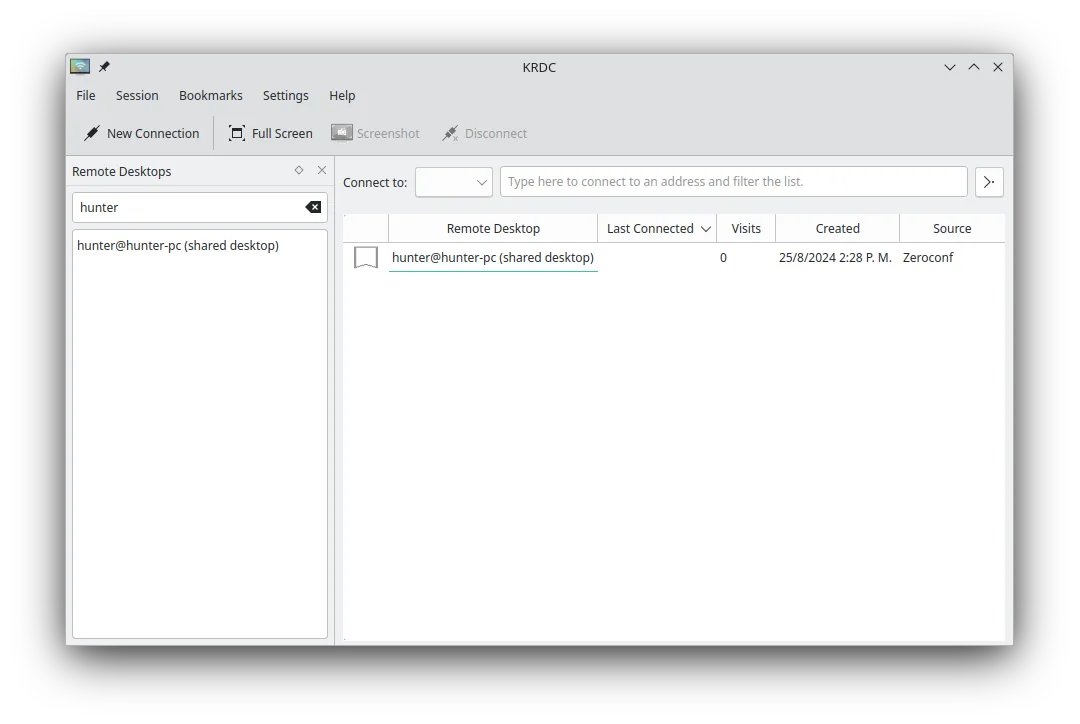
KRDC is a KDE remote desktop client that connects to Windows or Linux machines via RDP or VNC.
KRDC is a solid replacement for UltraVNC for most users who need VNC connectivity on Linux. It supports VNC connections, encryption via TLS for RDP and optional VNC encryption, file transfer through the VNC protocol, multiple monitors, and dynamic scaling. Its KDE‑styled UI and bookmark system make…
Feature parity80% -
A VNC server for X11 that lets you control your Linux desktop remotely from any VNC client.
x11vnc is a solid replacement for the server side of UltraVNC if you are moving from Windows to Linux. It handles the core job of exposing your X11 desktop to VNC clients reliably. However, it is not a drop-in swap for the entire UltraVNC suite. While it serves the desktop well, it lacks the…
Feature parity65% -

Vinagre is a GNOME remote‑desktop viewer for VNC, RDP, SSH and SPICE, now discontinued.
Vinagre is a functional replacement for UltraVNC's client side, but only if you are on a GNOME desktop and willing to use discontinued software. It handles VNC connections, tabbed multi-connection views, and clipboard sync well. However, it lacks built-in encryption (relying on SSH tunneling) and…
Feature parity65%




What is UltraVNC?
UltraVNC is a VNC‑based remote‑desktop tool used by sysadmins, support staff and power users to view or control another Windows machine over a network. It is distributed as free, open‑source software under a permissive licence, so there are no purchase costs for the Windows version.
The program runs only on Windows; it can be installed on any edition that supports the Win32 API. Because it is open source, users can modify it, but the official builds are provided by the UltraVNC project.
Many Linux users need a similar capability on their own systems or want to connect to Windows hosts without installing Windows tools. A native Linux VNC client that can talk to an UltraVNC server, or a Linux server that mimics UltraVNC’s features, is therefore a common request.
What a replacement for UltraVNC must do
- Connect to VNC servers (including UltraVNC) over the network
- Encrypt or secure the VNC session
- Transfer files between local and remote machines
- Support for multiple monitors and scaling
- Ability to run as a service/daemon on Linux
- Simple UI for occasional remote support
Can you run UltraVNC on Linux?
There is no native UltraVNC build for Linux. The protocol it uses is standard VNC, so any VNC client on Linux can connect to an UltraVNC server. Running the UltraVNC server itself on Linux would require Wine or a similar compatibility layer, but results are mixed and not officially supported.
Which alternative should you choose?
For a lightweight client, TigerVNC Viewer works well and handles encryption. Remmina offers a unified interface for many protocols, including VNC, and is good for users who need a central remote‑desktop hub. Vinagre and KRDC are GNOME/KDE‑integrated clients suited to desktop‑focused users. x11vnc is the closest Linux analogue when you need to expose a Linux desktop to VNC clients.
Moving your UltraVNC files and habits
UltraVNC does not store user data beyond configuration files, so moving to Linux usually means recreating the same settings in the new client. VNC sessions are protocol‑based, so no file format conversion is needed—just point the Linux client at the existing UltraVNC server address and configure authentication as before.
Side-by-side comparison
| App | License | Flatpak | Latest version | Feature parity | Rating |
|---|---|---|---|---|---|
| TigerVNC Viewer | GPL-2.0-or-later | ✓ | 1.14.0 | 85% | — |
| Remmina | GPL-2.0+ | ✓ | 1.4.43 | 78% | — |
| KRDC | GPL-2.0+ | ✓ | 26.04.3 | 80% | — |
| x11vnc | GPL-2.0 | — | 0.9.17 | 65% | — |
| Vinagre | GPL-3.0 | — | 3.22.0 | 65% | — |
UltraVNC: frequently asked questions
Can I run UltraVNC server on Linux?
Not natively; you would need Wine, and stability is not guaranteed. Use x11vnc instead.
Is the UltraVNC protocol compatible with standard VNC clients?
Yes, UltraVNC uses the standard RFB protocol, so any VNC client can connect.
Do Linux VNC clients support UltraVNC’s file‑transfer feature?
TigerVNC and Remmina include file‑transfer extensions that work with UltraVNC servers.
Is encryption available without extra setup?
Most Linux clients require you to tunnel VNC over SSH or use built‑in TLS support; UltraVNC’s own encryption is not directly exposed.
How important is UltraVNC to you?
Know a better alternative? Suggest an alternative