
Windows · Science & Education
Best Linux alternatives to AutoCAD LT
AutoCAD LT is a 2D drafting tool for creating technical drawings, floor plans, and schematics without 3D modeling features.
Updated
Quick answer
The best Linux alternative to AutoCAD LT is LibreCAD. Other strong options: FreeCAD, QCAD.
3 Linux alternatives to AutoCAD LT
-
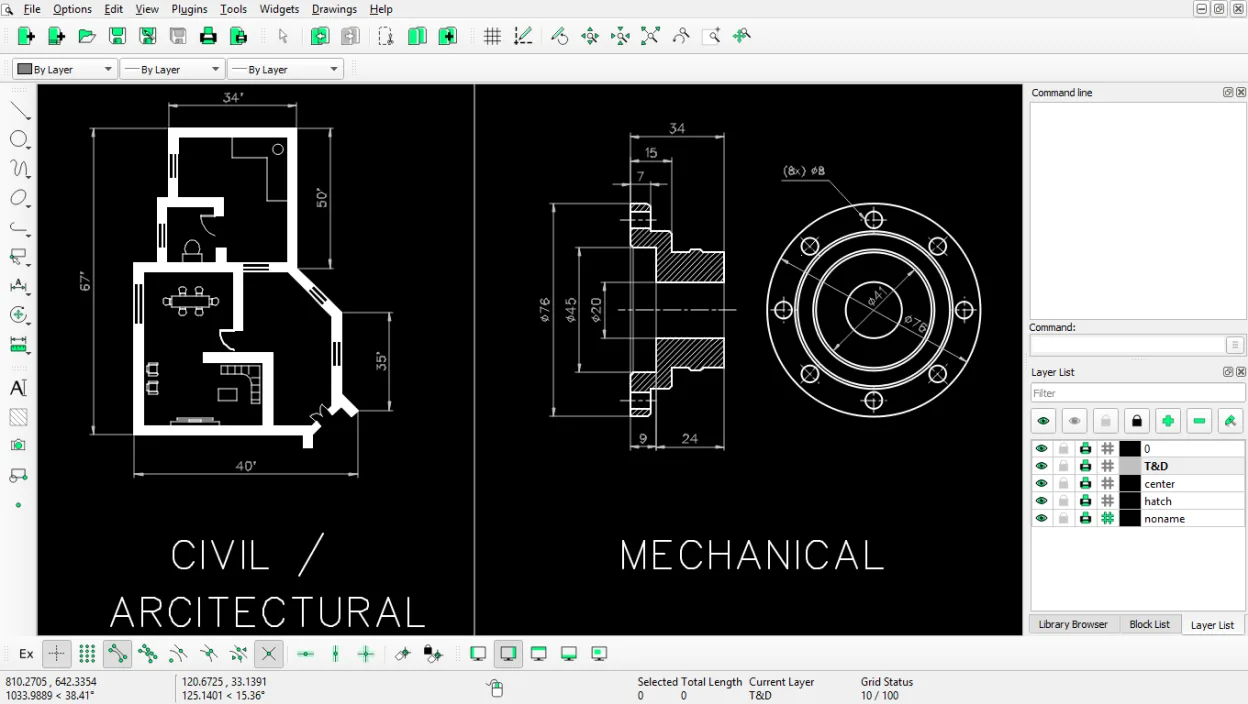
LibreCAD is a free, open‑source 2D CAD program for creating precise drawings on Linux.
LibreCAD can serve as a practical replacement for AutoCAD LT for users whose work stays strictly 2‑D. It offers the essential drafting tools, layer handling and dimensioning that most LT users need, and it reads and writes DXF files well enough for everyday exchange. However, it lacks many of the…
Feature parity62% -
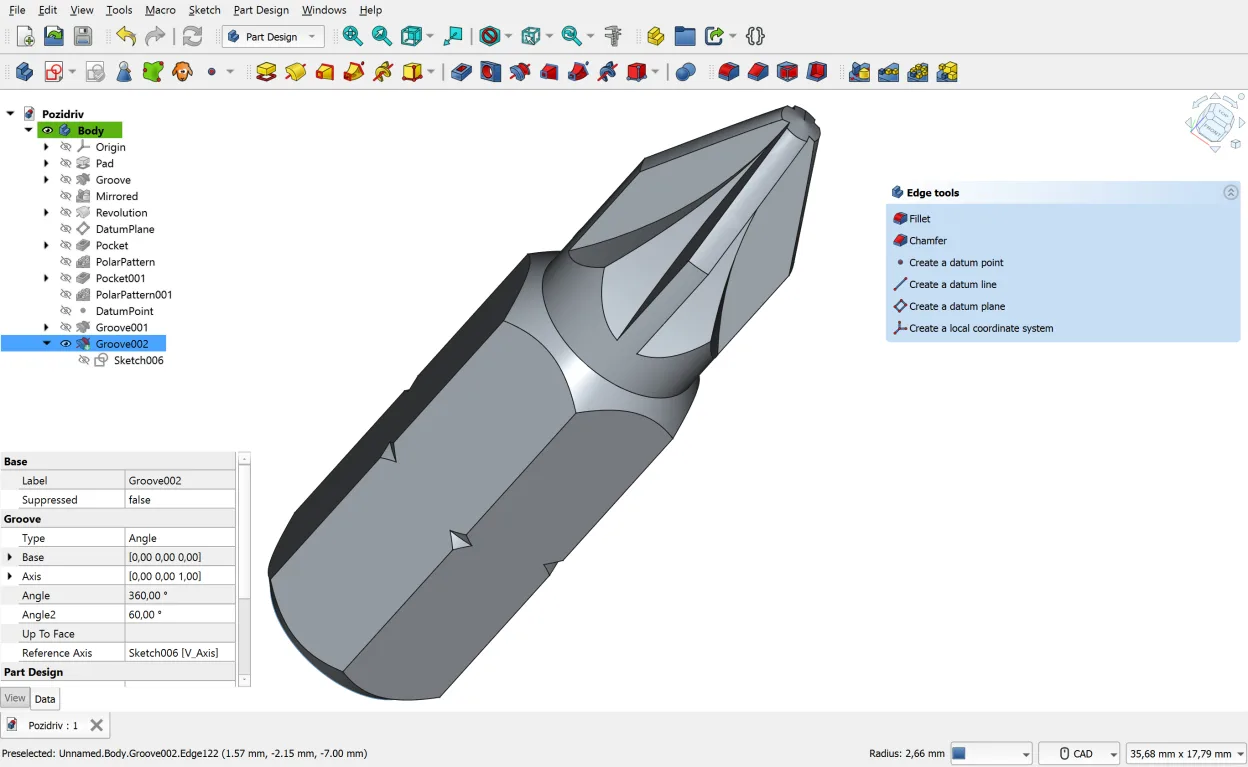
FreeCAD is an open‑source parametric 3D CAD modeler for design, engineering and 3D printing.
FreeCAD can serve as a replacement for AutoCAD LT for users whose primary work is 2D drafting and who are comfortable with a slightly different workflow. It offers precise 2D sketching, dimensioning, layers and block creation, and can read and write DXF, which covers most everyday drafting tasks…
Feature parity70% -
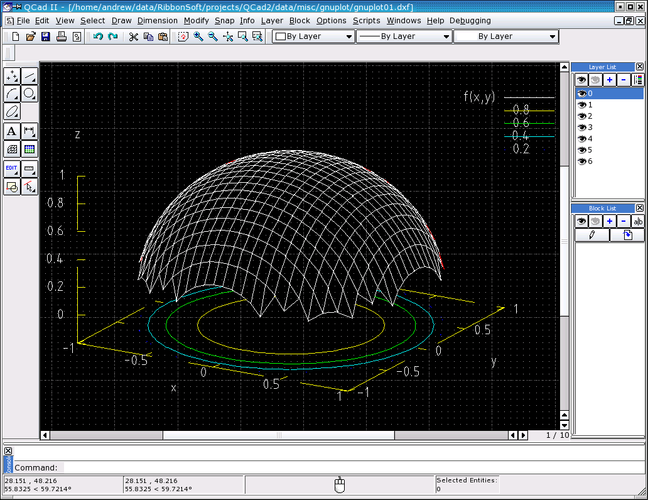
QCAD is an open-source 2D CAD application for creating technical drawings on Linux.
QCAD can serve as a practical replacement for AutoCAD LT for users whose work stays within pure 2D drafting and who are comfortable with DXF as the main exchange format. It offers the essential drawing, layering, dimensioning and block tools needed for floor plans, schematics and mechanical…
Feature parity68%


What is AutoCAD LT?
AutoCAD LT serves architects, engineers, and designers who need precise 2D drafting for construction documents and technical plans. Unlike the full AutoCAD suite, it focuses strictly on 2D geometry, making it lighter and more affordable for users who do not require 3D visualization or rendering capabilities. It is a standard in many drafting workflows for its reliability and extensive toolset for line work and annotation.
The software operates on a subscription-based licensing model, requiring a recurring fee for access to updates and support. While cheaper than the full AutoCAD product, it is still a commercial product with significant ongoing costs for individual users or small firms. This pricing structure often drives users to seek one-time purchase or free alternatives that offer similar 2D functionality.
Users look for Linux alternatives primarily to avoid subscription costs and to integrate CAD tools into a Linux-based workstation. Many prefer open-source solutions that do not lock them into vendor-specific ecosystems or require constant internet connectivity for license validation. Additionally, some users simply prefer the stability and customization options of Linux for their daily technical work.
What a replacement for AutoCAD LT must do
- Precise 2D geometric drawing tools
- Layer management and organization
- Dimensioning and annotation capabilities
- Block and symbol creation
- Export to standard formats like DXF
- Printing and plotter output setup
- File compatibility with industry standards
Can you run AutoCAD LT on Linux?
There is no native Linux version of AutoCAD LT. Autodesk does not provide a Linux build for this software. While some users report running older Windows versions of AutoCAD via Wine, compatibility is often unstable and requires significant configuration. Newer versions may not work well at all due to changes in Windows dependencies. It is generally recommended to use a native Linux CAD application rather than relying on Wine for professional drafting work.
Which alternative should you choose?
For pure 2D drafting that closely mimics AutoCAD LT, LibreCAD is the closest match, offering a similar interface and DXF support. QCAD is another strong 2D option with a more modern interface and robust block management. If you need to move beyond 2D into parametric 3D modeling, FreeCAD is the appropriate choice, though it has a steeper learning curve. Inkscape is better suited for vector graphics and illustration rather than technical drafting, so it is less ideal for strict engineering plans. OpenSCAD is a tool for solid 3D modeling, not 2D drafting, so it does not replace AutoCAD LT.
Moving your AutoCAD LT files and habits
Migrating from AutoCAD LT to Linux tools is straightforward if you use the DXF format, which is the standard interchange format for CAD data. Most Linux CAD applications, including LibreCAD and QCAD, can import and export DXF files reliably. You should test a sample drawing to ensure that layers, blocks, and dimensions translate correctly. Note that some proprietary AutoCAD-specific features or complex block definitions may not convert perfectly, so manual cleanup might be necessary after import.
Side-by-side comparison
AutoCAD LT: frequently asked questions
Can LibreCAD open AutoCAD DWG files directly?
LibreCAD primarily uses the DXF format. While it can import some DWG files, it is more reliable to convert DWG to DXF first using a converter or by opening the file in a tool that supports both formats before importing into LibreCAD.
Is FreeCAD a good replacement for 2D drafting?
FreeCAD is a parametric 3D modeler. It has 2D sketching tools, but they are designed to feed into 3D models. For pure 2D drafting workflows like AutoCAD LT, LibreCAD or QCAD are more direct replacements.
Do these Linux tools support printing to plotters?
Yes, most Linux CAD applications integrate with the CUPS printing system. You can print to standard printers or plotter drivers installed on your Linux system. Setup is similar to any other Linux application, requiring the correct driver to be installed.
Which tool is best for architectural floor plans?
LibreCAD and QCAD are both well-suited for architectural floor plans. They offer the necessary line weights, dimensioning styles, and layer controls. Choose based on which interface you find more intuitive, as both handle 2D drafting effectively.
How important is AutoCAD LT to you?
Know a better alternative? Suggest an alternative