
Windows · Sound & Video
Best Linux alternatives to CyberLink PowerDirector
CyberLink PowerDirector is a Windows video editing suite for cutting, color grading, effects, and exporting finished videos.
Updated
Quick answer
The best Linux alternative to CyberLink PowerDirector is Kdenlive. Other strong options: Shotcut, OpenShot, PiTiVi.
4 Linux alternatives to CyberLink PowerDirector
-

Kdenlive is a free, feature‑rich non‑linear video editor built on the MLT framework.
Kdenlive is a solid replacement for CyberLink PowerDirector on Linux, especially for users who need multi-track editing, color grading, effects, and reliable export options. It’s free, actively developed, and handles HD and 4K footage well, particularly with proxy editing to ease performance…
Feature parity85% -

Shotcut is a free, open-source video editor for Linux with support for a wide range of formats via FFmpeg.
-

OpenShot is a free, open-source, non-linear video editor for Linux and other platforms, built with Python and MLT.
-
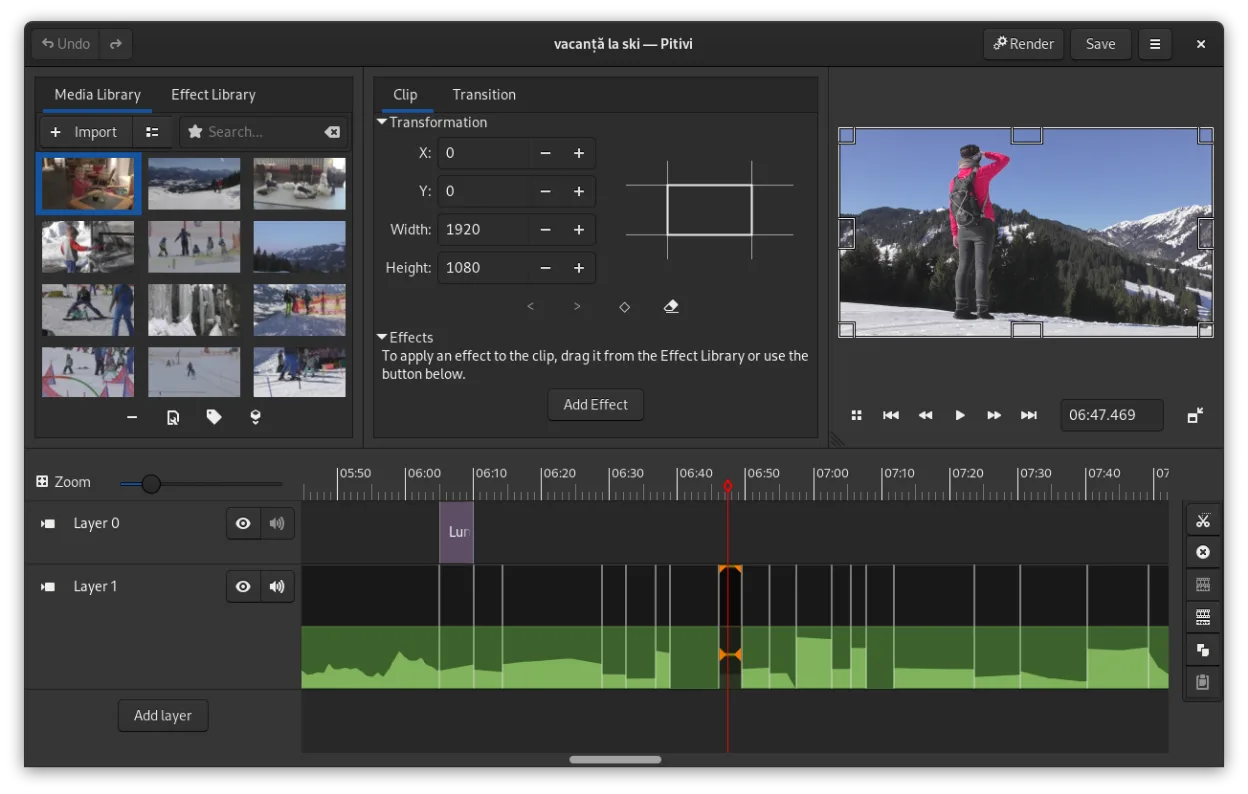
PiTiVi is a free, open-source, non-linear video editor for Linux built on GStreamer with a clean GNOME-integrated interface.


What is CyberLink PowerDirector?
PowerDirector is used by content creators, hobbyists, and semi-professionals for editing videos with a timeline-based interface. It supports multi-track editing, visual effects, color correction, and direct sharing to platforms like YouTube. Commonly used for YouTube videos, short films, and social media content.
The software follows a paid licensing model, typically sold as a one-time purchase or subscription. Some features are locked behind higher-tier editions. It's not open source, and updates require paid upgrades. The interface is designed for ease of use but includes advanced tools.
People seek Linux alternatives because PowerDirector has no native Linux version. Users switching from Windows want similar editing capabilities without relying on compatibility layers. Performance, stability, and access to open-source tools also drive interest in native Linux video editors.
What a replacement for CyberLink PowerDirector must do
- Multi-track timeline editing
- Video cutting and trimming
- Color correction and grading
- Visual effects and transitions
- Export to common formats (MP4, WebM, etc.)
- Support for HD and 4K footage
- User-friendly interface
Can you run CyberLink PowerDirector on Linux?
PowerDirector does not have a native Linux version. It is not available via web browser. Some users report limited success running older versions through Wine, but performance is inconsistent and not officially supported. Proton and Bottles generally do not work reliably. No current Linux-compatible release exists.
Which alternative should you choose?
Kdenlive suits intermediate to advanced users needing precise control and effects. Shotcut works well for those comfortable with a less guided workflow and raw formats. OpenShot is best for beginners due to its simplicity. PiTiVi, though less actively developed, offers a clean GTK interface for GNOME users seeking integration.
Moving your CyberLink PowerDirector files and habits
PowerDirector projects can't be directly opened in Linux editors. Export videos as intermediate files (like MP4 or MOV) before switching. Most Linux editors accept common formats, but proprietary effects or transitions may not transfer. Rebuild timelines manually in the new software using exported assets.
Side-by-side comparison
CyberLink PowerDirector: frequently asked questions
Can I run PowerDirector on Linux using Wine?
Some older versions may start under Wine, but expect crashes, missing features, and poor performance. Not recommended for serious work.
Is Kdenlive as powerful as PowerDirector?
Kdenlive supports multi-track editing, effects, and color grading comparable to PowerDirector, though the interface differs.
Which Linux editor is easiest for beginners?
OpenShot offers a simple interface and basic tools ideal for new users transitioning from Windows editors.
Does Shotcut support 4K editing?
Yes, Shotcut handles 4K footage, though performance depends on your system's hardware and codec support.
How important is CyberLink PowerDirector to you?
Know a better alternative? Suggest an alternative