

Windows · Sound & Video
Die besten Linux-Alternativen zu CyberLink PowerDVD
PowerDVD is a commercial Windows media player for DVDs, Blu‑rays, 4K video and streaming.
Aktualisiert am
Kurz gesagt
Die beste Linux-Alternative zu CyberLink PowerDVD ist Totem. Weitere gute Optionen: Mplayer, VLC media player, Xine.
6 Linux-Alternativen zu CyberLink PowerDVD
-

Totem (GNOME Videos) is the default GNOME video player built on GStreamer.
Totem is a solid replacement for basic DVD and video file playback on Linux, but it is not a direct equivalent to CyberLink PowerDVD. It handles standard DVDs and common video codecs well thanks to GStreamer. However, it lacks native Blu-ray support, 4K hardware acceleration features, and streaming…
Funktionsabdeckung40% -
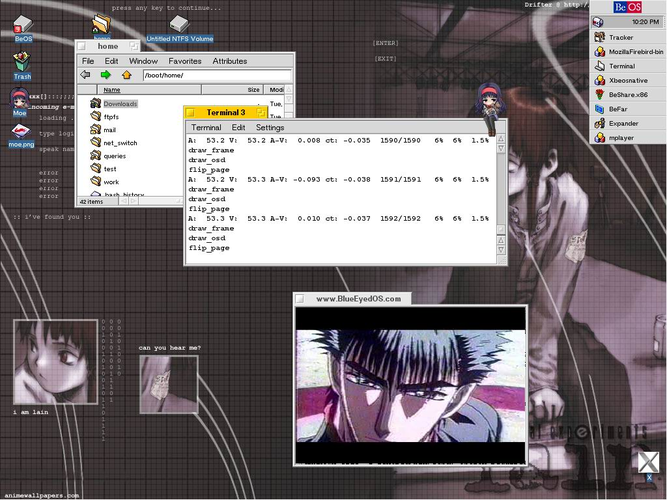
MPlayer is a free, command‑line media player that supports a wide range of formats and codecs.
MPlayer can play the same media types that PowerDVD handles—DVDs, Blu‑Rays, and 4K video—so it works for users who only need playback. It lacks the polished GUI, DRM support for streaming services, and the integrated library management that PowerDVD offers. For a tech‑savvy user comfortable with…
Funktionsabdeckung70% -

VLC is a free, open‑source multimedia player that runs on Linux and handles virtually any audio or video format.
VLC is a solid replacement for CyberLink PowerDVD for most users, especially those who prioritize format support and simplicity over polished menus or commercial Blu-ray decryption. It handles DVDs, CDs, VCDs, and nearly all video files without extra codecs, including 4K where hardware allows…
Funktionsabdeckung75% -
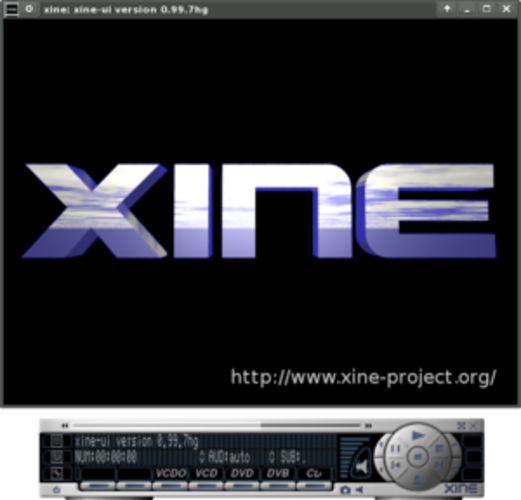
Xine is a free, open‑source multimedia player engine and frontend for Linux that supports a wide range of audio and video formats.
Xine can play DVDs and many video formats, but it does not support Blu‑ray playback, 4K video, or streaming from services that PowerDVD offers. For users who only need basic DVD and standard‑definition video playback, Xine is a lightweight alternative. It is not suitable for those who rely on…
Funktionsabdeckung30% -
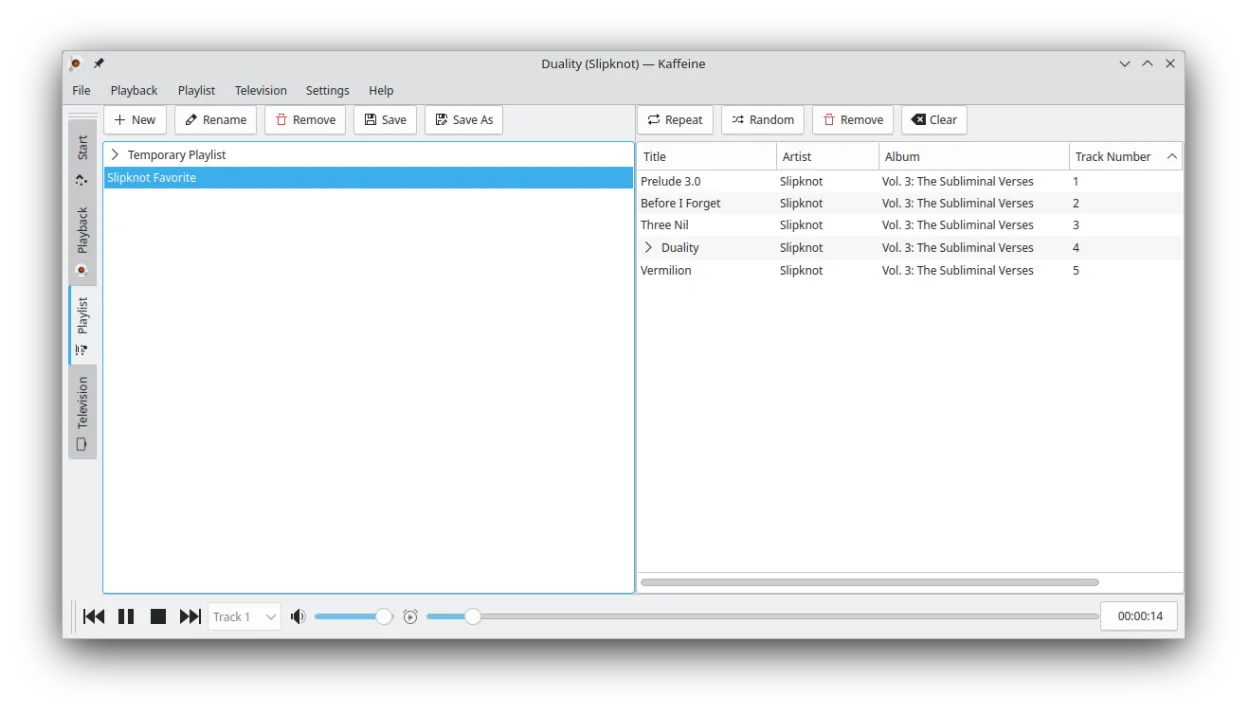
Kaffeine is a KDE media player for Unix-like systems, known for strong digital TV (DVB) support and DVD playback.
Kaffeine is a solid, free replacement for basic DVD and VCD playback, offering full menu navigation and wide codec support via GStreamer. However, it is not a direct replacement for CyberLink PowerDVD if you rely on Blu-ray playback, 4K Ultra HD discs, or integrated streaming from online services…
Funktionsabdeckung40% -
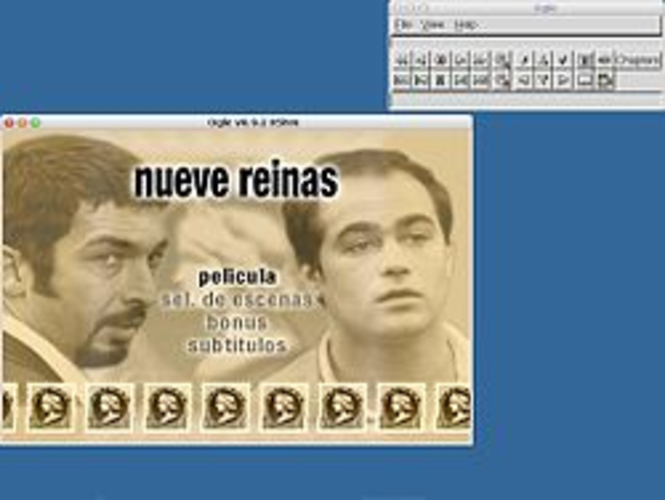
Ogle DVD Player was an early open‑source DVD‑Video player for Linux, designed to replace commercial Windows players.
Ogle DVD Player can replace CyberLink PowerDVD for basic DVD playback and simple subtitle handling on Linux, but it lacks many of PowerDVD’s advanced features such as Blu‑ray support, 4K playback, DRM protection, and streaming from online services. It is suitable for users who only need to watch…
Funktionsabdeckung30%




Was ist CyberLink PowerDVD?
PowerDVD is a full‑featured media player aimed at home theater enthusiasts and casual users who want a single app to handle Blu‑ray discs, DVDs, high‑resolution video files and online streams. It is sold as a proprietary product, typically bundled with a license key and occasional upgrades, and it includes DRM‑protected playback support. Many users look for a Linux replacement because they have switched operating systems, prefer open‑source software, or want to avoid ongoing license costs.
Was ein Ersatz für CyberLink PowerDVD können muss
- Blu‑ray disc playback
- DVD playback
- 4K video support
- Wide codec compatibility
- Streaming from online services
- Subtitle handling
- Audio track selection
Läuft CyberLink PowerDVD unter Linux?
PowerDVD has no native Linux version and no official web client. It can be run under Wine, but Blu‑ray playback often fails due to DRM. Proton or Bottles may work for basic video files, but disc‑based features are unreliable.
Welche Alternative passt zu Ihnen?
VLC covers almost all needs with strong codec support and optional Blu‑ray playback via plugins, making it ideal for most users. Totem offers a simple GNOME‑integrated experience for DVD and common video files. MPV (Mplayer) provides a lightweight, scriptable player for power users. Xine and Kaffeine are good for KDE environments, while Ogle DVD Player focuses on DVD playback only.
Dateien und Gewohnheiten aus CyberLink PowerDVD mitnehmen
All common video, audio and subtitle formats used by PowerDVD are standard files, so you can simply open them in the Linux player. No project files or libraries need to be exported; just copy the media files to your Linux system and let the new player handle them.
Direkter Vergleich
| Programm | Lizenz | Flatpak | Aktuelle Version | Funktionsabdeckung | Bewertung |
|---|---|---|---|---|---|
| Totem | GPL-2.0+ | — | 43.2 | 40% | — |
| Mplayer | GPL-2.0-or-later | — | 1.5 | 70% | 5/5 |
| VLC media player | GPL-2.0+ | ✓ | 3.0.23 | 75% | — |
| Xine | GPL-2.0 | — | — | 30% | — |
| Kaffeine | GPL-2.0+ | ✓ | 2.0.18 | 40% | — |
| Ogle DVD Player | GPL-2.0 | — | — | 30% | — |
CyberLink PowerDVD: häufige Fragen
Can I play commercial Blu‑ray discs on Linux?
VLC can play many Blu‑rays, but encrypted discs often require additional libraries that may not be legal in all jurisdictions.
Do I need to buy a new license for the Linux alternatives?
All listed alternatives are free and open source.
Will subtitles work automatically?
Yes, most players auto‑detect embedded or external subtitle files like .srt.
Is hardware acceleration supported?
VLC, MPV and Kaffeine support VA‑API or VDPAU on compatible GPUs for smooth 4K playback.
Wie wichtig ist Ihnen CyberLink PowerDVD?
Kennen Sie eine bessere Alternative? Alternative vorschlagen