
Windows · Sound & Video
Best Linux alternatives to Dolby Access
Dolby Access is a Windows app for licensed Dolby Vision and Atmos playback, which Linux users replace with native media players.
Updated
Quick answer
The best Linux alternative to Dolby Access is VLC media player. Other strong options: mpv, Kodi.
3 Linux alternatives to Dolby Access
-
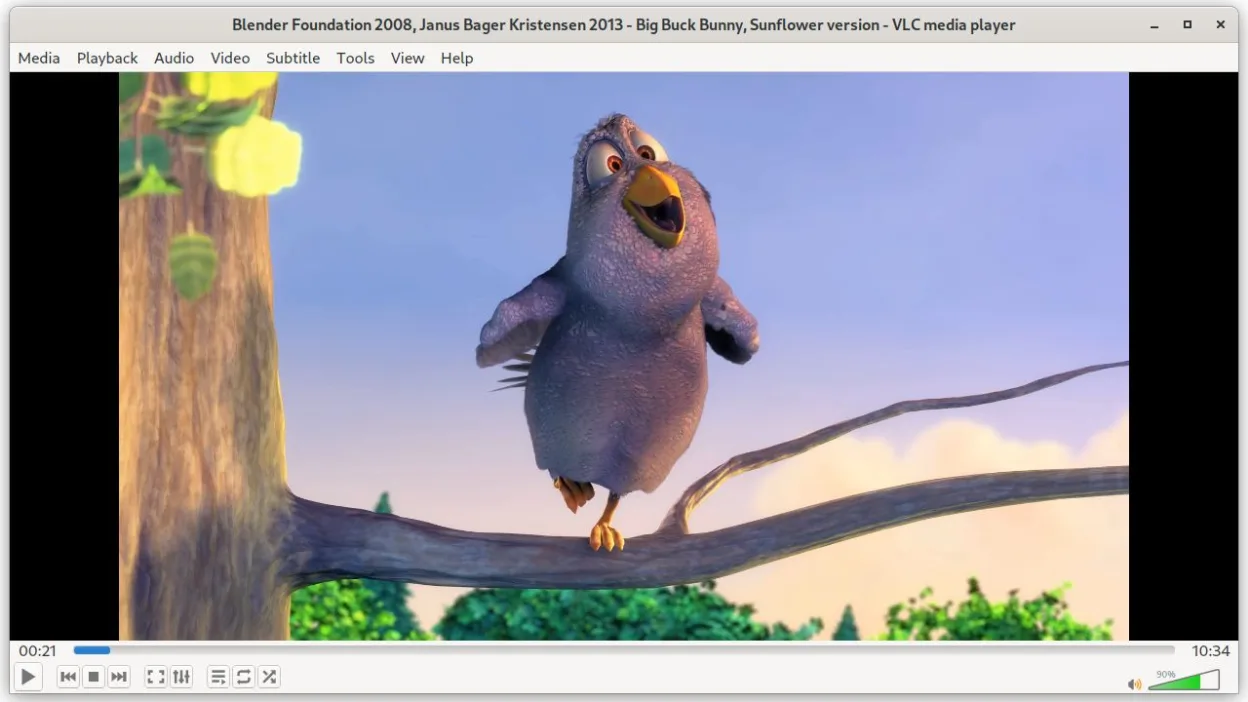
VLC is a free, open‑source multimedia player that runs on Linux and handles virtually any audio or video format.
VLC is a solid general-purpose media player for Linux, but it is not a direct replacement for Dolby Access. Dolby Access is primarily a licensing and configuration tool for enabling specific Dolby codecs on Windows hardware. VLC handles standard video and audio playback well, including some HDR and…
Feature parity40% -

mpv is a free, open‑source, cross‑platform media player that plays almost any video or audio format.
mpv is a strong functional replacement for the playback aspects of Dolby Access, but it is not a direct substitute for the licensing service. If you have media files with Dolby Vision or Atmos tracks, mpv can decode and play them if your hardware and drivers support it. However, mpv does not…
Feature parity60% -

Kodi is a free, open-source media center for playing video, music, and podcasts from local or network sources.
Kodi is not a direct feature-for-feature replacement for Dolby Access, as it does not provide the specific licensed Dolby Vision or Atmos decoding profiles that Dolby Access manages on Windows. However, for Linux users, Kodi serves as the primary media center to play high-quality video and audio…
Feature parity40%


What is Dolby Access?
Dolby Access is a proprietary Windows application that enables licensed playback of Dolby Vision and Dolby Atmos content in supported media players. It is primarily used by consumers who want to experience high-fidelity spatial audio and high dynamic range video on their personal computers. The software acts as a license manager and decoder interface for compatible hardware and content sources.
The pricing model for Dolby Access is typically freemium or paid. While the application itself may be free to install, unlocking specific features like Dolby Atmos for music or Dolby Vision for video often requires a one-time purchase or a subscription. This creates a paywall for the full experience of these advanced audio and video formats on Windows systems.
People look for Linux alternatives because Dolby Access does not have a native Linux version. Linux users who want to watch Dolby Vision content or listen to Dolby Atmos audio need different solutions. They often rely on open-source media players that support these codecs natively or through hardware acceleration, bypassing the need for the proprietary Windows license manager entirely.
What a replacement for Dolby Access must do
- Support for Dolby Vision HDR playback
- Decoding of Dolby Atmos audio streams
- Hardware acceleration for video decoding
- Compatibility with common media file formats
- Low-latency audio output for surround sound
- Integration with local media libraries
Can you run Dolby Access on Linux?
There is no native Linux version of Dolby Access. It is a Windows-only application. Running it via Wine or Proton is unlikely to work reliably because it depends on specific Windows DRM and hardware driver interactions that are not fully supported in those compatibility layers. Users should not expect to run the official Windows app on Linux. Instead, they must use Linux-native media players that support the underlying codecs directly.
Which alternative should you choose?
VLC media player is the best general-purpose choice for most users who want a simple, all-in-one solution for playing various media files, including those with Dolby codecs where supported. mpv is ideal for power users who want a lightweight, highly configurable player with excellent video rendering and audio processing capabilities. Kodi is suitable for users who want a dedicated media center interface for organizing and playing local libraries. PulseAudio and GStreamer Debug Viewer are system-level tools for managing audio routing and debugging streams, not direct replacements for the playback experience itself.
Moving your Dolby Access files and habits
Migrating from Dolby Access to Linux alternatives involves no data export, as Dolby Access is a license manager rather than a content storage solution. Your media files remain in their original formats. You simply need to ensure your Linux media player supports the specific codecs contained in your files. If your files use Dolby Vision or Atmos, verify that your Linux player and hardware support these standards. No special conversion is usually needed, but you may need to install additional codec packages depending on your distribution.
Side-by-side comparison
| App | License | Flatpak | Latest version | Feature parity | Rating |
|---|---|---|---|---|---|
| VLC media player | GPL-2.0+ | ✓ | 3.0.24 | 40% | — |
| mpv | GPL-2.0+ AND… | ✓ | 0.42.0 | 60% | — |
| Kodi | GPL-2.0-only… | ✓ | 21.3-Omega | 40% | — |
Dolby Access: frequently asked questions
Can I use Dolby Access on Linux via Wine?
It is highly unlikely to work. Dolby Access relies on Windows-specific DRM and driver interactions that are not supported by Wine or Proton. You should use a native Linux media player instead.
Do Linux media players support Dolby Atmos?
Yes, players like VLC and mpv can decode Dolby Atmos audio streams if your hardware and audio server support multi-channel output. The experience may differ slightly from the licensed Windows app but is functionally similar for playback.
Is Dolby Vision supported on Linux?
Support depends on your hardware and drivers. Some Linux media players can handle Dolby Vision metadata if the underlying video driver supports it. It is not as universally available as on Windows, but it is possible on modern systems.
Do I need to buy a license for Dolby on Linux?
No. Linux media players use open-source or freely available decoders for Dolby formats. You do not need to purchase a Dolby Access license to play Dolby-encoded content on Linux, provided your player supports the codec.
How important is Dolby Access to you?
Know a better alternative? Suggest an alternative