
 VLC media playerLinux
vs
Dolby AccessWindows
VLC media player as a Linux alternative to Dolby Access
Updated
Our verdict
VLC is a solid general-purpose media player for Linux, but it is not a direct replacement for Dolby Access. Dolby Access is primarily a licensing and configuration tool for enabling specific Dolby codecs on Windows hardware. VLC handles standard video and audio playback well, including some HDR and multi-channel audio, but it does not manage Dolby licenses or guarantee full Dolby Vision/Atmos certification. It is suitable for users who just want to play files, not for those requiring certified Dolby ecosystem integration.
- License
- GPL-2.0+
- Price
- Free
- Latest version
- 3.0.24 (September 17, 2026)
- Rating
- —
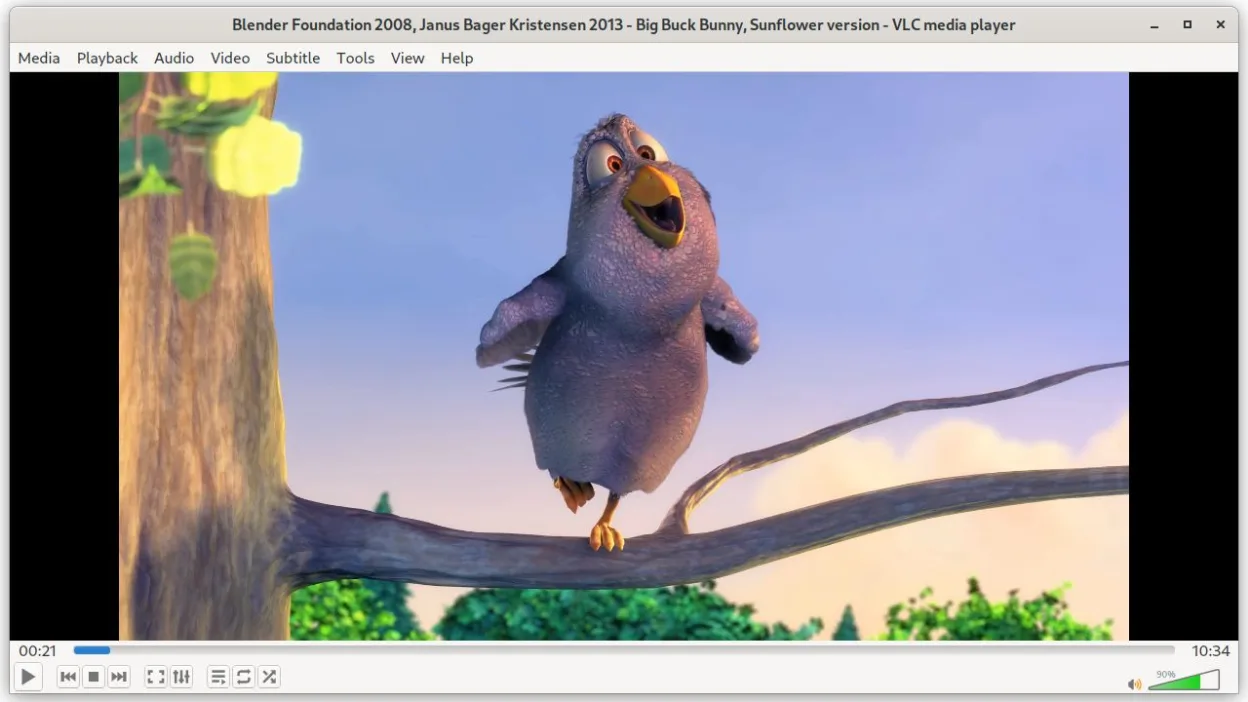
What works the same
- Plays common video and audio file formats
- Supports hardware acceleration for decoding
- Handles multi-channel audio streams
- Open-source and free to use on Linux
- Supports local media library browsing
What is different
- Lacks Dolby Access licensing and activation features
- No guaranteed support for certified Dolby Vision profiles
- Does not configure system-wide Dolby Atmos output settings
- Missing integration with Dolby ecosystem apps and services
- Audio output depends on Linux audio server configuration
Opening your Dolby Access files
VLC does not use Dolby Access-specific configuration files. It reads standard media containers like MP4, MKV, and AVI. If you have media files that require Dolby licenses to play, VLC may not decode them correctly without the proper system-level codec support. There is no direct file export or import between the two applications as they serve different purposes.
Switching from Dolby Access to VLC media player, step by step
- Install VLC via your package manager or Flathub
- Configure your Linux audio server for multi-channel output
- Test playback with known Dolby Atmos or Vision files
- Adjust hardware acceleration settings in VLC preferences if needed
- Verify subtitle synchronization and audio channel mapping
Key features of VLC media player
- Plays most audio and video formats out of the box
- Supports DVDs, Audio CDs, VCDs and network streams
- Built‑in subtitle support with synchronization
- Media conversion and basic editing
- Streaming server capabilities
- Extensible via plugins and skins
- Command‑line interface for scripting
How to install VLC media player on Linux
flatpak install flathub org.videolan.VLCFrequently asked questions
Can VLC play Dolby Atmos audio?
VLC can decode multi-channel audio streams, including those labeled as Dolby Atmos, but the actual spatial audio rendering depends on your Linux audio server and hardware support.
Does VLC support Dolby Vision?
VLC has limited support for HDR10 and some Dolby Vision profiles, but it does not handle the licensing required for full Dolby Vision playback on all devices.
Is VLC better than other Linux players for Dolby content?
VLC is versatile, but specialized players like mpv or Kodi with specific plugins might offer better HDR and audio configuration options for advanced users.
2 other alternatives to Dolby Access
 mpvmpv is a free, open‑source, cross‑platform media player that plays almost any video or audio format.Open sourceFreeFlatpakmpv vs Dolby Access
 KodiKodi is a free, open-source media center for playing video, music, and podcasts from local or network sources.Open sourceFreeFlatpakKodi vs Dolby Access