
 DrawpileLinux
vs
PaintWindows
DrawpileLinux
vs
PaintWindows
Drawpile as a Linux alternative to Paint
Updated
Our verdict
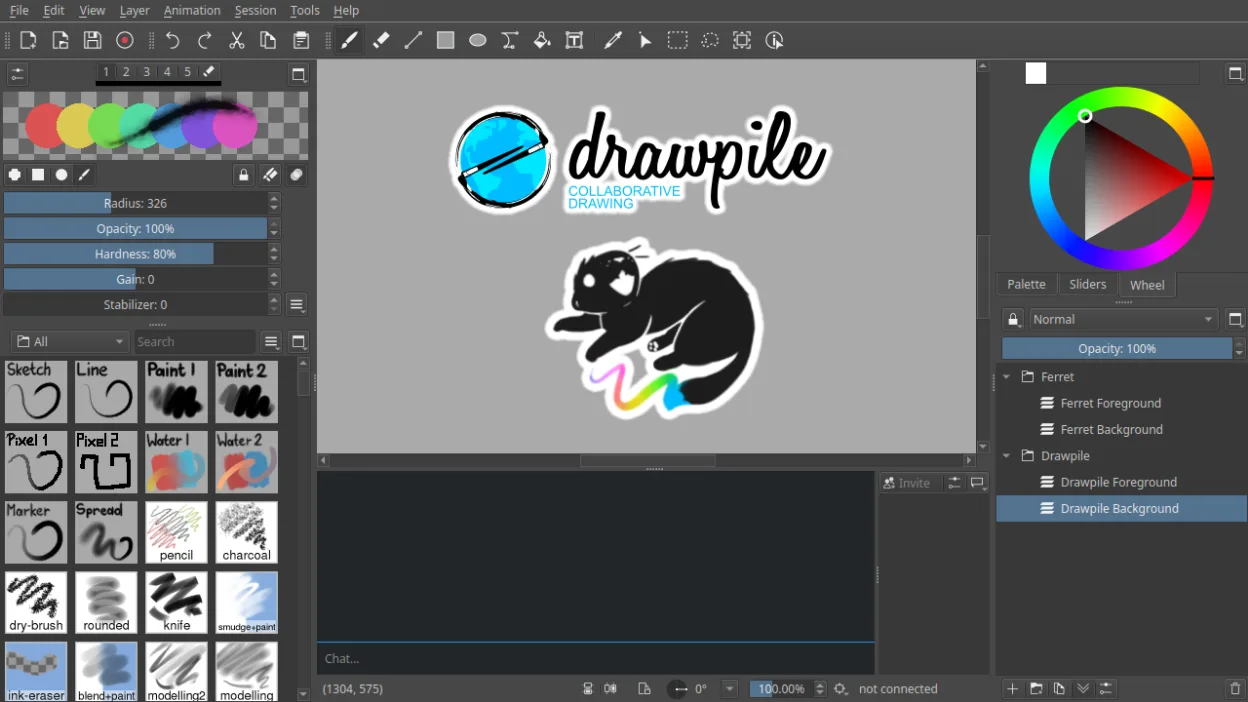
Drawpile is a capable replacement for Paint if you need more advanced features like layers, animation, or collaborative drawing, but it's overkill for quick, simple edits. Typical Paint users who just crop images or draw basic shapes will find Drawpile unnecessarily complex. However, artists, educators, or teams wanting real-time collaboration and pressure-sensitive tablet support will benefit. It runs natively on Linux and is actively maintained. For basic tasks, simpler Linux tools like Pinta or KolourPaint may suit better, but Drawpile is solid if you're moving beyond Paint’s limits.
- License
- GPL-3.0+
- Price
- Free
- Latest version
- 2.3.1 (October 21, 2026)
- Rating
- —
What works the same
- Both allow freehand drawing and basic shape tools
- Support for raster image editing
- Available on Linux and Windows
- Supports common image formats like PNG and JPEG
- Simple UI for direct canvas interaction
What is different
- Drawpile supports real-time collaboration; Paint does not
- Drawpile has layers and blending modes; Paint has no layer support
- Drawpile includes an animation timeline; Paint has no animation features
- Drawpile requires more system resources and setup
- Paint is simpler and faster for quick edits
Opening your Paint files
Drawpile can open and export common raster formats like PNG and JPEG, which covers most files created in Paint. If you save a Paint image in BMP or another standard format, Drawpile should handle it without issue. However, Drawpile does not support older or obscure formats by default, and complex layer data won’t translate back to Paint. For basic sharing, export as PNG. Native .drawpile files are not readable by Paint.
Switching from Paint to Drawpile, step by step
- Install Drawpile via your package manager or Flathub
- Open a saved Paint image (PNG, JPEG, BMP) in Drawpile
- Use the brush, line, or shape tools as needed
- Save your work in PNG for compatibility
- Explore layers and brush settings if needed
- Join or host a session if collaborating
Key features of Drawpile
- Real-time collaborative drawing with multiple users
- Support for layers and layer blending modes
- Animation timeline with frame-by-frame editing
- Client-server session model for hosting drawings
- Tablet pressure and tilt sensitivity support
- Record and playback of drawing sessions
- Custom brushes and tool presets
- Cross-platform: Linux, Windows, macOS
How to install Drawpile on Linux
flatpak install flathub net.drawpile.drawpileFrequently asked questions
Can I use Drawpile offline?
Yes, you can use Drawpile entirely offline. The collaboration features require networking, but single-user drawing works without any connection.
4 other alternatives to Paint
 PintaPinta is a free, open‑source bitmap editor that mimics Paint.NET with a simple interface and layer support.Open sourceFreeFlatpakPinta vs Paint
 GIMPGIMP is a free, open-source raster graphics editor for photo editing, digital painting, and image composition.Open sourceFreeFlatpakGIMP vs Paint
 KolourPaintKolourPaint is a lightweight KDE raster graphics editor for quick drawing and simple image touch-ups.Open sourceFreeFlatpakKolourPaint vs Paint
 MyPaintMyPaint is a fast, free, open‑source raster painting program focused on brush dynamics and tablet use.Open sourceFreeFlatpakMyPaint vs Paint