
Windows · Graphics
Best Linux alternatives to Paint
A basic raster graphics editor for simple drawing and image editing, included with Windows since its early versions.
Updated
Quick answer
The best Linux alternative to Paint is Pinta. Other strong options: GIMP, KolourPaint, MyPaint.
5 Linux alternatives to Paint
-

Pinta is a free, open‑source bitmap editor that mimics Paint.NET with a simple interface and layer support.
Pinta is a good replacement for Paint if you want more control and basic layer support without diving into complex editors like GIMP. It offers a clean interface, reliable drawing tools, and supports common formats like PNG and JPEG. Users who stick to simple edits but occasionally need layers or…
Feature parity95% -

GIMP is a free, open-source raster graphics editor for photo editing, digital painting, and image composition.
GIMP is a capable replacement for Paint, but overkill for users who only need basic drawing or quick cropping. If you're comfortable with slightly more complexity and want features like layers, undo history, or better brush control, GIMP is excellent. It’s ideal for users outgrowing Paint’s…
Feature parity65% -
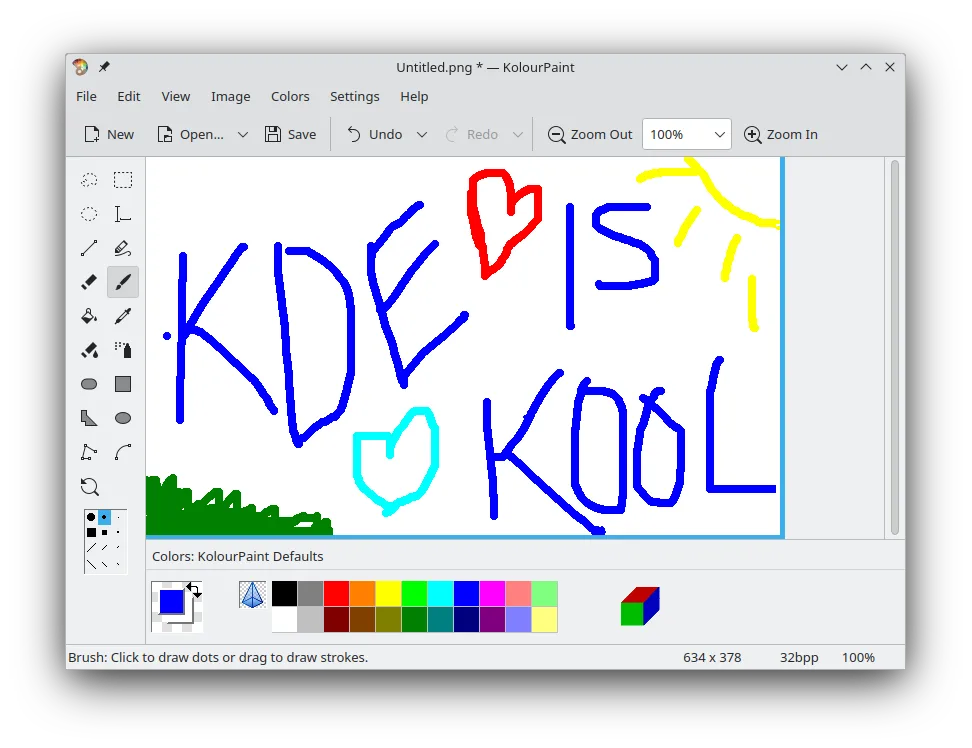
KolourPaint is a lightweight KDE raster graphics editor for quick drawing and simple image touch-ups.
KolourPaint is a solid replacement for Windows Paint for users who need a simple, no-frills raster graphics editor. It handles basic drawing, text, shapes, and image tweaks just as Paint does, with a clean interface and reliable performance. While it lacks some modern conveniences like transparency…
Feature parity90% -
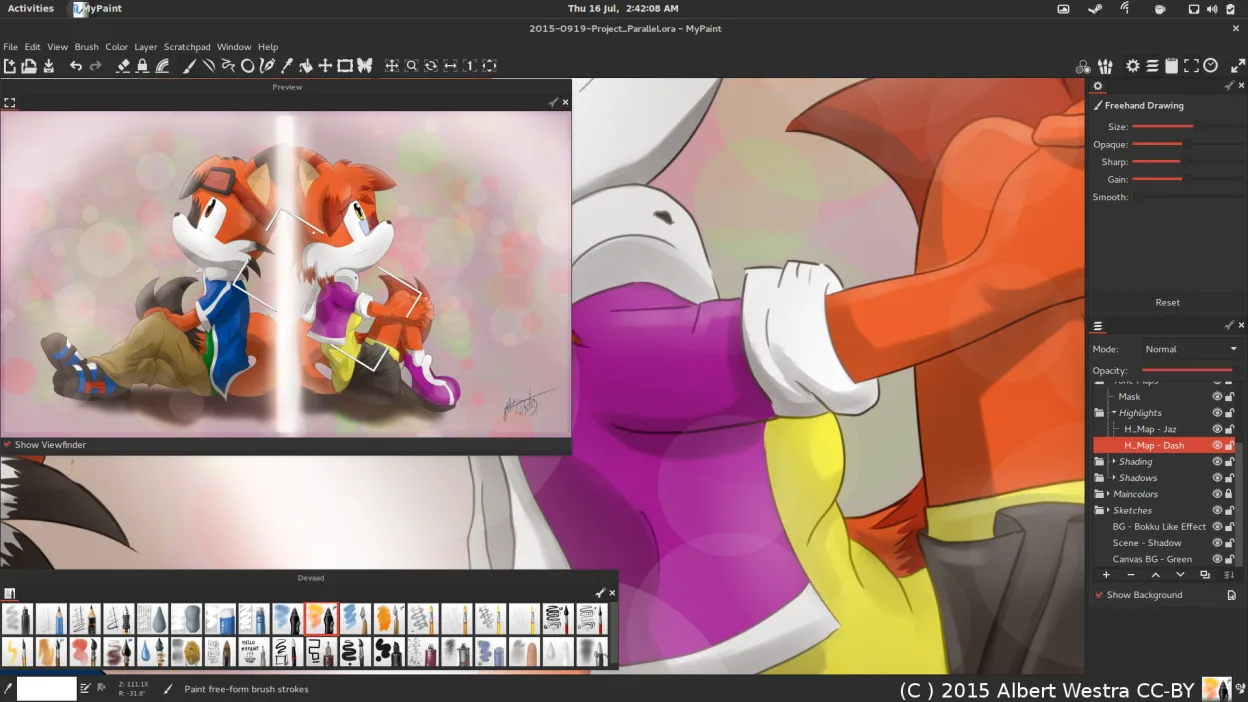
MyPaint is a fast, free, open‑source raster painting program focused on brush dynamics and tablet use.
MyPaint is a good replacement for Paint if you're moving beyond basic edits into drawing or digital art, especially with a tablet. It excels for artists who want expressive brushes and a clean workspace. However, for users who only need to crop, resize, or annotate simple images, MyPaint is…
Feature parity60% -
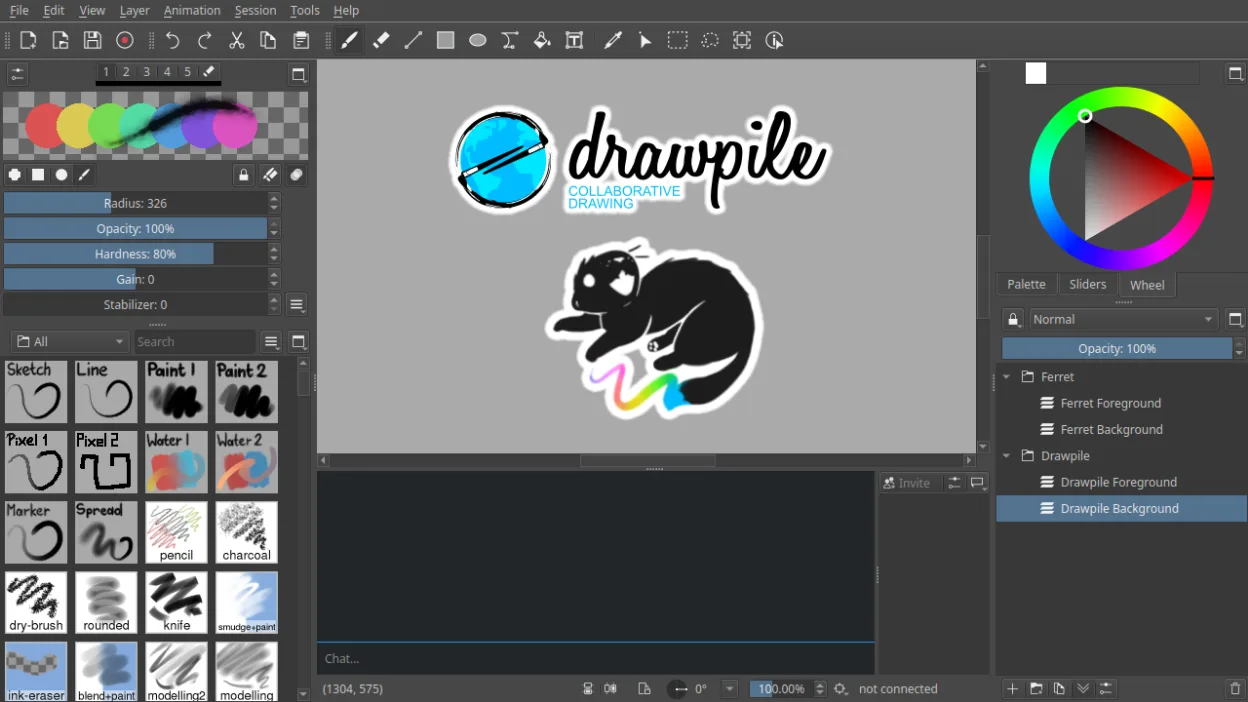
Drawpile is a collaborative drawing application that lets multiple users paint together on the same canvas in real time.
Drawpile is a capable replacement for Paint if you need more advanced features like layers, animation, or collaborative drawing, but it's overkill for quick, simple edits. Typical Paint users who just crop images or draw basic shapes will find Drawpile unnecessarily complex. However, artists…
Feature parity40%





What is Paint?
Microsoft Paint is used for quick sketching, basic image editing, and simple graphics tasks like cropping or resizing. It’s often used by beginners, students, or anyone needing a no-frills tool for straightforward visual work. Its minimal feature set makes it accessible but limited for more advanced tasks.
Paint is proprietary software, included free with every Windows license. There is no standalone cost, and it doesn’t require additional subscriptions or registrations. It’s not open source, and functionality is fixed by Microsoft’s updates — users can't modify or extend it.
People seek Linux alternatives because Paint isn’t available on Linux by default, and they want similar simplicity without switching workflows. Others want improved format support, better tools, or native integration with Linux desktop environments. Many also prefer open-source software for transparency and control.
Can you run Paint on Linux?
There is no native Linux version of Microsoft Paint. It does not run reliably on Wine, and no official web version exists. Unofficial ports or clones may exist, but they are not maintained or recommended. Users must rely on alternative raster graphics editors available on Linux. Proton and Bottles are not suitable for GUI tools like Paint, especially since it’s a lightweight application easily replaced by native software.
Which alternative should you choose?
Pinta is ideal for users wanting a familiar, Paint-like interface with slightly more features. GIMP suits those ready for professional editing, even if it's more complex. KolourPaint is the closest in simplicity and design to classic Paint. MyPaint fits artists focusing on expressive drawing with pressure-sensitive tablets. Drawpile is best for real-time collaborative sketching, not general use.
Moving your Paint files and habits
Paint uses BMP, JPEG, PNG, GIF, and TIFF — all widely supported on Linux. Files created in Paint open without issues in Pinta, KolourPaint, or GIMP. No conversion is needed. However, complex formatting beyond basic raster data may be lost if opened in more advanced editors, simply because Paint stores minimal metadata. Always save copies when migrating workflows.
Side-by-side comparison
| App | License | Flatpak | Latest version | Feature parity | Rating |
|---|---|---|---|---|---|
| Pinta | MIT | ✓ | 3.1.2 | 95% | 5/5 |
| GIMP | GPL-3.0+ AND LGPL-3.0+ | ✓ | 3.2.6 | 65% | — |
| KolourPaint | BSD-2-Clause and LGPL-2.0+… | ✓ | 26.04.3 | 90% | — |
| MyPaint | GPL-2.0+ | ✓ | 2.0.1 | 60% | — |
| Drawpile | GPL-3.0+ | ✓ | 2.3.1 | 40% | — |
Paint: frequently asked questions
Is there a Linux version of Microsoft Paint?
No, there is no official Linux version. Users rely on alternatives like KolourPaint or Pinta.
Can I run Paint on Linux using Wine?
Generally no — it doesn’t work well under Wine, and performance is unreliable. Native alternatives are better.
Which Linux app looks and works most like Paint?
KolourPaint closely mimics Paint’s interface and simplicity, especially on KDE systems.
Can I edit PNG and JPEG files with these alternatives?
Yes, all listed Linux alternatives support PNG, JPEG, and other common raster formats.
How important is Paint to you?
Know a better alternative? Suggest an alternative