

Linux · Graphics
GIMP
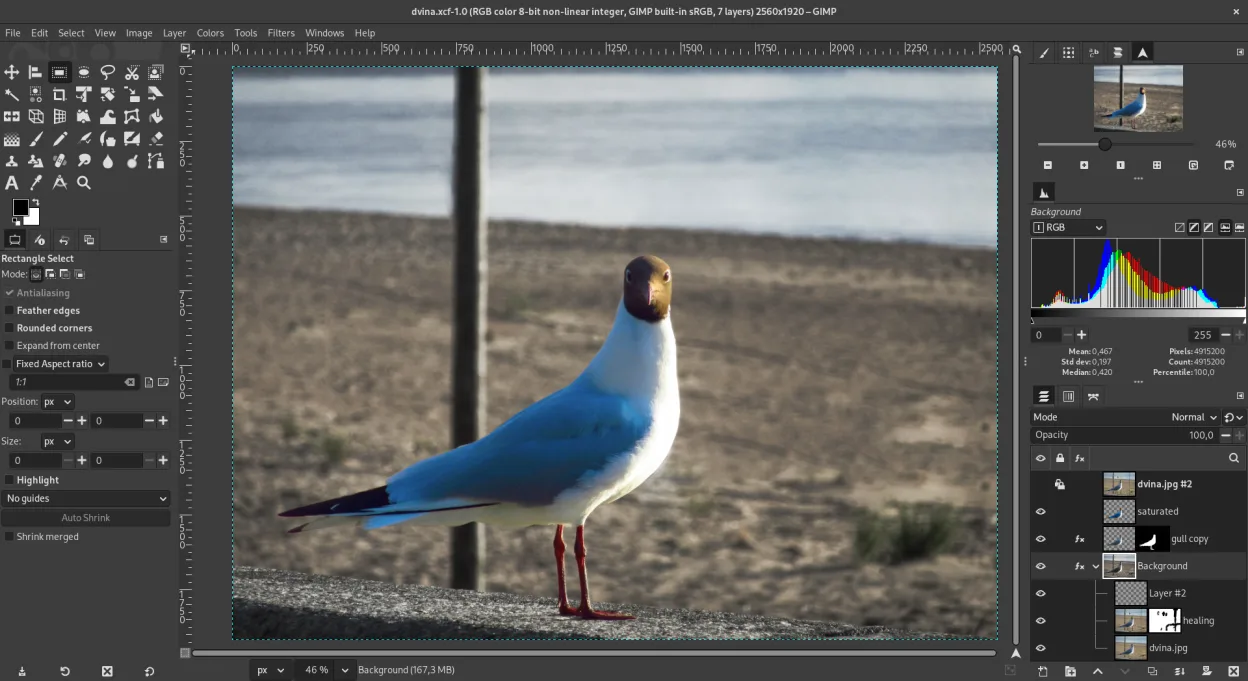
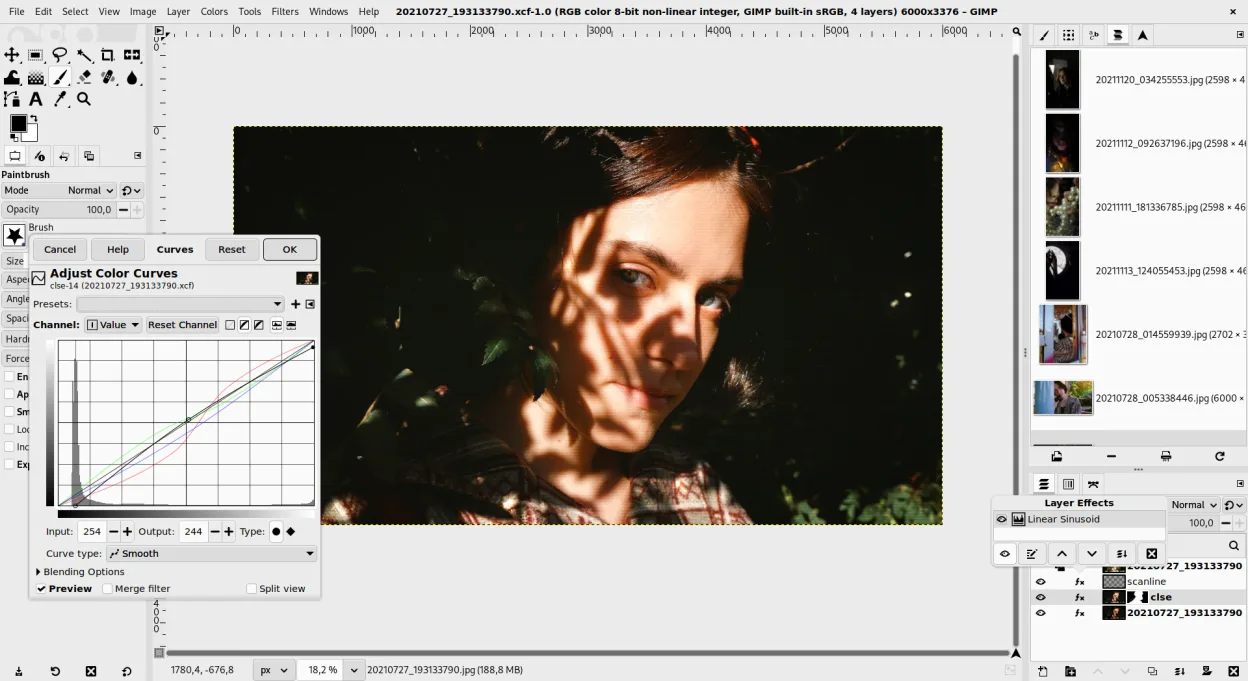
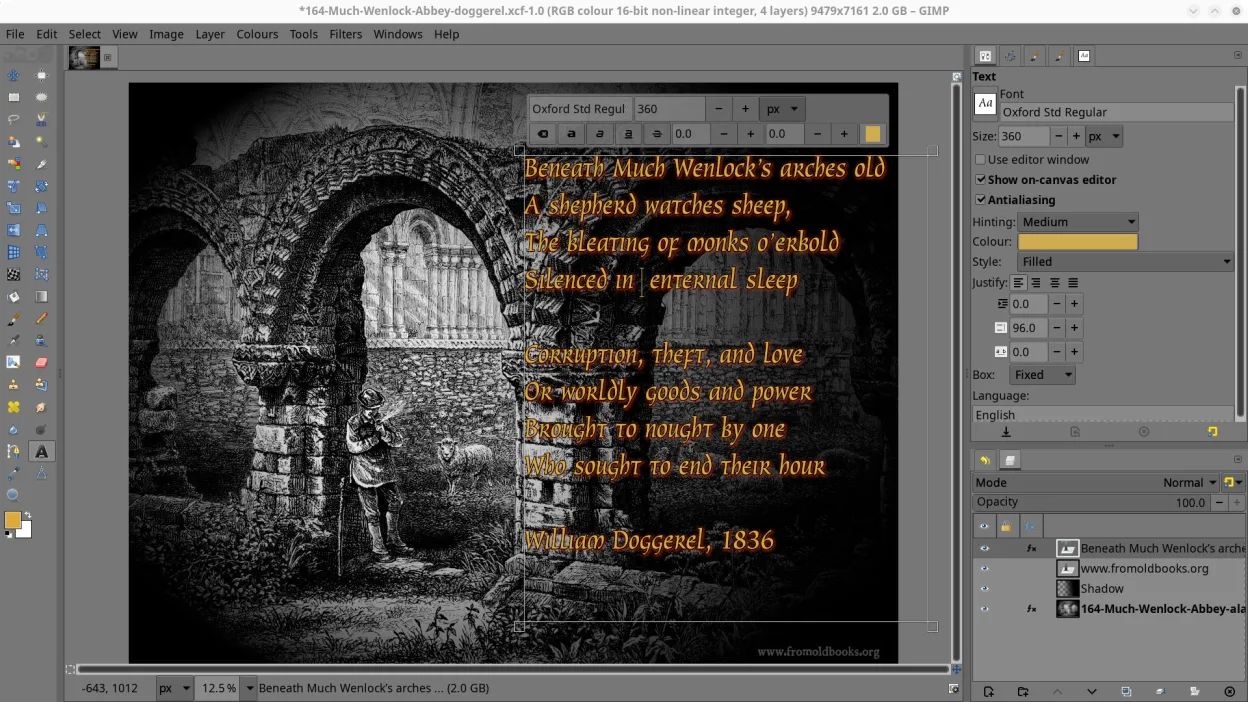
GIMP is a free, open-source raster graphics editor for photo editing, digital painting, and image composition.
- License
- GPL-3.0+ AND LGPL-3.0+
- Latest version
- 3.2.6 (September 10, 2026)
- Developer
- The GIMP team
- Installs
- 60,269 (Flathub, 30 days)

What is GIMP?
GIMP has been under active development since the mid-1990s and remains the leading open-source image editor on Linux. It’s community-driven, mature, and stable, with deep integration across desktop environments. The 3.2.6 release in 2026 brought minor bug fixes and performance refinements, reflecting its steady maintenance rather than radical redesign.
It's best suited for photographers, illustrators, and hobbyists who need serious editing power without a subscription. While not identical to Photoshop, it supports layers, masks, channels, and non-destructive editing via plug-ins. Users who value control and customization over out-of-the-box polish will feel at home.
Compared to Photoshop or Paint Shop Pro, GIMP feels less polished in layout and defaults but offers comparable core functionality. The UI can be rearranged to mimic Photoshop-like workspaces, and many tools behave similarly. It lacks some advanced CMYK and font handling, but for RGB work—web graphics, photo edits, illustrations—it holds up well.
Best for: Users who need a powerful, free image editor for photo retouching, digital art, or web graphics on Linux.
Key features of GIMP
- Layer-based editing with masks, blending modes, and transparency
- Advanced brush engine for digital painting and retouching
- Support for Photoshop-compatible plug-ins (via compatibility layers)
- Batch processing and scripting with Script-Fu, Python, or GEGL
- Non-destructive editing possible through plug-ins like G'MIC
- Extensive format support: PNG, JPEG, TIFF, PSD, WebP, and more
- Customizable interface with dockable panels and themes
- Color management with ICC profile support
Pros
- Completely free and open-source, no ads or subscriptions
- Highly customizable with scripts and plug-ins
- Available in all major Linux distros via default repos
- Strong community support and extensive documentation
- Capable of professional-grade image work
Cons
- Default interface feels dated and may confuse new users
- Limited CMYK and advanced print preparation tools
- PSD import/export isn't fully compatible with all Photoshop features
- No native macOS .app bundle in official releases (Flathub/Homebrew recommended)
Windows programs GIMP replaces
 Adobe Photoshop
 Corel Paint Shop Pro (PSP)
How to install GIMP on Linux
flatpak install flathub org.gimp.GIMPsudo apt install gimpsudo apt install gimpsudo dnf install gimpsudo pacman -S gimpsudo zypper install gimpTips for Windows users
Coming from Photoshop or PSP, start by importing your brushes and setting up a single-window layout (Window → Single-Window Mode). Use XCF for native saves, but export to PSD cautiously—some layer effects may not transfer. Many Photoshop shortcuts work by default or can be remapped. Workflow differences include fewer built-in filters and no direct Adobe Cloud sync, so rely on G'MIC or separate asset management.
Recent releases
- 3.2.6 —
This new bugfix release of GIMP 3.2 brings a whole new level of stability: - New input axis "Rotation" (a.k.a. "barrel rotation") supported in dynamics - Bug fixes and usability improvements to recently added features and non-destructive workflows - A lot of…
- 3.2.4 —
The second bugfix release of the GIMP 3.2 series brings it to quite a stable state again as bugs reports are slowing down. - Bug fixed where GIMP would fail to open some XCF - When moving a floating layer or selection with a selection tool, marching ants are…
- 3.2.2 —
Here we go! The first bugfix release for the GIMP 3.2 series is here. - A bug when group layers became invisible in some conditions when children had effects got fixed - More fixes, especially for the new vector and link layer types, as well as…
- 3.2.0 —
GIMP 3.2.0 brings fancy new layer types, hence carrying on its non-destructive abilities, all the while strengthening the groundwork from the 3.0 series. Some of the highlights of this release: - New type of layers: vector layers. - New type of layers: link…
GIMP: frequently asked questions
Can GIMP open and edit Photoshop (.PSD) files?
Yes, GIMP can open and save PSD files, preserving layers and basic blending modes. However, some advanced features like adjustment layers or smart objects may not transfer perfectly.
Is GIMP available on Windows and macOS?
Yes, GIMP runs on Linux, Windows, and macOS. On Linux, it's often prepackaged; on other platforms, downloads are available from the official site or Flathub.
Does GIMP support non-destructive editing?
Not natively in the core app, but plug-ins like G'MIC and the use of layer groups with masks allow for non-destructive workflows. Full support is limited compared to Photoshop.
Why does GIMP have multiple windows by default?
GIMP traditionally uses a multi-window interface, but you can switch to single-window mode in the Windows menu. This makes it feel more like Photoshop and is recommended for new users.
Updated