
 JamiLinux
vs
Microsoft Teams (consumer version)Windows
JamiLinux
vs
Microsoft Teams (consumer version)Windows
Jami as a Linux alternative to Microsoft Teams (consumer version)
Updated
Our verdict
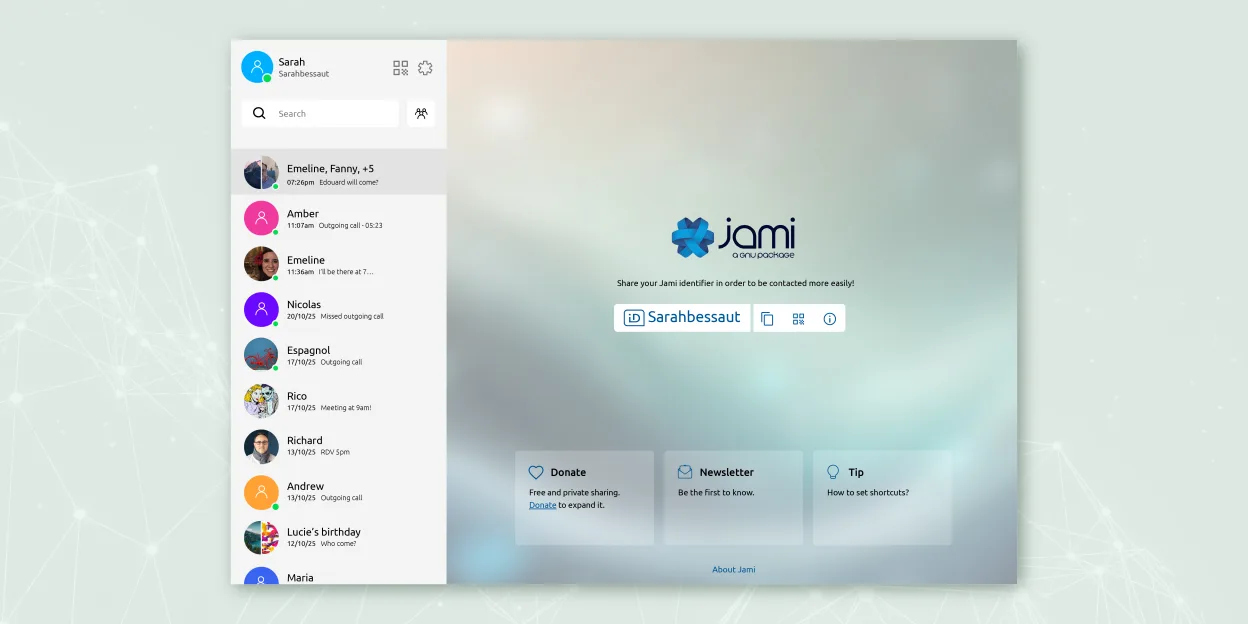
Jami is a partial replacement for Microsoft Teams (consumer version), best suited for users prioritizing privacy and peer-to-peer communication over integrated workplace tooling. It handles group chat, voice and video calls, screen sharing, and file transfers reliably without central servers. However, it lacks built-in calendar integration, persistent message history in the cloud, and collaborative document editing. If your workflow depends on tight integration with Office 365 or shared task management, Jami won't meet those needs. For decentralized, secure communication across platforms, it's solid—but not a full Teams equivalent.
- License
- GPL-3.0+
- Price
- Free
- Latest version
- 20260917.0 (September 17, 2026)
- Rating
- —
What works the same
- Supports group chats with message history
- Voice and video calls with screen sharing
- File transfer during conversations
- Available on Linux, Windows, macOS, Android, and iOS
- End-to-end encryption for all communication
What is different
- No built-in calendar or task integration
- No cloud-based file storage or document collaboration
- Message history is device-specific unless manually synced
- No official support for Outlook or Microsoft 365 accounts
- Peer-to-peer design means no central server for backups or sync
Opening your Microsoft Teams (consumer version) files
Jami allows file transfers within chats, but it does not support direct import or export of Microsoft Teams chat logs, meeting recordings, or OneNote files. Files shared in Teams (like Word, Excel, PowerPoint) can be opened locally if received via Jami, but Jami doesn’t integrate with Microsoft’s document ecosystem. Users must manually handle file conversions or rely on compatible Linux applications. There is no automated migration path for Teams content into Jami.
Switching from Microsoft Teams (consumer version) to Jami, step by step
- Install Jami from Flathub or official repository on all devices
- Create accounts and exchange contact IDs with team members
- Set up SIP or JAMS if using in an organizational context
- Migrate active conversations by sharing invite links
- Transfer important files manually through Jami or external storage
- Train users on managing local message history and backups
Key features of Jami
- End‑to‑end encrypted messaging and calls
- Direct peer‑to‑peer audio/video without central servers
- Group chats, file transfer, screen sharing, location sharing
- SIP client support and JAMS integration for enterprises
- Cross‑platform availability (Linux, Windows, macOS, Android, iOS)
- Extensions such as audio filters, auto‑answer, green screen
- Call recording and voice‑to‑text transcription
How to install Jami on Linux
flatpak install flathub net.jami.Jamisudo apt install jamiFrequently asked questions
Can Jami replace Microsoft Teams for daily team meetings?
Yes, for audio/video calls and screen sharing, but only if you don’t rely on calendar invites or cloud recording. Meetings must be started manually, and participants need Jami installed. No automatic scheduling from Outlook.
Is message history synced across devices in Jami?
No. Jami stores chat history locally on each device. There’s no cloud sync between devices, so losing a device means losing that conversation history unless backed up manually.
Does Jami support bots or third-party integrations like Teams?
No. Jami does not support bots, plugins, or external service integrations like Trello, GitHub, or Power Automate. It focuses on core communication without add-ons.
4 other alternatives to Microsoft Teams (consumer version)
 ElementElement is an open‑source, matrix‑based chat and video‑conference client for Linux.Open sourceFreeFlatpakElement vs Microsoft Teams (consumer version)
 FranzFranz is a desktop messenger that combines multiple chat services into one interface.Open sourceFreeFlatpakFranz vs Microsoft Teams (consumer version)
 Delta ChatDelta Chat is a decentralized, email-based instant messenger with end-to-end encryption and chat-embedded…Open sourceFreeFlatpakDelta Chat vs Microsoft Teams (consumer version)
 Signal DesktopSignal Desktop is a free, open‑source private messenger for Linux, syncing messages and calls with the Signal…Open sourceFreeFlatpakSignal Desktop vs Microsoft Teams (consumer version)