
Windows · Internet
Best Linux alternatives to Microsoft Teams (consumer version)
Microsoft Teams is a collaboration platform for chat, video calls, and file sharing, widely used in workplaces and personal communication.
Updated
Quick answer
The best Linux alternative to Microsoft Teams (consumer version) is Jami. Other strong options: Element, Franz, Delta Chat.
5 Linux alternatives to Microsoft Teams (consumer version)
-
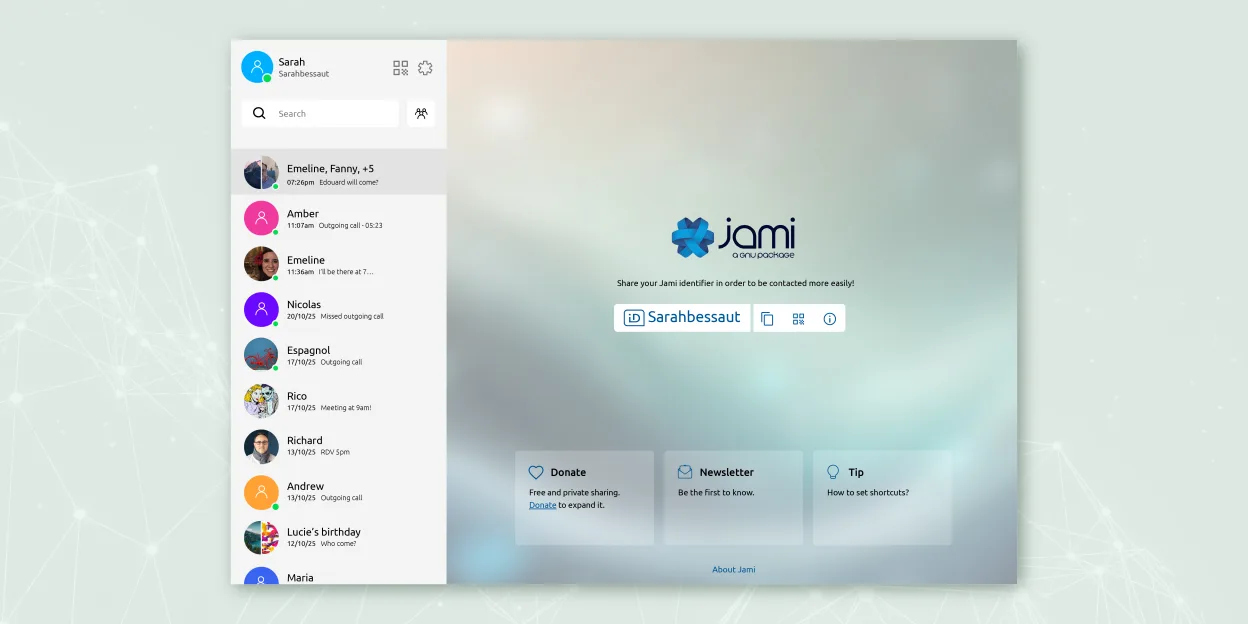
Jami is a free, peer‑to‑peer chat and video‑call client that works without central servers.
Jami is a partial replacement for Microsoft Teams (consumer version), best suited for users prioritizing privacy and peer-to-peer communication over integrated workplace tooling. It handles group chat, voice and video calls, screen sharing, and file transfers reliably without central servers…
Feature parity60% -

Element is an open‑source, matrix‑based chat and video‑conference client for Linux.
Element is a solid replacement for Microsoft Teams (consumer version) if you prioritize privacy, decentralization, and open standards over tight integration with Microsoft's ecosystem. It handles group chat, voice and video calls, screen sharing, and file sharing reliably. However, it lacks…
Feature parity75% -
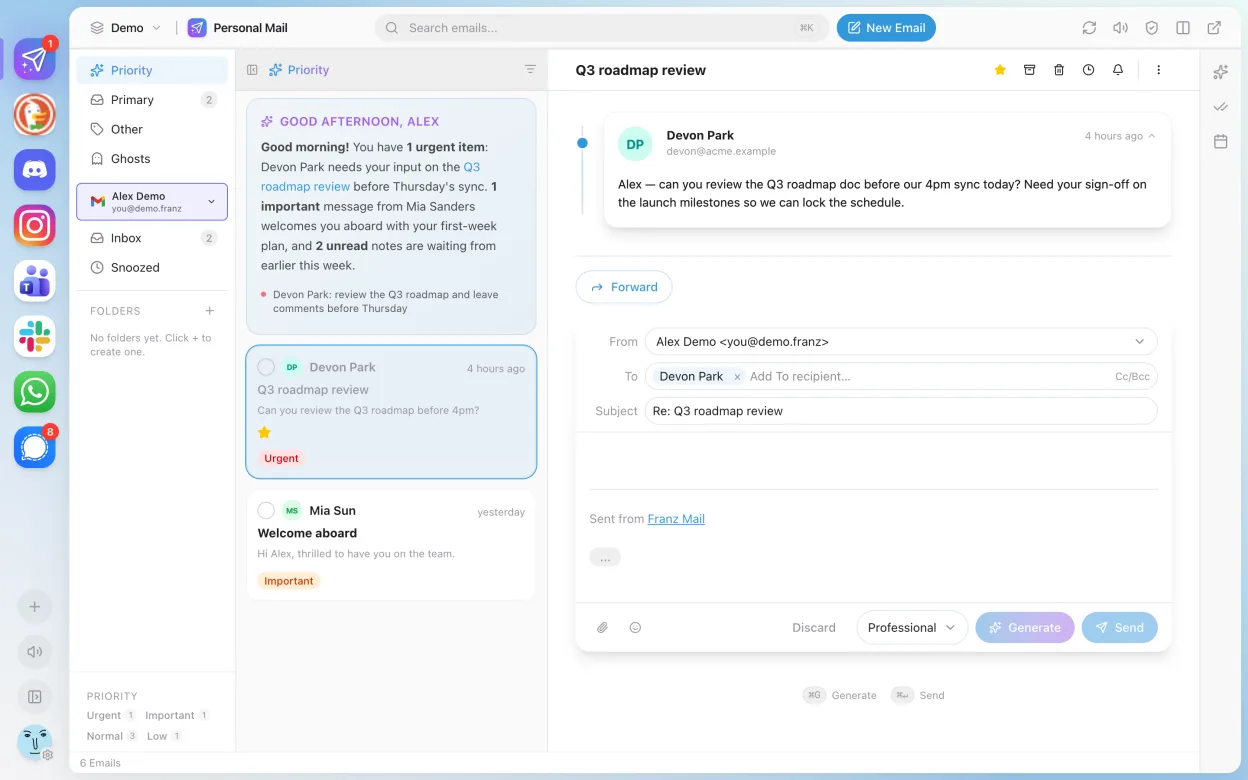
Franz is a desktop messenger that combines multiple chat services into one interface.
Franz is not a direct replacement for Microsoft Teams (consumer version). It aggregates messaging services like WhatsApp, Telegram, and Slack, but does not natively support Microsoft Teams as a service. If you're relying on Teams for chat, calls, or meetings, Franz won't provide that functionality…
Feature parity20% -
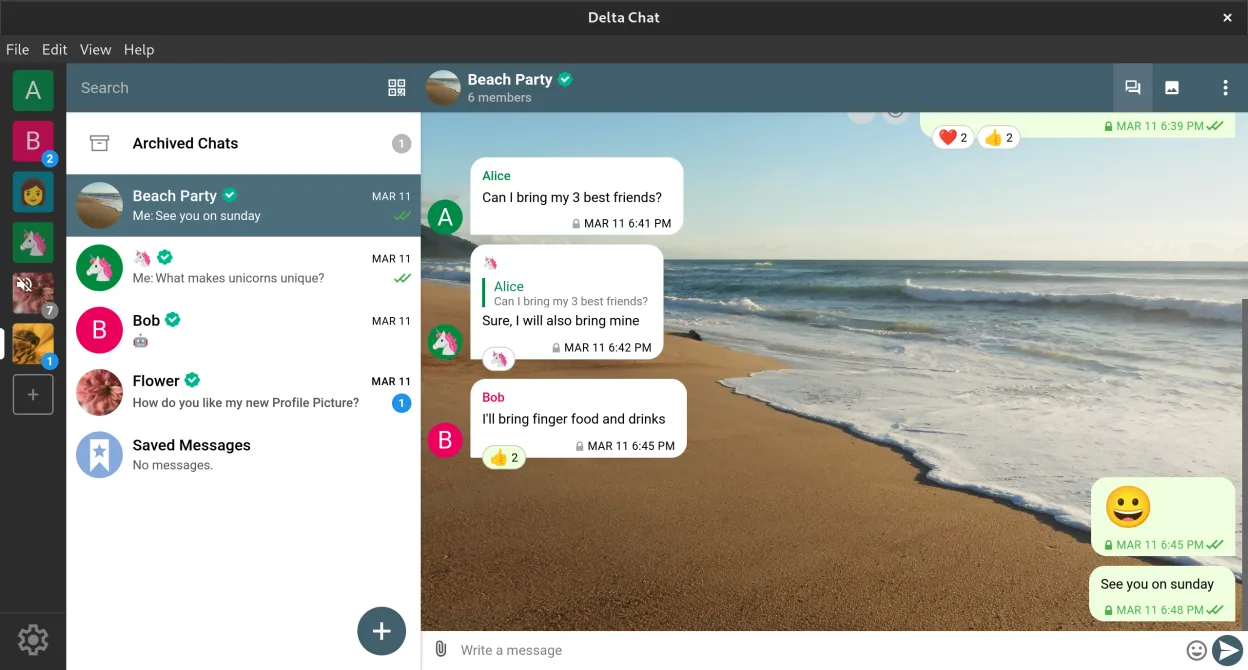
Delta Chat is a decentralized, email-based instant messenger with end-to-end encryption and chat-embedded tools.
Delta Chat is not a direct replacement for Microsoft Teams (consumer version) for most team collaboration use cases. It works well for decentralized, privacy-focused messaging with end-to-end encryption and supports group chats, file transfers, and voice messages. However, it lacks built-in video…
Feature parity45% -

Signal Desktop is a free, open‑source private messenger for Linux, syncing messages and calls with the Signal mobile app.
Signal Desktop is not a direct replacement for Microsoft Teams (consumer version) for teams or organizations relying on collaboration features like shared calendars, task integration, or persistent file storage. It works well for small group chat, encrypted messaging, and basic voice/video calls…
Feature parity55%





What is Microsoft Teams (consumer version)?
Microsoft Teams is primarily used by businesses and educational institutions for team communication, video meetings, and document collaboration. It integrates tightly with Microsoft 365 apps, making it common in corporate and academic environments. While the consumer version supports personal chats and calls, its core user base remains professional.
Teams is free to use with limited features, but full functionality requires a Microsoft 365 subscription. Licensing is typically managed through organizations, though individuals can sign up for free accounts. The platform is proprietary software, owned and operated by Microsoft.
People seek Linux alternatives because Teams lacks a fully-featured native Linux client, has privacy concerns, and ties users into Microsoft's ecosystem. Some users prefer decentralized or open-source tools, especially for personal use, and want more control over their data and software.
What a replacement for Microsoft Teams (consumer version) must do
- Group chat with message history
- Voice and video calls
- Screen sharing during calls
- File sharing and storage
- Cross-platform sync
- Integration with calendars or task tools
- Support for both personal and team use
Can you run Microsoft Teams (consumer version) on Linux?
Teams offers a native Linux client (64-bit .deb and .rpm packages), but it's feature-limited compared to Windows and macOS versions. The web version works well in modern browsers like Firefox and Chrome. Video performance can be inconsistent under Linux, and screen sharing may require additional configuration. There's no reliable support via Wine or Proton; Bottles doesn't improve compatibility significantly.
Which alternative should you choose?
Jami fits users wanting decentralized, peer-to-peer calls and chat without servers. Element works well for teams needing modern encryption and room-based collaboration. Franz integrates Teams into a unified messaging interface but doesn't replace it. Delta Chat suits those preferring email-based chat. Signal Desktop is best for secure personal communication with contacts already on Signal.
Moving your Microsoft Teams (consumer version) files and habits
Teams doesn't allow bulk export of chat history or files for personal accounts. Files stored in SharePoint or OneDrive can be manually downloaded. Chat logs aren't portable. Switching to alternatives like Element or Jami means starting fresh; contact sharing and message history won't transfer. Use standard formats like PDF or plain text for saved content.
Side-by-side comparison
| App | License | Flatpak | Latest version | Feature parity | Rating |
|---|---|---|---|---|---|
| Jami | GPL-3.0+ | ✓ | 20260917.0 | 60% | — |
| Element | AGPL-3.0-only OR… | ✓ | 1.12.32 | 75% | — |
| Franz | Apache-2.0 | ✓ | 6.3.1 | 20% | — |
| Delta Chat | GPL-3.0+ | ✓ | v2.62.0 | 45% | — |
| Signal Desktop | AGPL-3.0-only | ✓ | 8.32.0 | 55% | — |
Microsoft Teams (consumer version): frequently asked questions
Can I use Microsoft Teams on Linux?
Yes, Microsoft provides a native Linux client for Teams, available as a .deb or .rpm package. It supports core features like chat, calls, and meetings, though some functionalities may be limited compared to other platforms.
Is Microsoft Teams free?
Yes, there's a free version with basic chat, video calling, and collaboration features. Advanced capabilities like longer meetings and larger storage require a Microsoft 365 subscription.
Can I migrate my Teams chats to another app?
No, Microsoft doesn't provide a way to export personal chat history in a usable format. You can save important messages or files manually, but full migration isn't supported.
Which alternative is closest to Teams' functionality?
Element offers room-based chat, video calling, file sharing, and integrations, making it the most functionally similar open platform, especially when using Matrix federation.
How important is Microsoft Teams (consumer version) to you?
Know a better alternative? Suggest an alternative