

Linux · Internet
Delta Chat
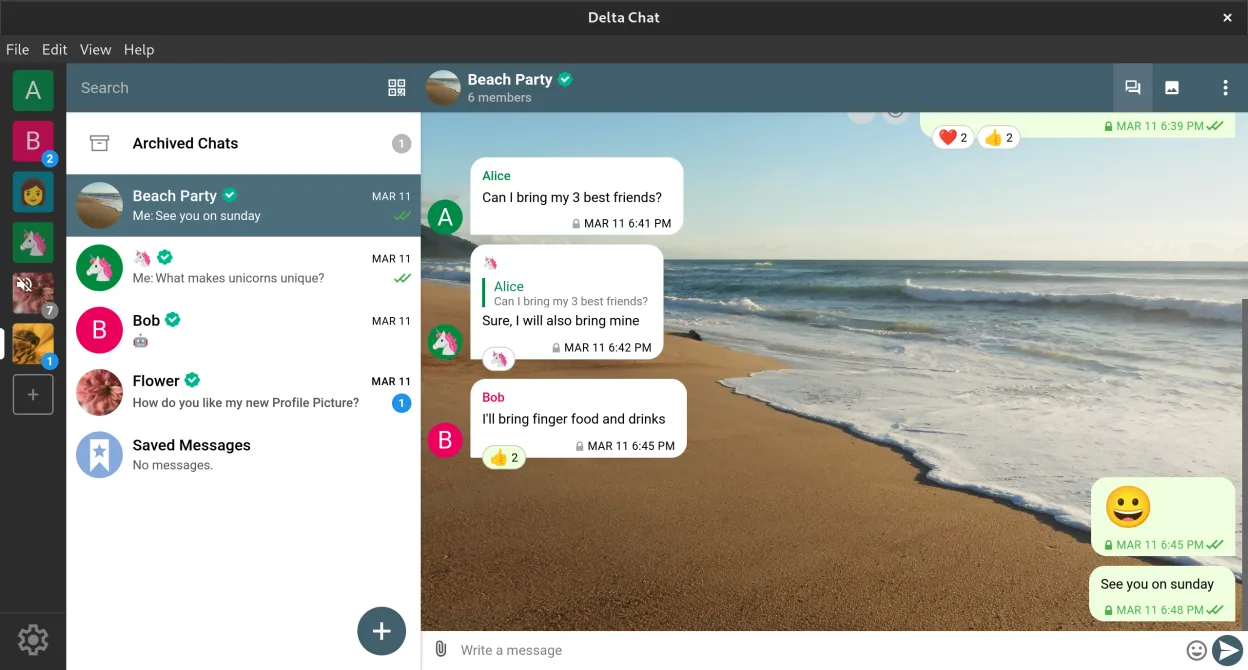
Delta Chat is a decentralized, email-based instant messenger with end-to-end encryption and chat-embedded tools.
- License
- GPL-3.0+
- Latest version
- v2.62.0 (September 27, 2026)
- Developer
- Delta Chat
- Installs
- 1,756 (Flathub, 30 days)
What is Delta Chat?
Delta Chat uses email infrastructure to deliver decentralized messaging, avoiding central servers. It’s been in active development since 2017, with regular releases and a stable feature set. Built on Autocrypt and IMAP/SMTP standards, it’s mature enough for daily use while staying true to privacy-first principles.
It's for privacy-conscious users, small teams, or anyone avoiding corporate messaging platforms. If you value control over your identity and data but still want group chats, media sharing, and bots, Delta Chat fits. It works especially well if you already use email and want messaging that integrates cleanly.
Compared to Microsoft Teams, it feels lighter and less feature-heavy. There’s no built-in video conferencing or document collaboration. Instead, it focuses on reliable text chat, file sharing, and extensibility through bots. It’s not a Teams replacement for enterprise workflows, but a simpler, more private alternative for communication.
Best for: Private, decentralized messaging for individuals and small groups who value control and simplicity over corporate integrations.
Key features of Delta Chat
- End-to-end encryption via Autocrypt
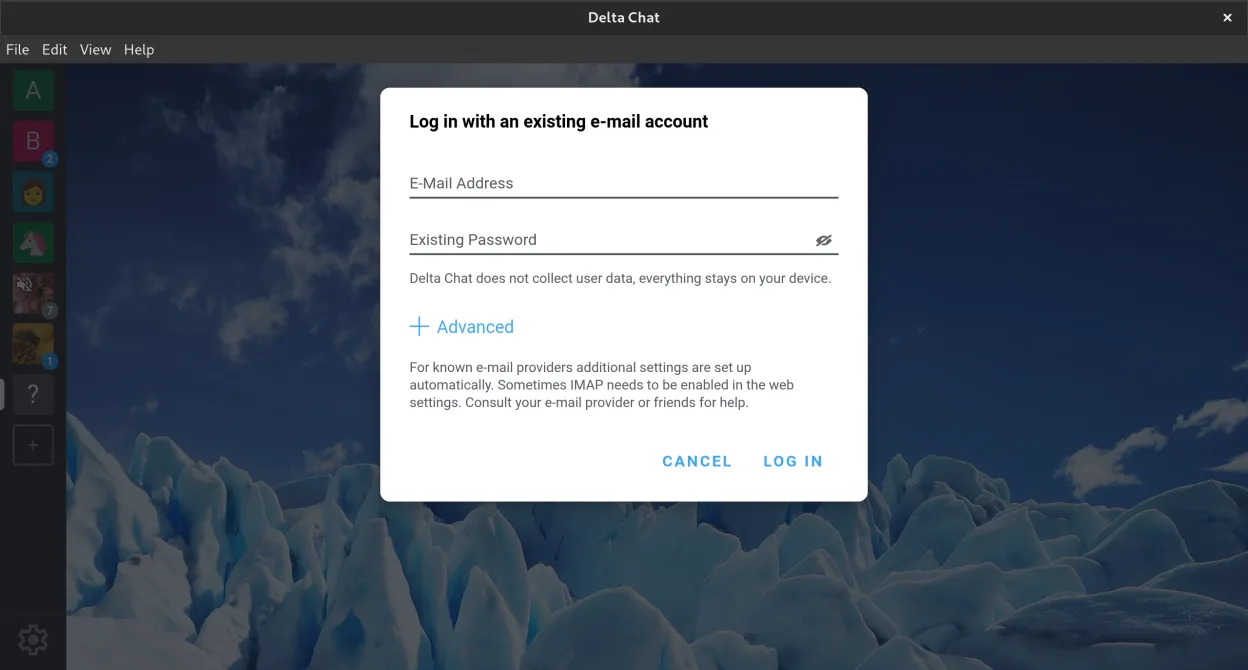
- Works with any email address, no central account needed
- Supports group chats, file transfers, and voice messages
- Extensible with bots for polls, calendars, and games
- Cross-device sync with multiple profiles
- Offline messaging and reliable delivery in poor networks
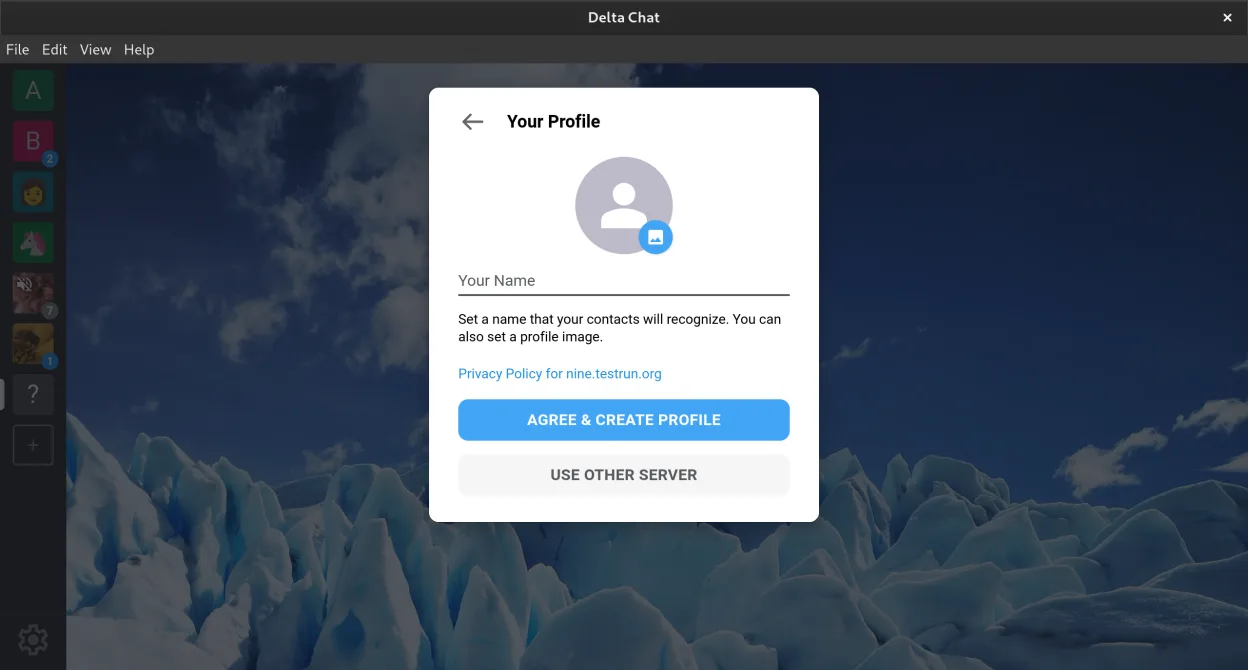
- No phone number required for setup
- Open standards: IMAP, SMTP, Autocrypt
Pros
- No personal data required to start chatting
- Truly decentralized and independent of big tech
- Secure by default with audited encryption
- Works without constant internet connection
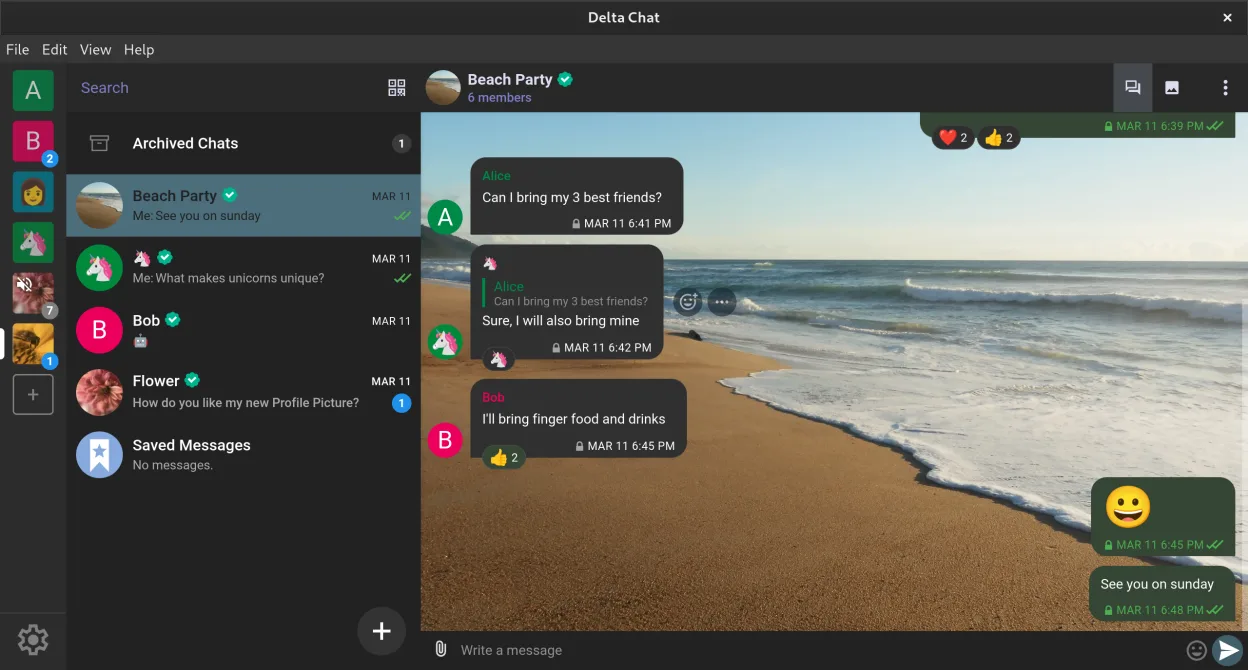
- Clean, intuitive interface across platforms
Cons
- No built-in video or voice calls
- Limited file sharing compared to Teams
- Smaller user base means fewer contacts online
- Some features depend on bot availability
Windows programs Delta Chat replaces
How to install Delta Chat on Linux
flatpak install flathub chat.delta.desktopTips for Windows users
Switching from Microsoft Teams, expect a shift: no channels or video meetings. Share files by attaching them directly in chat. Use bots to add tools like to-do lists. Your email becomes your identity, so ensure IMAP is enabled. Keyboard shortcuts are minimal; navigation is touch-friendly. Keep using email for formal communication, Delta Chat for quick, encrypted updates.
Recent releases
- v2.62.0 —
- multiple relays per default, stay connected even if one goes down - sent images now look sharper - new languages added - many small improvemenets
- v2.59.1 —
- bugfix release - fix: new created profiles were always team profiles
- v2.59.0 —
- reactions are now supported in channels - Experimental: team profiles can be created now
- v2.57.0 —
- important bugfixes
Delta Chat: frequently asked questions
Does Delta Chat need a phone number?
No. You can sign up with just an email address. No phone number or social media account is required.
Can Delta Chat replace Microsoft Teams?
Not fully. It handles chat and file sharing well but lacks video calls, shared documents, and team channels.
Is Delta Chat secure?
Yes. It uses audited end-to-end encryption through Autocrypt, and messages can't be read by servers.
How do I add bots or tools in Delta Chat?
Search for bots in the app or join group chats where bots are already added. Some servers host shared tools like calendars or polls.
Updated