
 KDevelopLinux
vs
TortoiseSVNWindows
KDevelop as a Linux alternative to TortoiseSVN
Updated
Our verdict
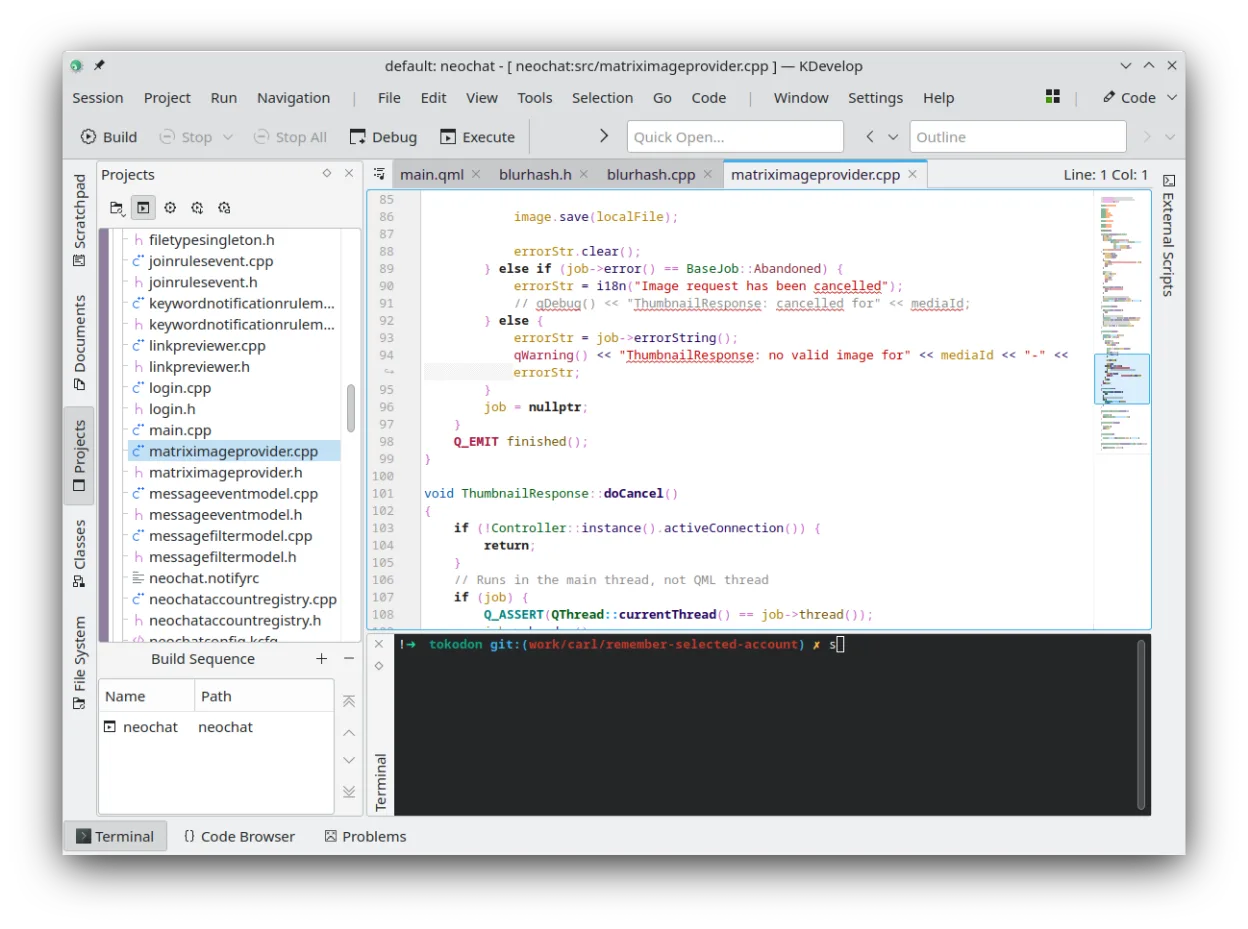
KDevelop is not a direct replacement for TortoiseSVN if you rely on file manager overlays and right-click SVN access. It does support SVN operations—checkout, commit, update, log history, diff, and merge—through its version control plugin, but these are IDE-bound and require opening a project. If you're already using an IDE for development and want integrated SVN without leaving the environment, KDevelop works well. However, casual or non-coding users who just need file manager integration for SVN will find it overly heavy and poorly suited.
- License
- GPL-2.0-or-later
- Price
- Free
- Latest version
- 6.6.260803 (November 5, 2026)
- Rating
- —
What works the same
- Supports SVN checkout, commit, and update operations
- Includes visual diff and merge tools
- Can view log history and revision details
- Handles branches and tags via SVN integration
- Provides GUI access to common SVN commands
What is different
- No file manager overlay icons (no shell integration like TortoiseSVN)
- SVN features only available within the IDE, not system-wide
- Requires loading a project to use version control tools
- Geared toward developers writing code, not general file management
- Heavier and more complex than TortoiseSVN for simple tasks
Opening your TortoiseSVN files
KDevelop reads and writes standard SVN working copies just like TortoiseSVN, so files, metadata, and repository URLs are fully compatible. You can open any working copy in KDevelop without conversion. No proprietary formats are used—both tools rely on the same underlying Subversion client behavior. If you switch between them, your .svn directories and local changes remain intact.
Switching from TortoiseSVN to KDevelop, step by step
- Install KDevelop with SVN plugin enabled
- Open KDevelop and go to Settings > Plugins to ensure Subversion support is active
- Use Project > Open from Version Control to check out or import existing SVN projects
- Navigate files within KDevelop to perform commits, updates, and diffs
- Use the Version Control tool window to view logs, resolve conflicts, and manage branches
Key features of KDevelop
- Integrated debugger for C/C++ and other languages
- Plugin system for adding language support
- Built-in version control integration (Git, SVN)
- Project management for multiple build systems
- Syntax highlighting and code completion
- Refactoring tools for C/C++
How to install KDevelop on Linux
flatpak install flathub org.kde.kdevelopsudo apt install kdevelopsudo apt install kdevelopsudo dnf install kdevelopsudo pacman -S kdevelopsudo zypper install kdevelopFrequently asked questions
Can I use KDevelop for SVN without starting a full project?
No, KDevelop requires loading a project. You can't perform SVN actions on arbitrary folders outside the IDE context.
Does KDevelop show SVN status icons on files in the file manager?
No. Unlike TortoiseSVN, KDevelop provides no shell integration or overlay icons in Dolphin or other file managers.
Is KDevelop's SVN support reliable for team workflows?
Yes, if your team uses standard SVN practices. KDevelop handles branching, tagging, merging, and conflict resolution correctly.