
Windows · Programming
Best Linux alternatives to TortoiseSVN
TortoiseSVN integrates Subversion version control into the Windows file manager for easy source code management.
Updated
Quick answer
The best Linux alternative to TortoiseSVN is RabbitVCS. Other strong options: KDevelop.
2 Linux alternatives to TortoiseSVN
-
RabbitVCS is a GUI client for version control systems like SVN, Git, and Mercurial that integrates directly into file managers.
RabbitVCS is a good replacement for TortoiseSVN if you're using GNOME (Nautilus), XFCE (Thunar), or KDE (Dolphin) and prefer file manager integration. It supports SVN with visual status icons, commit, update, log viewing, diffing, and branching—core functions match. However, its interface is less…
Feature parity80% -
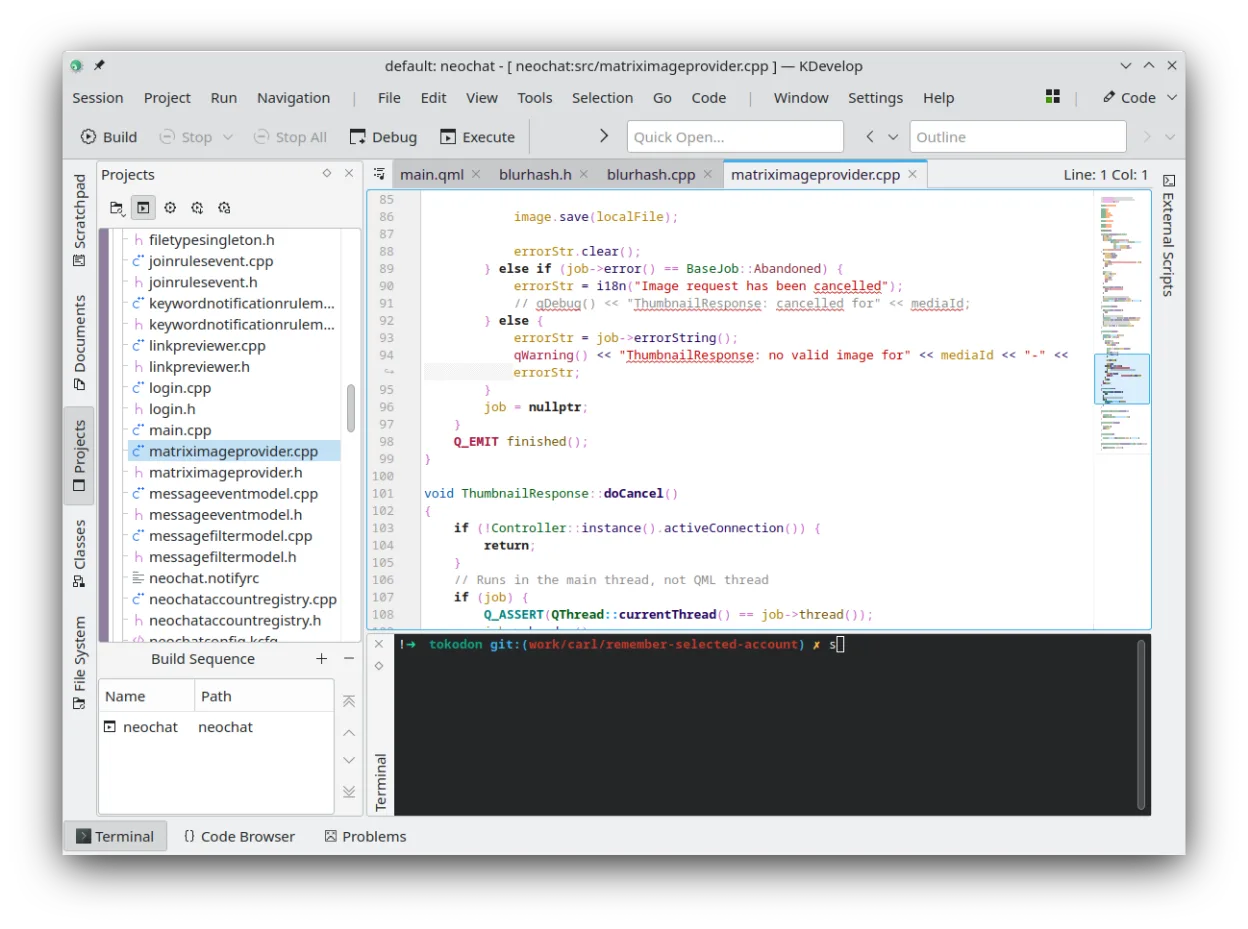
KDevelop is a free, plugin-based IDE for KDE supporting C++, Python, PHP, and other languages with strong debugging tools.
KDevelop is not a direct replacement for TortoiseSVN if you rely on file manager overlays and right-click SVN access. It does support SVN operations—checkout, commit, update, log history, diff, and merge—through its version control plugin, but these are IDE-bound and require opening a project. If…
Feature parity50%

What is TortoiseSVN?
TortoiseSVN is a Subversion client designed for developers and system administrators who need to manage code versions. It operates as a shell extension, meaning it adds right-click menu options directly to the Windows Explorer. This allows users to commit, update, and view differences in their source code without leaving the file browser, making version control feel native to the operating system.
The software is free and open-source, released under the GNU General Public License. There are no licensing fees, subscription models, or proprietary restrictions. Because it is a community-driven project, it remains accessible to individuals, small teams, and large enterprises alike without commercial barriers or feature gating based on usage volume.
Users look for a Linux alternative because TortoiseSVN is tightly coupled with the Windows shell. It does not run natively on Linux desktop environments like GNOME or KDE. Developers working in cross-platform environments or those migrating entirely to Linux need a tool that provides similar file-manager integration or a robust standalone interface to handle Subversion repositories effectively.
What a replacement for TortoiseSVN must do
- Subversion (SVN) repository support
- File manager integration or dedicated GUI
- Commit, update, and checkout operations
- Visual diffing and merge tools
- Log history viewing
- Branch and tag management
Can you run TortoiseSVN on Linux?
There is no native Linux version of TortoiseSVN because it relies on Windows shell extension APIs. It will not run on Linux, even with Wine, as it requires deep integration with the Windows file system and Explorer that Wine does not fully replicate for shell extensions. You must use a different Subversion client for Linux.
Which alternative should you choose?
If you want a file manager integration similar to TortoiseSVN, RabbitVCS is the closest match as it adds SVN support to Nautilus, Dolphin, and other file managers. For a dedicated, standalone application with a clean interface, SmartGit is a strong choice, though it is commercial software. Sublime Merge and Sublime Text are primarily text editors with VCS plugins; they are better for developers who prefer working inside their editor rather than a dedicated GUI. KDevelop is an IDE, so it is best if you are already using that specific development environment and need built-in SVN support.
Moving your TortoiseSVN files and habits
Migration is straightforward because you are not moving data, but changing how you access it. Subversion repositories are standard and remain unchanged. Your local working copies are compatible across platforms. You simply point your new Linux client to the same repository URL or path. No conversion of file formats or database schemas is required; you only need to reconfigure your authentication details in the new client's settings.
Side-by-side comparison
TortoiseSVN: frequently asked questions
Can I use the same repository on Linux as I do on Windows?
Yes. Subversion repositories are platform-agnostic. You can access the same central repository from Windows, Linux, or macOS using any compatible client.
Is RabbitVCS exactly like TortoiseSVN?
Functionally, yes, for core SVN tasks. It integrates into the file manager's context menu, allowing you to commit, update, and view logs directly from the file browser, just like TortoiseSVN.
Do I need to install Subversion separately?
Most GUI clients like RabbitVCS or SmartGit include or require the underlying svn command-line tools. On Linux, you may need to install the subversion package via your system's package manager to ensure the backend is available.
Is there a free alternative to SmartGit?
Yes. RabbitVCS is free and open-source. If you prefer a standalone app, you can also use the command-line svn tool or other open-source GUIs like Akregator, though they are less common than RabbitVCS.
How important is TortoiseSVN to you?
Know a better alternative? Suggest an alternative