

Linux · Sound & Video
Bitwig Studio
Bitwig Studio is a modern, cross‑platform DAW that blends production, performance, and sound design in one application.
- License
- LicenseRef-proprietary
- Latest version
- 6.1.7 (November 4, 2026)
- Developer
- Bitwig GmbH
- Installs
- 3,785 (Flathub, 30 days)
What is Bitwig Studio?
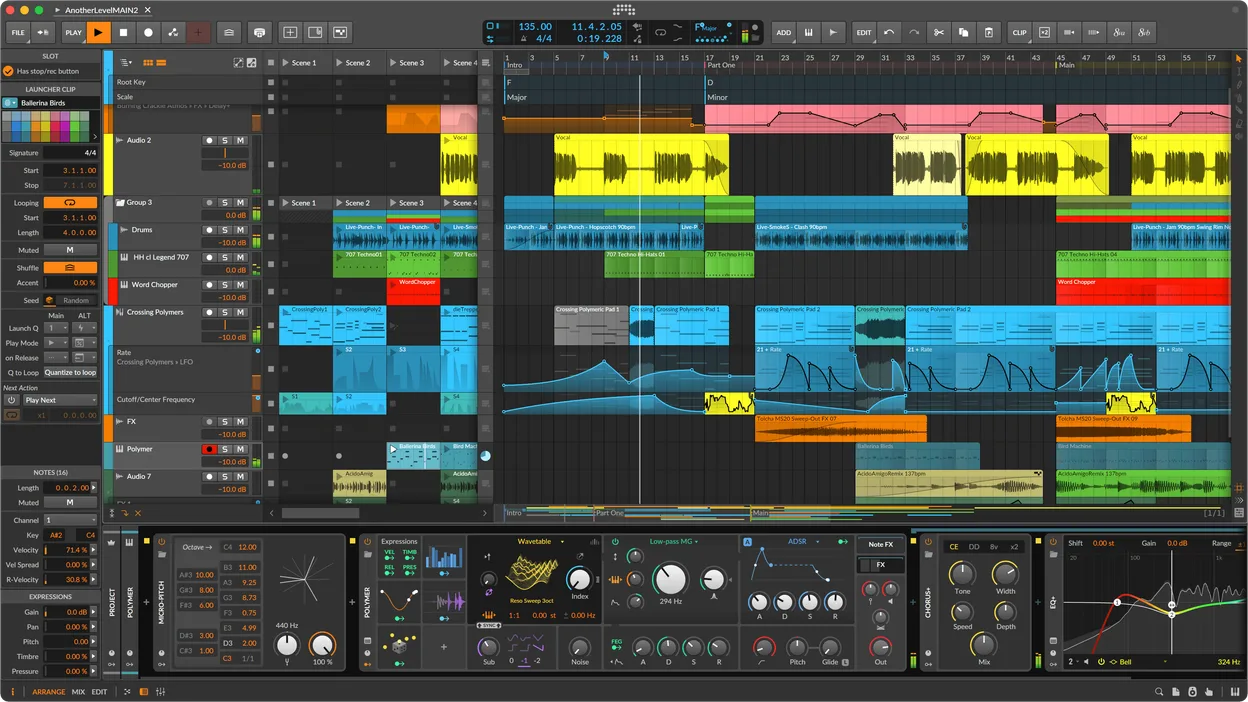
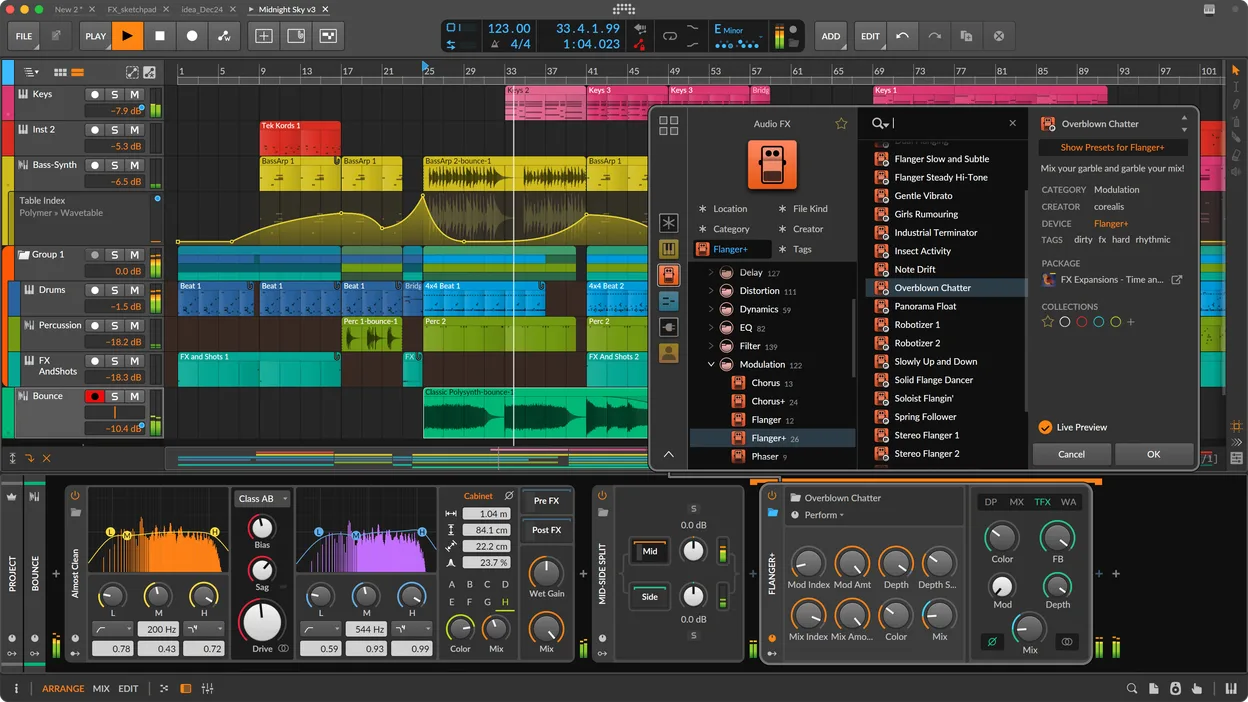
Bitwig Studio, released by Bitwig GmbH, entered the DAW market in 2015 as a competitor to established names like Ableton Live and FL Studio. It has grown steadily, adding modular synthesis, advanced MIDI routing, and a flexible workflow that appeals to producers, live performers, and sound designers. The interface is clean, with a focus on modularity and real‑time control.
The program targets musicians who need a powerful, flexible tool that can handle both studio work and live sets. It is especially useful for those who want a DAW that feels like a hybrid between a traditional sequencer and a modular environment, without the steep learning curve of some other options.
Compared with Ableton Live, Bitwig feels more modular and less “click‑and‑drag” oriented. It offers tighter integration between its mixer, clip launcher, and modular synths, and its workflow is more consistent across Windows, macOS, and Linux, making cross‑platform collaboration smoother.
Best for: Musicians who need a flexible, cross‑platform DAW that supports live performance and modular sound design.
Key features of Bitwig Studio
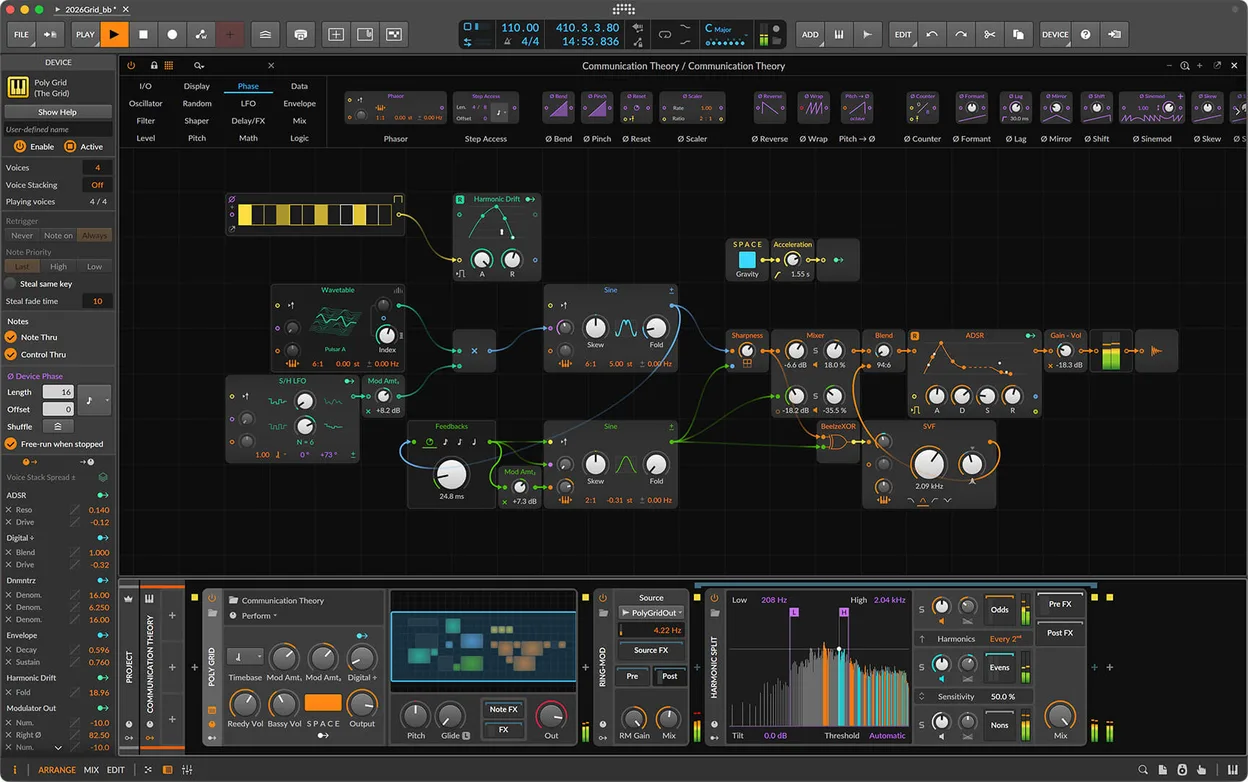
- Modular, node‑based workflow
- Real‑time MIDI and audio routing
- Built‑in synths and effects
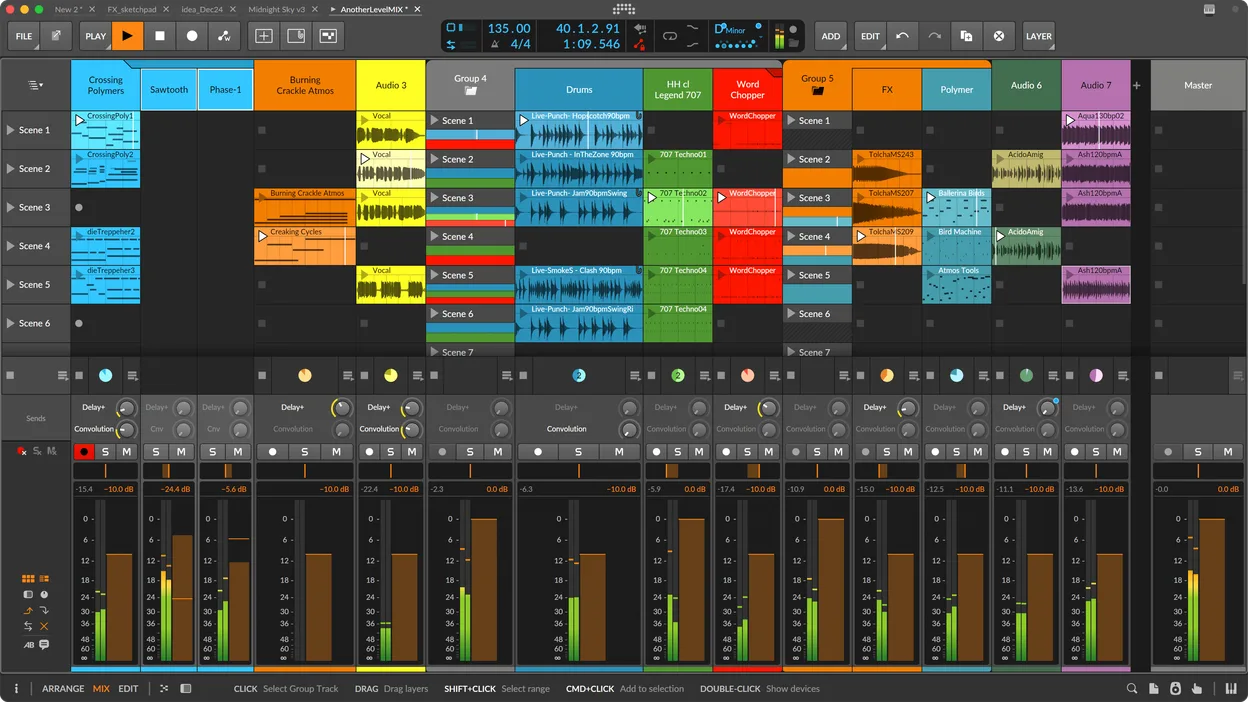
- Clip launcher for live performance
- Cross‑platform project compatibility
- Extensible via plugins (VST, LV2, AU)
- Integrated version control for projects
- Flexible automation and modulation
Pros
- Consistent across OSes
- Highly modular and customizable
- Strong live‑performance tools
- Good native Linux support
Cons
- Proprietary license
- No free version
- Learning curve for advanced features
- Limited native Linux plugin support
Windows programs Bitwig Studio replaces
How to install Bitwig Studio on Linux
flatpak install flathub com.bitwig.BitwigStudioTips for Windows users
Projects from Ableton Live can be opened in Bitwig by exporting the session as a .zip or using the Bitwig import tool; most MIDI files and audio samples are compatible. Shortcuts differ: Bitwig uses Ctrl‑S for save, Ctrl‑Z for undo, and Ctrl‑Shift‑M to toggle the mixer. Workflow changes include a single‑window layout and a modular patch bay, so you’ll need to adjust to the new routing paradigm. File formats: Bitwig projects are .bw, while Ableton uses .als; audio files remain standard WAV/MP3.
Recent releases
- 6.1.7 —
Bitwig Studio: frequently asked questions
Does Bitwig run on Linux?
Yes, Bitwig provides native Linux binaries for recent distributions. Install via the official .deb or .rpm packages or use the Flathub flatpak.
Can I use VST plugins in Bitwig on Linux?
Bitwig supports VST2 and VST3 plugins on Linux, but you need to install the plugin and configure the plugin folder in the preferences.
Is there a free trial for Bitwig on Linux?
Bitwig offers a 30‑day free trial that can be downloaded from the official website. After the trial, a license must be purchased.
How does Bitwig handle audio latency on Linux?
Bitwig uses the ALSA or JACK backend; you can adjust buffer size and sample rate in the audio preferences to minimize latency.
Updated