

Linux · Internet
Brave
A privacy-focused Chromium browser that blocks ads and trackers by default, offering a faster and safer web experience.
- License
- MPL-2.0
- Latest version
- 1.100.59 (November 24, 2026)
- Developer
- Brave Software
- Installs
- 154,925 (Flathub, 30 days)
What is Brave?
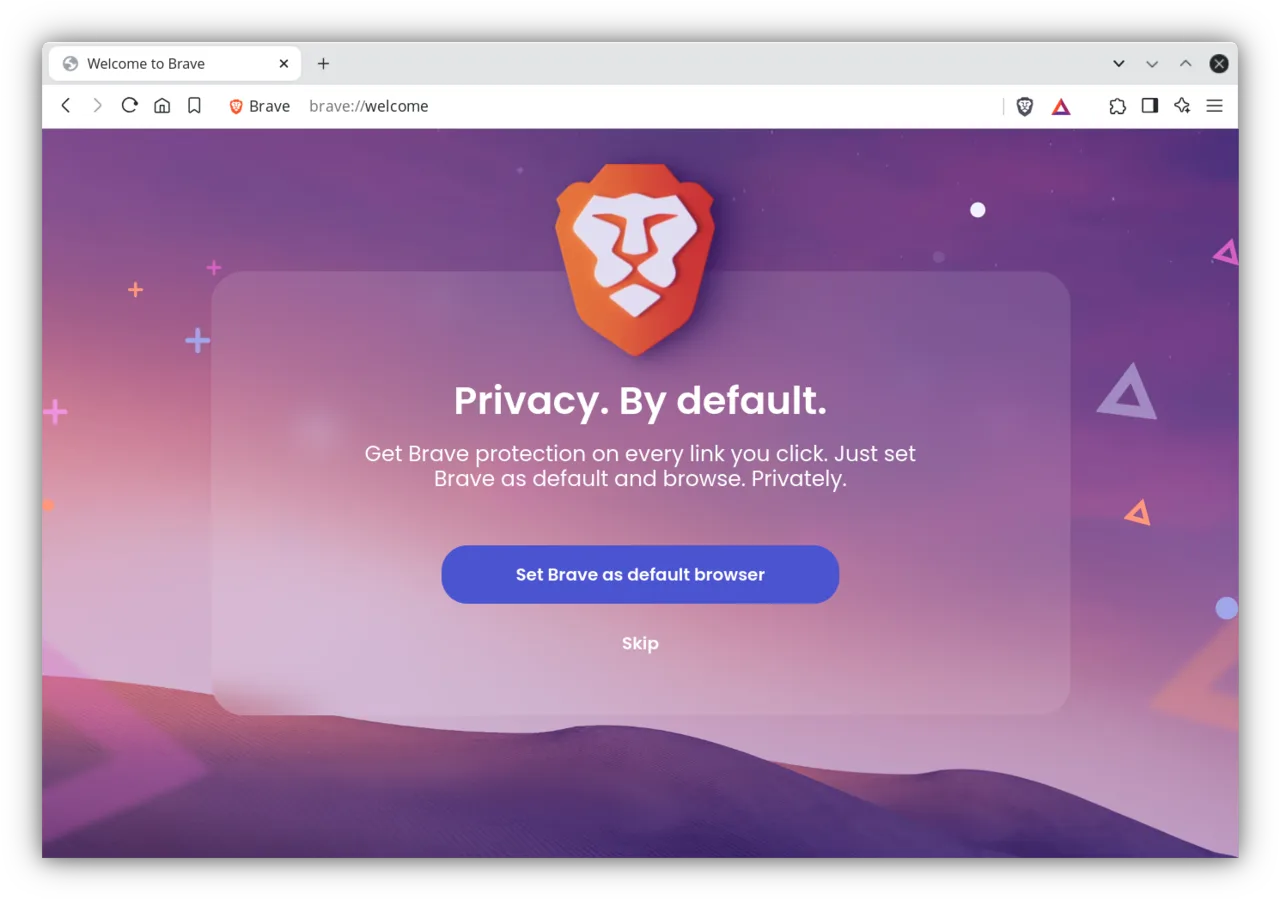
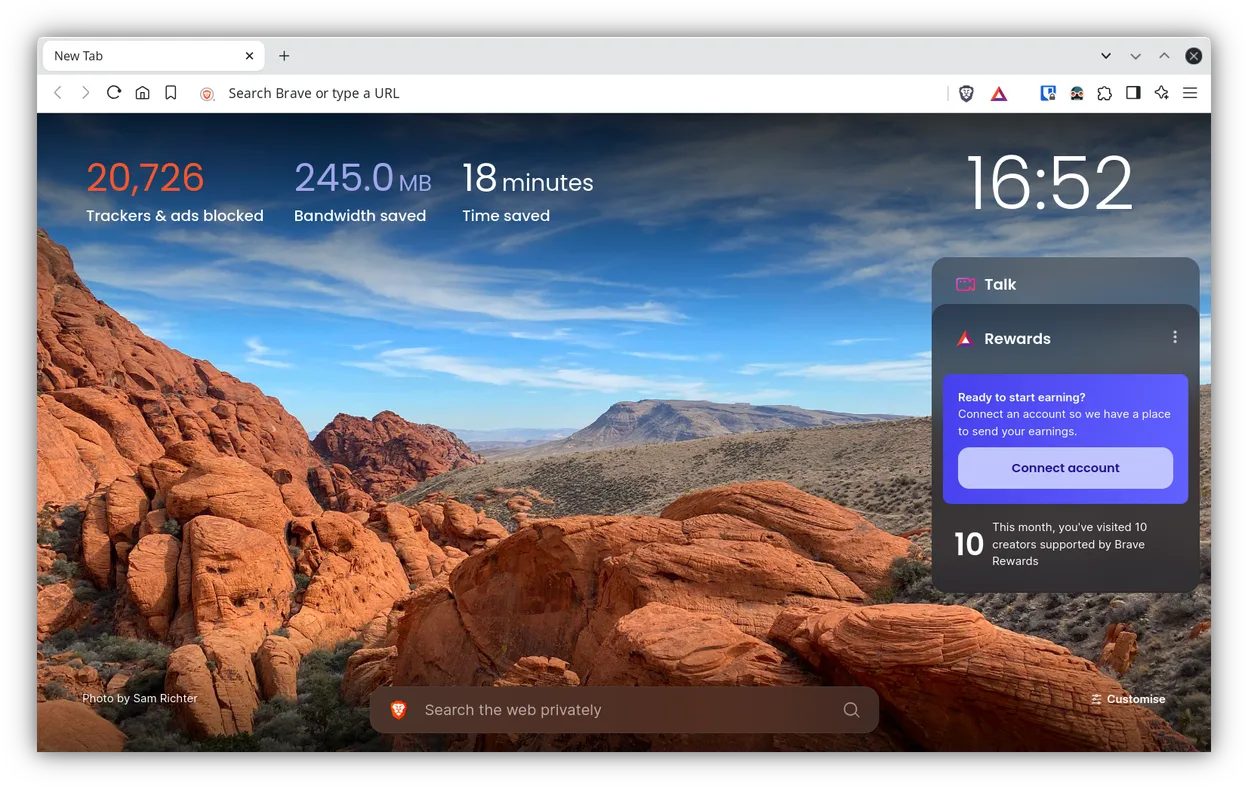
Brave is a web browser built on the Chromium engine, developed by Brave Software. It has been around for several years and is widely used for its default privacy features. The project is mature, with regular updates and a large user base. It aims to fix the web by reducing the load of ads and trackers, which also speeds up page loading times.
This tool is for users who are tired of invasive tracking and want a browser that respects their privacy without requiring complex configuration. It suits those who want a familiar interface similar to Chrome or Edge but with stronger default protections. It is also good for people interested in the Brave Rewards ecosystem for content creators.
Compared to Microsoft Edge, Brave feels similar in layout and operation but is significantly faster due to ad blocking. Edge often feels heavier because it loads all the ad and tracking scripts. Brave provides a cleaner, more responsive experience, especially on sites with heavy advertising. The interface is clean and uncluttered, focusing on the content rather than promotional elements.
Best for: Users seeking a fast, private Chromium-based browser with minimal configuration required.
Key features of Brave
- Built-in ad and tracker blocking
- Chromium-based engine for compatibility
- Brave Rewards for content creators
- Fast page loading speeds
- Privacy-focused default settings
- Support for standard web extensions
Pros
- Blocks ads and trackers out of the box
- Faster browsing than standard Chrome or Edge
- Familiar interface for Chrome/Edge users
- Strong privacy protections by default
Cons
- Some sites may break due to aggressive blocking
- Brave Rewards requires crypto knowledge
- Uses more RAM than lighter browsers
Windows programs Brave replaces
How to install Brave on Linux
flatpak install flathub com.brave.BrowserTips for Windows users
If you are coming from Microsoft Edge, your bookmarks and history can be imported during the initial setup. The interface is nearly identical, so muscle memory will transfer easily. Note that Brave blocks ads by default, which might require you to whitelist specific sites if they rely on ad revenue for functionality. Keyboard shortcuts are similar to Chrome, so you can use Ctrl+T for new tabs and Ctrl+L for the address bar.
Recent releases
- 1.100.59 —
- 1.100.58 —
- 1.99.57 —
- 1.99.56 —
Brave: frequently asked questions
Is Brave available on Linux?
Yes, Brave is available on Linux via Flathub, official .deb packages, and other distribution repositories.
Does Brave block all ads?
Brave blocks most ads and trackers by default, but you can adjust the blocking level or whitelist specific sites if needed.
Is Brave open source?
Yes, Brave is open source and built on the open-source Chromium project.
Can I use Chrome extensions in Brave?
Yes, Brave supports most Chrome extensions from the Chrome Web Store.
Updated