

Linux · Graphics
darktable
darktable is a free, open‑source photo editor that manages raw files and offers a full non‑destructive workflow.
- License
- GPL-3.0+
- Latest version
- 5.6.2 (October 4, 2026)
- Developer
- darktable developers
- Installs
- 107,134 (Flathub, 30 days)

What is darktable?
darktable started in 2008 as a fork of RawTherapee and has grown into a mature, feature‑rich application that rivals commercial tools like Lightroom Classic. It runs on all major Linux distributions and is maintained by a dedicated community of developers.
The software is aimed at photographers who need a robust raw processor and cataloging system. It supports most modern camera formats and offers a high‑precision pipeline.
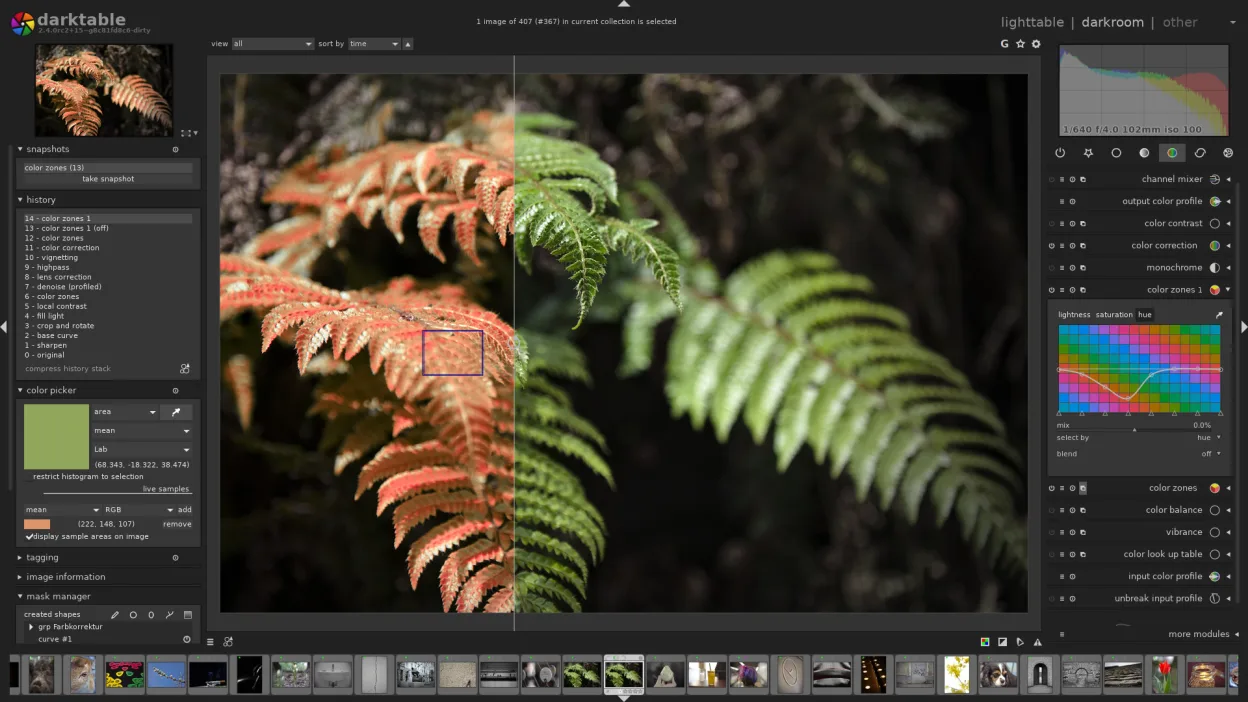
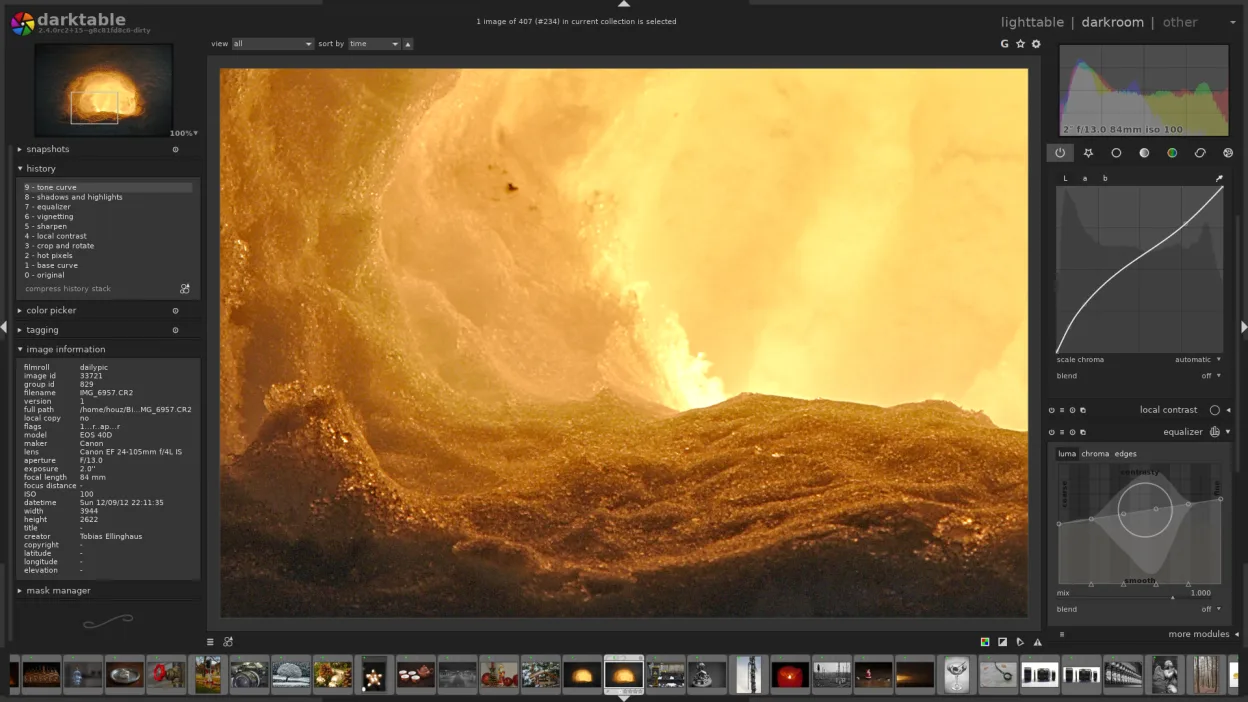
Compared to Lightroom Classic or Affinity Photo, darktable feels more like a raw editor with a learning curve. Its interface is split into a lighttable for browsing and a darkroom for editing, which is similar to Lightroom’s Library and Develop modules but with different terminology and keyboard shortcuts.
Best for: Photographers who want a free, high‑precision raw editor and cataloging tool on Linux.
Key features of darktable
- Non‑destructive editing with a history stack
- Lighttable and darkroom modes
- High‑precision raw processing
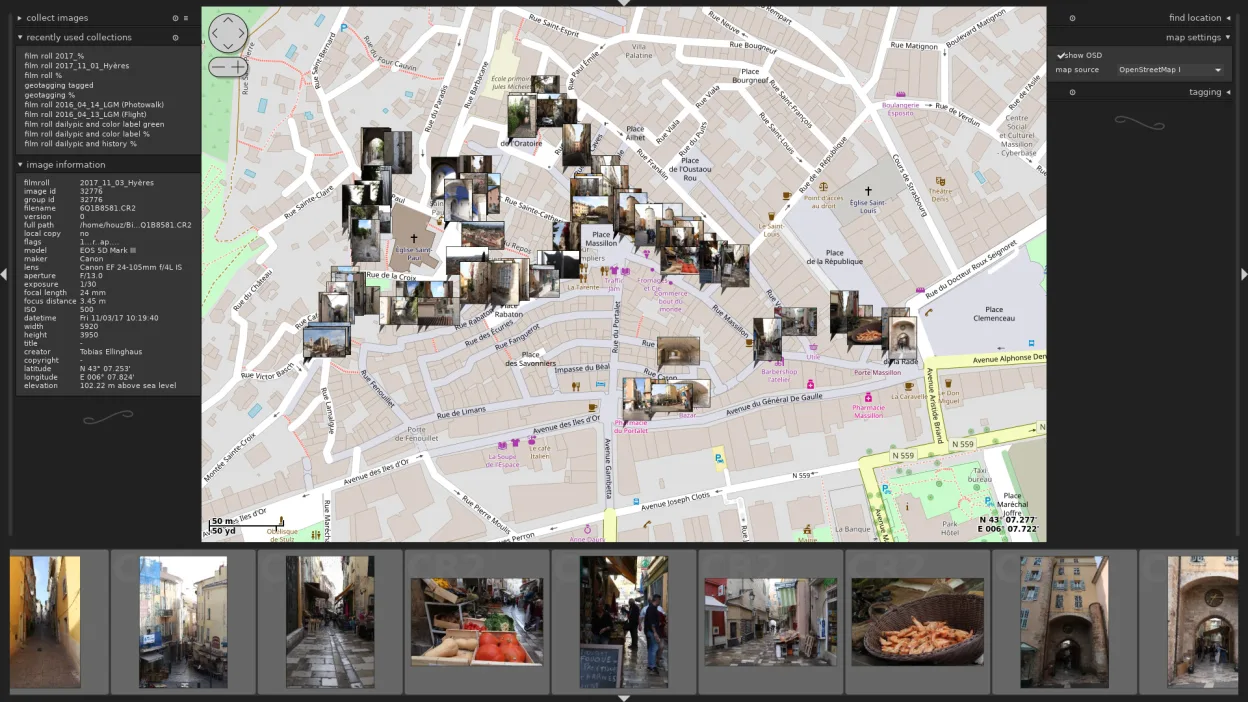
- Geotagging map view
- Tethering support
- Print and slideshow modes
- Extensible via Python scripts
Pros
- Free and open source
- Cross‑platform with native Linux integration
- High‑precision raw conversion
- Extensible with plugins
- Active community
Cons
- Learning curve for new users
- Keyboard shortcuts differ from Lightroom
- Limited native support for some proprietary RAW formats
- Occasional bugs in newer camera models
Windows programs darktable replaces
How to install darktable on Linux
flatpak install flathub org.darktable.Darktablesudo apt install darktablesudo apt install darktablesudo dnf install darktablesudo pacman -S darktablesudo zypper install darktableTips for Windows users
When moving from Lightroom or Affinity, export your catalog to a DNG or XMP sidecar format that darktable can read. Darktable’s keyboard shortcuts are different; for example, the lighttable view uses the space bar to preview, while Lightroom uses the space bar for a slide‑show. The workflow is split: first browse in lighttable, then open the image in darkroom for editing. Importing a folder will create a new database; you can link existing catalogs by pointing to the same database file.
Recent releases
- 5.6.2 —
- 5.6.1 —
- 5.6.0 —
- 5.4.1 —
darktable: frequently asked questions
Does darktable support RAW files from all cameras?
It supports most modern RAW formats, but very new or uncommon cameras may need a firmware update or a newer version of darktable.
Can I use darktable on Windows?
Yes, darktable is available for Windows, macOS, and Linux, but this guide focuses on the Linux installation.
How do I export edited images to JPEG?
In darkroom mode, press Ctrl+E to open the export dialog, choose JPEG, set quality, and click Export.
Is there a way to batch process images?
Use the batch export feature in darkroom mode or the command‑line tool darktable-cli for scripted workflows.
Updated