

Linux · Graphics
Bottles
Bottles runs Windows applications on Linux, managing them in isolated environments.
- License
- GPL-3.0-only
- Latest version
- 67.4 (September 7, 2026)
- Developer
- The Bottles Contributors
- Installs
- 136,589 (Flathub, 30 days)

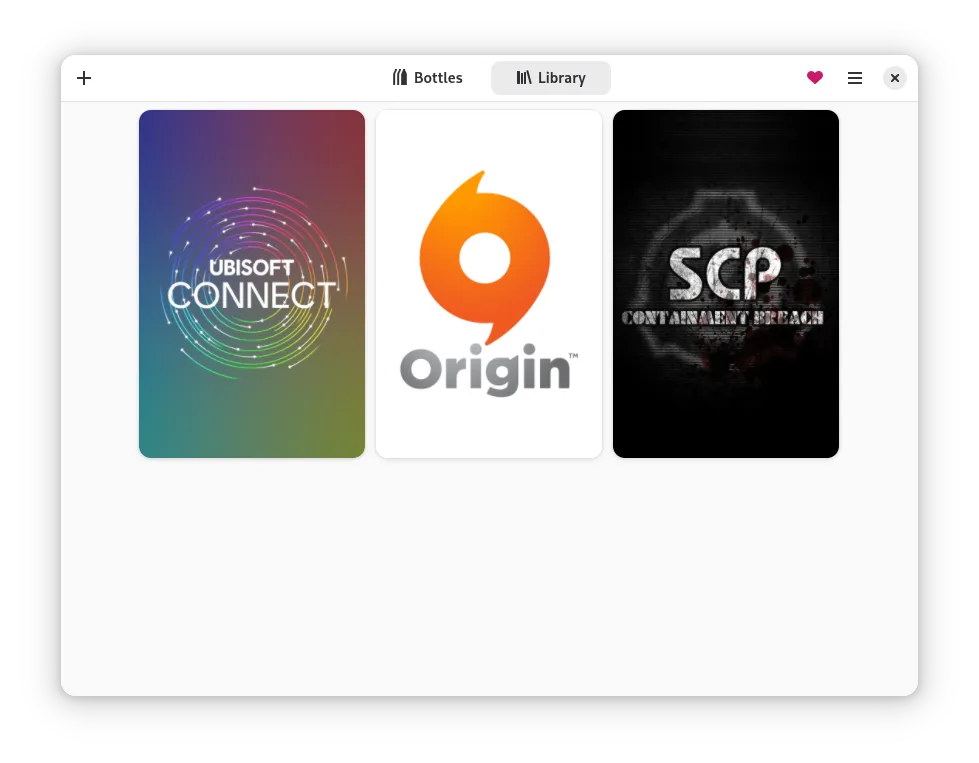


What is Bottles?
Bottles is a native Linux tool that lets you install and run Windows software using Wine, Proton, or other runners. It was created to simplify the process of running games and productivity apps that have no Linux versions, and has steadily added features like environment presets, dependency installers, and a task manager.
The application targets users who need a single place to manage multiple Windows programs—gamers, office users, and developers who rely on Windows utilities. It is mature enough for everyday use, with frequent updates and an active community.
Compared to native Windows tools, Bottles feels more like a lightweight virtual machine manager than a direct replacement. It keeps Windows binaries separate from the host system, reducing conflicts, and offers a graphical interface that mirrors the simplicity of installing a program on Windows.
Best for: Users who need to run Windows-only software on Linux without setting up a full virtual machine.
Key features of Bottles
- Pre‑configured environments for quick setup
- Switchable runners (Wine, Proton, etc.)
- Integrated dependency installer
- Task manager to monitor processes
- Backup and restore of bottles
- Optimizations for gaming
- Repair tool for broken bottles
Pros
- Easy to install via Flathub or package manager
- No need to manually tweak Wine prefixes
- Supports both games and productivity apps
- Open source and free
- Cross‑desktop support
Cons
- Performance can lag behind native Linux apps
- Some Windows programs still fail to run
- Requires Wine knowledge for advanced tweaks
- Limited support for 32‑bit Windows apps on 64‑bit systems
Windows programs Bottles replaces
How to install Bottles on Linux
flatpak install flathub com.usebottles.bottlessudo dnf install bottlesTips for Windows users
When moving from GIMP, VLC, Chrome, or Firefox, keep your existing configuration files (.gimp-2.10, .config, etc.) and copy them into the bottle’s home directory. Shortcuts on Windows (e.g., Win+R) have no direct equivalent; use the Bottles launcher or create custom desktop entries. The workflow changes from a single executable to a bottle that contains the program and its dependencies, so you’ll need to manage updates through Bottles rather than the Windows installer.
Recent releases
- 67.4 —
- Fixed Battle.net crashes with Soda - Fixed first-run videos freezing in KiriKiri games
- 67.3 —
- Restored Flatpak compatibility for 32-bit runners and media codecs - Fixed Steam runtime launches when the runtime path uses a symbolic link - Fixed opening selected directories from the Flatpak package - Added the ARM64 Cpak package with Soda runner…
- 67.2 —
- Fixed Proton font links not being refreshed after runner updates - Fixed the UMU dedicated sandbox exposing the host filesystem read-only - Fixed installer icons failing to load from hosts that reject anonymous requests - Added card and Revolut donation…
- 67.1 —
- Fixed UMU runtime preparation inside the dedicated sandbox - Fixed SteamRT4 and ProtoSoda startup inside the Cpak sandbox - Restored persistent settings in Cpak without a session D-Bus - Restored the add menu for creating bottles and installing UMU games -…
Bottles: frequently asked questions
Does Bottles support 64‑bit Windows applications?
Yes, it can run 64‑bit Windows apps if the underlying runner (Wine, Proton) is configured for 64‑bit. Some older 32‑bit apps may need a 32‑bit prefix.
Can I run a Windows game in Bottles?
Absolutely. Bottles includes gaming optimizations and allows you to choose Proton or Wine with DirectX 11/12 support.
Is Bottles safe to use with sensitive data?
Bottles isolates Windows binaries in separate directories, but it does not encrypt data. Use standard Linux security practices.
How do I install a dependency like .NET?
Use the built‑in dependency installer; it will download and install the required runtime into the bottle automatically.
Updated