

Linux · Graphics
Krita
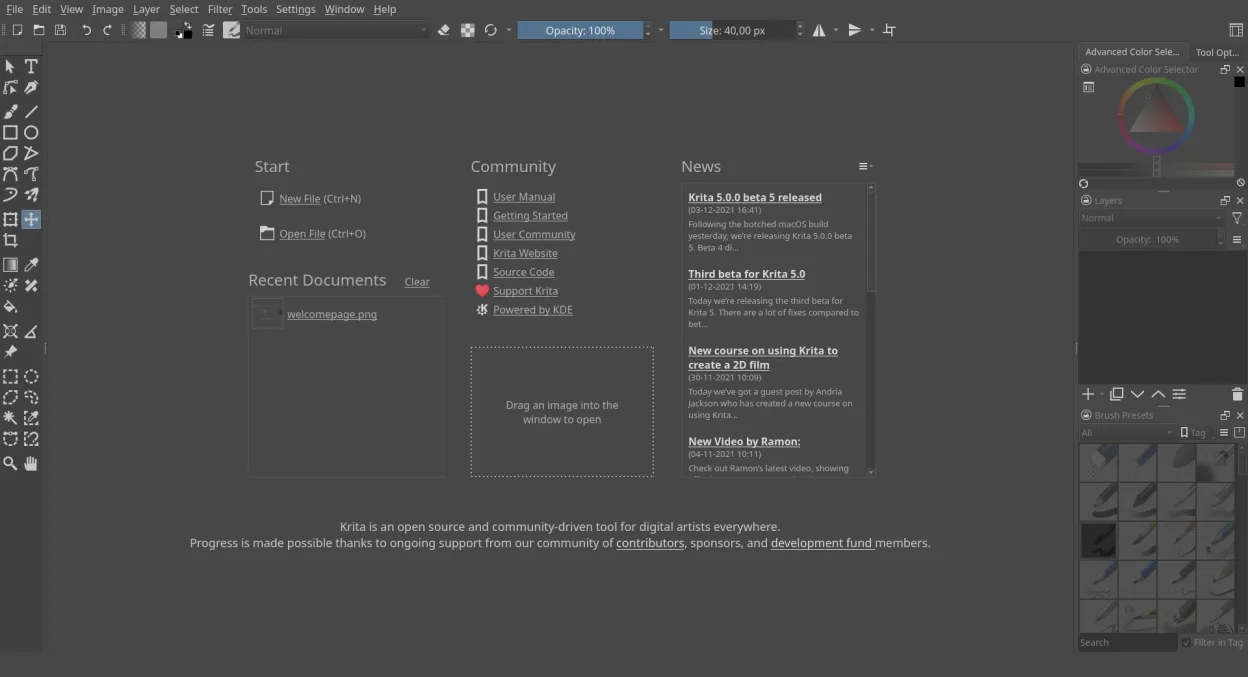
Krita is a full‑featured open‑source digital painting and illustration program.
- License
- GPL-3.0-only
- Latest version
- 5.3.4.1 (October 7, 2026)
- Developer
- Krita Foundation
- Installs
- 35,610 (Flathub, 30 days)

What is Krita?
Krita started as a KDE project in the early 2000s and has grown into a mature, actively maintained art studio used by professionals and hobbyists alike. The latest release (5.3.4.1) shows regular updates and a solid roadmap, and it ships in the major Linux distro repositories as well as via Flatpak.
The program targets illustrators, concept artists, comic creators, and anyone who needs a powerful raster‑based editor. Its UI is geared toward drawing tablets and offers a workflow that feels natural for sketching, painting, and compositing layers.
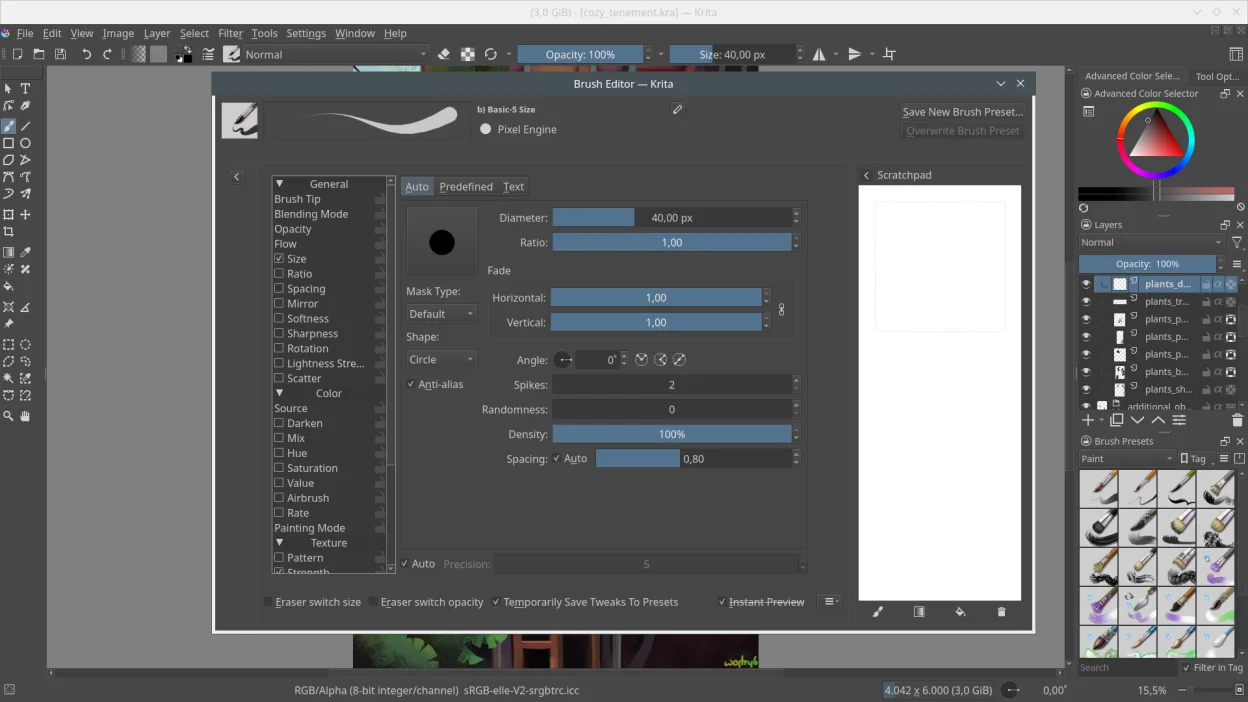
Compared with Windows‑only tools like Affinity Photo, Krita focuses more on painting and brush dynamics than on photo‑editing. It lacks some of the non‑destructive adjustment layers found in Affinity, but its brush engine, color management, and open‑source flexibility make it a strong alternative for creative work.
Best for: Artists who need a powerful, free painting program with professional‑grade brush control.
Key features of Krita
- Advanced brush engine with dozens of preset brushes
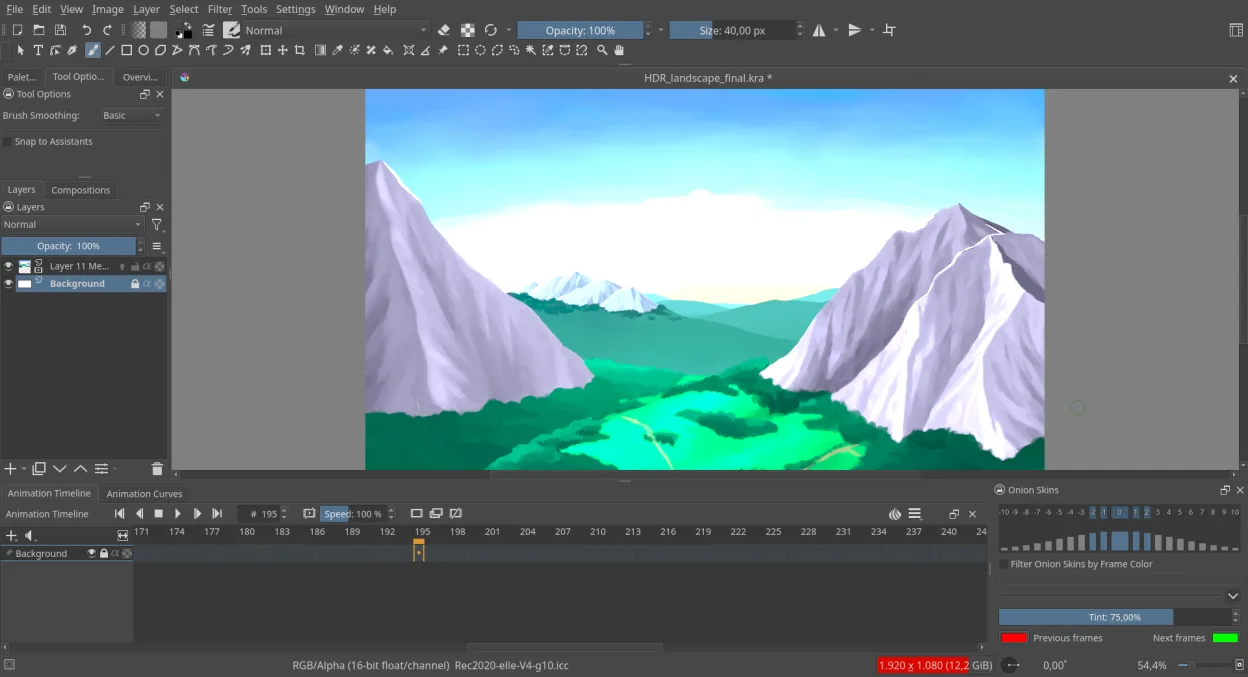
- Full CMYK, RGB, and HDR color space support
- Layer groups, masks, and vector layers
- HDR painting and 16/32‑bit float channels
- Resource manager for brushes, gradients, and palettes
- Python scripting for custom tools
- Docker panels for quick access to tools and filters
- Export to PSD, PNG, JPEG, TIFF, and OpenRaster
Pros
- Excellent brush customization and responsiveness
- Strong community support and frequent updates
- Cross‑platform, with flatpak and native packages
- Good color management for print workflows
Cons
- Photo‑editing features are less extensive than Affinity Photo
- Learning curve for the extensive brush settings
Windows programs Krita replaces
How to install Krita on Linux
flatpak install flathub org.kde.kritasudo apt install kritasudo apt install kritasudo dnf install kritasudo pacman -S kritasudo zypper install kritaTips for Windows users
Krita reads and writes PSD files, so you can open existing Affinity Photo projects saved as PSD. Most default shortcuts mirror Photoshop (e.g., B for brush, E for eraser), but you may need to reassign a few custom keys. Export your layered work as OpenRaster (.ora) for future editing, and use the Resource Manager to import any brushes or palettes you already own.
Recent releases
- 5.3.4.1 —
A minor bugfix release for the Krita Stable channel
- 5.3.4 —
A minor bugfix release for the Krita Stable channel
- 5.3.3 —
A minor bugfix release for the Krita Stable channel
- 5.3.2.1 —
A minor bugfix release for the Krita Stable channel
Krita: frequently asked questions
How do I install Krita on Ubuntu?
Use the official Ubuntu repository (sudo apt install krita) or install the Flatpak from Flathub for the latest version.
Can Krita handle CMYK printing workflows?
Yes, Krita supports CMYK color space and can export to PDF or TIFF for print.
Is there a way to use Photoshop shortcuts in Krita?
Krita includes a preset keymap that mimics Photoshop; enable it in Settings → Configure Krita → Keyboard Shortcuts.
Does Krita run on low‑end hardware?
It runs on modest systems, but complex brushes and high‑resolution canvases benefit from a decent GPU and RAM.
Updated