

Linux · Sound & Video
Deezer
Unofficial Linux port of the Deezer desktop app for streaming and offline music.
- License
- LicenseRef-proprietary=https://www.deeze…
- Latest version
- 8.0.10 (October 27, 2026)
- Developer
- aunetx
- Installs
- 2,838 (Flathub, 30 days)
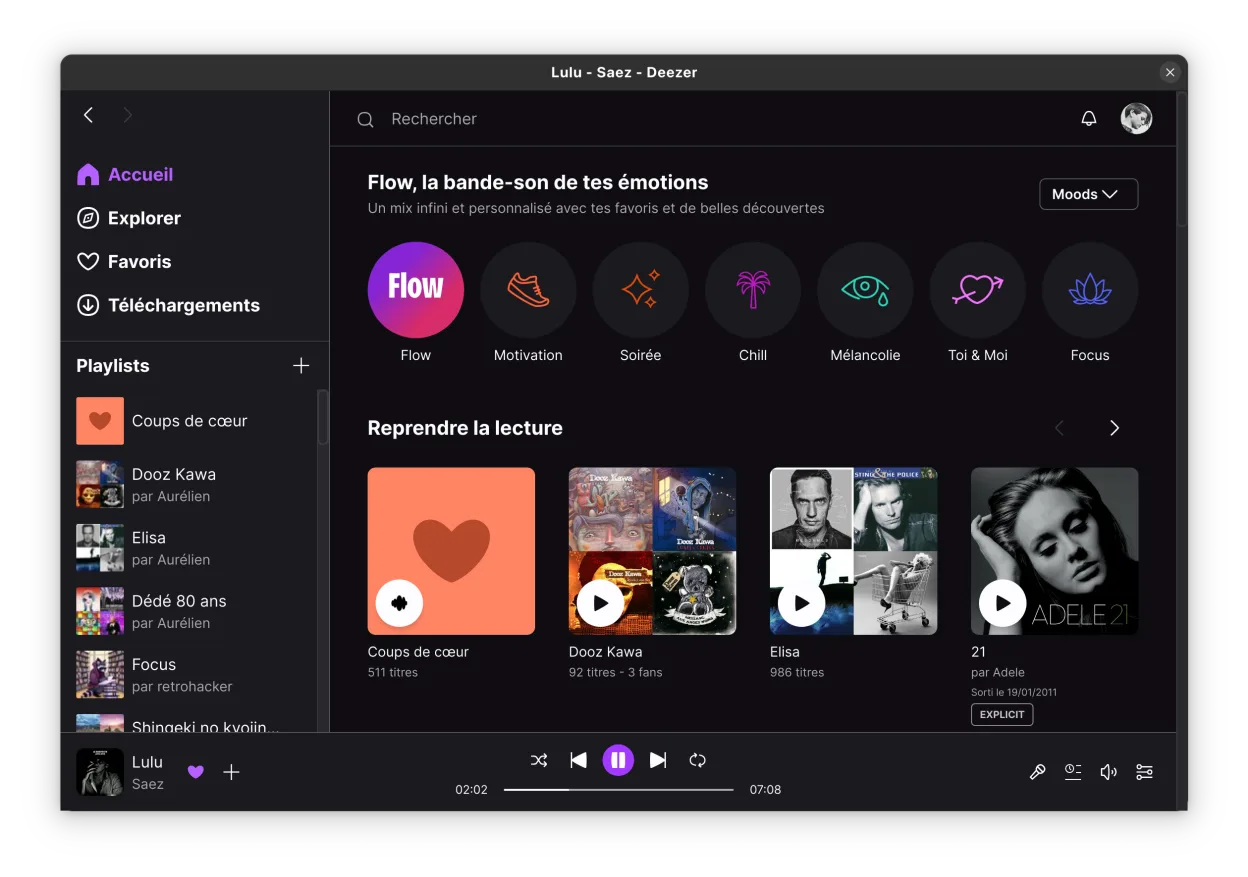
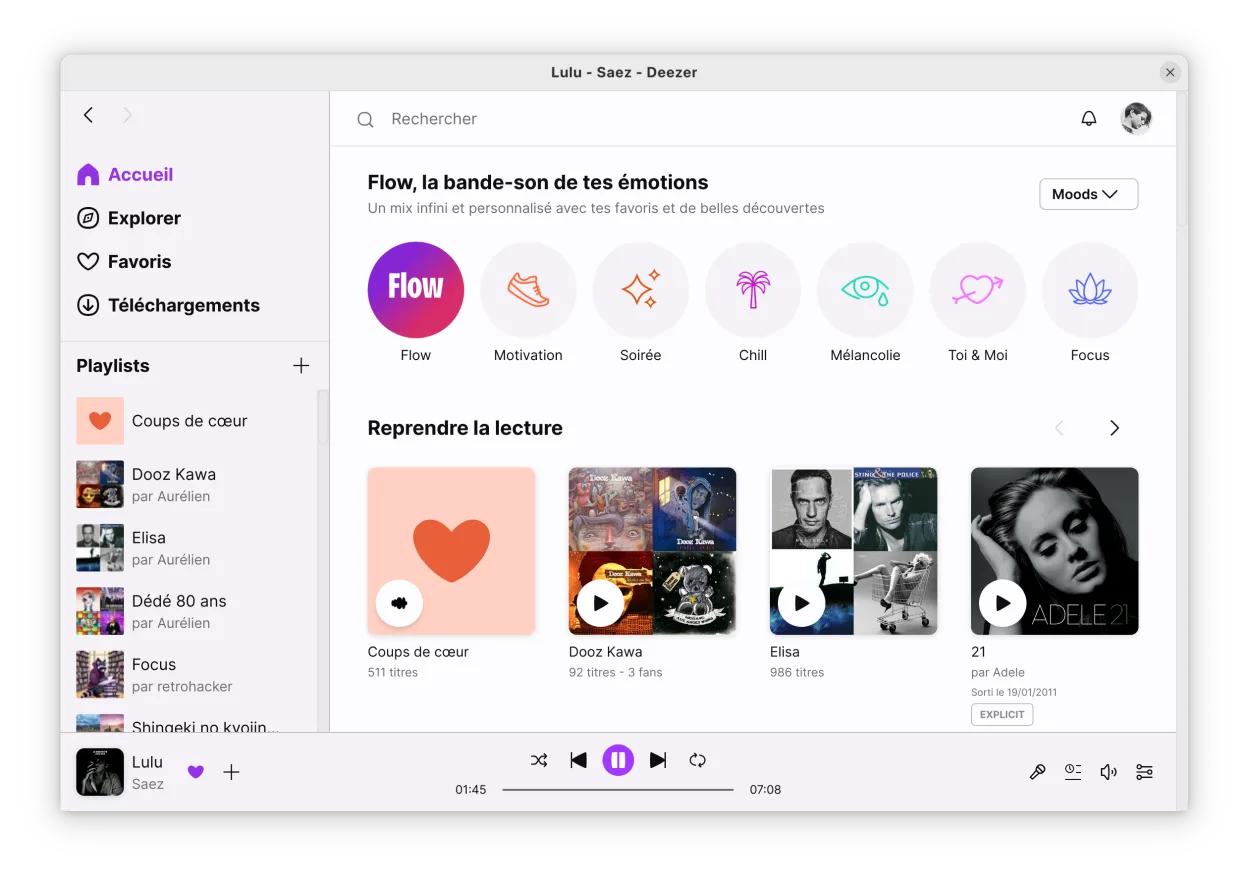
What is Deezer?
This is an community-maintained wrapper for the official Deezer desktop application, allowing it to run on Linux via Flatpak. It is not the official client but a port that wraps the proprietary Windows or web technology to work within the Linux sandbox. The project has been active for some time, providing a stable way to access the full Deezer interface on Linux systems without relying solely on a web browser.
It is designed for existing Deezer subscribers who want a dedicated desktop experience rather than using the service in a browser tab. It suits users who prefer native-feeling applications for media consumption and want features like offline downloads and library management integrated into their desktop environment. It is not for users looking for a free streaming service, as a valid Deezer account is required.
Compared to the Windows version, the experience is very similar since it runs the same underlying application logic. However, as an unofficial port, it may occasionally lag behind the official Windows release in terms of feature updates or bug fixes. The interface remains consistent with what Deezer users expect, ensuring a familiar workflow for those switching from Windows or Mac.
Best for: Deezer subscribers who want a native-like desktop client on Linux with offline capabilities.
Key features of Deezer
- Stream music in high quality
- Download tracks for offline listening
- Access full library and playlists
- Integrated desktop player interface
- Runs via Flatpak sandbox
- Supports standard Deezer account types
Pros
- Provides a dedicated desktop app experience
- Enables offline downloads on Linux
- Familiar interface for existing Deezer users
- Active community maintenance
Cons
- Unofficial port, not supported by Deezer
- May have compatibility issues with newer OS updates
- Requires a paid Deezer subscription
- Larger download size due to bundled runtime
Windows programs Deezer replaces
How to install Deezer on Linux
flatpak install flathub dev.aunetx.deezerTips for Windows users
If you are coming from the Windows Deezer app, your library, playlists, and downloads will sync automatically because it uses your existing account. There are no file format changes to manage, as the app handles its own storage. Note that the Linux version is a wrapper, so if you encounter bugs, checking the Flathub issues page is often more helpful than contacting Deezer support, as they do not officially support this client.
Recent releases
- 8.0.10 —
- 7.1.330 —
- 7.1.320 —
- 7.1.310 —
Deezer: frequently asked questions
Is this the official Deezer app for Linux?
No, it is an unofficial port maintained by the community. Deezer does not provide an official Linux desktop client.
Do I need a paid subscription to use it?
Yes, you must have an active Deezer account. The app itself is free to install, but accessing the service requires a subscription.
Can I download music for offline listening?
Yes, the app supports downloading tracks for offline playback, similar to the Windows and mobile versions.
Why does the app take up so much disk space?
It bundles a runtime environment to run the proprietary application code, which adds to the installation size compared to lightweight native apps.
Updated