

Linux · Sound & Video
Haruna
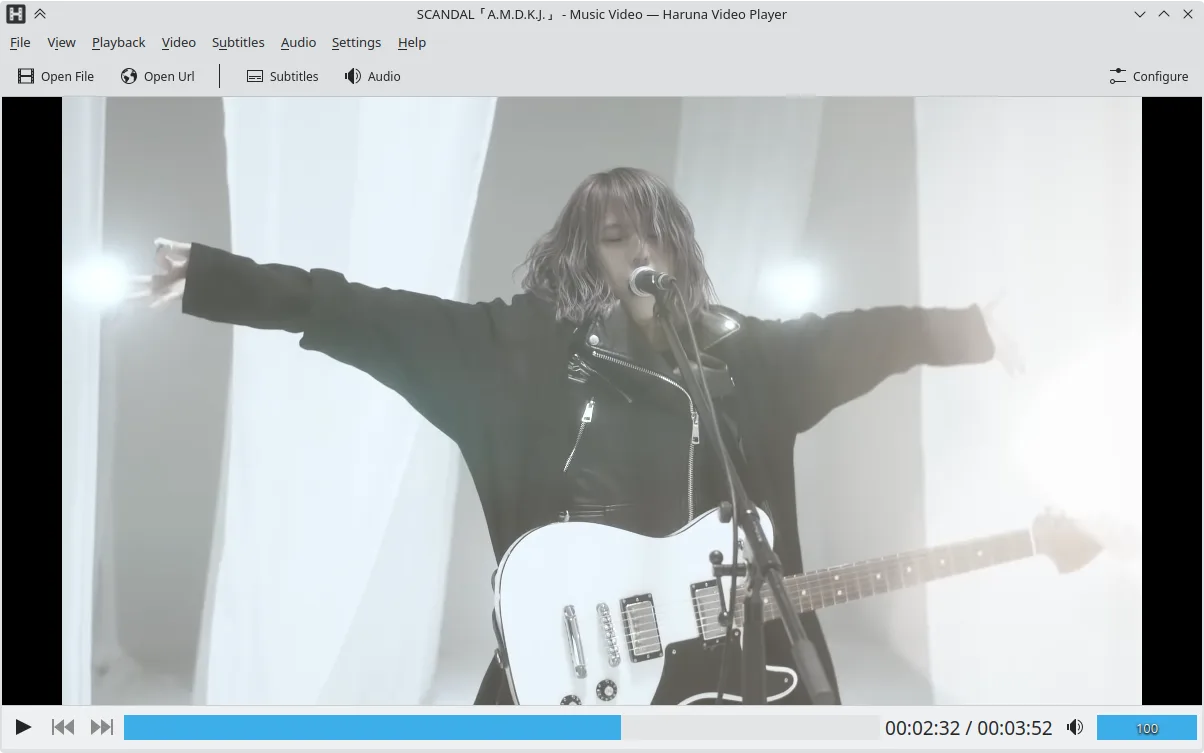
Haruna is a GPL‑licensed, open‑source media player that supports local and online playback with extensive customization.
- License
- GPL-3.0-or-later
- Latest version
- 1.8.1 (May 19, 2026)
- Developer
- George Florea Bănuș
- Installs
- 10,177 (Flathub, 30 days)
What is Haruna?
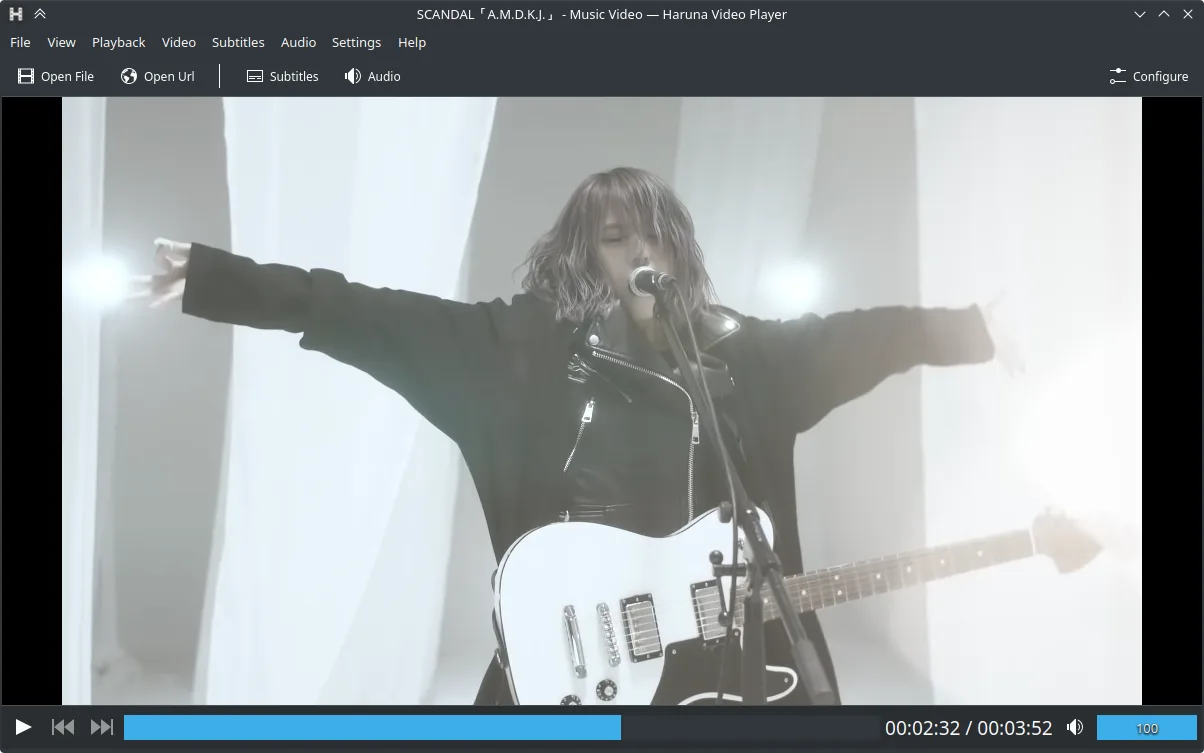
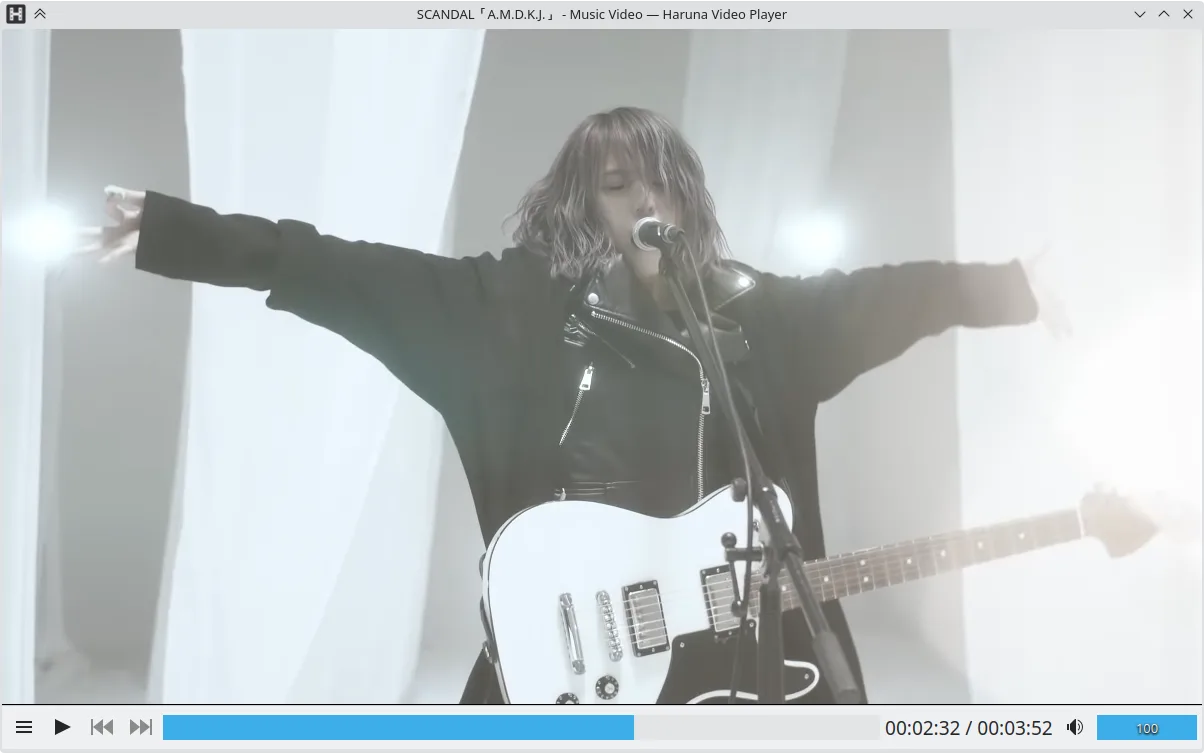
Haruna is a relatively new player that has grown steadily since its first release in 2015. It is built on modern libraries and ships with a clean, minimal interface that can be heavily tweaked through keyboard shortcuts and mouse actions. The project is actively maintained, with the latest version 1.8.1 released in May 2026.
The player targets users who need a lightweight yet feature‑rich alternative to VLC. It works well on Debian‑based, Arch, Fedora, openSUSE, and Ubuntu systems, and can be installed directly from Flathub or the respective package manager.
Compared to VLC, Haruna feels more streamlined and less cluttered. It offers a focused set of features, especially for online video and playlist handling, while keeping the UI simple and responsive.
Best for: Users who want a lightweight, customizable media player that excels at online video and playlist management.
Key features of Haruna
- Plays local and online videos, including YouTube via youtube‑dl
- Supports YouTube playlists and auto‑skips chapters containing specific words
- Mouse‑over playlist toggle and overlay on video
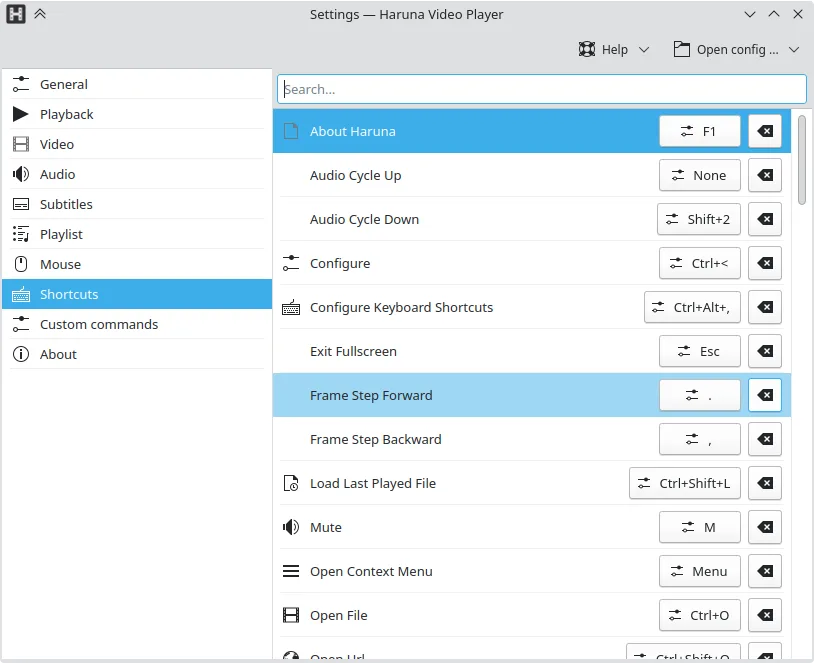
- Configurable shortcuts and mouse buttons
- Quick jump to next chapter with middle‑click on progress bar
- Open source, GPL‑3.0‑or‑later license
- Available as Flatpak, Arch, Debian, Fedora, openSUSE, Ubuntu
Pros
- Highly customizable keyboard and mouse controls
- Supports online video and playlist features out of the box
- Lightweight and fast compared to larger players
- Open source with active community
Cons
- Limited advanced playback options compared to VLC
- No built‑in subtitle downloaders beyond youtube‑dl
- Interface may feel too minimal for users used to complex UIs
Windows programs Haruna replaces
How to install Haruna on Linux
flatpak install flathub org.kde.harunasudo apt install harunasudo apt install harunasudo dnf install harunasudo pacman -S harunasudo zypper install harunaTips for Windows users
If you come from VLC, most common file formats (MP4, MKV, AVI, MP3, etc.) will play without issue. Haruna uses the same keyboard shortcuts as VLC for basic actions (space to pause, arrow keys to seek). The main workflow difference is the mouse‑over playlist toggle: hover over the video to reveal the playlist. For online playback, simply paste a YouTube URL into the address bar; Haruna will automatically fetch the video via youtube‑dl. Remember to install the youtube‑dl package if you need to play other online sources.
Recent releases
- 1.8.1 —
Features - open multiple files from command line, allows to open only the selected files in the file manager - stop action, available in the playback - setting to enable taskbar progress - show filename/title in OSD when opening a file - mpris: find and set…
- 1.7.1 —
Bugfixes - fixed searching playlist - fixed tooltip background being same color as its text
- 1.7.0 —
Features PlayList - added advanced sorting and grouping - added context menu to open file in Hana (thumbnail generator, only if it's installed) - the last active playlist will be set as visible when starting the app Other - added replay gain settings - mpris…
- 1.6.0 —
Features - Added option to resize playlist - Moved the action to add a new playlist/tab to the tabbar - Moved the action to open a playlist in the "Add" menu - Added an icon for playback action in playlist header - Mouse settings: action assigned to a mouse…
Haruna: frequently asked questions
Can Haruna play online videos?
Yes, it can play YouTube videos and playlists using youtube‑dl, and supports other online sources if youtube‑dl is installed.
Is Haruna free?
Haruna is free and open source, released under the GPL‑3.0‑or‑later license.
Does Haruna support subtitles?
It supports subtitles that are present in the media file or provided via external files; it does not automatically download subtitles.
How do I customize shortcuts?
Shortcuts can be configured in the settings menu; you can assign any key or mouse button to actions such as play, pause, skip, and more.
Updated