

Linux · Others
LocalSend
Open-source utility for sending files and messages between nearby devices over local Wi-Fi without cloud servers.
- License
- Apache-2.0
- Latest version
- 1.18.2 (August 21, 2026)
- Developer
- Tien Do Nam
- Installs
- 68,480 (Flathub, 30 days)
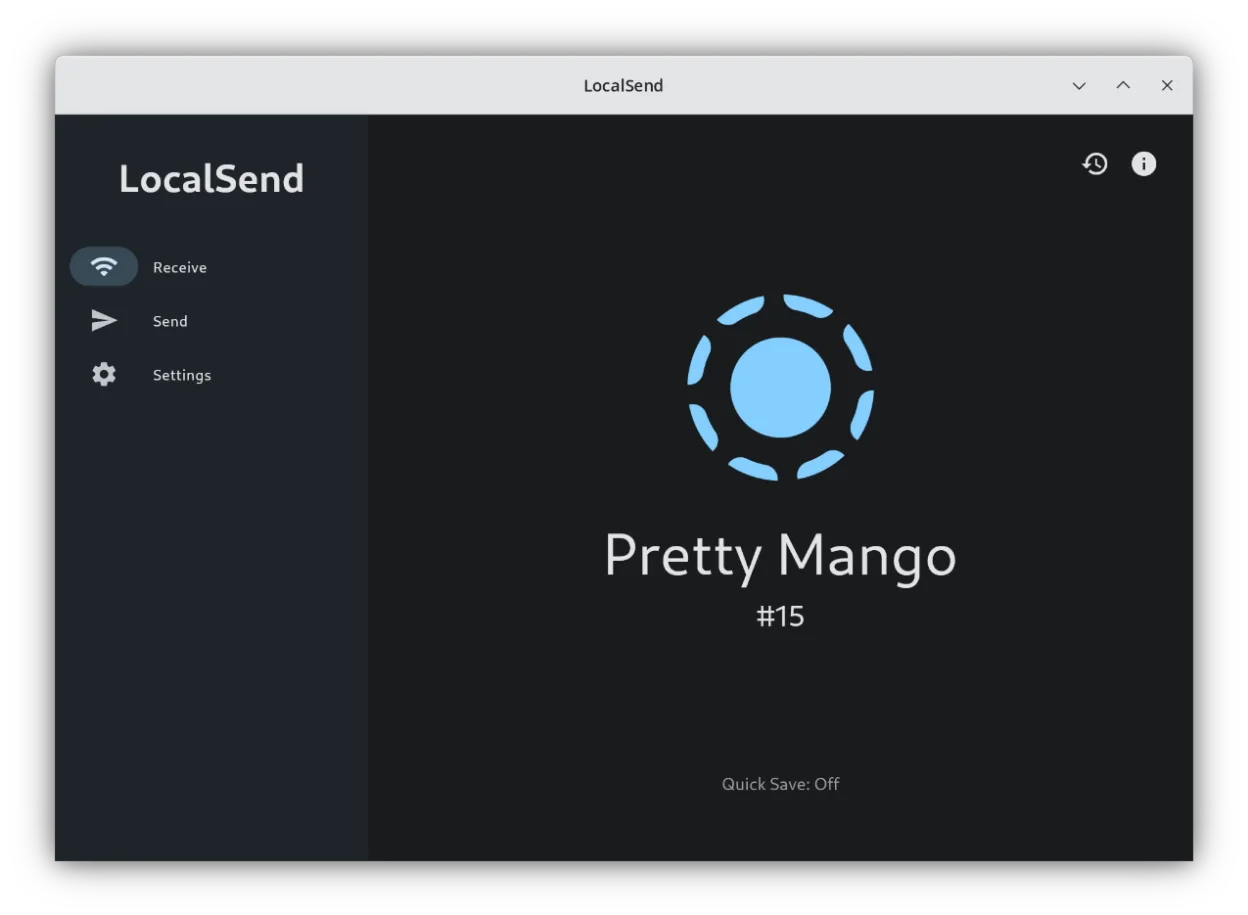
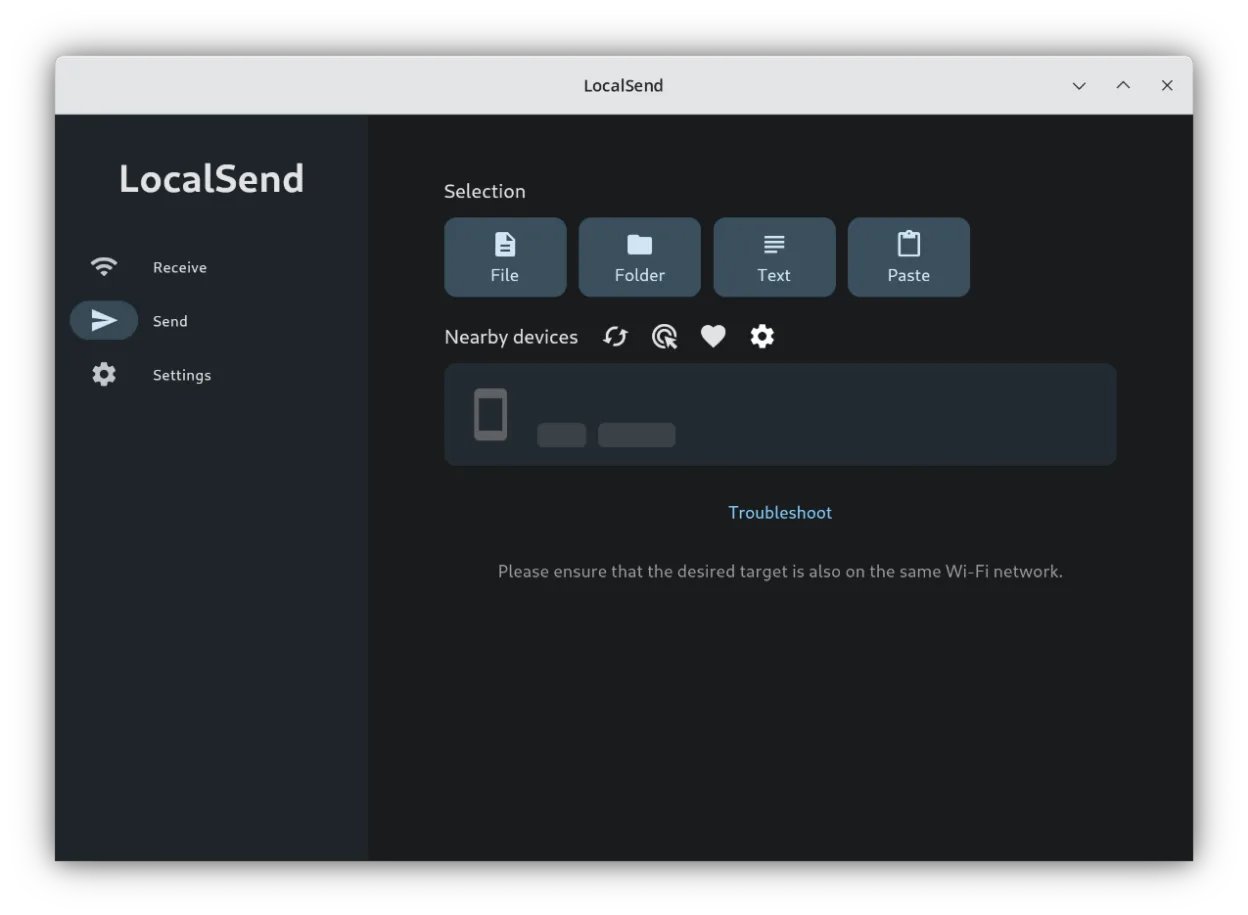
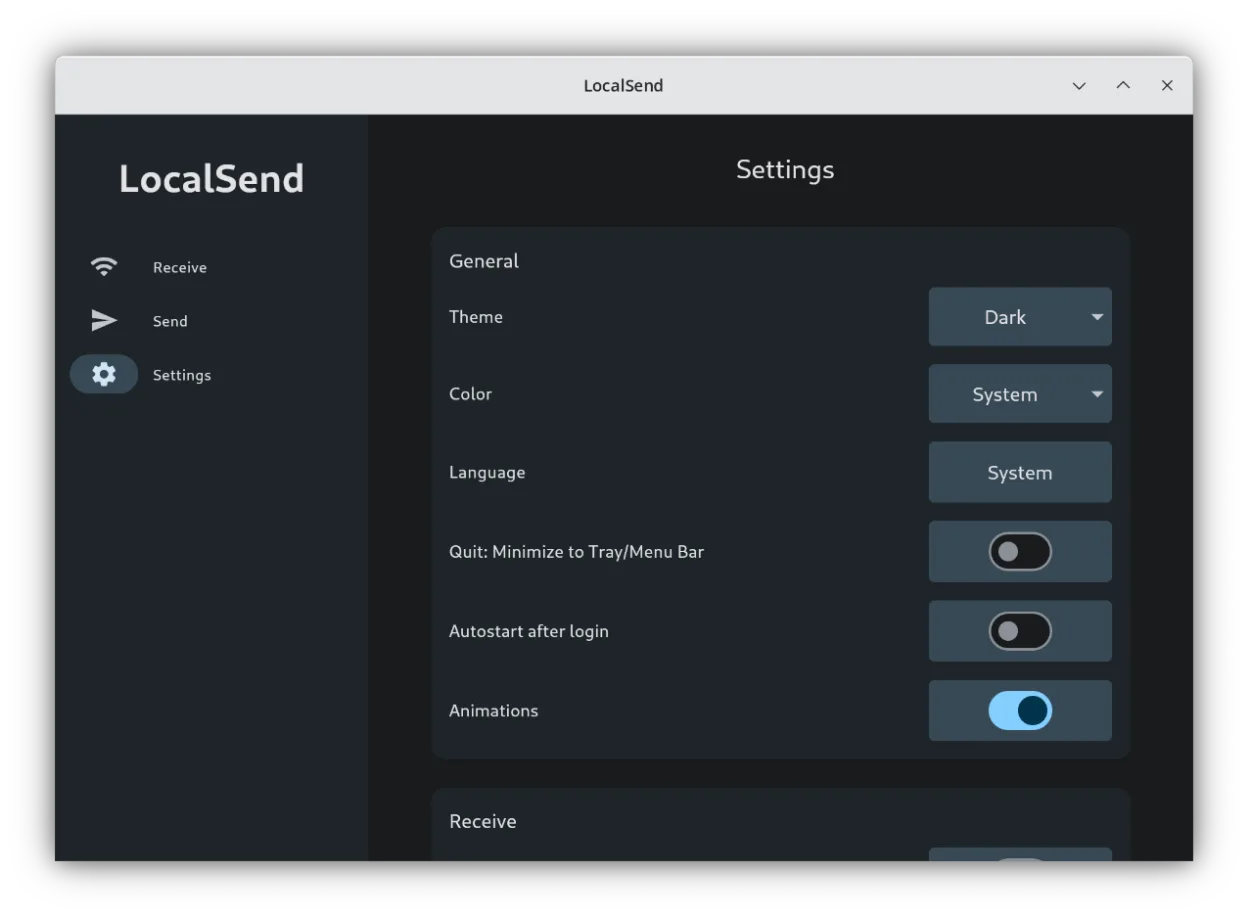
What is LocalSend?
LocalSend is a cross-platform utility that transfers data over your local area network. It operates entirely offline, meaning no internet connection or external servers are required. The project has matured significantly since its initial release, offering a stable and reliable experience for local data sharing. Its Apache-2.0 license ensures it remains free and open to community contributions.
This tool is ideal for users who need to move files between a PC, phone, or tablet quickly. It suits anyone tired of cloud latency or subscription fees. Whether you are syncing photos from a phone to a desktop or sharing a document between two laptops, LocalSend handles the transfer directly on your home or office network.
Compared to Dropbox or OneDrive, LocalSend feels immediate and private. You do not wait for uploads to a remote server; files appear on the receiving device almost instantly. It replaces the specific function of quick local sharing rather than long-term cloud storage, making it a lighter, faster alternative for temporary file exchanges.
Best for: Quickly moving files between devices on the same Wi-Fi network without using cloud services.
Key features of LocalSend
- Transfers files and messages over local LAN
- No internet connection or external servers required
- Cross-platform support for Linux, Windows, macOS, and Android
- End-to-end encryption for secure local transfers
- Simple, minimal user interface
- Supports sending multiple files at once
Pros
- Completely free and open-source
- Fast transfers due to local network usage
- No account or subscription needed
- Works offline
Cons
- Not a replacement for long-term cloud storage
- Requires devices to be on the same network
- Interface is very basic
How to install LocalSend on Linux
flatpak install flathub org.localsend.localsend_appTips for Windows users
If you used Dropbox or OneDrive for quick file sharing, LocalSend is a direct replacement for that specific task. You do not need to configure complex settings; just ensure both devices are on the same Wi-Fi network. The workflow is simple: select files on the sender, choose the receiving device, and confirm. There are no file format restrictions, and no cloud sync to manage. It is not a substitute for backing up data to the cloud, but it is faster for immediate transfers.
Recent releases
- 1.18.2 —
- 1.18.0 —
- 1.17.0 —
- 1.16.1 —
LocalSend: frequently asked questions
Does LocalSend require an internet connection?
No, it works entirely over your local Wi-Fi or Ethernet network. Internet access is not needed for transfers.
Is LocalSend safe to use?
Yes, it uses end-to-end encryption. Since data stays on your local network, it is not exposed to external servers or internet threats.
Can I use LocalSend between Linux and Windows?
Yes, it is cross-platform. You can install the Windows version on your PC and the Linux version on your machine to share files directly.
Is LocalSend a replacement for Dropbox?
It replaces the file-sharing aspect of Dropbox, not the cloud storage. It does not store files permanently in the cloud.
Updated